[15820] Error loading Python lib '/usr/share/tribler/libpython3.8.so.1.0': dlopen: /lib/x86_64-linux-gnu/libm.so.6: version `GLIBC_2.29' not found (required by /usr/share/tribler/libpython3.8.so.1.0)
 Dmole
Dmole
All 21 comments
apt show glibc-source | grep Version
Version: 2.27-3ubuntu1.2
v2.27 will be in an Ubuntu LTS until 2028.
The deb should fail to install due to the missing v2.29 dependency,
or Tribler should go all in and ship glibc,
or Tribler should stop trying to do it's own package management.
Dmole
on 11 Aug 2020
Thanks for your report!
We recently upgraded the build environment of Tribler to Ubuntu 20.04 to have Python 3.8 support (to fix a specific bug). However, it seems that glibc is forwards compatible but not backwards compatible. Therefore, we must build Tribler with the lowest glibc that we support.
or Tribler should go all in and ship glibc, or Tribler should stop trying to do it's own package management.
Since we moved to PyInstaller, Tribler is not doing its own package management anymore (which caused a lot of problems). Instead, we bundle all required dependencies in our .deb. However, this does not include the glibc shared library, causing incompatibility issues when running Tribler on older platforms.
The key question here is what the lowest version of glibc is that we would like to support. @Dmole what Linux distribution are you using, and what version?
 devos50
on 12 Aug 2020
devos50
on 12 Aug 2020
18.04 is the "Ubuntu LTS until 2028".
Dmole
on 12 Aug 2020
I guess the only way to support every platform while keeping our sanity intact :dizzy_face: is to use Snap and hope for the best.
 ichorid
on 12 Aug 2020
ichorid
on 12 Aug 2020
If Tribler insists on not using the OS package manager
find / -iname '*libpython*' 2>/dev/null | grep -c ".so"
9
find / -iname '*libpython*' 2>/dev/null | grep ".so"
/usr/lib/python3.6/config-3.6m-x86_64-linux-gnu/libpython3.6.so
/usr/lib/python3.6/config-3.6m-x86_64-linux-gnu/libpython3.6m.so
/usr/lib/x86_64-linux-gnu/libpython3.6m.so.1.0
/usr/lib/x86_64-linux-gnu/libpeas-1.0/loaders/libpython3loader.so
/usr/lib/x86_64-linux-gnu/libpython2.7.so.1.0
/usr/lib/x86_64-linux-gnu/libpython3.6m.so.1
/usr/lib/x86_64-linux-gnu/libpython2.7.so.1
/usr/lib/libreoffice/program/libpythonloaderlo.so
/usr/lib/python2.7/config-x86_64-linux-gnu/libpython2.7.so
then don't use Snap, there are better package containers;
https://github.com/AppImage/AppImageKit/wiki/Similar-projects#comparison
Using anything other than the
"OS package manager" or a "package container"
will continue to be error prone.
Dmole
on 12 Aug 2020
The main page lists "7.5.2 (stable)" as the main download but 7.5.0 is the last version that works for me.
Better than when the download link listed an ancient version that did not work,
But it maybe best if every release could have a 1 week release candidate period where people can test before it's marked "stable".
Dmole
on 23 Aug 2020
Reproduced this bug on my Ubuntu box. Libc 2.27 of Ubuntu LTS is no longer supported.
Python 3.8 is not available in Ubuntu’s default repositories.
 synctext
on 24 Aug 2020
synctext
on 24 Aug 2020
In "Ubuntu 18.04.5 LTS", "python3.8" is in "universe/python"
Dmole
on 24 Aug 2020
In "Ubuntu 18.04.5 LTS", "python3.8" is in "universe/python"
Yeah, you are right. but there is this to fix :fearful: Multiple GLibC versions https://stackoverflow.com/questions/847179/multiple-glibc-libraries-on-a-single-host
Support in Tribler for glibc 2.27 would be much appreciated.
synctext
on 24 Aug 2020
Thus the original issue was opened;
A) Tribler should either use a package container (the Windows/MacOS solution) or avoid libraries not available on LTSs.
B) Tribler should have more automated testing (many VMs or containers sequentially on one cheap box) or have a 1 week RC before every release.
Dmole
on 24 Aug 2020
Even when installing Python 3.8 system-wide, the runtime environment is frozen (with PyInstaller) and uses a bundled libpython.so. This shared library then depends on glibc which is _not_ bundled. Instead, PyInstaller uses the glibc that the system provides.
As I mentioned, glibc is forward compatible but not backwards compatible. Therefore, I think that the only solution is to build Tribler on a machine with a lower version of glibc (e.g., as provided in Ubuntu 18.04 or 18.10). This requires us to setup a new machine though and install the required dependencies, which is not trivial. Also, we might have to bundle a lower version of Python, e.g., 3.7 or manually compile + install Python 3.8 on this machine.
Yeah, you are right. but there is this to fix 😨 Multiple GLibC versions https://stackoverflow.com/questions/847179/multiple-glibc-libraries-on-a-single-host
The solution discussed in the SO post would require us to tinker with the LD_LIBRARY_PATH and/or to ship our own version of glibc, which can have very nasty side effects. I argue that the solution that I proposed above is, at least for now, not optimal but the least time-consuming.
B) Tribler should have more automated testing (many VMs or containers sequentially on one cheap box) or have a 1 week RC before every release.
Agreed, we will discuss this matter internally.
devos50
on 24 Aug 2020
It doesn't work for me neither...
 Thatoo
on 25 Aug 2020
Thatoo
on 25 Aug 2020
I did spend some time on setting up a new (Ubuntu 18.04) machine, and installed the required dependencies on there. I also build with Python 3.8 and libtorrent 1.2.7.
For everyone experiencing issues with running Tribler on Linux, can you please try our this build and let us know if that works for you? Thanks!
devos50
on 26 Aug 2020
Thanks, that's the first build since 7.5.0 that works for me.
Dmole
on 26 Aug 2020
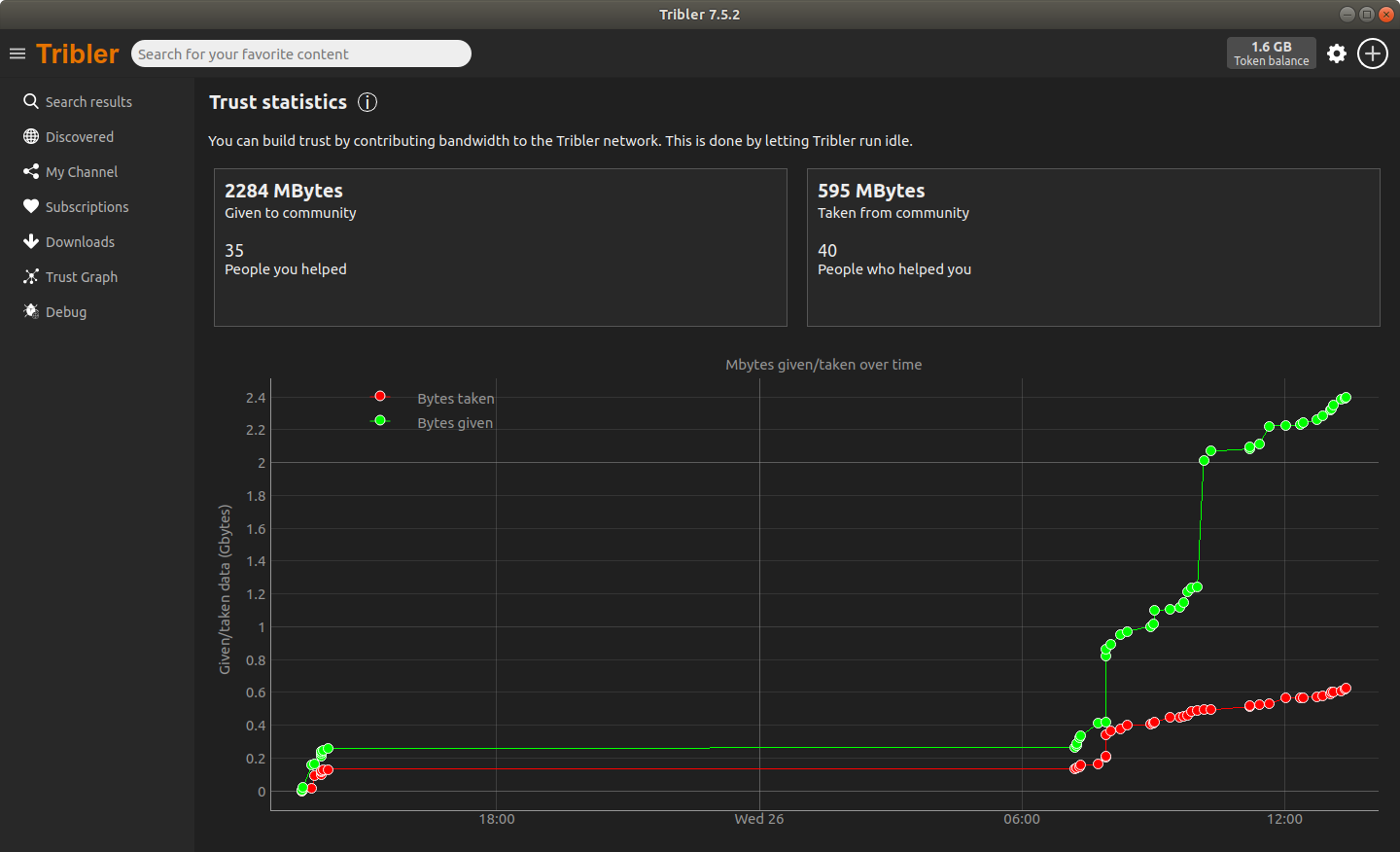
fixed!
synctext
on 26 Aug 2020
It works. Thanks!
Thatoo
on 27 Aug 2020
@rockroux the next release should include this fix, that should take a week or two until it's released.
 qstokkink
on 16 Sep 2020
qstokkink
on 16 Sep 2020
same
link pls
 Deemattic
on 16 Sep 2020
Deemattic
on 16 Sep 2020
It seems that our Jenkins job only keeps releases for ten days. I changed that setting so that older builds do not get lost from now on.
I prepared #5563 in order to make a new build.
devos50
on 16 Sep 2020
You can download a pending 7.5.3 release from here. It should work on Linux distros with an older version of glibc. Note that we are still discussing whether this will become the final 7.5.3 release.
devos50
on 24 Sep 2020
Tribler 7.5.3 has been released, solving this issue.
devos50
on 20 Oct 2020
Related issues
ichorid
·
11Comments
synctext
·
11Comments
devos50
·
5Comments
devos50
·
4Comments
synctext
·
8Comments
Most helpful comment
If Tribler insists on not using the OS package manager
then don't use Snap, there are better package containers;
https://github.com/AppImage/AppImageKit/wiki/Similar-projects#comparison
Using anything other than the
"OS package manager" or a "package container"
will continue to be error prone.