Translate-plugin: Translate plugin doesn't show message in "Update messages" section
I can see languages and translations in database.
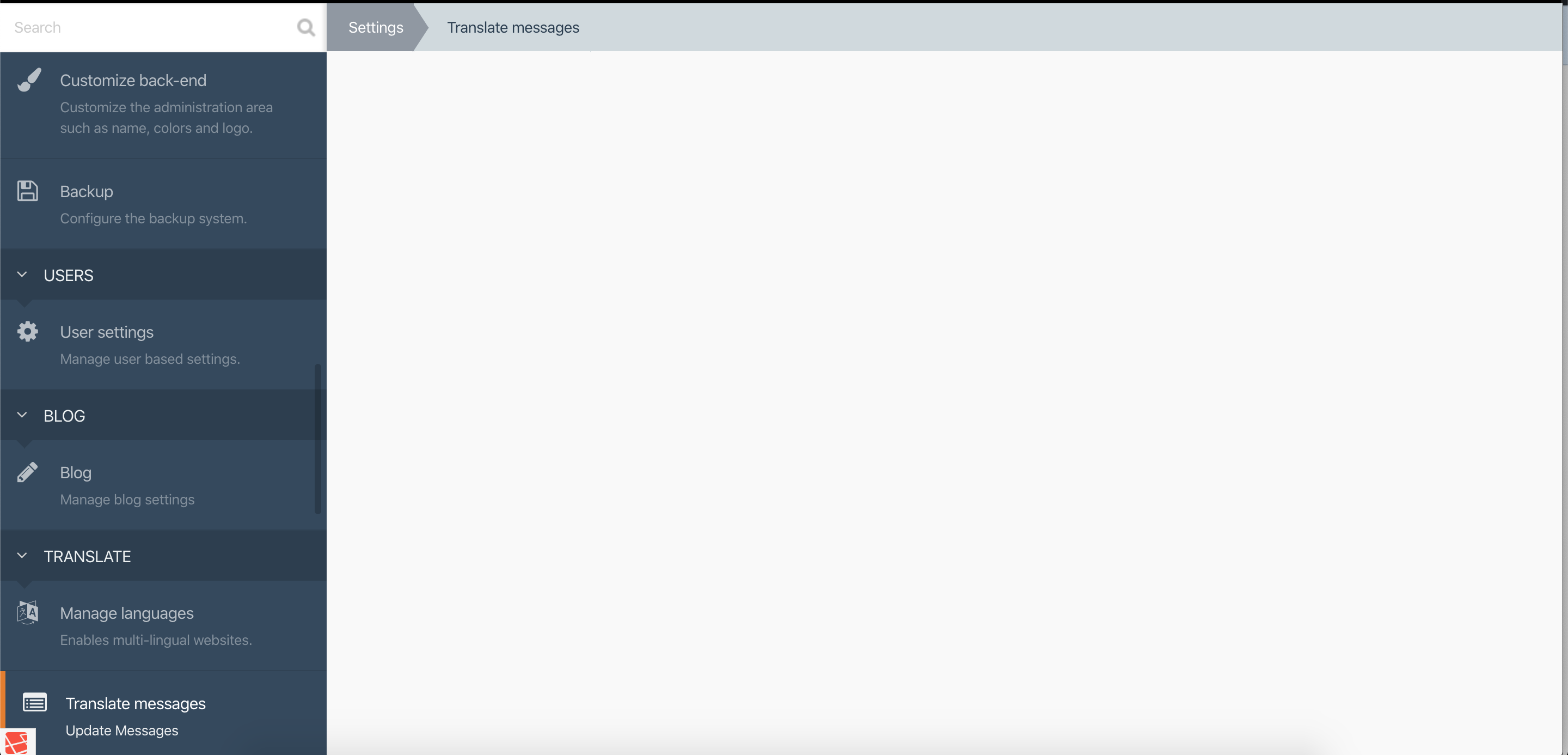
 emilhakobian
All 47 comments
Please, what version of October and Translate plugin are you using?
Can you provide more details?
 mjauvin
on 8 Jan 2020
mjauvin
on 8 Jan 2020
Plugin version 1.6.2
October build Build 464
emilhakobian
on 8 Jan 2020
Try disabling all plugins except Rainlab.Translate
I cannot reproduce this with same versions
mjauvin
on 8 Jan 2020
I had following languages:
- English - en
- Russian - ru
- Armenian - am
Then I have added new languages
- English new - en-US
- Russian new - ru-RU
- Armenian new - am-HY
And removed old ones.
Then renamed 4,5,6 to en, ru, am accordingly.
Even after changing codes back to initial state I'm still facing this issue.
emilhakobian
on 8 Jan 2020
@emilhakobian Would you mind checking if there's any JavaScript issues being thrown in your browser console? Also, double-check if any messages are being added to the storage/logs/debug.log that might give an indicator as to what is occurring.
 bennothommo
on 9 Jan 2020
bennothommo
on 9 Jan 2020
There are no errors in my console (see attachment), also there is no debug.log in storage/logs although my application debug mode set to true, I can see only the system.log.
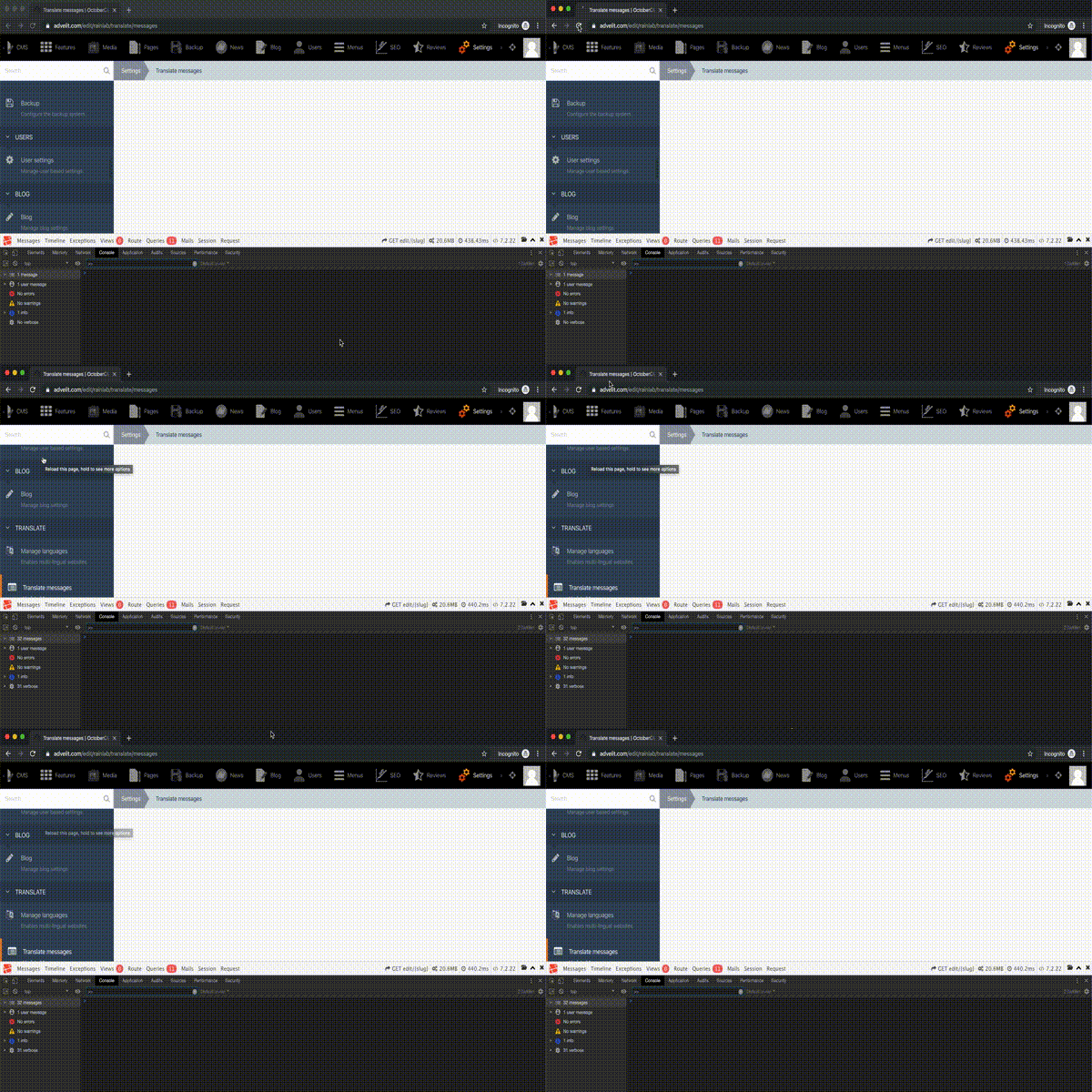
emilhakobian
on 9 Jan 2020
Any news on this?
I have re-installed all translation and translation-related plugins, still the same.
emilhakobian
on 9 Jan 2020
I think it's related to issue #231 ... since you removed the default language, the translations have been lost.
mjauvin
on 9 Jan 2020
So what should I do now? My website is in production.
emilhakobian
on 9 Jan 2020
Either restore from db, and RENAME the languages instead of adding new / deleting old
mjauvin
on 9 Jan 2020
Or redo the translations
mjauvin
on 9 Jan 2020
I have uninstalled the plugin and installed it again. Why the behavior is not the same as when I first time installed the plugin?
emilhakobian
on 9 Jan 2020
Did you restore your database ?
mjauvin
on 10 Jan 2020
duplicate of #231
mjauvin
on 10 Jan 2020
What do you mean restore the database? Could you explain this in detail?
emilhakobian
on 10 Jan 2020
If you have MySQL Database backups that were done BEFORE you changed the default language, you can restore the database from the backup to recover your translations.
Otherwise, you'll need to redo the translation from scratch.
mjauvin
on 11 Jan 2020
Hi,
I have figured out that I have no DB backup. Could you tell me what you mean by saying "redo the translation from scratch"?
Because I have removed all translations and uninstalled plugin. After Installation, I found the same issues. - No translation keys (and no way to scan messages)
- No way to change the language in Blog, News, title, etc.
emilhakobian
on 14 Jan 2020
Then I suggest disabling all plugins to make sure nothing is interfering with the default Translate plugin behavior.
mjauvin
on 14 Jan 2020
Unfortunately the same !
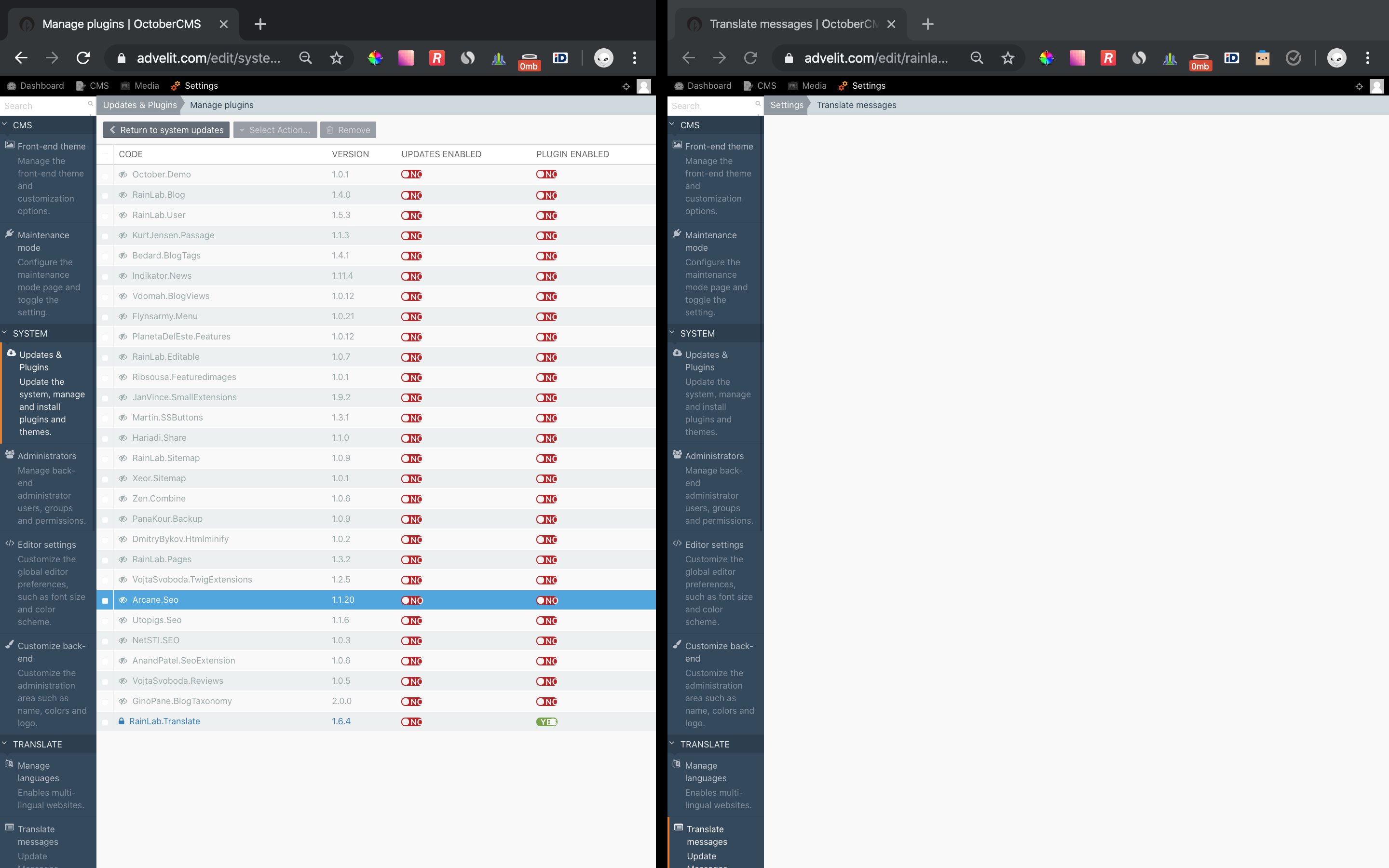
emilhakobian
on 14 Jan 2020
Something is not right in your setup, you should AT LEAST have a header at the top of that page as shown in the screenshot below:

mjauvin
on 14 Jan 2020
What version of October are you running?
mjauvin
on 14 Jan 2020
464
emilhakobian
on 14 Jan 2020
Do you get the same behavior in other browsers (would be better if no extensions are installed in the browser for this test).
mjauvin
on 14 Jan 2020
Something is definitely interfering with the rendering of that page. Did you tweak anything in config/* or elsewhere!?
mjauvin
on 14 Jan 2020
Same in other browsers and even on another computer.
I've found that there is a database row in backend_user_preferences table :
id user_id namespace group item value
10 1 backend hints hidden {"translation_messages_hint":1}
When I delete this row
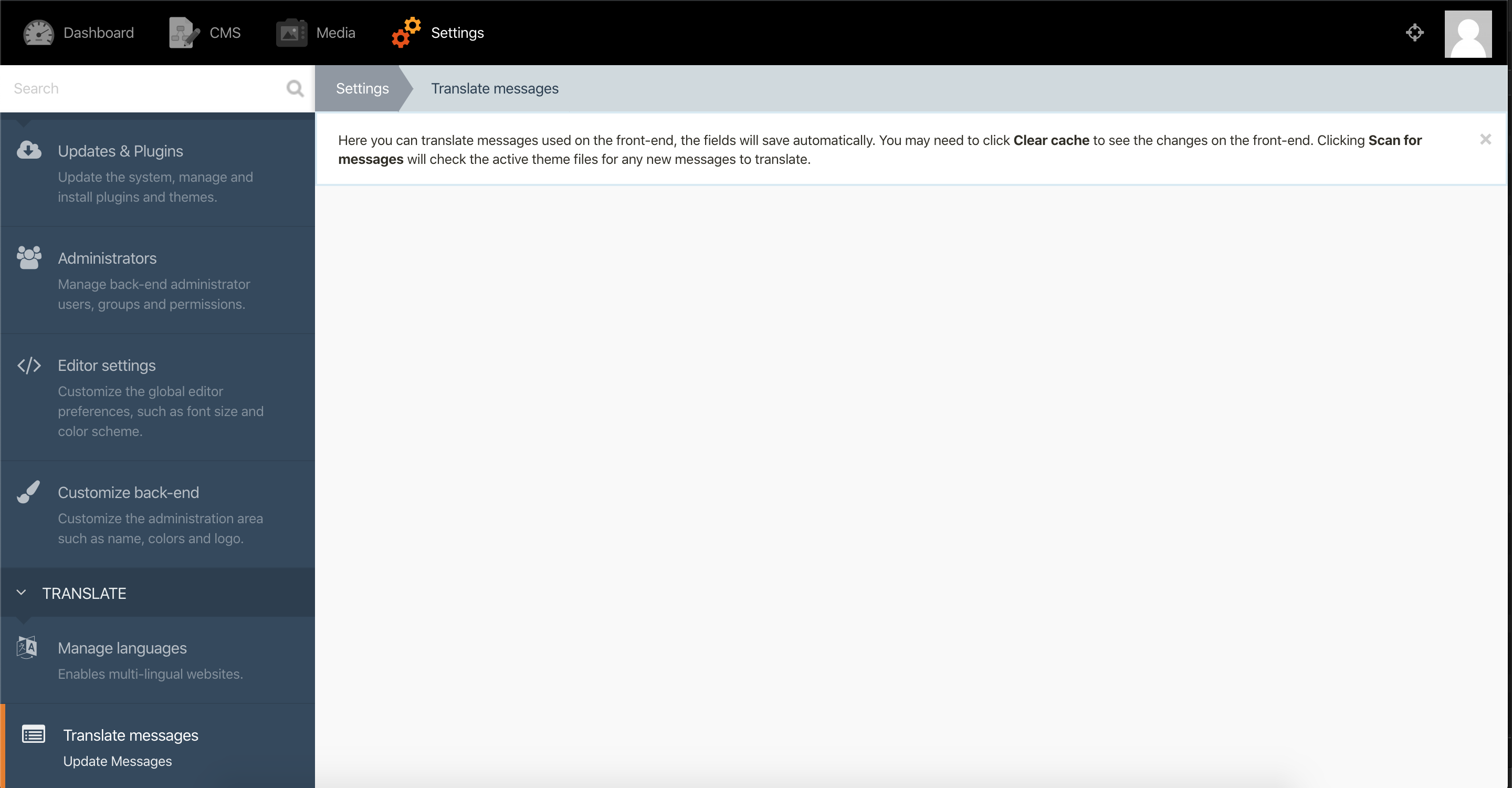
When I close the message(hint) I can see mesages and even translate them.
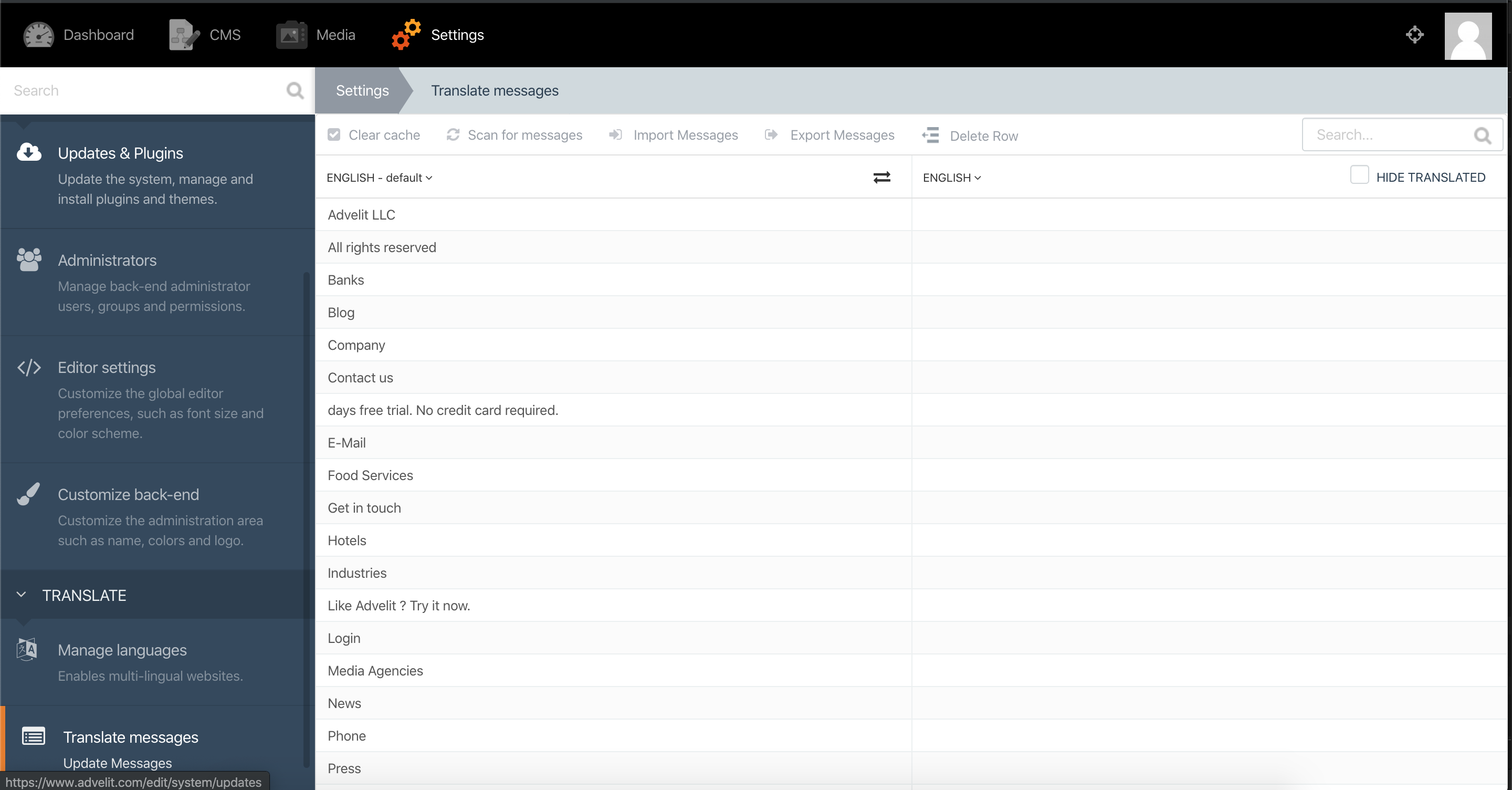
Once I refresh the page messages table is not rendering.
Also the content area in blog post is without content and without Language picker.
emilhakobian
on 14 Jan 2020
I have NO IDEA. @daftspunk @LukeTowers @bennothommo ?
mjauvin
on 14 Jan 2020
@emilhakobian are you using symlinks anywhere in your installation?
 LukeTowers
on 14 Jan 2020
LukeTowers
on 14 Jan 2020
Same in other browsers and even on another computer.
I've found that there is a database row in backend_user_preferences table :id user_id namespace group item value
10 1 backend hints hidden {"translation_messages_hint":1}When I delete this row
When I close the message(hint) I can see mesages and even translate them.
Once I refresh the page messages table is not rendering.
Also the content area in blog post is without content and without Language picker.
Same issue here, any updates for this issue?
 mic8
on 17 Feb 2020
mic8
on 17 Feb 2020
@mic8 are you using symboluc links anywhere in your october installation?
mjauvin
on 17 Feb 2020
@mjauvin what kind of symbolic links?
mic8
on 17 Feb 2020
only one kind I know of.
is this happening on a fresh install of October?
mjauvin
on 17 Feb 2020
I don't think there are any symbolic links like that on fresh install of October
mic8
on 17 Feb 2020
No, there aren't, that's why we're asking if you added any because that might break things.
mjauvin
on 17 Feb 2020
@mic8 @emilhakobian I can confirm I've had no issues loading the Translate table, even following the instructions provided earlier.
The only way I can replicate this is either by using a symlink to the Translate plugin (storing the plugin files outside of the project folder) and having the config variable cms.restrictBaseDir set to true, or by faking a JavaScript error during the load process of the page.
We need more information from you both in order to try and ascertain where this fault is occurring. Things such as:
- Was the Translate plugin working fine at one point? When did you notice that it had stopped working?
- Are there any JavaScript error messages being thrown?
- Are any of the JavaScript resources not being loaded due to a server error?
- Is there any logs in
storage/logs/system.logbeing added when the Translate page being loaded? - Which web server are you using? Which PHP version are you using?
bennothommo
on 17 Feb 2020
Closing as it has been over a month since any activity on this occurred and we are trying to figure out what issues are still relevant. If this is still something that you would like to see through to fruition please respond and we can get the ball rolling.
mjauvin
on 15 Mar 2020
For future internauts running into this issue, I found it was introduced to my site when I enabled Rocket Loader on Cloudflare. After disabling Rocket Loader, this issue was fixed.
 joeinnes
on 6 Sep 2020
joeinnes
on 6 Sep 2020
@joeinnes any idea what's actually causing this in Rocket Loader?
mjauvin
on 6 Sep 2020
No idea, but it's not the first time Rocket Loader has mangled JS for me and I'm happy just turning it off rather than spending time diagnosing it :)
joeinnes
on 6 Sep 2020
@mjauvin @bennothommo perhaps we should look at adding the rocketloader ignore syntax on all assets loaded by the backend addJs methods. I thought we already did that but it might have been only for core JS
LukeTowers
on 6 Sep 2020
@LukeTowers I guess. Where do you see this for core JS ?
mjauvin
on 6 Sep 2020
@LukeTowers So you're suggesting adding data-cfasync="false" to all
Related issues
 yeomann
·
6Comments
yeomann
·
6Comments
 ghost
·
5Comments
ghost
·
5Comments
 Ladylain
·
3Comments
Ladylain
·
3Comments
 anonimo9
·
5Comments
Ladylain
·
3Comments
anonimo9
·
5Comments
Ladylain
·
3Comments
Most helpful comment
Also agree with this approach, I don't think it's October's responsibility to make sure third party tools don't mangle the UI.
Just wanted to drop a note on this in this thread in case anyone is banging their head against a wall in future trying to work it out.