<a href="https://tocas-ui.com/assets/img/e1fffb5.png" target="_blank">
    <img class="ts centered image" src="https://tocas-ui.com/assets/img/e1fffb5.png">
</a>
 goodjack
All 3 comments
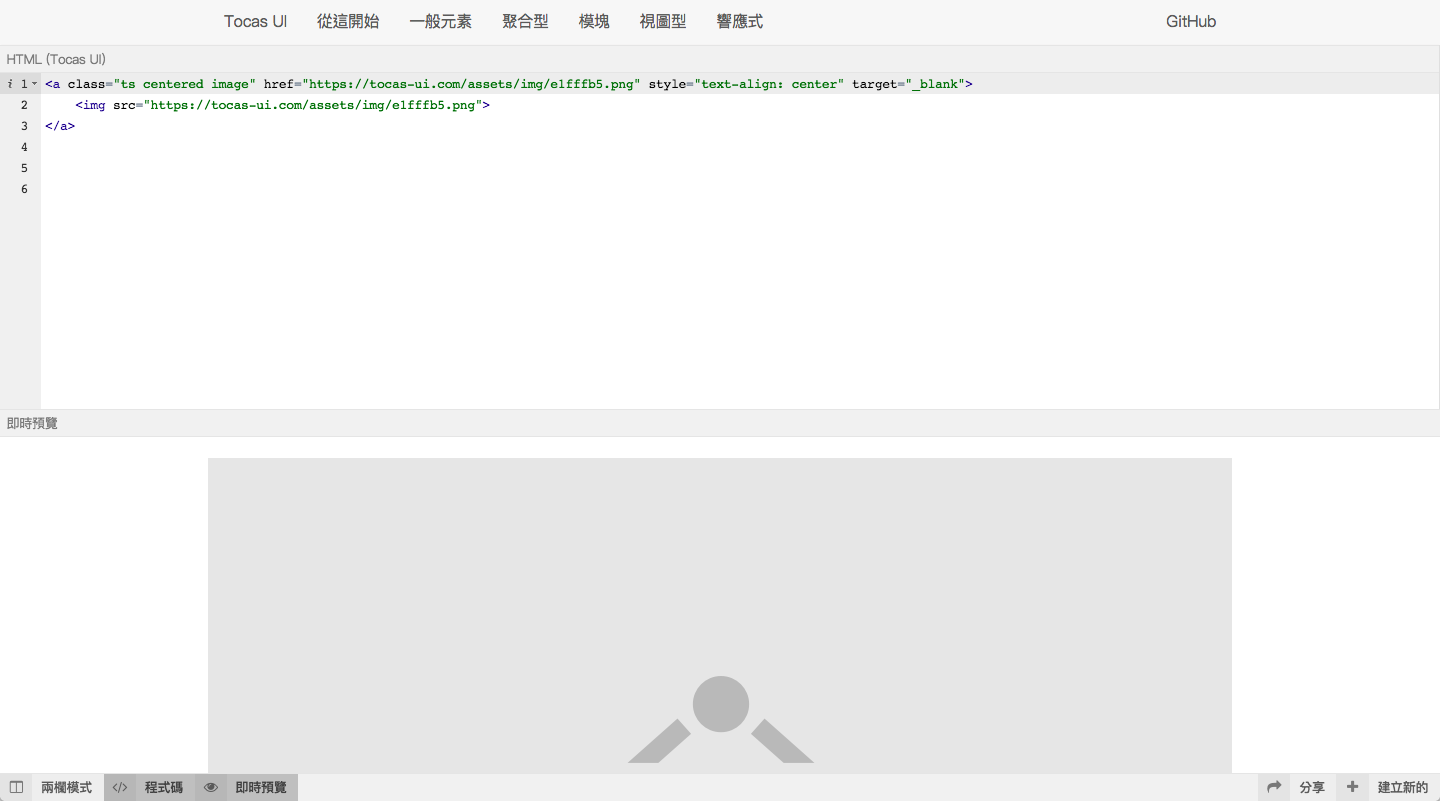
因為 <a> 通常是 inline-block 的導致不能置中,為了解決這個問題,ts centered image 通常需要加在 <a> 上(好像有點難以形容 🤔)。
所以正確做法應該是這樣:
<a class="ts centered image" href="https://tocas-ui.com/assets/img/e1fffb5.png" target="_blank">
    <img src="https://tocas-ui.com/assets/img/e1fffb5.png">
</a>
不過這裡試了一下發現一個額外的問題,就是當沒有指定圖片大小(ts centered small image⋯等)的時候,置中仍然會失效,這個問題等一下會修。
目前的解決方法就是把 ts centered image 移動到 <a> 上後,給 <a> 一個 text-align: center; 就可以了。
 YamiOdymel
on 10 Apr 2018
YamiOdymel
on 10 Apr 2018
👍1
這樣是不是也可以?
<a class="ts centered image" href="https://tocas-ui.com/assets/img/e1fffb5.png" target="_blank">
    <img class="ts centered image" src="https://tocas-ui.com/assets/img/e1fffb5.png">
</a>
😄1
兩個都用 ts centered image 是沒什麼問題,不過看起來可能亂亂的
「正常來說」只要加在 <a> 上就應該要能正常運作。
YamiOdymel
on 10 Apr 2018
Was this page helpful?
0 / 5 - 0 ratings
Related issues
 toby3d
·
3Comments
YamiOdymel
·
5Comments
goodjack
·
4Comments
toby3d
·
3Comments
YamiOdymel
·
5Comments
goodjack
·
4Comments
 cn27529
·
4Comments
cn27529
·
4Comments
 city8208
·
4Comments
city8208
·
4Comments