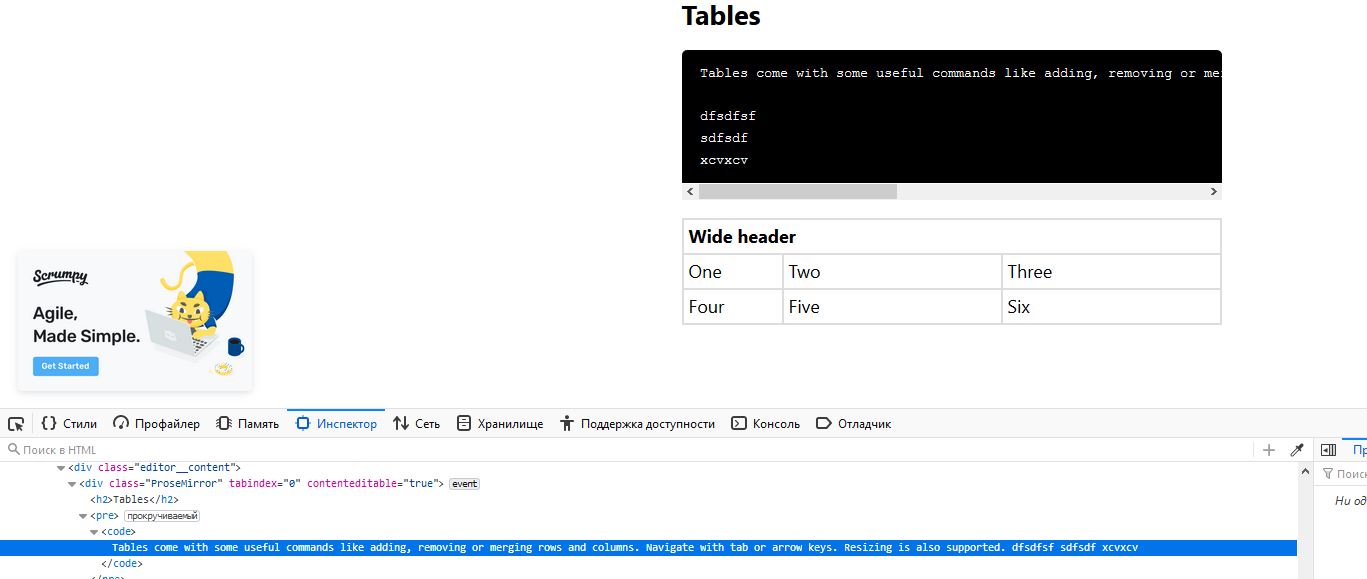
Here no
from pushing enter? Why you done this? How we can fix it? Same with standart(one line) codeblock instead creating
on enter, you must just add
.
Also how we should get out inside code?
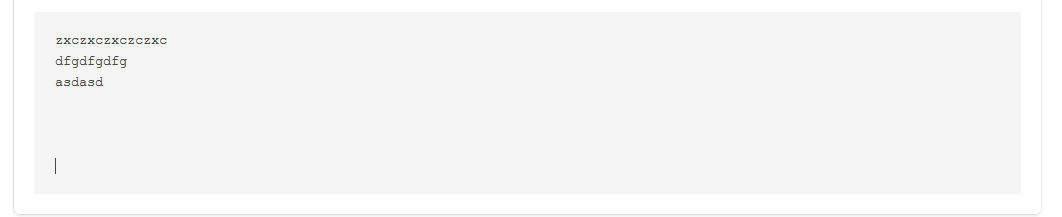
It's just creating more and more enter's, why?
2 fast enter's - exit and creating new paragraph.
@philippkuehn
Any suggestions?
 afwn90cj93201nixr2e1re
All 7 comments
I have no idea what you are doing. Please provide a meaningful issue description and codesandbox.
Inside of a codebox press enter for a new line. There is no <br>. Press shift + enter for leaving the code block.
 philippkuehn
on 22 Jul 2019
philippkuehn
on 22 Jul 2019
For a line break you can use Shift + Enter. A simple Enter will always create a new paragraph. This is intended behavior.
philippkuehn
on 22 Jul 2019
Better docs are in the works. Feel free to make a PR.
philippkuehn
on 22 Jul 2019
For a line break you can use
Shift + Enter. A simple Enter will always create a new paragraph. This is intended behavior.
@philippkuehn is it possible this behaviour is now reversed? On the official code-highlighting example, pressing Enter creates a line break inside the code block, but pressing Shift + Enter creates a new paragraph, placing the cursor outside of the code block 🤔
MacOS 10.15.3, Firefox 74 & Chrome 80.0
 andreasvirkus
on 16 Mar 2020
andreasvirkus
on 16 Mar 2020
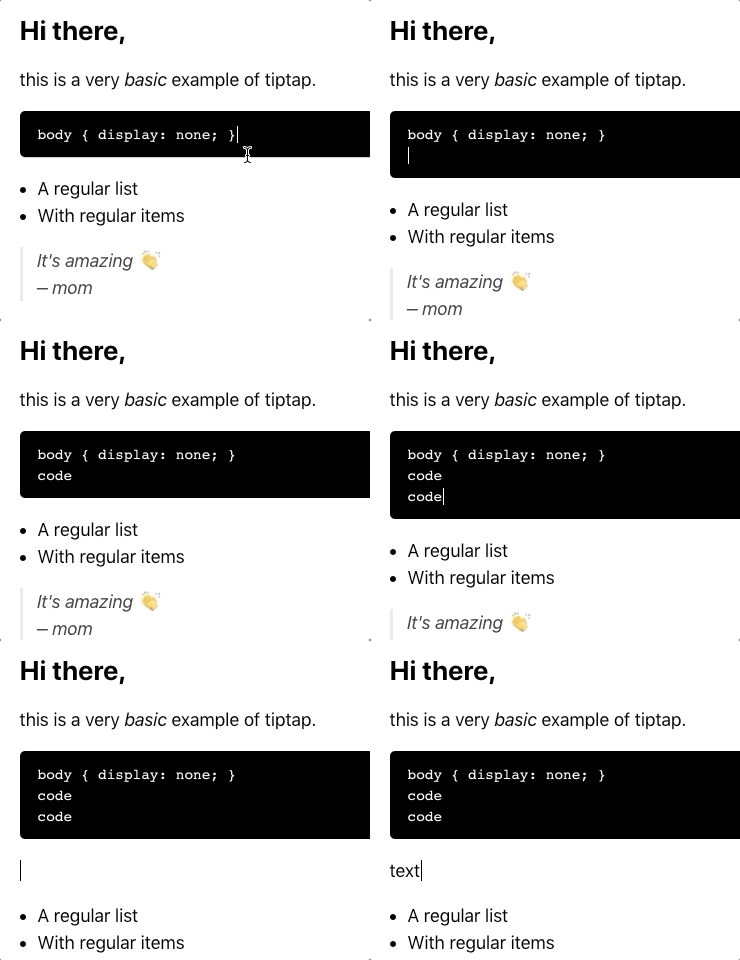
@andreasvirkus this behavior hasn't changed. it's the prosemirror default.
enter in paragraph creates a new paragraph
shift+enter in paragraph creates a line break
enter in code block creates a line break
shift+enter in code block leaves the code block (and creates a paragraph)
philippkuehn
on 16 Mar 2020
Thanks for getting back to me so quick! Feels odd to me that they'd reverse this, but seems it's out of our hands
andreasvirkus
on 16 Mar 2020
how to use button click event to leave the code block?
 wmf508
on 16 May 2020
wmf508
on 16 May 2020
Related issues
 agentq15
·
3Comments
agentq15
·
3Comments
 connecteev
·
3Comments
connecteev
·
3Comments
 pk-pressf1
·
3Comments
pk-pressf1
·
3Comments
 klaasgeldof
·
3Comments
klaasgeldof
·
3Comments
 jetacpp
·
3Comments
jetacpp
·
3Comments
Most helpful comment
@andreasvirkus this behavior hasn't changed. it's the prosemirror default.
enterin paragraph creates a new paragraphshift+enterin paragraph creates a line breakenterin code block creates a line breakshift+enterin code block leaves the code block (and creates a paragraph)