Tipsi-stripe: Apple pay succeed, but the stripe Gross volume is 0
After test apple pay with 'test publish key' successfully, I changed to 'live model'.
The payment process succeed on the phone, and I could see the log history on stripe dashboard.
Request POST body:
{
"muid": "D1F9069E-2897-4063-9028-**",
"pk_token": "*",
"pk_token_instrument_name": "Visa xxxx",
"pk_token_payment_network": "Visa",
"pk_token_transaction_id": "F58B134F3227E7A9A9DB279E83F3188C16EA4CA22D733AB2486D1xxxxxxx",
"time_on_page": "320985"
}
Response body:
{
"id": "tok_1CRWBBLwxxxxxxxxxxxxx",
"object": "token",
"card": {
"id": "card_1CRWBALwWumfvT69xxxxxxxxxxxx",
"object": "card",
"address_city": null,
"address_country": null,
"address_line1": null,
"address_line1_check": null,
"address_line2": null,
"address_state": null,
"address_zip": null,
"address_zip_check": null,
"brand": "Visa",
"country": "US",
"cvc_check": null,
"dynamic_last4": "xxxx",
"exp_month": 8,
"exp_year": 2022,
"funding": "debit",
"last4": "xxxx",
"metadata": {
},
"name": null,
"tokenization_method": "apple_pay"
},
"client_ip": "x.x.x.x",
"created": 1526263969,
"livemode": true,
"type": "card",
"used": false
}
In the client side, I set the amount to $0.01
const items = [{
                label: 'Primary Coffee',
                amount: '0.01'
            }]
But the stripe does not receive the payment, and my card is not charged... I thought it should some configure problem in stripe account. But not sure.
 sydridgmLee
All 5 comments
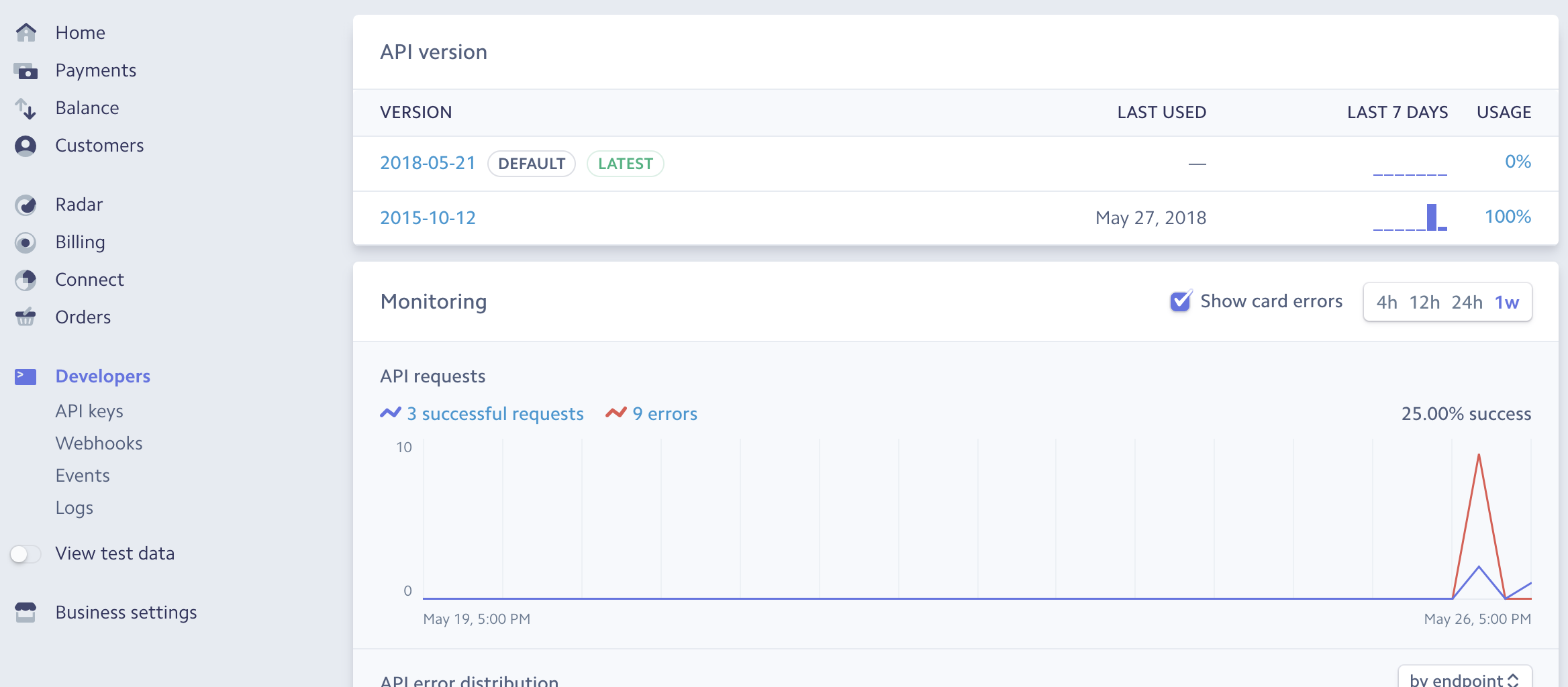
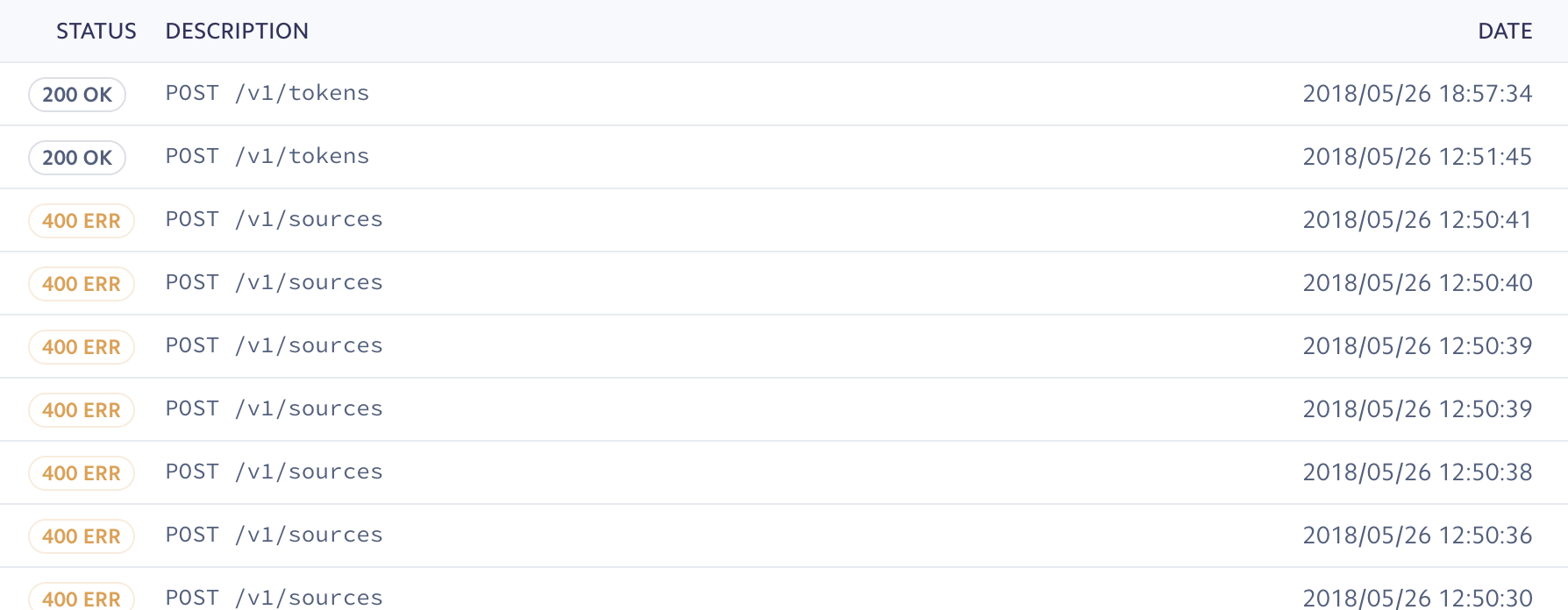
me too, the stripe system's developer part says " 3 successful requests." (first photo ) But the balance part still shows $0. (second photo ) log part says statues is 200 OK (3rd photo)

 brilliantjc
on 27 May 2018
brilliantjc
on 27 May 2018
@brilliantjc I figured it out ;]
The whole payment flow:
- use public key to get a token
- use this token with your private key to make payment
I just forget the second step... Hope it help you.
sydridgmLee
on 27 May 2018
Thank you! It helps so much! !!!! 祝您身体健康 万事如意!
brilliantjc
on 27 May 2018
can we do this second step inside of the react native code? where and how?
brilliantjc
on 27 May 2018
@brilliantjc you can but not recommend.
Just need to send a post request to Stripe. You can see the reference on Stripe web site.
sydridgmLee
on 27 May 2018
Related issues
 igemnace
·
6Comments
igemnace
·
6Comments
 benjaminreid
·
5Comments
benjaminreid
·
5Comments
 SambhavAnand
·
4Comments
SambhavAnand
·
4Comments
 LcsLpr
·
4Comments
LcsLpr
·
4Comments
 rheilgm
·
6Comments
rheilgm
·
6Comments
Most helpful comment
@brilliantjc I figured it out ;]
The whole payment flow:
I just forget the second step... Hope it help you.