When you're adding terminal, the current screen gets split by half, but if you keep splitting inside of a split terminal you end with a minimal size.
Initial Split:
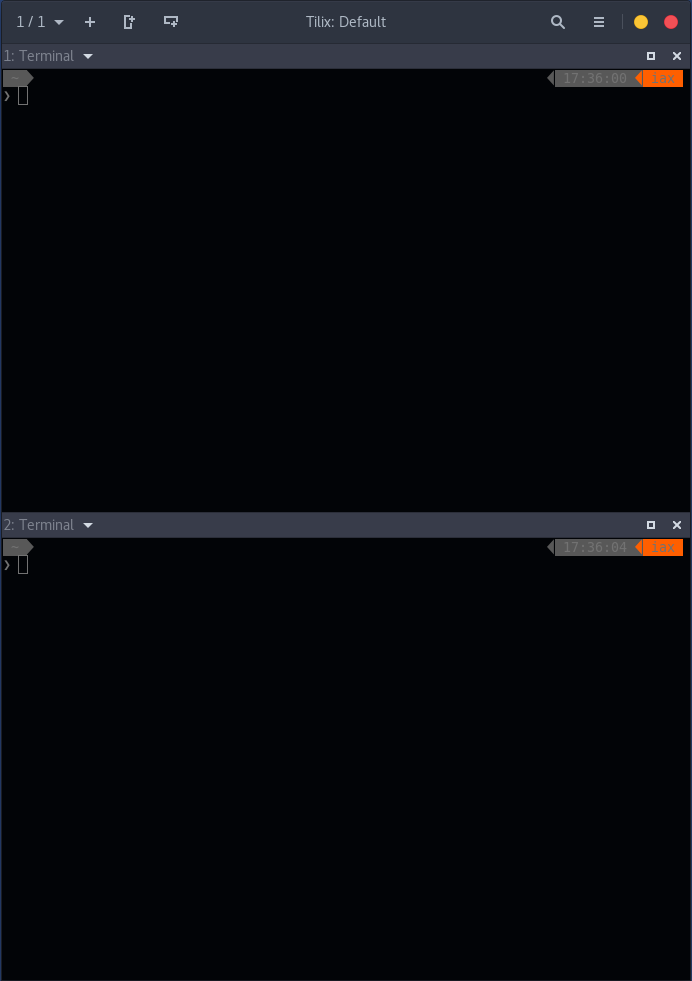
If you keep splitting:

A button and/or a shortcut to make all windows the same size would be handy.
 iax7
iax7
All 4 comments
If you double click one of the separators between terminals, I.e. the one you grab to resize, and double click it and all of the terminals should equalize in size.
 gnunn1
on 15 Nov 2017
gnunn1
on 15 Nov 2017
Excellent, for me, is ok the way it is. Perhaps for some users could use a more discoverable way of doing this.
iax7
on 15 Nov 2017
I don't see an obvious way of making it more discoverable, but if someone has an idea feel free to re-open the issue.
gnunn1
on 18 Nov 2017
Any chance to do this through command line? I use actions to split the current session, and the need to rely on the mouse to rearrange the splits is not the best option to me :(
 edubxb
on 20 Nov 2017
edubxb
on 20 Nov 2017
Related issues
gnunn1
·
3Comments
 yodatak
·
4Comments
yodatak
·
4Comments
 sirex
·
3Comments
sirex
·
3Comments
 tomtobac
·
3Comments
tomtobac
·
3Comments
 wesselih
·
4Comments
wesselih
·
4Comments
Most helpful comment
Any chance to do this through command line? I use actions to split the current session, and the need to rely on the mouse to rearrange the splits is not the best option to me :(