Three.js: HDR cubemap background banding artifacts
The artifacts shown right in current three.js HDR envmap example: https://threejs.org/examples/?q=hdr#webgl_materials_envmaps_hdr
It only appears in HDR envMap, RGBM16 is fine.
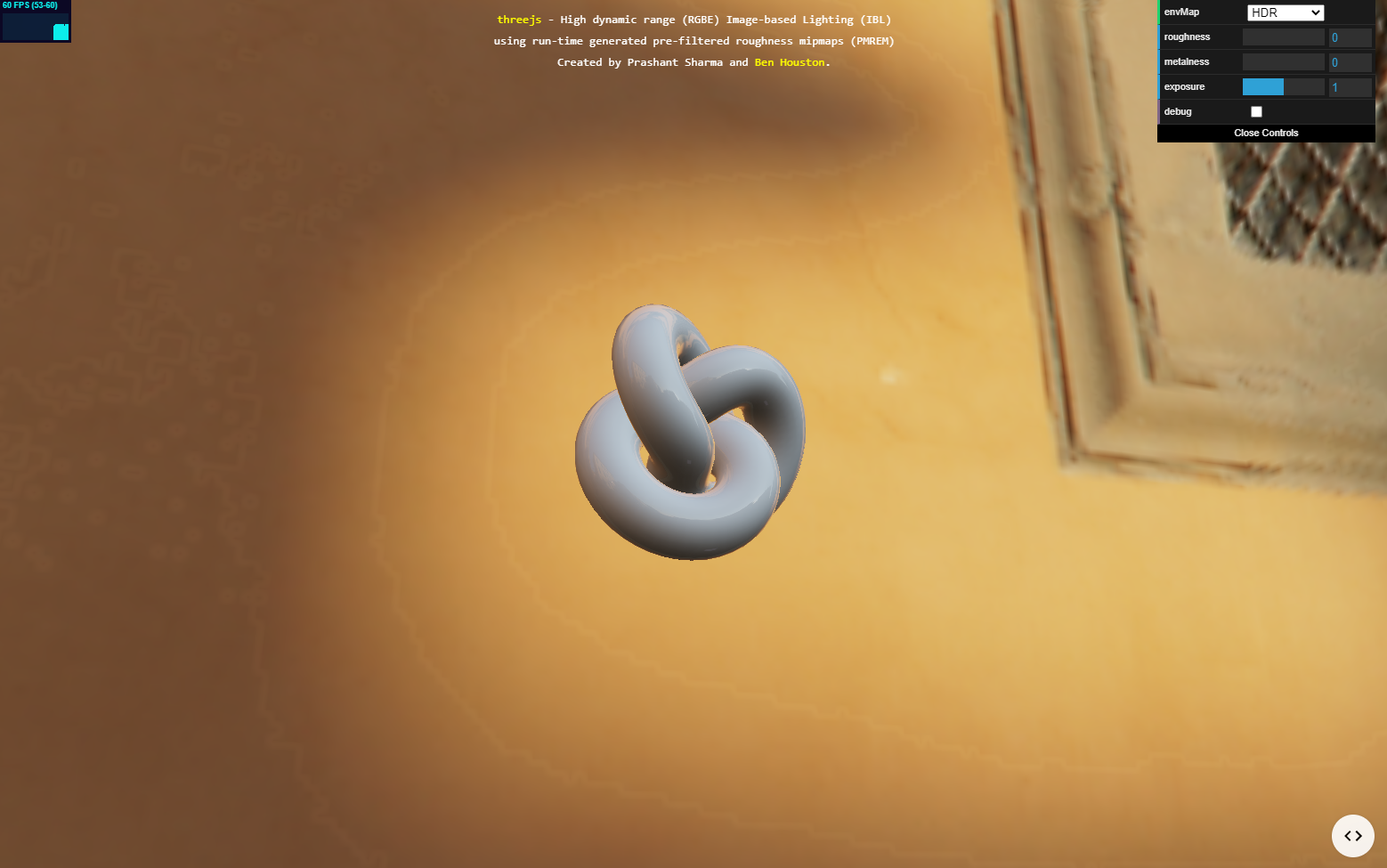
It's not browser or device specific as I've checked on Chrome, Firefox, Desktop and Android.
Question
 Ben-Mack
>All comments
The cause is this:
hdrCubeMap.magFilter = THREE.LinearFilter;
You will get artifacts applying linear filtering to RGBE-encoded images. You can do this:
hdrCubeMap.magFilter = THREE.NearestFilter;
but that will lead to blocky artifacts.
If it is supported by the browser/hardware, you can use this pattern with linear filtering:
hdrCubeMap = new HDRCubeTextureLoader()
    .setDataType( THREE.FloatType ) // or THREE.HalfFloatType
 WestLangley
on 23 Jun 2020
WestLangley
on 23 Jun 2020
❤1
👍1
Was this page helpful?
0 / 5 - 0 ratings
Related issues
 jlaquinte
·
3Comments
jlaquinte
·
3Comments
 ghost
·
3Comments
ghost
·
3Comments
 clawconduce
·
3Comments
clawconduce
·
3Comments
 alexprut
·
3Comments
alexprut
·
3Comments
 filharvey
·
3Comments
filharvey
·
3Comments
Most helpful comment
The cause is this:
You will get artifacts applying linear filtering to RGBE-encoded images. You can do this:
but that will lead to blocky artifacts.
If it is supported by the browser/hardware, you can use this pattern with linear filtering: