Three.js: Lost some textures when loading .gltf file
I have loaded a .gltf file but found that it lost some texture.
Here is what it supposed to be:
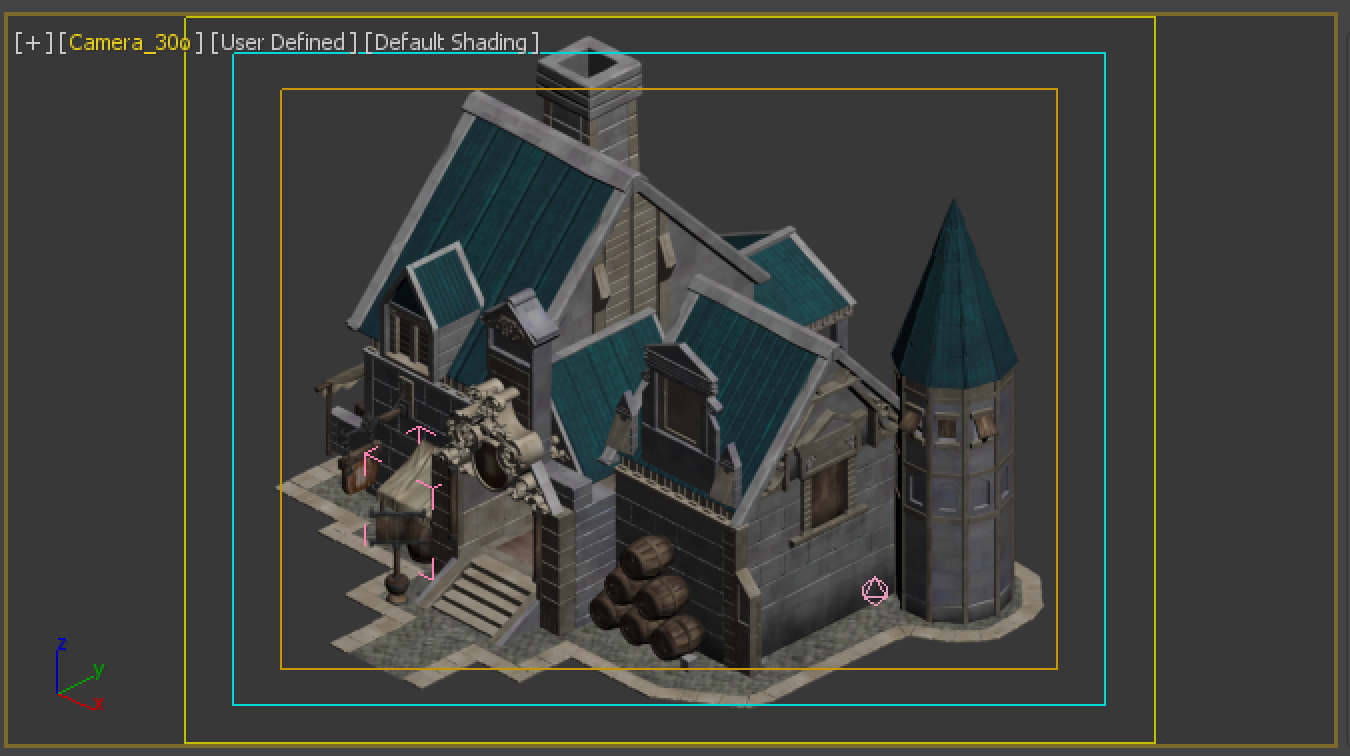
But it looks like as below after loading:
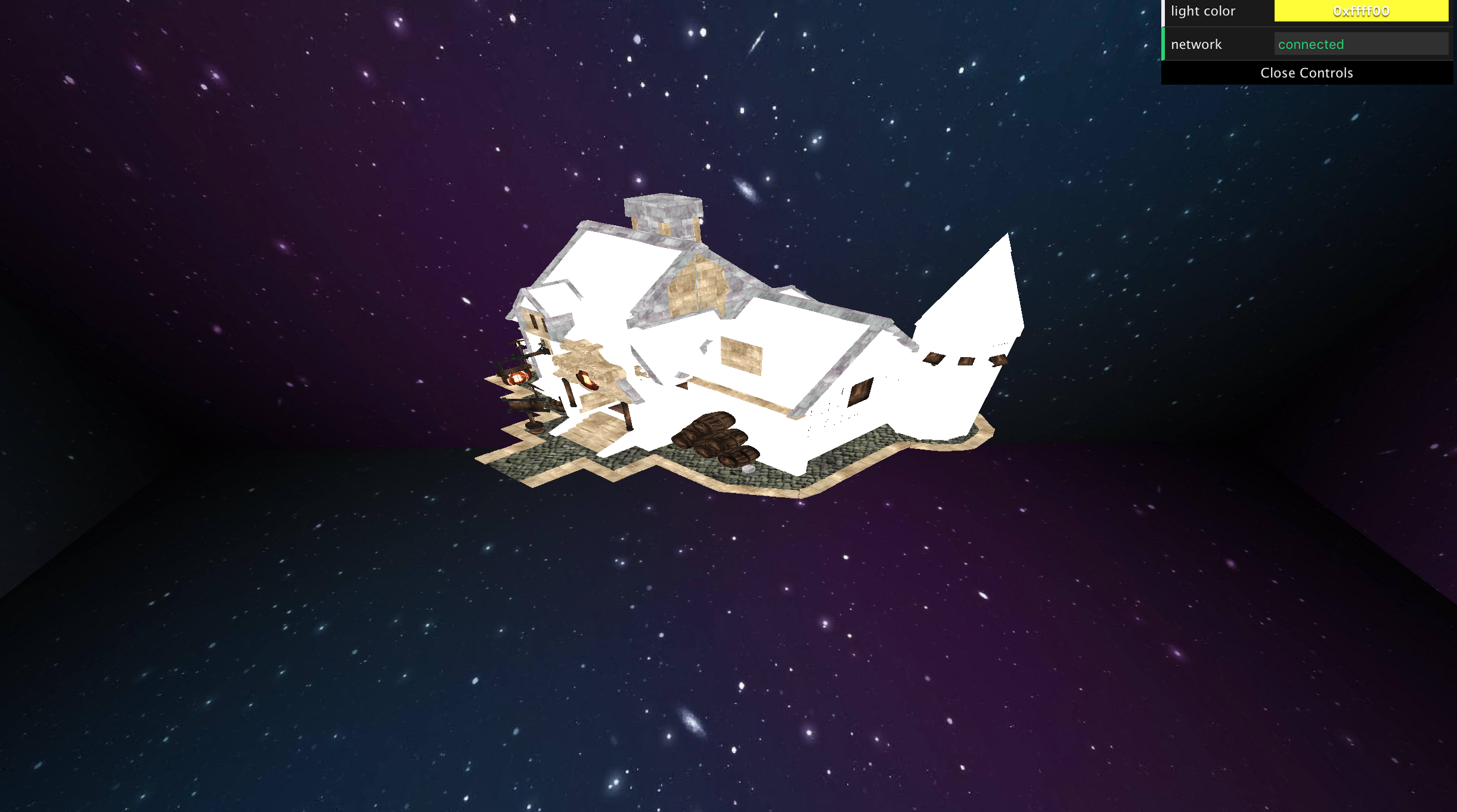
We could find that it lost a large parts of texture especially on the wall.
The .gltf file is here for testing:
007.zip
By the way, for the convenience of your testing, the Box2825 is the one enclosed by turquoise rectangle:

When I deleted it, it looked like:

Maybe you can check why this texture was not loaded correctly at the beginning.
Three.js version
- [x] Dev
- [ ] r104
- [ ] ...
Browser
- [ ] All of them
- [x] Chrome
- [ ] Firefox
- [ ] Internet Explorer
OS
- [ ] All of them
- [ ] Windows
- [x] macOS
- [ ] Linux
- [ ] Android
- [ ] iOS
Hardware Requirements (graphics card, VR Device, ...)
 saucebing
All 11 comments
Can you please try to use PNG textures instead of TGA?
 Mugen87
on 17 May 2019
Mugen87
on 17 May 2019
But it has loaded some .gltf files with .tga textures very well so I thought it would be a bug. To be honest, I used 3DS MAX + Babylon plugin to export the .gltf file because the original 3DS MAX could not export .gltf files and the Babylon plugin has no such an export option to choose the type of the texture.
saucebing
on 17 May 2019
I wonder whether it works if I convert .tga files to .png files and then just change paths in the .gltf file (.gltf file is the ASCII format).
saucebing
on 17 May 2019
But it has loaded some .gltf files with .tga textures very well
That's strange since TGA is not natively supported in browsers. In three.js, TGA textures require the usage of TGALoader so you can use them correctly. Hence, the usage of PNG is more straightforward.
Mugen87
on 17 May 2019
I have another model with some tga textures exported using the same export plugin but it looked like normal. I would quickly double check the detail to make sure whether the normal textures are the tga file or not.
saucebing
on 17 May 2019
In three.js, TGA textures require the usage of TGALoader so you can use them correctly
By the way, why don't you call TGALoader within gltfLoader and other loaders?
saucebing
on 17 May 2019
According to the 3DS Max Babylon.js glTF exporter:
glTF 2.0 only supports the following image formats: jpg and png. You are adviced to use those formats for your textures when exporting to glTF.
Note that the exporter also supports textures with bmp, gif, tga, tif and dds formats. But, those textures will be automatically converted to png/jpg by the exporter to follow glTF specifications.
The usage of TGA in context of glTF is actually not intended.
Mugen87
on 17 May 2019
I found that the exporter converted some of my files to png or jpg but didn't convert some other pics. You could see that there are some files with two same filenames but two different extension name in my zip file. I have tried convert tga files to png format and replace them myself in .gltf file. But it didn't work and had no any effect.
As my another gltf file, it is shown in threejs as below, which are normal:
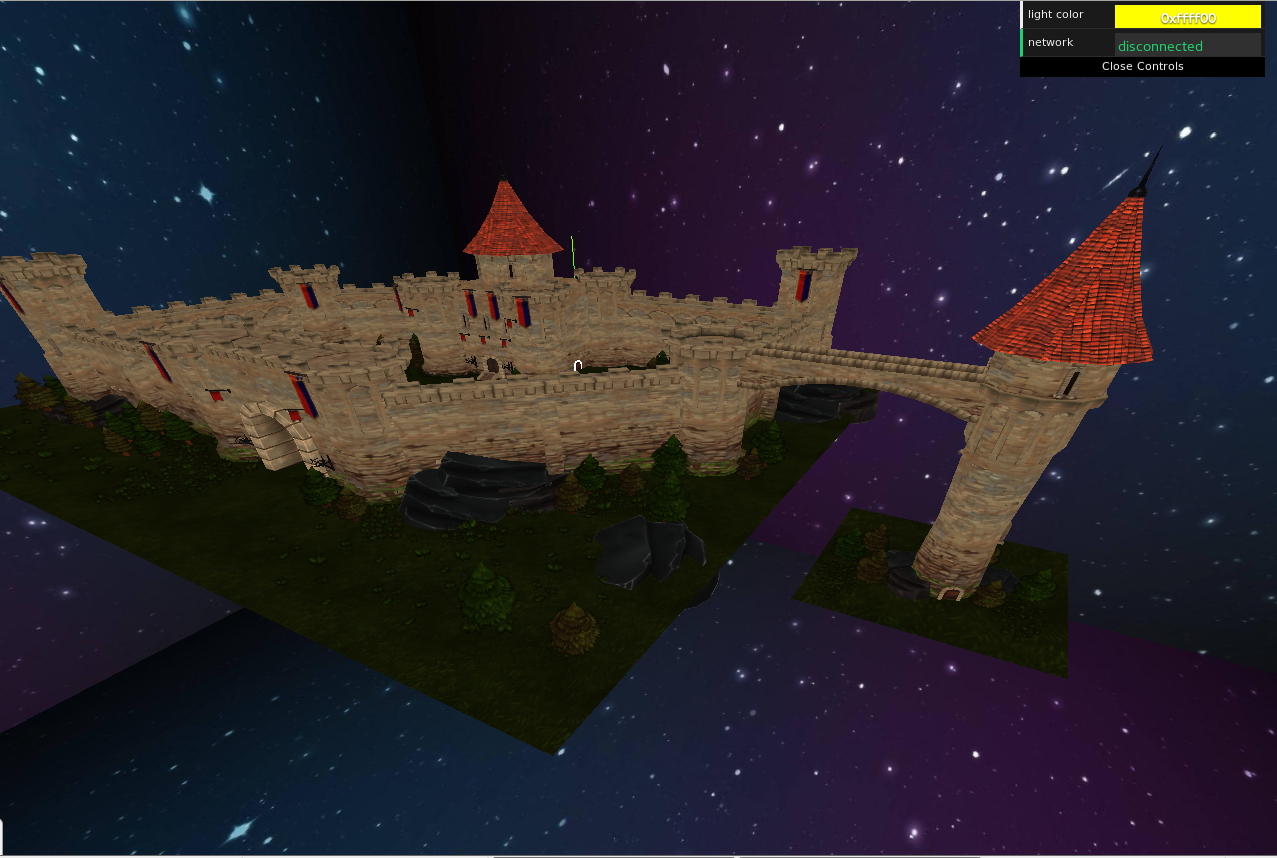
And this one was exported with four tga files and one jpg file. To make sure I didn't mistake something, I open the .gltf file and saw names of these .tga files. I convert these four tag files to jpg files and shown as below, you can see that they are loaded correctly because you can find them in the scenery, such as the flag.
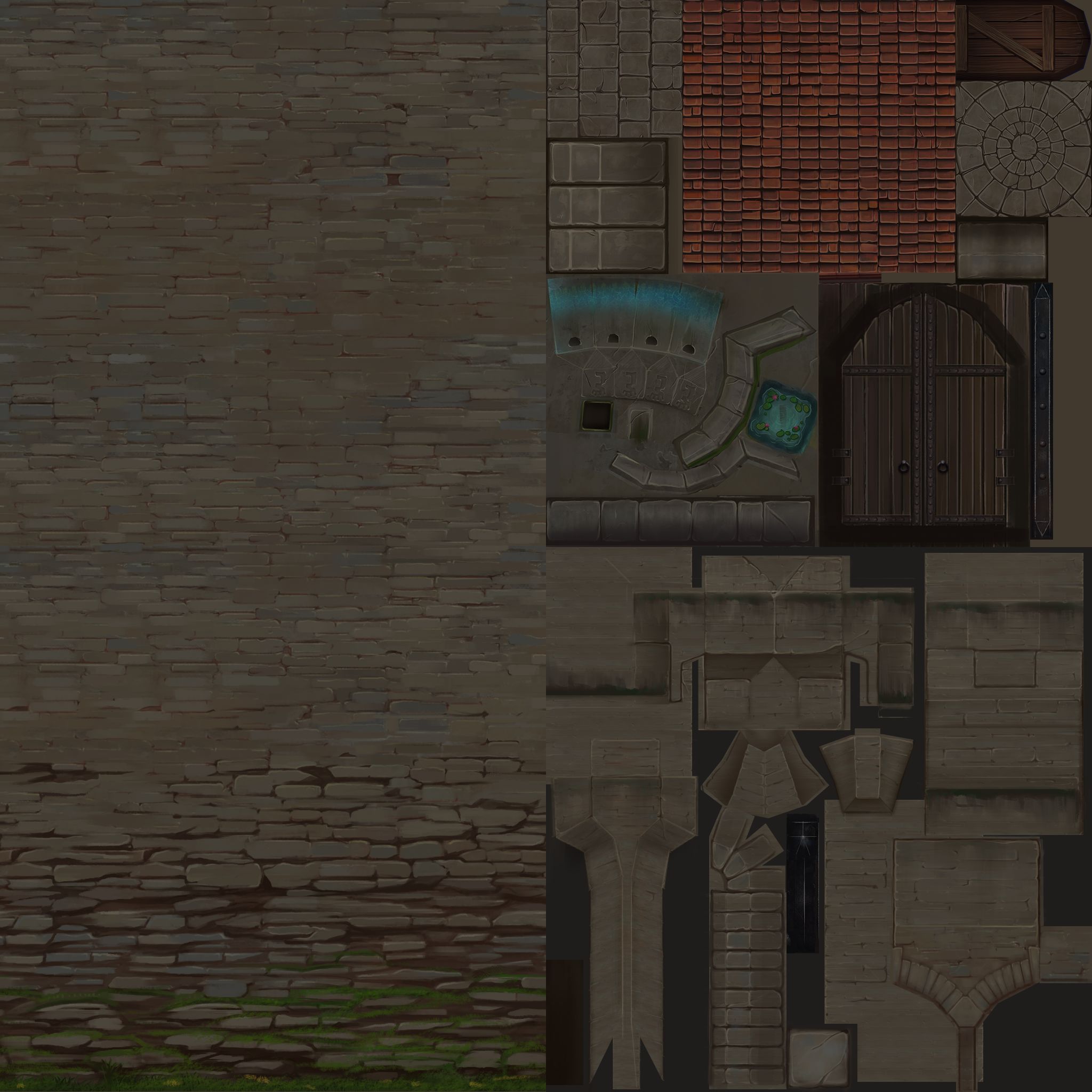
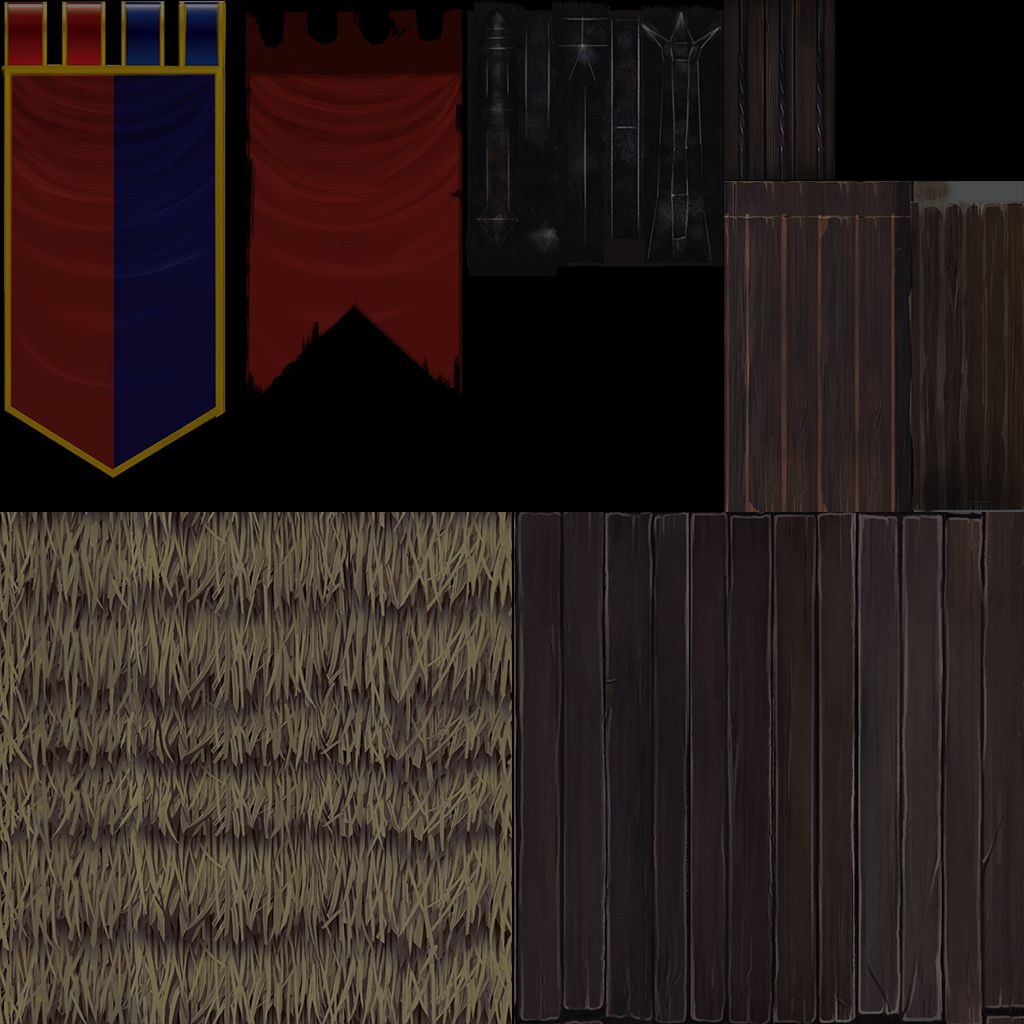
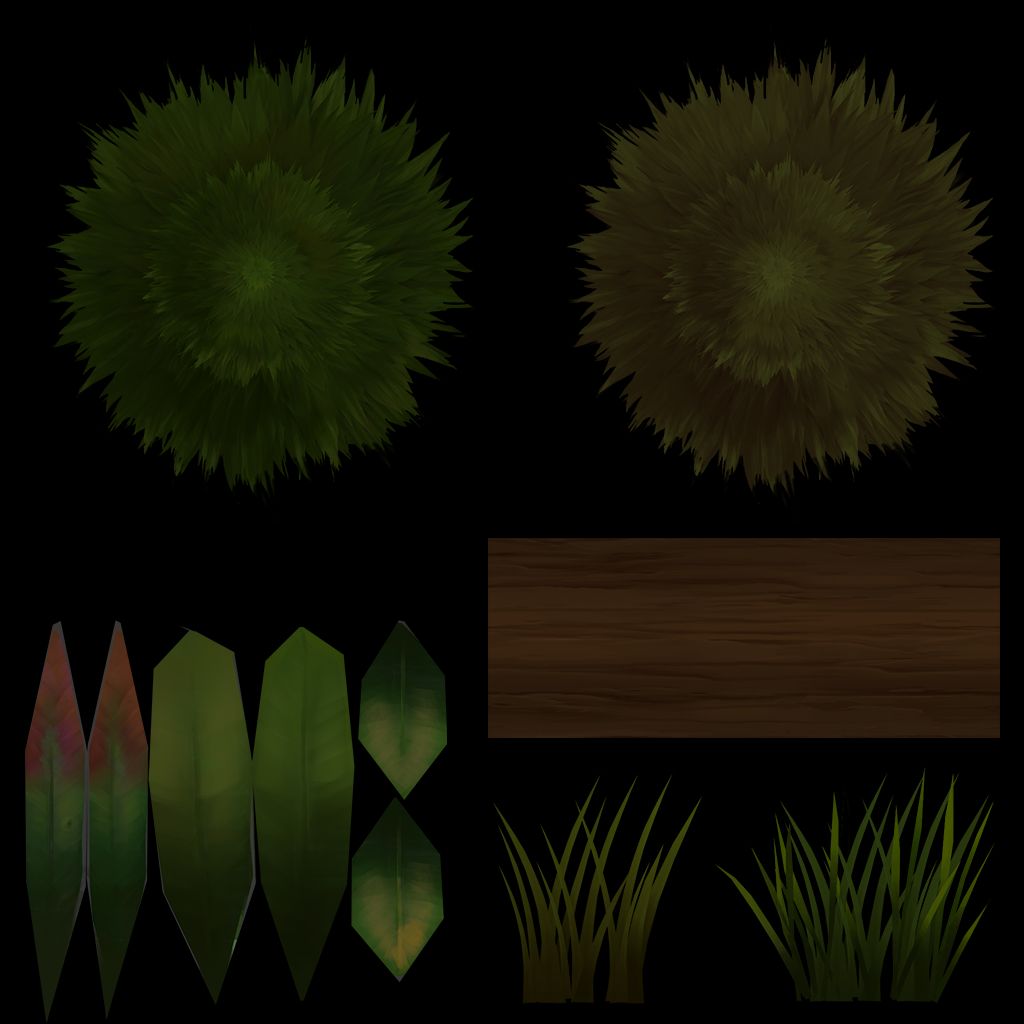
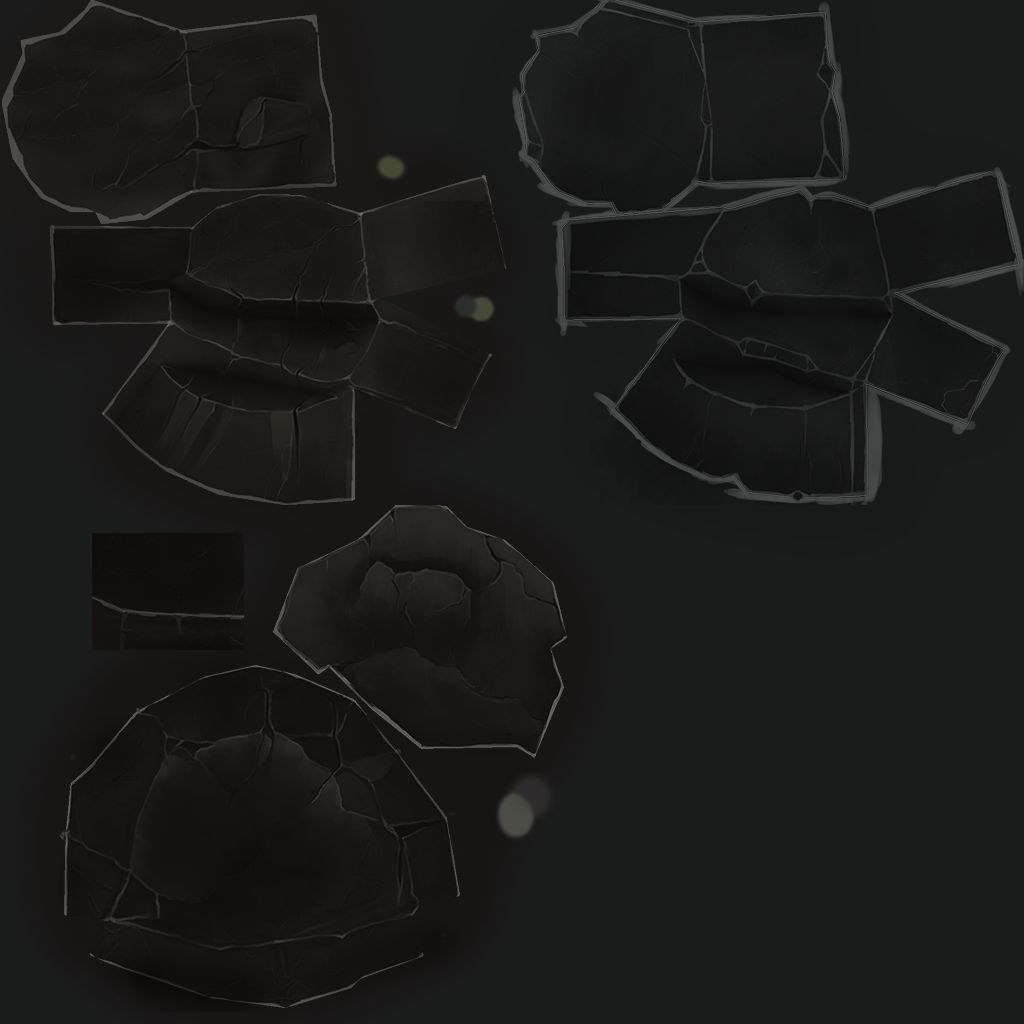
So the gltfLoader should be able to load .tga file to some extent. Can you double check it?
saucebing
on 17 May 2019
So the gltfLoader should be able to load .tga file to some extent.
No, the glTF format disallows TGA entirely. It should be converted to PNG on JPEG at time of export, and if the exporter isn't doing this but includes the TGA file instead, that's a bug in the exporter. Sounds like the exporter intends to do that conversion, but isn't for some reason. /cc @bghgary
 donmccurdy
on 17 May 2019
donmccurdy
on 17 May 2019
If it is a bug for the exporter I would try to report it to the exporter. But it is quite strange that the gltfLoader can load the second model with four tga files. If the gltfLoader can load some tga files it should be able to load all tga files. If someone needs to test my second one model please tell me, I can send the zip file for you to test.
saucebing
on 17 May 2019
It is definitely a bug with the exporter – I'd recommend reporting it there. Browsers do not even support TGA files. I don't know why one of your models looks OK, but a glTF file referencing a TGA texture is not correct, and won't be fixed or supported.
donmccurdy
on 17 May 2019
Related issues
 filharvey
·
3Comments
filharvey
·
3Comments
 makc
·
3Comments
makc
·
3Comments
 Horray
·
3Comments
Horray
·
3Comments
 alexprut
·
3Comments
alexprut
·
3Comments
 clawconduce
·
3Comments
clawconduce
·
3Comments
Most helpful comment
No, the glTF format disallows TGA entirely. It should be converted to PNG on JPEG at time of export, and if the exporter isn't doing this but includes the TGA file instead, that's a bug in the exporter. Sounds like the exporter intends to do that conversion, but isn't for some reason. /cc @bghgary