Three.js: FBX import with joints/skinning is deformed
Description of the problem
I am exporting an FBX model from maya that has a skinned mesh, but when I import it into my application with the FBXLoader in Three.js the mesh comes in deformed.
I've gone to the simplest example I can think of, a cube with two joints. Importing just the cube without the joints works fine so I know its an issue with the skinned mesh.
Maya:
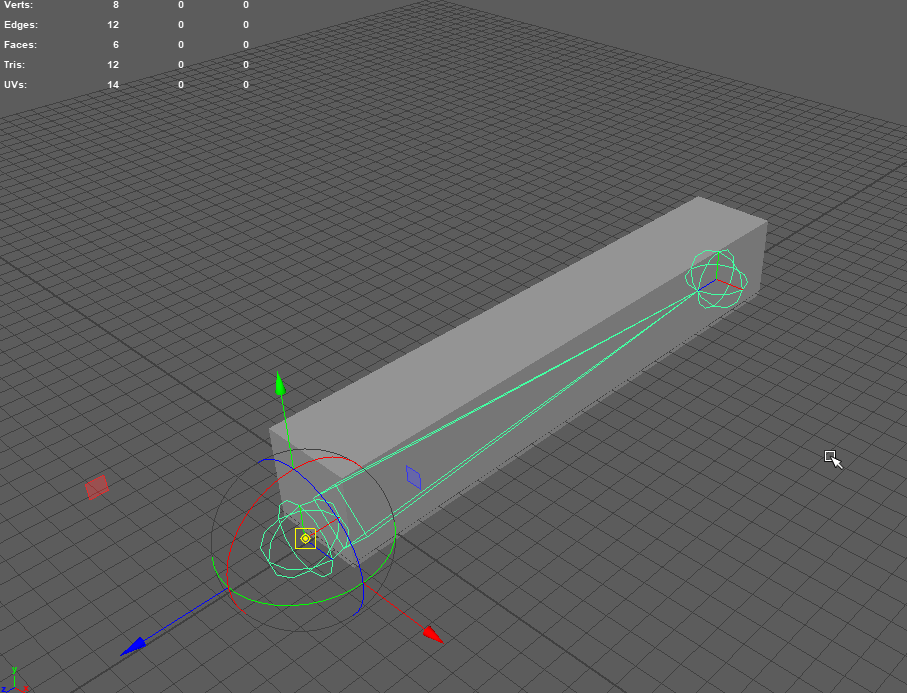
Its a simple cube that has two joints running through the center of it.
Windows 3D Viewer:
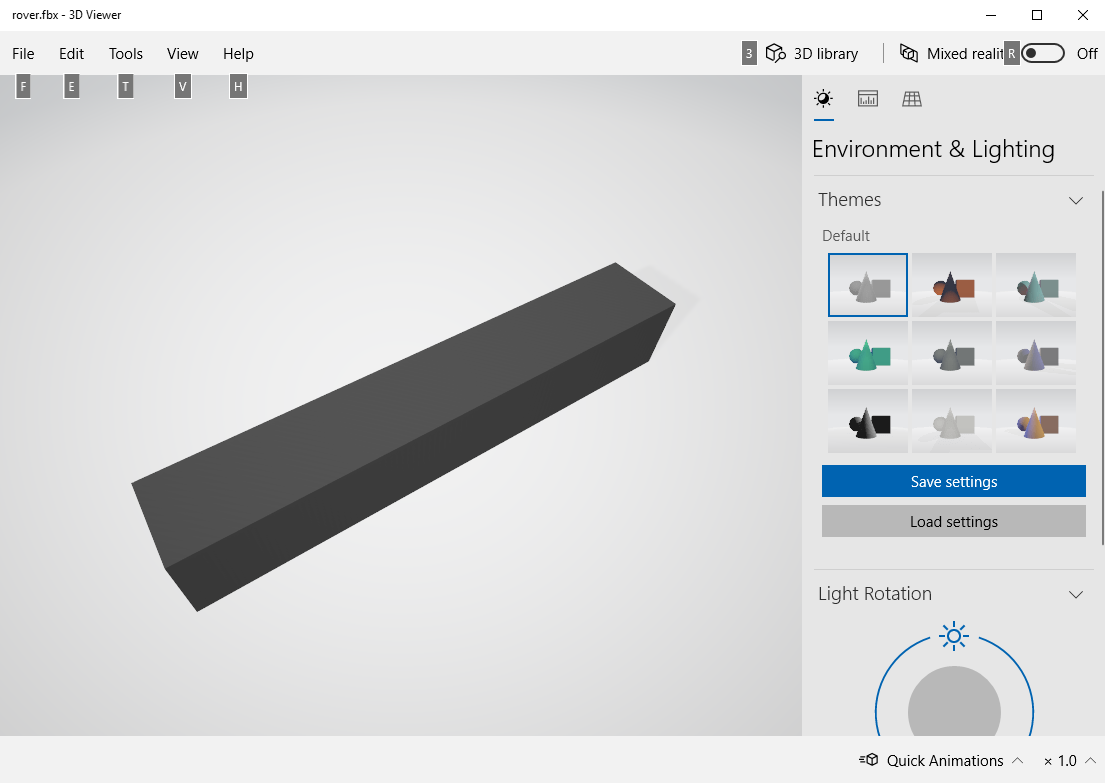
Windows built in 3d viewer opens the FBX just fine. I'm not sure if it imports joints however though.
Three JS rendering:
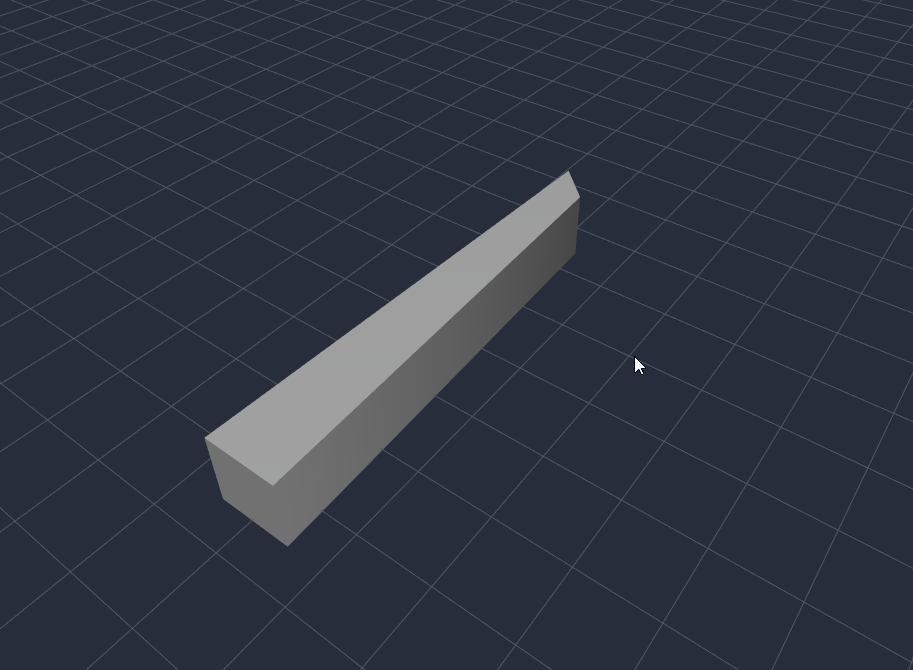
As you can see opening the FBX with ThreeJS the one end of the cube becomes deformed.
I'm not super proficient with Maya so it very well could be a something I'm messing up when binding the mesh to the joints, but I did follow a basic rigging tutorial just to be sure:
https://www.youtube.com/watch?v=Bg5VdUvjyNo
I did try to export a rigged model from blender in the FBX format but it doesn't even show up when loaded through Three JS. That happens with both rigged and non rigged methods. Exporting the same file to GLTF, however, does render fine. Issue is my model I'm trying to get work already is in Maya and isn't transferring to blender very easily to export as a GLTF (Face smoothing and normals are getting messed up).
Three.js version
Version 0.102.1 - Downloaded and up to date with NPM
Browser
- [ ] All of them
- [ ] Chrome
- [ ] Firefox
- [ ] Internet Explorer
- [X] Electron
OS
- [ ] All of them
- [X] Windows
- [ ] macOS
- [ ] Linux
- [ ] Android
- [ ] iOS
 jrj2211
All 5 comments
Can you share the model here?
As a workaround, you can try converting to glTF using FBX2glTF.
 looeee
on 12 Apr 2019
looeee
on 12 Apr 2019
Here is a JS Fiddle showing the issue:
http://jsfiddle.net/jrj2211/5ge1m8f4/3/
You can download my skinned cube models here:
http://joejankowiak.com/skinned_cube.fbx
http://joejankowiak.com/skinned_cube.mb
I will try the FBX to glTF converter now and report back.
jrj2211
on 12 Apr 2019
I just tried the FBX2GLTF tool and it gave me some insight. When trying to convert my skinned cube to GLB it gave me the following error:
If this was a Maya export, consider turning off 'Segment Scale Compensate' on all joints.
After turning off Segment Scale Compensate in the attribute editor for each joint in Maya, the model no longer imports deformed. I still need to do some testing to see if it works correctly.
*edit
I just made a little script to move the joint around and it seems to be working correctly. Segment Scale Compensate seems to have been the issue, which is bizarre because Maya's documentation states this only matters if all the scales are not the same, which in my simple cube example every scale is set to 1.
jrj2211
on 12 Apr 2019
Maya transforms are very complex. It's possible we're not considering this Segment Scale Compensation correctly when applying transforms in the loader - I've never even heard of it before now, actually. But if disabling it before export is a workaround then I think that's good enough.
looeee
on 13 Apr 2019
For anyone that comes across this issue: "Segment Scale Compensation" is not supported, and is unlikely to be supported in the future (the same applies to Unity as well). You will need to disable this setting on all bones before exporting from Maya.
looeee
on 13 Oct 2019
Related issues
 zsitro
·
3Comments
zsitro
·
3Comments
 clawconduce
·
3Comments
clawconduce
·
3Comments
 scrubs
·
3Comments
scrubs
·
3Comments
 jlaquinte
·
3Comments
jlaquinte
·
3Comments
 boyravikumar
·
3Comments
boyravikumar
·
3Comments