Three.js: VRML importer does not respect object positions.
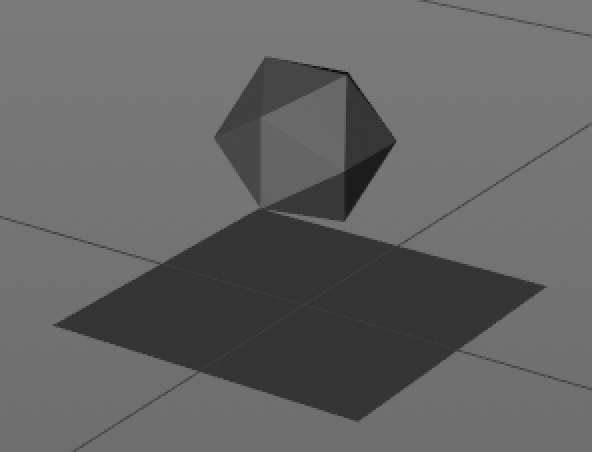
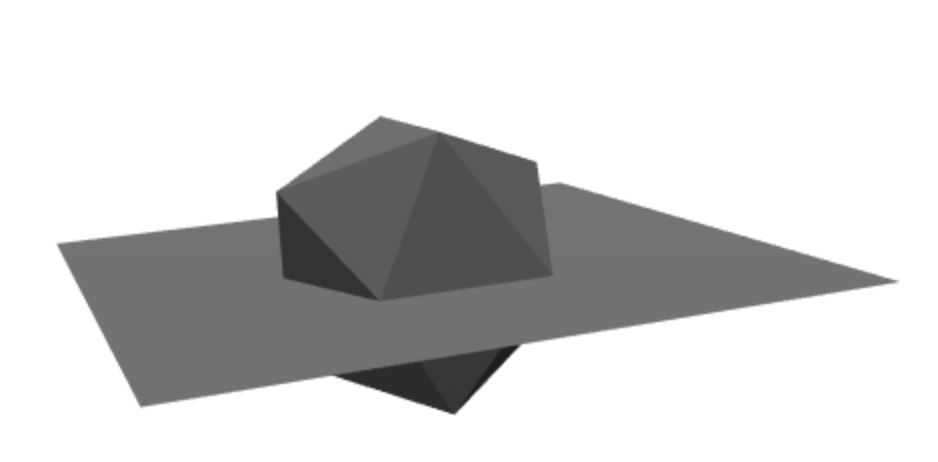
When using the VRML importer, any objects that does not have their pivot in the center of the scene are moved to the center of the scene.
Three.js version
r94
Browser
- [x] All of them
OS
- [x] All of them
 Glinkis
All 5 comments
Can you please share a VRML file that reproduces the mentioned behavior? The official example seems to work well. At least the following code section does read the position data correctly from the respective VRML file:
 Mugen87
on 28 Aug 2018
Mugen87
on 28 Aug 2018
 Glinkis
on 31 Aug 2018
Glinkis
on 31 Aug 2018
This may be a problem with my own code after all.
I will dive a bit deeper, and if this is indeed the case I will close this issue with an apology.
Glinkis
on 31 Aug 2018
I will dive a bit deeper, and if this is indeed the case I will close this issue with an apology.
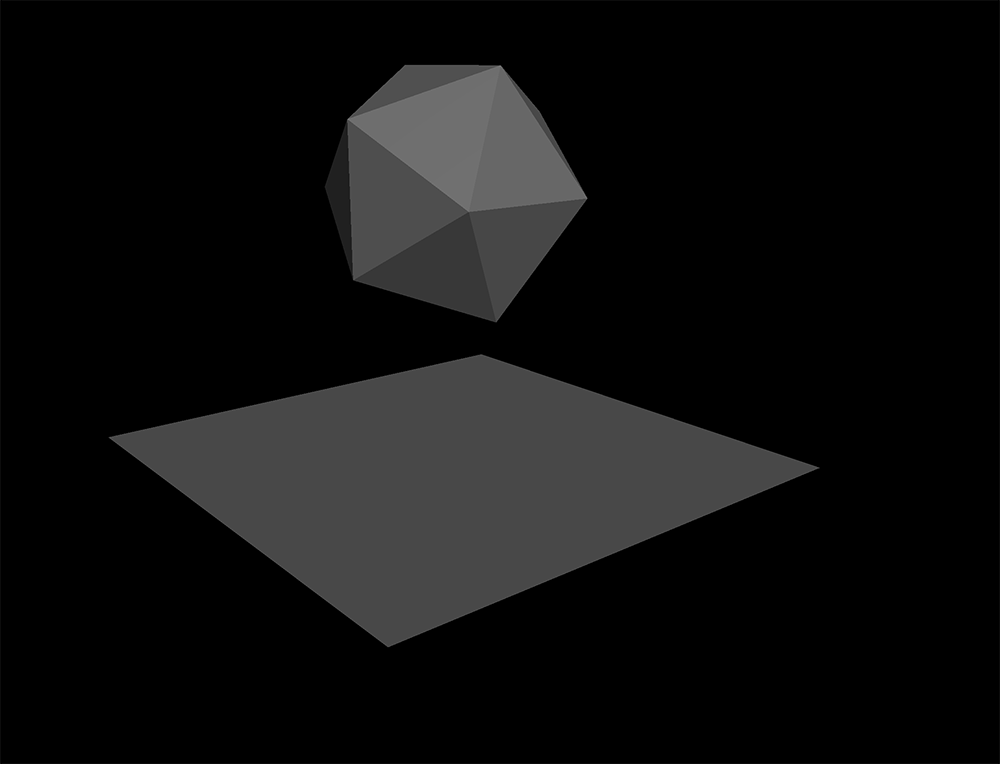
No problem. I've loaded the file in webgl_loader_vrml and see this:
Mugen87
on 31 Aug 2018
Yes, it seems that this was an issue in my code, that had to do with detaching the object from its parent before the scene graph world matrices had been calculated.
Glinkis
on 31 Aug 2018
Related issues
 akshaysrin
·
3Comments
akshaysrin
·
3Comments
 filharvey
·
3Comments
filharvey
·
3Comments
 Bandit
·
3Comments
Bandit
·
3Comments
 jens-duttke
·
3Comments
jens-duttke
·
3Comments
 ghost
·
3Comments
ghost
·
3Comments
Most helpful comment
Yes, it seems that this was an issue in my code, that had to do with detaching the object from its parent before the scene graph world matrices had been calculated.