Three.js: FBXLoader: Wrong Normal Data for lighting
Description of the problem
I update the FBXLoader today and find that it show wrong normal (I guess is the normal) when lighting for some fbx model. I will show different view for the same scene in the following, note that I have set the intensity of the directional light to 1000 ( I think big enough ). However, it shows wrong effect.

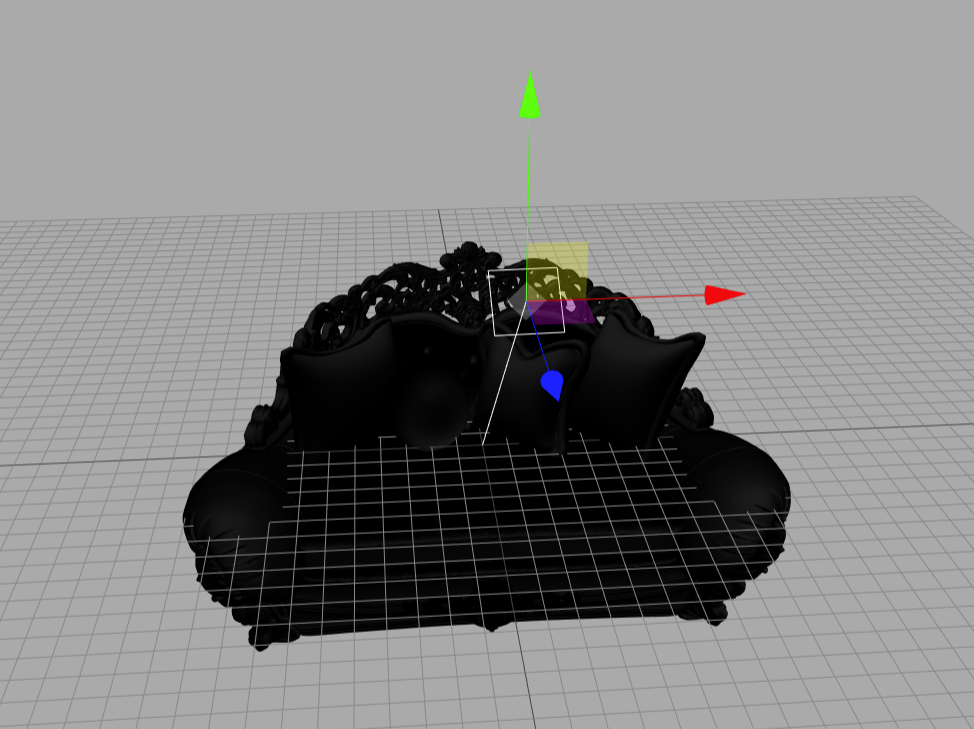


It show in r87 like (the sun icon is a directional light):
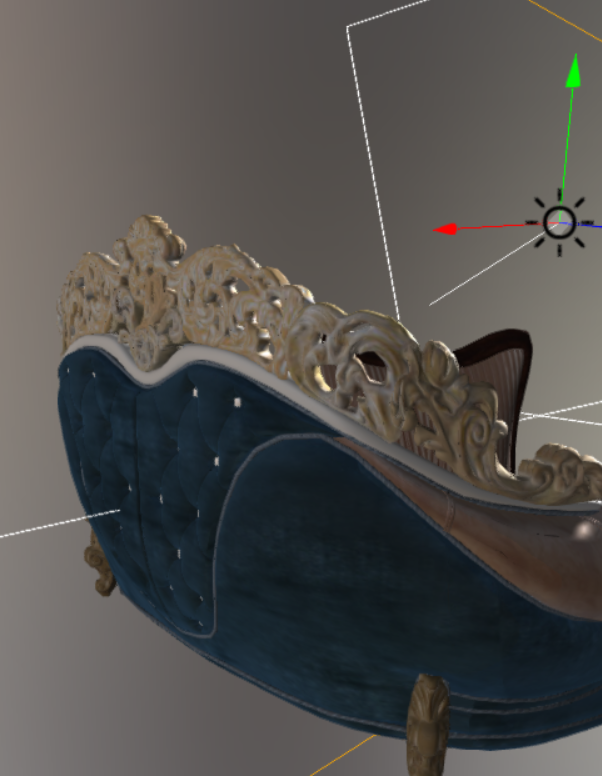
and in r89:
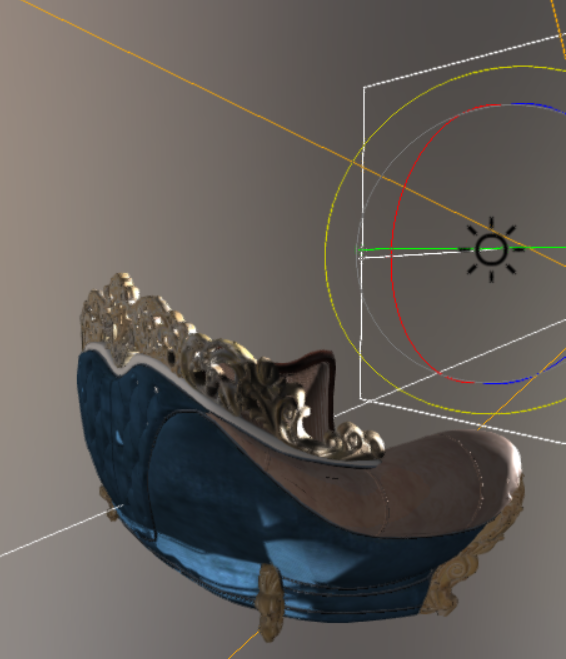
In addition, reversely in r87, the FBXLoader also has some bugs (the icon in the scene is a rectarea light):
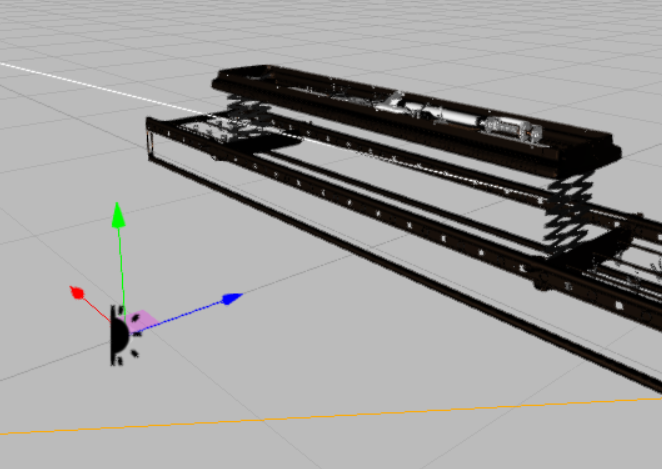
which show in r89:

So I think when fix some bug in r89, it maybe leads to the oppositive bug.
Three.js version
- [x] Dev
- [x] r89
- [ ] ...
Browser
- [x] All of them
- [ ] Chrome
- [ ] Firefox
- [ ] Internet Explorer
OS
- [x] All of them
- [ ] Windows
- [ ] macOS
- [ ] Linux
- [ ] Android
- [ ] iOS
Hardware Requirements (graphics card, VR Device, ...)
 jy-tao
All 6 comments
Can you share the models? I'll take a look
 looeee
on 1 Feb 2018
looeee
on 1 Feb 2018
These are the model that result the problem. I just simplify the two model. Which show wrong in the website editor is the "testSofa1.fbx", and the "testIron.fbx" is which show wrong in r87.
jy-tao
on 1 Feb 2018
testIron.fbx looks fine.
testSofa.fbx is missing textures so it appears black. Can you provide the textures as well?
looeee
on 1 Feb 2018
What I get is just this model without textures. So it's neccessary for the model have the textures? But in r87, it show right. The following two picture have the same light direction, but they show different. I don't think it's about the texture. I try a lot in r89 and guess that the angle between what in r89 and the realistic light, has a bias of 90 degree.
r87:

r89:

After about 90 degree rotate, it show like in r87

Which show in the website editor use "testSofa1":


jy-tao
on 1 Feb 2018
note that I have set the intensity of the directional light to 1000 ( I think big enough )
1 is big enough. That is a clear sign the normals are not correct.
In r.88 the normals appear correct, and the model is loaded on its side.

In r.89, the normals are not correct, and the model is loaded right-side-up.

 WestLangley
on 1 Feb 2018
WestLangley
on 1 Feb 2018
This issue is that I applied the pre transform to the vertices, but not to the vertex normals. Kind of obvious that I would need to do that in hindsight...
Fixed in #13290
looeee
on 10 Feb 2018
Related issues
 Bandit
·
3Comments
Bandit
·
3Comments
 seep
·
3Comments
seep
·
3Comments
 donmccurdy
·
3Comments
donmccurdy
·
3Comments
 clawconduce
·
3Comments
clawconduce
·
3Comments
 konijn
·
3Comments
konijn
·
3Comments
Most helpful comment
1 is big enough. That is a clear sign the normals are not correct.
In r.88 the normals appear correct, and the model is loaded on its side.
In r.89, the normals are not correct, and the model is loaded right-side-up.