Theia: Theia fails to load with webview and preferences opened
Description
When refreshing browser while some Webview widget is opened in the first tab, and preferences in the second tab, Theia fails to load without any error in browser console:

After clearing layout value from browser local storage Theia is able to load again.
Reproduction Steps
- Open some Webview widget. I loaded GitLens vscode extension and then opened its settings with
GitLens: Open Settingscomand. - Open preferences in a second tab:
File->Settings->Open Preferences - Refresh browser.
OS and Theia version:
Windows 10.
Theia master.
Diagnostics:
By debugging the flow I noticed that the issue resides in restoreLayout method inside shell-layout-restorer: await app.shell.setLayoutData(layoutData); call is not resolved.
https://github.com/eclipse-theia/theia/blob/f11045a0f886b3a6ad10fbc5255288abff424aeb/packages/core/src/browser/shell/shell-layout-restorer.ts#L170
 shahar-h
All 7 comments
Which Theia and VS Code extensions you have installed?
 akosyakov
on 14 Jan 2020
akosyakov
on 14 Jan 2020
I built Theia from master branch and loaded GitLens vscode extension, but I could reproduce this issue with any webview.
shahar-h
on 14 Jan 2020
I think its related to https://github.com/eclipse-theia/theia/issues/6287 also.
 vince-fugnitto
on 17 Jan 2020
vince-fugnitto
on 17 Jan 2020
@akosyakov do you know if there is any work on that issue currently or we can take it?
 amiramw
on 7 May 2020
amiramw
on 7 May 2020
@akosyakov do you know if there is any work on that issue currently or we can take it?
I don't think anyone is working on the issue, we'd be happy for you to take it @amiramw.
vince-fugnitto
on 7 May 2020
I checked this issue again.
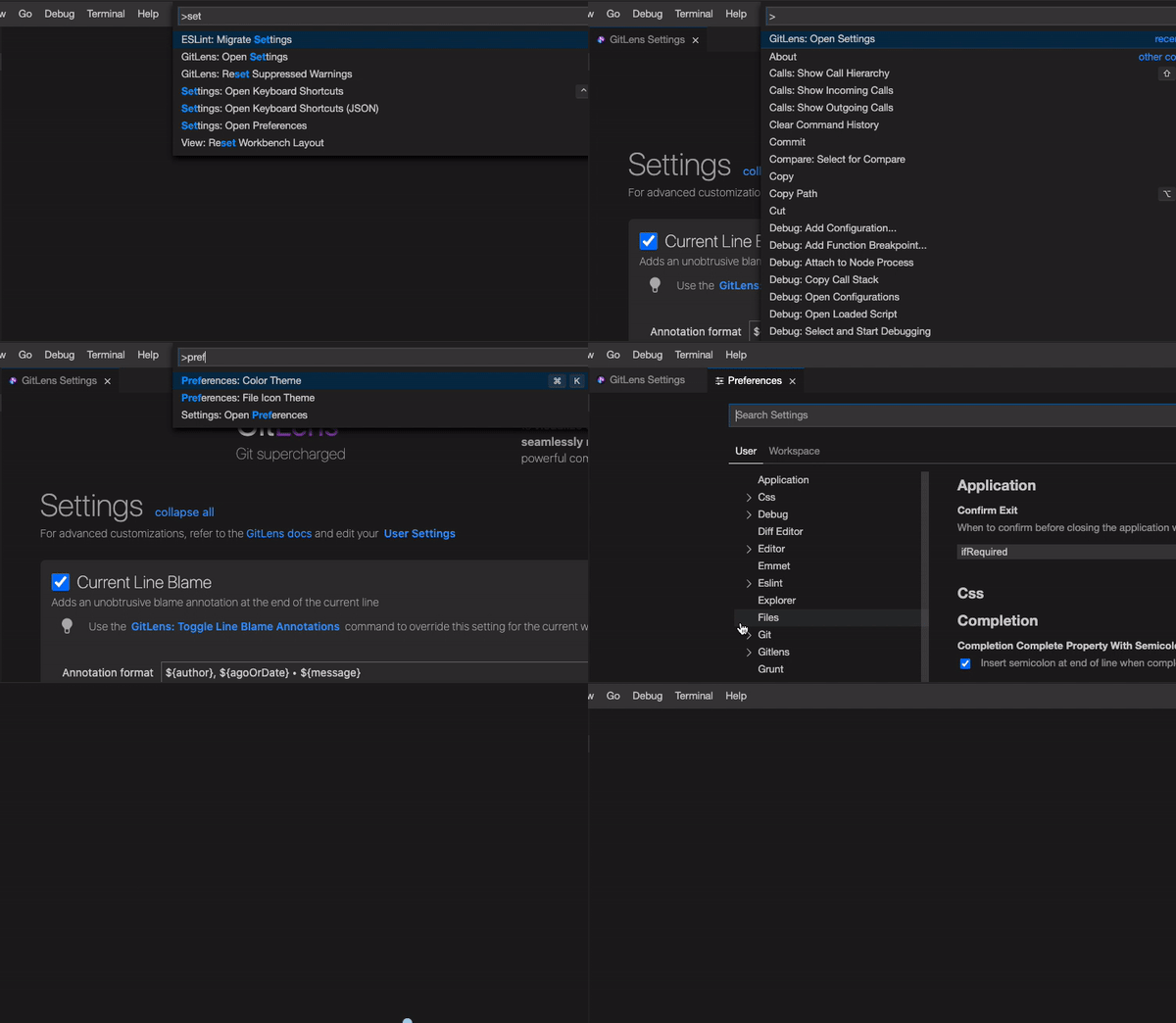
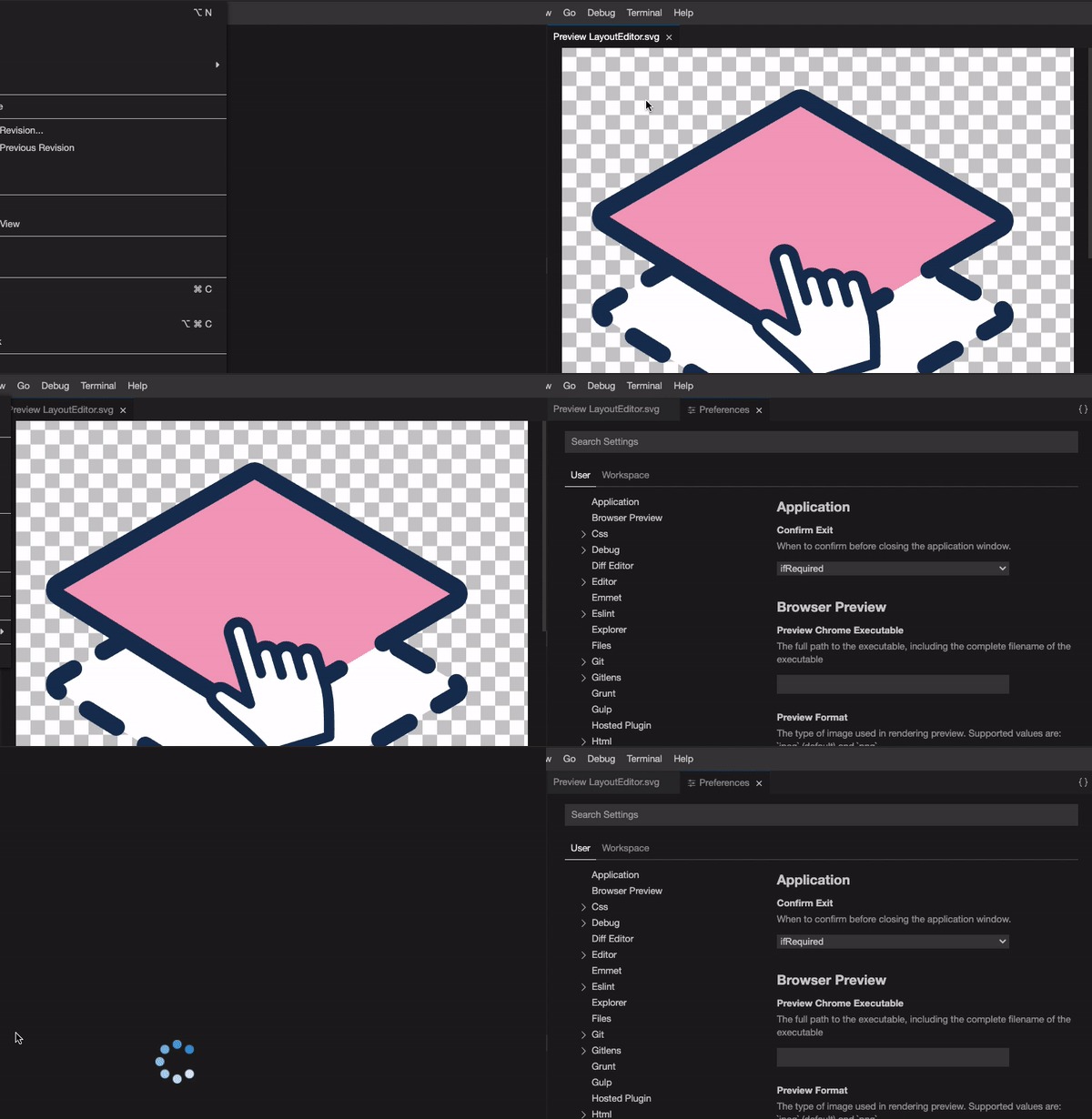
When repeating the steps written above with git lens webview, Theia is loaded but the editor area is blank/ lost it's state. i didn't saw any error or warning in the browser console.
I checked with other random webviews and some have the same issue and some have no issue at all.
issue (git lens):
no issue (svg viewer):
 DoroNahari
on 17 Jun 2020
DoroNahari
on 17 Jun 2020
Should be working now.
 vitaliy-guliy
on 17 Nov 2020
vitaliy-guliy
on 17 Nov 2020
Related issues
 tetchel
·
3Comments
akosyakov
·
3Comments
vince-fugnitto
·
3Comments
tetchel
·
3Comments
akosyakov
·
3Comments
vince-fugnitto
·
3Comments
 Beetix
·
3Comments
Beetix
·
3Comments
 pwFoo
·
3Comments
pwFoo
·
3Comments
Most helpful comment
@akosyakov do you know if there is any work on that issue currently or we can take it?