Theia: No grammar for this language id yaml
Description
logger-protocol.ts:112 root WARN No grammar for this language id yaml Error: No grammar provided for <source.yaml>
    at e._collectDependenciesForDep (https://127.0.0.1/bundle.js:14:312596)
    at e.<anonymous> (https://127.0.0.1/bundle.js:14:313092)
    at https://127.0.0.1/bundle.js:14:310646
    at Object.next (https://127.0.0.1/bundle.js:14:310751)
    at a (https://127.0.0.1/bundle.js:14:309494)
Reproduction Steps
- install vscode ext
redhat.vscode-yaml - open yaml file
OS and Theia version:
Diagnostics:
 502647092
All 11 comments
@502647092 is it only a warning, or there is not syntax coloring as well?
 akosyakov
on 13 Nov 2019
akosyakov
on 13 Nov 2019
@akosyakov not syntax coloring
before it was normal
502647092
on 13 Nov 2019
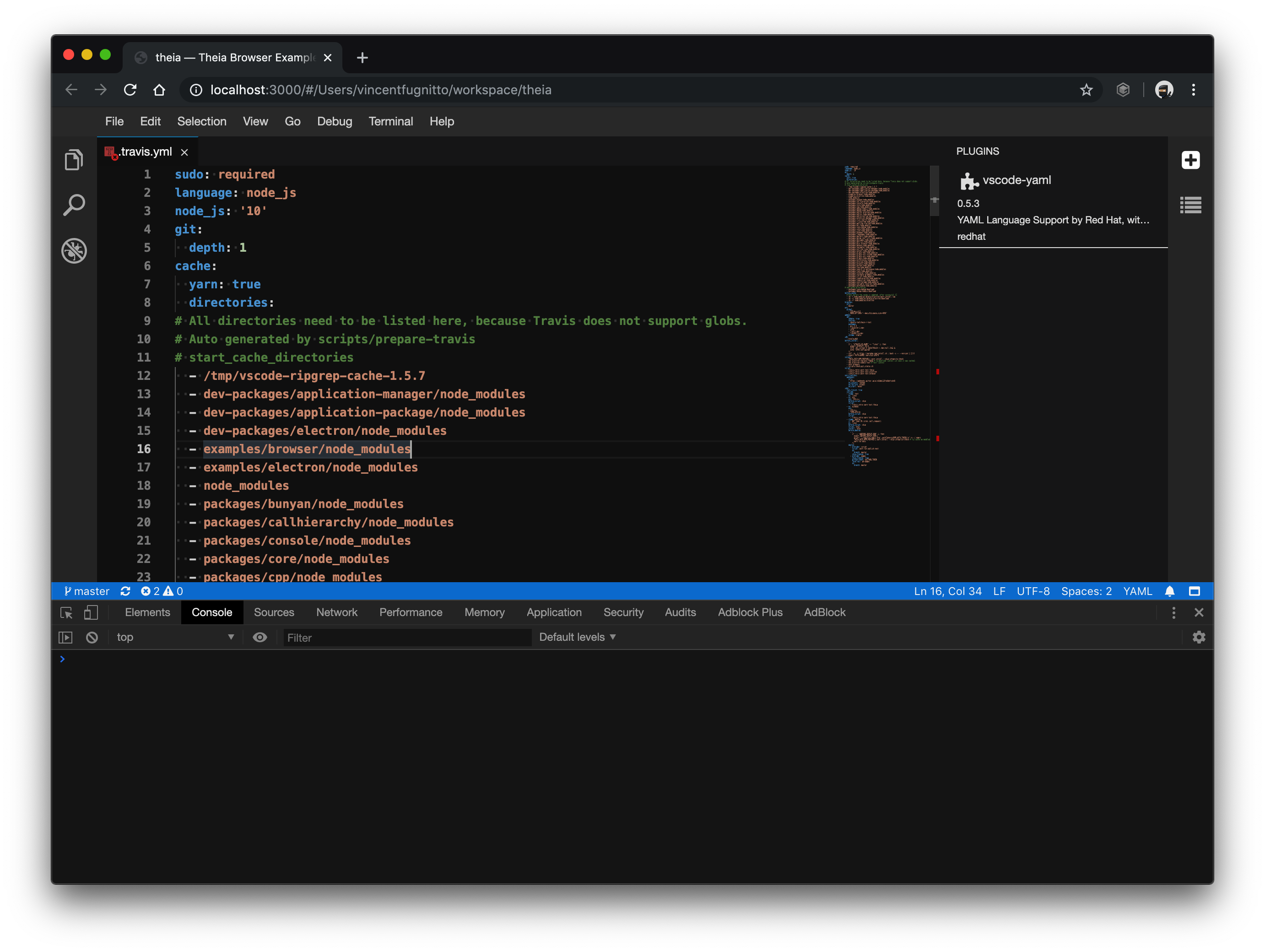
@502647092 I tested the latest master and it seems to work correctly:
 vince-fugnitto
on 13 Nov 2019
vince-fugnitto
on 13 Nov 2019
I verified again and it works correctly. I am able to install the plugin and whether I have an opened .yml file or not, the extension still works correctly and am able to get the highlighting :)
Please re-open the issue if the problem persists.
vince-fugnitto
on 19 Nov 2019
@vince-fugnitto I test at master now it work correctly
502647092
on 20 Nov 2019
@vince-fugnitto
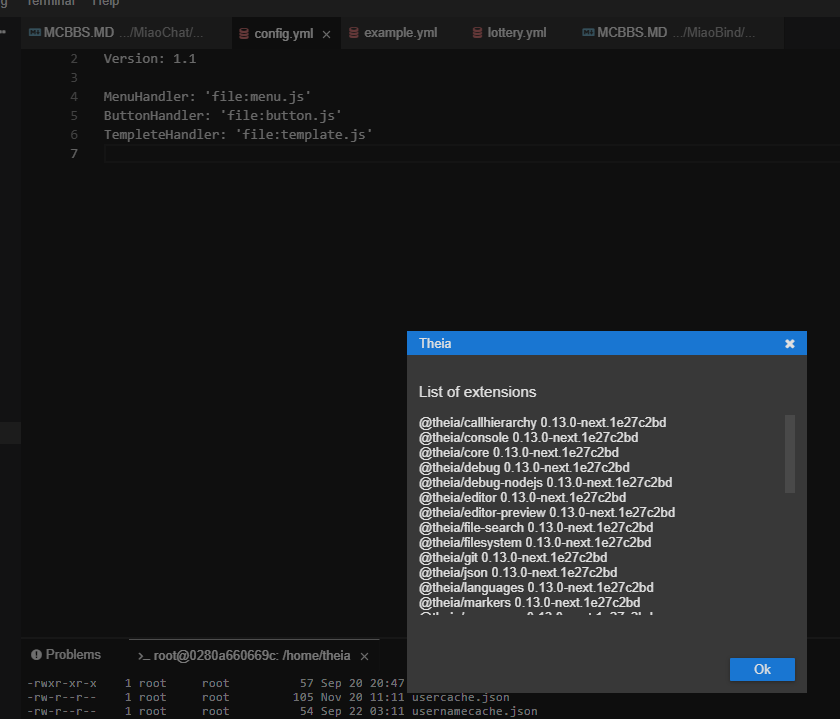
I don't know what happen
highlighting miss after I reload window
502647092
on 20 Nov 2019
@vince-fugnitto
I don't know what happen
highlighting miss after I reload window
Do you mean just reloading the browser window?
I've tried reloading and it's working correctly, the yaml files still have their syntax highlighting.
vince-fugnitto
on 20 Nov 2019
In Gitpod periodically I see that some editors don't get highlighted, like 4 typescripts editors and only one does not work. I don't get any errors and impossible to reproduce. Maybe it is same kind of a bug. There were never versions of vscode-textmate package, maybe we can try it.
akosyakov
on 20 Nov 2019
@vince-fugnitto I can't reopen this issue
502647092
on 21 Nov 2019
The syntax highlighting should now be provided by vscode-builtin-yaml once @theia/textmate-grammars is deprecated.
vince-fugnitto
on 17 Jan 2020
@vince-fugnitto don’t think that it will change anything in regards to this issue. Coloring itself is still implemented with vscode-textmate.
akosyakov
on 18 Jan 2020
Related issues
 vinokurig
·
3Comments
vinokurig
·
3Comments
 kpge
·
3Comments
kpge
·
3Comments
 cekvenich
·
3Comments
akosyakov
·
3Comments
cekvenich
·
3Comments
akosyakov
·
3Comments
 pwFoo
·
3Comments
pwFoo
·
3Comments