Theia: "Browser Preview for VS Code" VSCode extension not working in Theia
Description
I noticed that the popular extension "Browser Preview for VS Code " was not working on theia
Issue: as soon as you start Theia after deploying the extension there is a lot of browser windows opening in a loop
This is what I have in the theia debug console: https://pastebin.com/dnVDkR17
Reproduction Steps
1) Download the extension here: https://marketplace.visualstudio.com/items?itemName=auchenberg.vscode-browser-preview
2) Put it in your plugins folder of Theia
3) Restart Theia, open it in your browser, you will see tons of windows opening inside theia
OS and Theia version:
Ubuntu 18.04, Theia 0.5.0
Diagnostics:
[hosted-plugin: 20052] (node:20052) UnhandledPromiseRejectionWarning: Error: The command 'workbench.view.explorer' cannot be executed. There are no a ctive handlers available for the command. (args: [{"_isCancelled":false}])
at CommandRegistry.
at step (http://127.0.0.1:4949/bundle.js:97487:23)
at Object.next (http://127.0.0.1:4949/bundle.js:97468:53)
at http://127.0.0.1:4949/bundle.js:97462:71
at new Promise (
at ../../packages/core/lib/common/command.js.__awaiter (http://127.0.0.1 :4949/bundle.js:97458:12)
at CommandRegistry.../../packages/core/lib/common/command.js.CommandRegistry .executeCommand (http://127.0.0.1:4949/bundle.js:97667:16)
at CommandRegistryMainImpl.push.../../packages/plugin-ext/lib/main/browser/c ommand-registry-main.js.CommandRegistryMainImpl.$executeCommand (http://127.0.0.1:4949/82.bundle.js:4661:72)
at RPCProtocolImpl.push.../../packages/plugin-ext/lib/api/rpc-protocol.js.RP CProtocolImpl.doInvokeHandler (http://127.0.0.1:4949/82.bundle.js:861:23)
at RPCProtocolImpl.push.../../packages/plugin-ext/lib/api/rpc-protocol.js.RP CProtocolImpl.invokeHandler (http://127.0.0.1:4949/82.bundle.js:846:41)
(node:20052) UnhandledPromiseRejectionWarning: Unhandled promise rejection. This error originated either by throwing inside of an async function without a catch block, or by rejecting a promise which was not handled with .catch(). (rejectio n id: 33)
 jbenguira
All 6 comments
@jbenguira Support for webviews landed last week. It should work now, but a command which you mentioned in the stack trace probably still missing.
 akosyakov
on 2 Dec 2019
akosyakov
on 2 Dec 2019
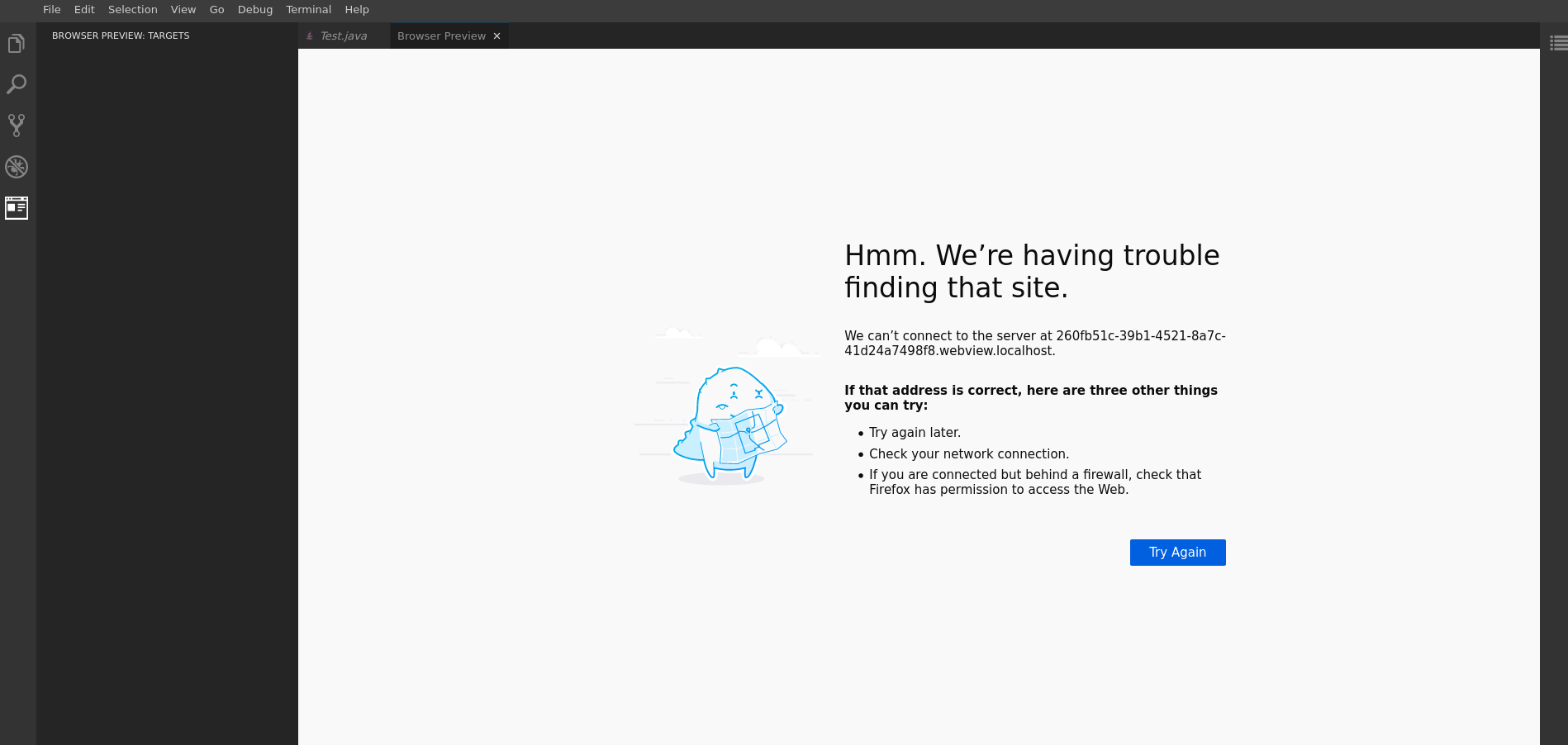
@akosyakov hii, i tired to load Browser Preview in new version that have support to webview and i got...
Theia try to load URL "http://0c858369-12a7-4a87-9173-ef6fc8c0b6a1.webview.localhost:3010/webview/index.html?id=0c858369-12a7-4a87-9173-ef6fc8c0b6a1"
also if i tried to load my custom html code that written in extension of vs code, in theia i have a same issue.
 eli88p
on 28 Jan 2020
eli88p
on 28 Jan 2020
Which browser? Firefox has issues with considering sub domains of localhost as secure.
akosyakov
on 28 Jan 2020
@akosyakov Thank it's work from chromium
eli88p
on 29 Jan 2020
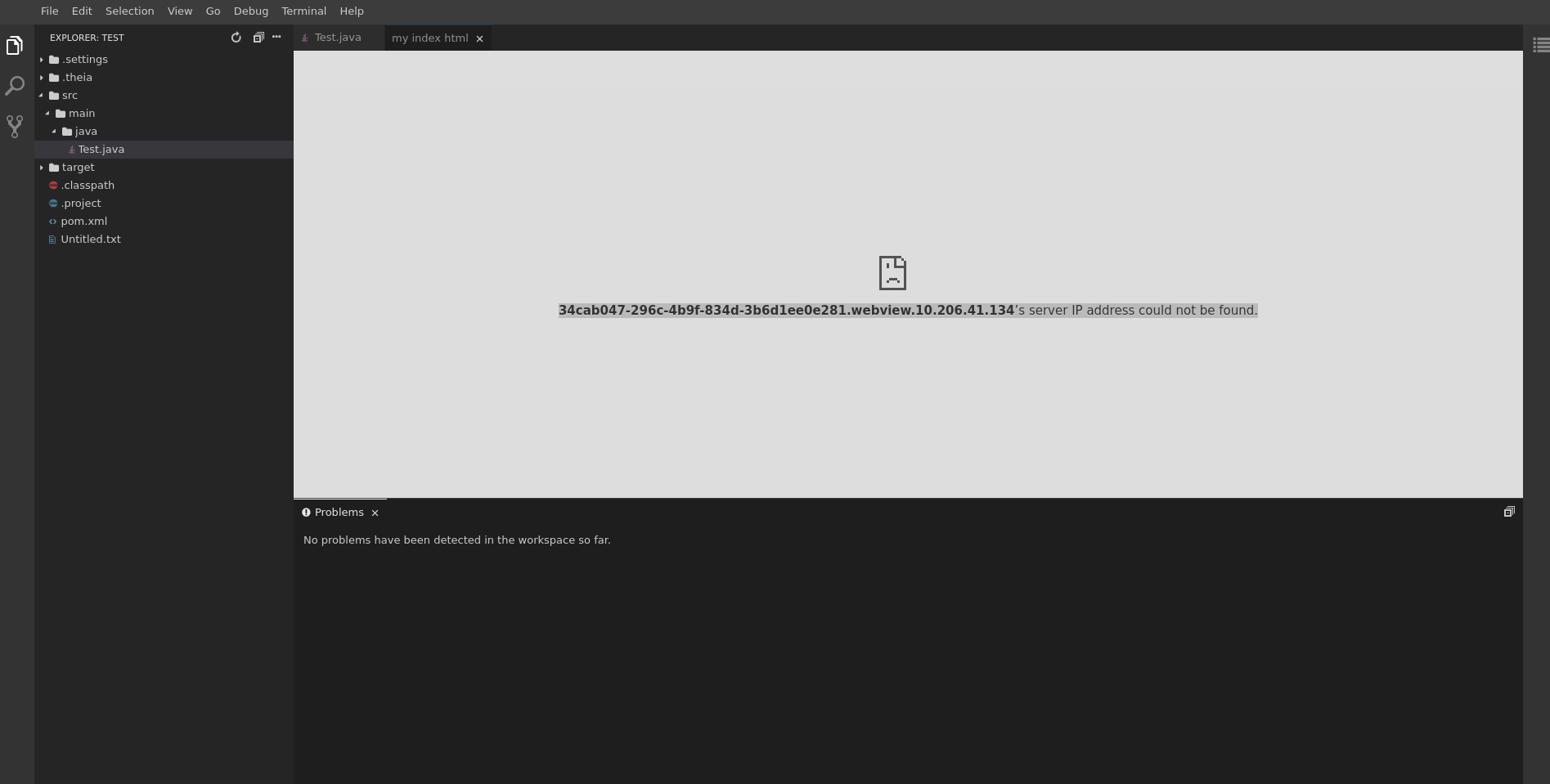
@akosyakov Anton i have another issue with run from my host IP instead of localhost
if i try to open from localhost everything works.
Browser: chromium.
Logs:
root ERROR Failed to enable webview caching: ReferenceError: caches is not defined
at WebviewResourceCache.
at step (http://10.206.41.134:8080/52.bundle.js:15938:23)
at Object.next (http://10.206.41.134:8080/52.bundle.js:15919:53)
at http://10.206.41.134:8080/52.bundle.js:15913:71
at new Promise (
at push.../../packages/plugin-ext/lib/main/browser/webview/webview-resource-cache.js.__awaiter (http://10.206.41.134:8080/52.bundle.js:15909:12)
at WebviewResourceCache.push.../../packages/plugin-ext/lib/main/browser/webview/webview-resource-cache.js.WebviewResourceCache.resolveCache (http://10.206.41.134:8080/52.bundle.js:15955:16)
at new WebviewResourceCache (http://10.206.41.134:8080/52.bundle.js:15952:14)
at Object.resolveInstance (http://10.206.41.134:8080/bundle.js:46674:18)
at http://10.206.41.134:8080/bundle.js:46767:42
eli88p
on 29 Jan 2020
@eli88p webviews work only in secure context, localhost or https
plus they deployed on own origin to isolate them from access to main window state like cookies, you will have to configure some DNS server records to resolve subdomains properly. If you don't care about isolation you can configure, here is the explanation from CHANGELOG:
Before all webviews were deployed on the same origin allowing them to break out and manipulate shared data as cookies, local storage or even start service workers for the main window as well as for each other. Now each webview will be deployed on own origin by default.
Webview origin pattern can be configured with THEIA_WEBVIEW_EXTERNAL_ENDPOINT env variable. The default value is {{uuid}}.webview.{{hostname}}. Here {{uuid}} and {{hostname}} are placeholders which get replaced at runtime with proper webview uuid and hostname correspondingly.
To switch to un-secure mode as before configure THEIA_WEBVIEW_EXTERNAL_ENDPOINT with {{hostname}} as a value. You can also drop {{uuid}}. prefix, in this case, webviews still will be able to access each other but not the main window.
akosyakov
on 29 Jan 2020
Related issues
akosyakov
·
3Comments
 Beetix
·
3Comments
Beetix
·
3Comments
 kpge
·
3Comments
kpge
·
3Comments
 cekvenich
·
3Comments
cekvenich
·
3Comments
 jankeromnes
·
3Comments
jankeromnes
·
3Comments
Most helpful comment
@eli88p webviews work only in secure context, localhost or https
plus they deployed on own origin to isolate them from access to main window state like cookies, you will have to configure some DNS server records to resolve subdomains properly. If you don't care about isolation you can configure, here is the explanation from CHANGELOG: