Testcafe-hammerhead: Incorrect location wrapper breaks navigating iframes without the src attribute
Page content isn't rendered on Mailchimp.
https://github.com/DevExpress/testcafe/issues/3904#issuecomment-630240068
 aleks-pro
All 22 comments
Is there any update to this issue i can report to my team?
 justin-wingo
on 7 Jun 2020
justin-wingo
on 7 Jun 2020
@justin-wingo
Hello,
We have no updates yet. We'll get back we have any news to share.
 Farfurix
on 8 Jun 2020
Farfurix
on 8 Jun 2020
@Farfurix Can we get any update on this issue b/c it is stalling our efforts in implementing a new testing framework
justin-wingo
on 10 Jun 2020
No updates yet. Once we get any results, we will post them here.
 AlexSkorkin
on 12 Jun 2020
AlexSkorkin
on 12 Jun 2020
@AlexSkorkin will we get any kind of update on this issue? We are going on over 10 days of no update or any changes to help us with our testing.
justin-wingo
on 23 Jun 2020
Hi,
This issue is blocking my automation team here at Mailchimp. We'd like to continue to use TestCafe, along with appropriate support.
 jarius-hayes
on 23 Jun 2020
jarius-hayes
on 23 Jun 2020
Hello,
We didn't manage to investigate this problem yet, please keep track of this issue to stay tuned. In the meantime, try updating your TestCafe version, we improved TestCafe compatibility with some web pages by fixing #642 in [email protected].
 AlexanderMoiseev
on 24 Jun 2020
AlexanderMoiseev
on 24 Jun 2020
@AlexanderMoiseev we have tried to use Testcafe Studio to do a simple record and playback with our app. We were able to interact with the iframe throughout the app with no problem using the playback feature. Yet once we exporting the code testcafe will not interact with the app the same way. Could you please advise. Below is the sample code:
import { Selector } from 'testcafe';

fixture `New Fixture`
    .page `https://mailchimp.com/login`;

test('New Test', async t => {
    await t
        .click(Selector('#onetrust-consent-sdk').find('.onetrust-pc-dark-filter.ot-fade-in'))
        .click(Selector('#onetrust-accept-btn-handler'))
        .click(Selector('main').find('.av-text'))
        .typeText(Selector('main').find('.av-text'), 'INSERT USERNAME')
        .pressKey('tab')
        .typeText(Selector('main').find('.av-password'), 'INSERT PASSWORD')
        .click(Selector('main').find('button').withText('Log In'))
        .click(Selector('#root').find('.freddicon-2LtSi.menu-down-eYtKX').nth(3))
        .click(Selector('#root').find('a').withText('Account'))
        .switchToIframe(Selector('#fallback'))
        .click(Selector('main').find('.freddicon.menu-down').nth(2))
        .click(Selector('main').find('.freddicon.menu-down').nth(1));
});
Hello,
Thank you for the update. I'm trying to reproduce the behavior you described but I didn't encounter any differences when using the TestCafe Studio playback feature and running the converted .js file.
I've recorded a test similar to the one you shared (with additional verification steps):
import { Selector } from 'testcafe';

fixture `fixture`
    .page `https://mailchimp.com/login`;

test('recorded', async t => {
    await t
        .typeText(Selector('main').find('.av-text'), 'USERNAME')
        .typeText(Selector('main').find('.av-password'), 'PASSWORD')
        .click(Selector('main').find('button').withText('Log In'))
        .click(Selector('main').find('label').withText('Answer a security question'))
        .typeText(Selector('main').find('.question-answer-input.av-text'), 'ANSWER')
        .click(Selector('main').find('button').withText('Submit Verification'))
        .click(Selector('#root').find('.freddicon-2LtSi.menu-down-eYtKX'))
        .click(Selector('#root').find('a').withText('Account'))
        .switchToIframe(Selector('#fallback'))
        .click(Selector('main').find('.freddicon.menu-down').nth(2))
        .click(Selector('main').find('.freddicon.menu-down').nth(3));
});
The test executes in exactly the same way both with the playback feature and when running the .js file manually. This is the page that loads once I log in:
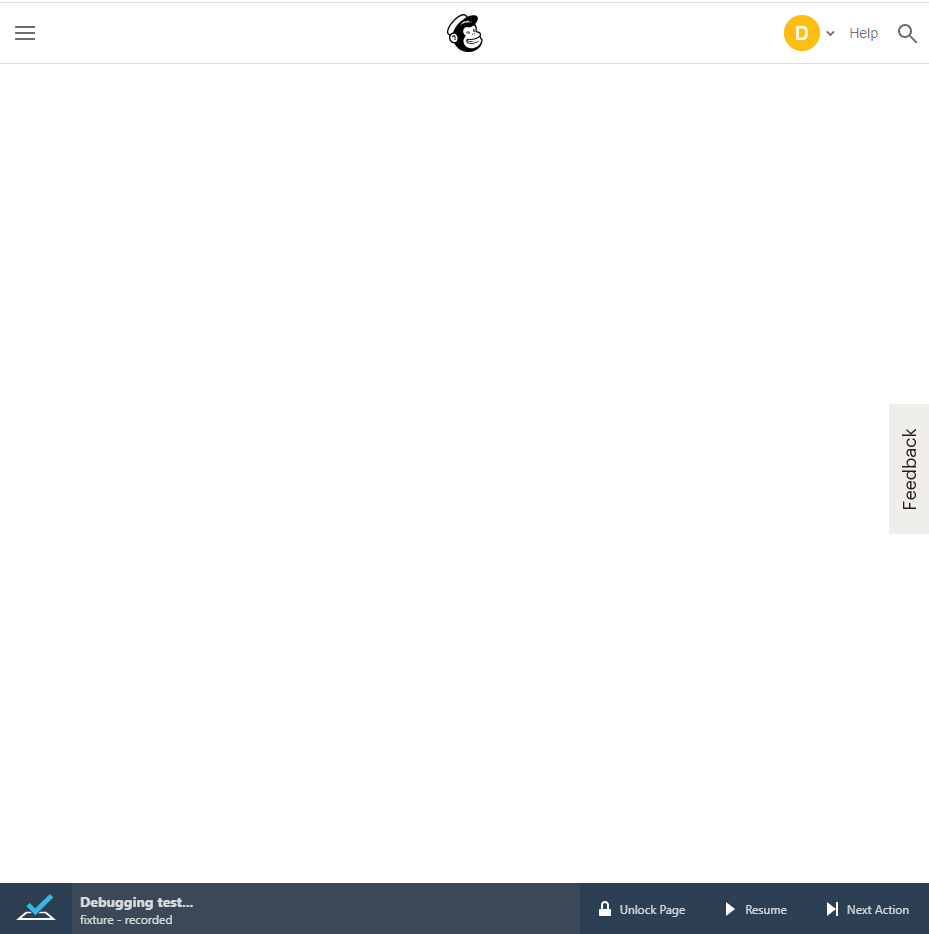
Please share more details about the difference in behavior. We would appreciate it if you attach screenshots or videos of how you are using the TestCafe Studio playback feature versus running the converted test manually.
 Ogurecher
on 2 Jul 2020
Ogurecher
on 2 Jul 2020
I'll share my two cents cause i encounter the problem also..so in my case i-m switching to a iframe but the iframe does not load (in upper left corner appears string loading and it stays like that)..if i perform the action manually, iframe loads (to reproduce i-m using test cafe 1,8,7). I downgraded testcafe to 1.8.6 and works perfectly. So in my case it is a problem of 1.8.7 version. As an additional info, i have other iframe within the project, and on that one, 1.8.7 works as expected..there is something which does not work with some iframes in regards to testcafe...
 vjmaiky
on 3 Jul 2020
vjmaiky
on 3 Jul 2020
@vjmaiky, Thank you for sharing your findings with us.
Ogurecher
on 3 Jul 2020
@vjmaiky Thanks for your help but that didnt solve our issue. @Ogurecher so how do we fix this issue?
justin-wingo
on 8 Jul 2020
@justin-wingo, The information you shared is not sufficient to determine the cause of the issue. You mentioned that in TestCafe Studio the playback interacted with the iframe in a different manner as compared to the case when you ran the test manually.
We couldn't reproduce this difference. We need more information to investigate this behavior further. What happens when you interact with the iframe using Studio's playback feature? What happens when you run the converted test with TestCafe?
We would also appreciate if you share details about these scenarios - video footage or screenshots of both runs.
Ogurecher
on 9 Jul 2020
@Ogurecher understood. But the original issue has nothing to do with the testcafe studio. We are trying all options to resolve this issue so we can move forward and you guys are not able to tell us anything regarding the original issue. So the original issue is that when we use testcafe for our test the home page is blank. The iframe for our app doesn't load unless we reload the page. The second issue is if we bypass the home page issue we go to another page and click an element in the iframe and then the test stops. Testcafe no longer lets us click another element within the iframe and the test doesn't stop properly. Because of these issues we tried to use testcafe studio. So we were trying to help with a resolution to the issues we are having with testcafe and iframes. So again the issue we are having with testcafe studio is not our main issue or even something we want to dive into. We just want to be able to use testcafe with our single page application and currently we are not getting any help from testcafe to fix our issue so we are at a standstill. So please let us know how we can fix this issue and move forward. Thanks
justin-wingo
on 9 Jul 2020
Thank you for your patience. I spend some time debugging the issue. It is caused by incorrect location handling on the TestCafe side. I was able to make a quick fix. Could you please install the attached TestCafe debug build? You can install it by using npm install --save-dev https://git.io/JJYqN or by replacing your TestCafe version with https://git.io/JJYqN
in your package.json:
"testcafe": "https://git.io/JJYqN"
Details for the team:
Hammerhead creates an incorrect location wrapper when accessing an iframe without src in the top window scope. Compare location objects with & without TestCafe:
With TestCafe
hash: ""
host: "${REDACTED}"
hostname: "${REDACTED}"
href: "about:blank"
origin: "https://${REDACTED}"
pathname: "/"
port: ""
protocol: "https:"
Without TestCafe
hash: ""
host: ""
hostname: ""
href: "about:blank"
origin: "null"
pathname: "blank"
port: ""
protocol: "about:"
 AndreyBelym
on 10 Jul 2020
AndreyBelym
on 10 Jul 2020
@AndreyBelym thanks for your response. This build does fix our issue with the home page loading once the user signs in. But our test still doesnt close correctly. These are the steps to reproduce once the tests signs in to the app:
test("Login with internal account", async (t) => {
await t.click(navBar.account_name)
.click(navBar.accountLink)
// Switch to the Iframe
.switchToIframe('#fallback')
.click(accountPage.billingLink)
.click(accountPage.billingPlanPageLink);
Then the test just hangs
justin-wingo
on 10 Jul 2020
Thank you for sharing your results. I'm happy to hear that the loading issue is resolved.
It seems that the iframe on the page reloads before the action is completed. In this case, TestCafe will wait for an action that will never be completed. I feel that I managed to solve this problem too. Could you please try my new test build? The package link is https://git.io/JJYOO.
AndreyBelym
on 10 Jul 2020
@AndreyBelym that last build worked perfectly. Thanks.
justin-wingo
on 11 Jul 2020
@AndreyBelym When can we expect an updated testcafe version with this fix?
justin-wingo
on 13 Jul 2020
@justin-wingo
At present, we cannot give you any precise time estimates.
 LavrovArtem
on 13 Jul 2020
LavrovArtem
on 13 Jul 2020
@LavrovArtem When can we expect this fix in a release? We dont see this fix in the lastest release
justin-wingo
on 13 Aug 2020
Thank you for your patience. But the fixes that I provided earlier are proof-of-concept, and we cannot include them in the production code without additional research and testing. We will post a message in this thread once we have any news about the issue status.
AndreyBelym
on 14 Aug 2020
Related issues
 madroneropaulo
·
3Comments
madroneropaulo
·
3Comments
 Avinger27
·
7Comments
Avinger27
·
7Comments
 JoergFiedler
·
7Comments
JoergFiedler
·
7Comments
 matthias-b
·
8Comments
matthias-b
·
8Comments
 franciscolosardo
·
3Comments
franciscolosardo
·
3Comments
Most helpful comment
@AlexSkorkin will we get any kind of update on this issue? We are going on over 10 days of no update or any changes to help us with our testing.