Tesseract: Tesseract is very poor on single line images
i am running tesseract on some images to extract text in it , although images preprocessing seems optimal , tesseract cant detect any character in these images although i have tried different PSM and resizing options and i tried to finetune the model with such images type but also no results
check images below







does this issue related to inverting the image , because the original images were something like that
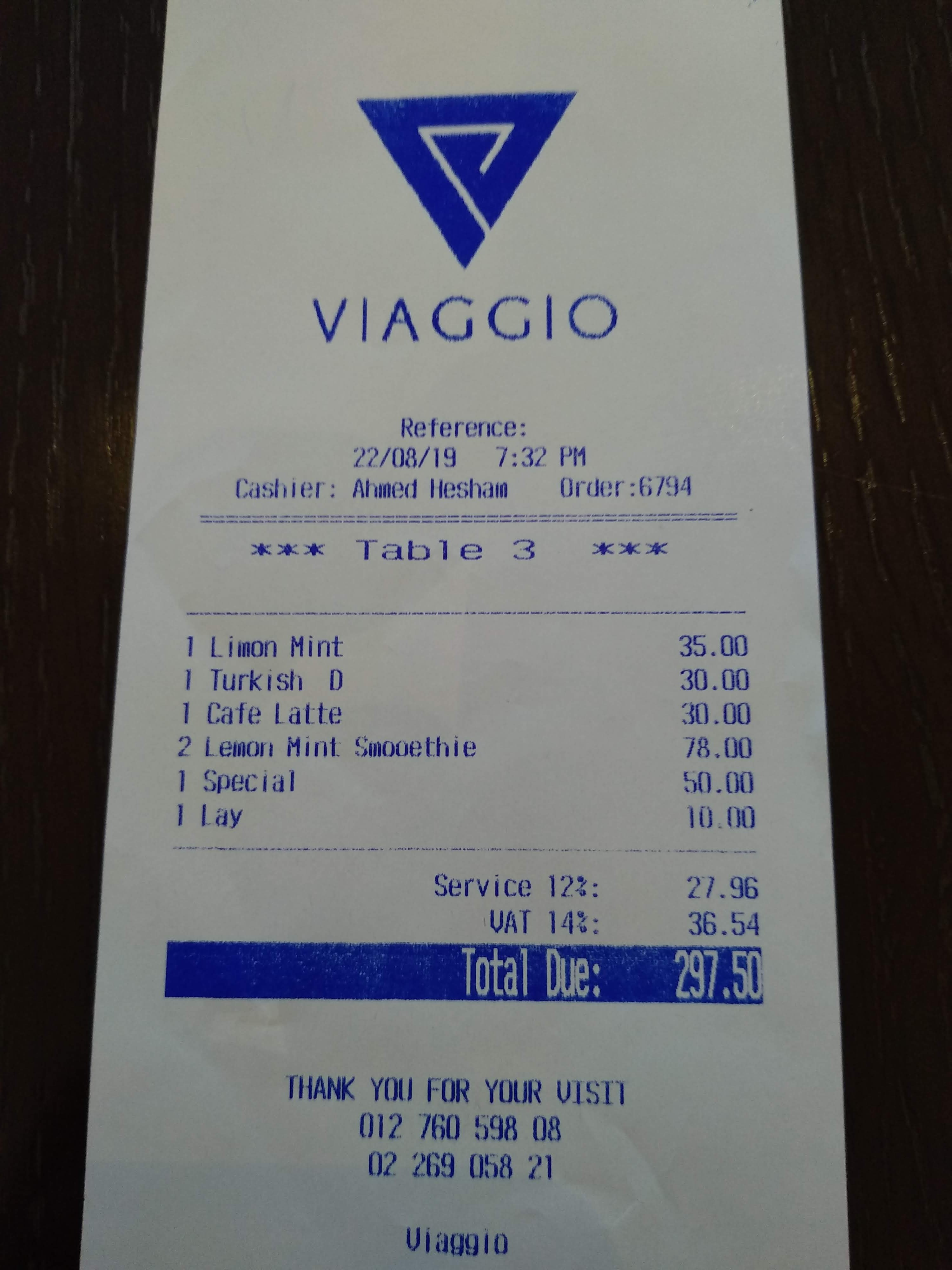

tesseract 4 and newer doesnot detect white text on black background , so i crop the black part invert it and send it to the engine , but no results
 Mohamed209
All 11 comments
Well, at least some characters are recognized:
$ tesseract 64711738-69782d80-d4ba-11e9-80d2-23184f8c287b.jpg - --psm 7 -l tessdata_best/script/Latin
Warning: Invalid resolution 0 dpi. Using 70 instead.
w Tota e R
 stweil
on 11 Sep 2019
stweil
on 11 Sep 2019
@stweil i was thinking that the image is to easy , the application that i am working on needs all characters to be extracted correctly
Mohamed209
on 11 Sep 2019
I am affraid tesseract works according rule: "Bad in - bad out":

tesseract cropped_total.png - --psm 6
Total Due: 60.

tesseract cropped_total2.png - --psm 6
Total Due: 297.50
 zdenop
on 11 Sep 2019
zdenop
on 11 Sep 2019
@zdenop
what tesseract version and langdata you used
Mohamed209
on 11 Sep 2019
I used tesseract 5.0.0-alpha-329-gc5a50 and tessdata_best.
IMO preprocessing is more useful than training (especially if you are able to do text detection outside of tesseract is cases like you shown here)
zdenop
on 12 Sep 2019
@zdenop did you preproceesd the image after cropping the borders ?
Mohamed209
on 12 Sep 2019
First image worked without anything else just cropping.
Second image I need to dewarp (fix slope) first, so cropping fit to rectangle...
Tesseract has problem with borders: just search for "table" in issue tracker...
zdenop
on 12 Sep 2019
@zdenop but it is not practical to just fit the text without any borders , although after many preprocessing some horizontal or vertical lines / blobs may residue in the image
do you see downgrading to versions that supports white text on black background may help
Mohamed209
on 13 Sep 2019
Then tesseract is not right tool for you task. Tesseract needs straight text without border& graphics elements (+ 4.x version need black text on white background after thresholding) to provide good result. It is not bug, it is requirement.
zdenop
on 13 Sep 2019
@zdenop you can share which your code preprocess I would like to learn more from your code
Thank you for reading
Thai Hoc
 NguyenThaiHoc1
on 6 Nov 2019
NguyenThaiHoc1
on 6 Nov 2019
@NguyenThaiHoc1 i have made all preprocessing , he just manually cropped the image to remove black borders
Mohamed209
on 6 Nov 2019
Related issues
 LaurentBerger
·
3Comments
LaurentBerger
·
3Comments
 clarkk
·
7Comments
clarkk
·
7Comments
 reubano
·
6Comments
reubano
·
6Comments
 royudev
·
5Comments
clarkk
·
6Comments
royudev
·
5Comments
clarkk
·
6Comments
Most helpful comment
I am affraid tesseract works according rule: "Bad in - bad out":
