Termux-packages: how can I install hashcat in termux?
All 10 comments
Outdated link to debfiles removed, use package from unstable-repo instead.
 xeffyr
on 21 Apr 2018
xeffyr
on 21 Apr 2018
$ hashcat -b
hashcat (v4.0.0) starting in benchmark mode...
Benchmarking uses hand-optimized kernel code by default.
You can use it in your cracking session by setting the -O option.
Note: Using optimized kernel code limits the maximum supported password length.
To disable the optimized kernel code in benchmark mode, use the -w option.
clGetPlatformIDs(): CL_INVALID_VALUE
Started: Wed Apr 25 19:03:46 2018
Stopped: Wed Apr 25 19:03:46 2018
 687766616e
on 25 Apr 2018
687766616e
on 25 Apr 2018
clGetPlatformIDs(): CL_INVALID_VALUE
hashcat is incompatible with your device.
xeffyr
on 25 Apr 2018
How to fix it?
hashcat v.4.0.0
device = aarch64
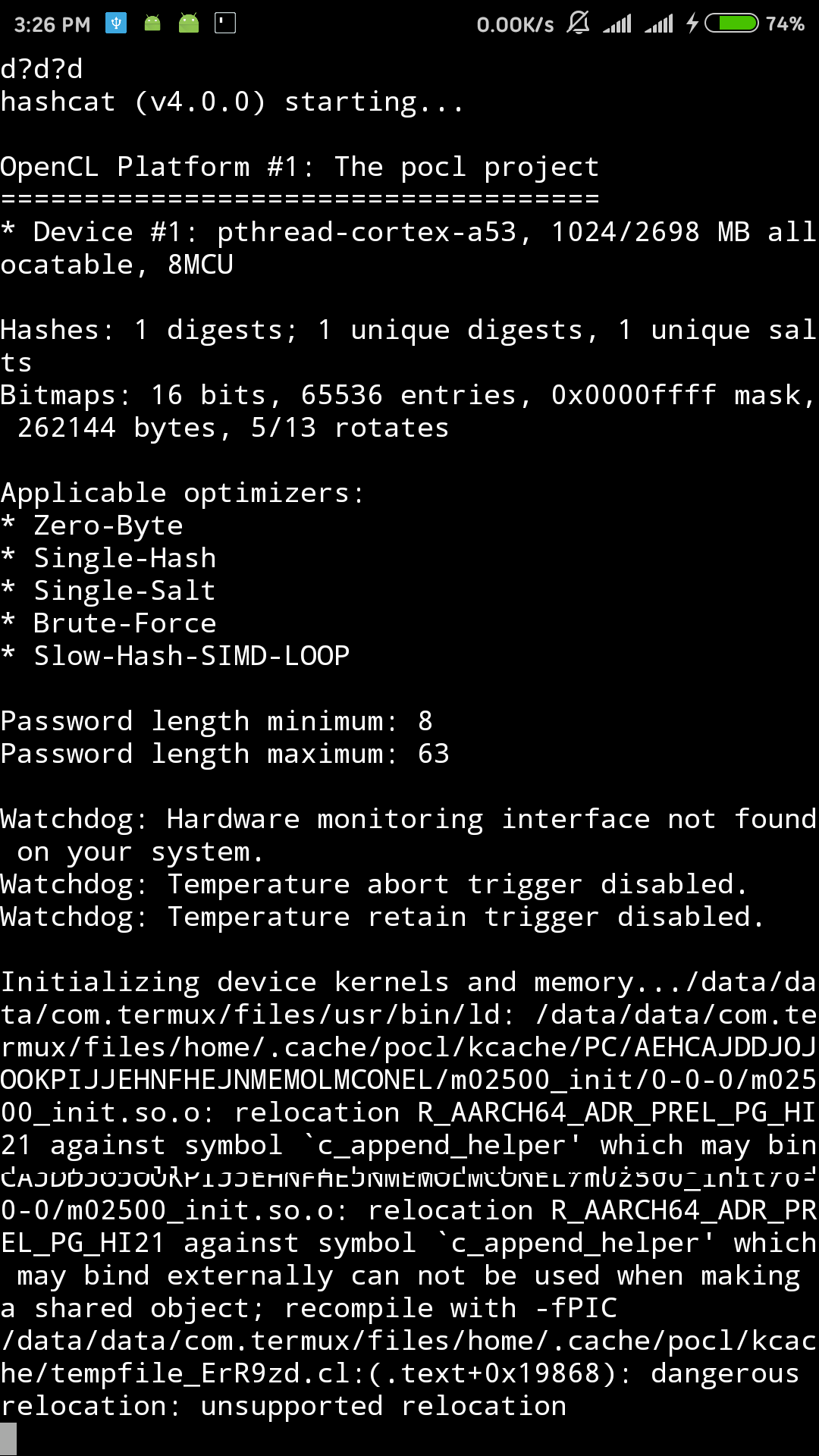
Edit: benchmark testing show same problems
 vida1j
on 4 Jun 2018
vida1j
on 4 Jun 2018
@vida1j No idea. On some devices it works on others not, it even depends on Android version. OpenCL version of hashcat is totally unsupported in Termux at this time.
xeffyr
on 4 Jun 2018
Just try install another tools like CMSmap for good hashing..
 XSecr3t
on 31 Oct 2018
XSecr3t
on 31 Oct 2018
 remo7777
on 3 Jul 2019
remo7777
on 3 Jul 2019
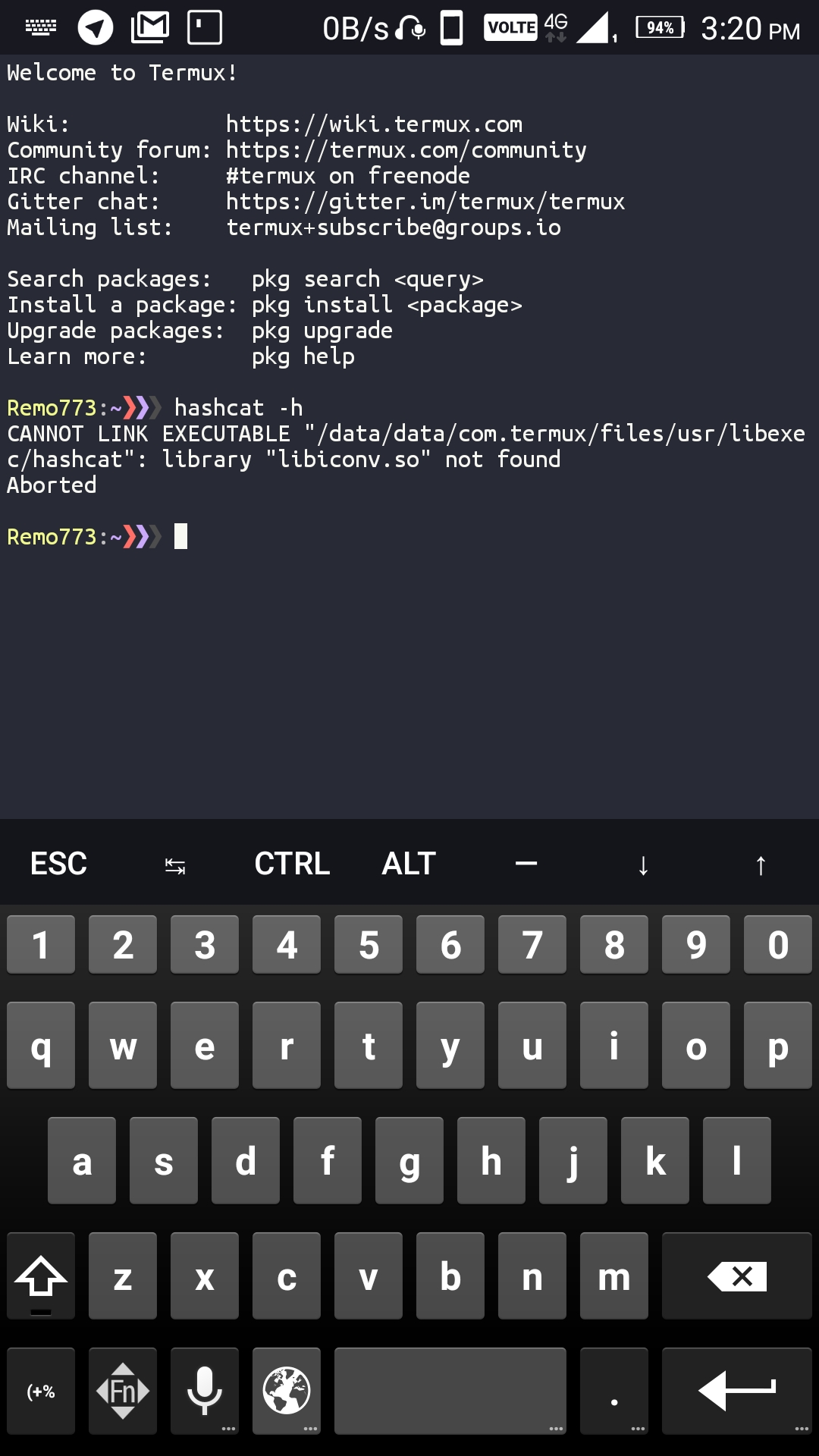
I don't know which version you are trying to use but:
- Upgrade your packages.
pkg upgrade. - Make sure that hashcat is installed from
unstable-repo. - Hashcat is not working on Android 5/6.
xeffyr
on 3 Jul 2019
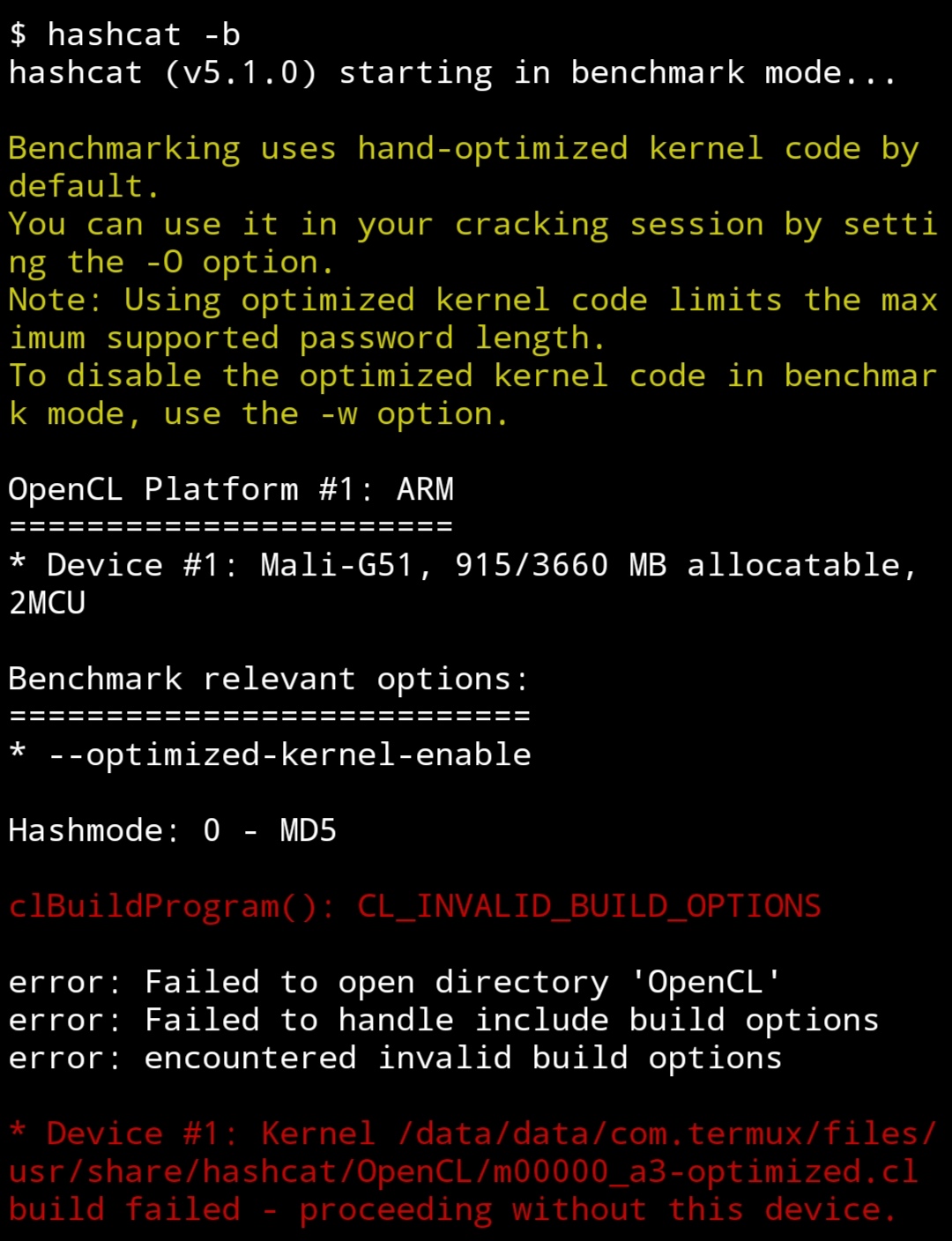
Is there any way to fix the error:
 acdc12
on 16 Jun 2020
acdc12
on 16 Jun 2020
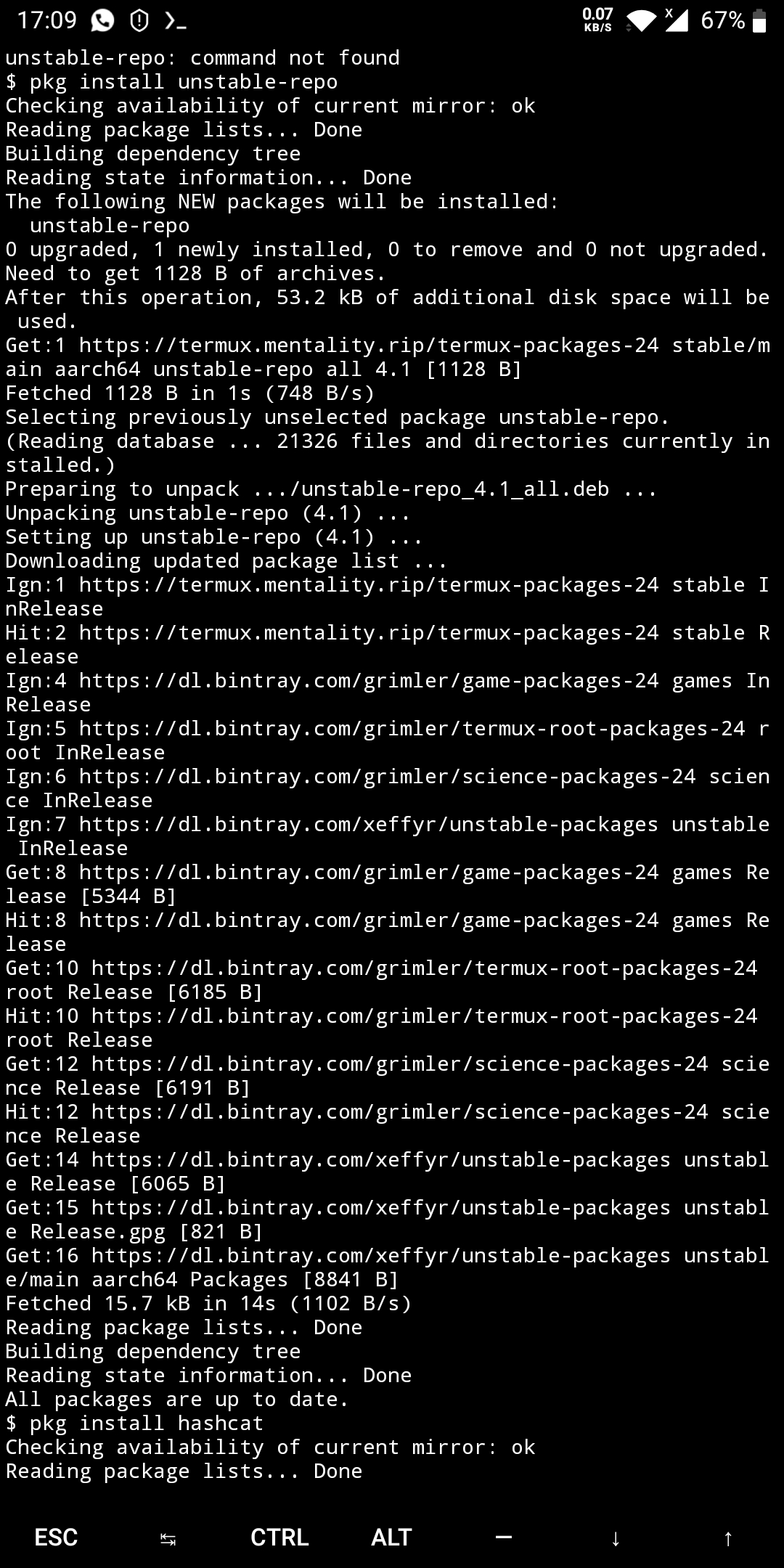
Type
Pkg install unstable-repo
After that
Pkg install hashcat
 Mascaraneous
on 29 Sep 2020
Mascaraneous
on 29 Sep 2020
Related issues
 adit
·
3Comments
adit
·
3Comments
 reggi
·
4Comments
reggi
·
4Comments
 bbtdev
·
3Comments
bbtdev
·
3Comments
 divyakutty
·
3Comments
divyakutty
·
3Comments
 tigran123
·
3Comments
tigran123
·
3Comments
Most helpful comment
Outdated link to debfiles removed, use package from
unstable-repoinstead.