Termux-packages: Package request: adb
Deleted. There is a workaround for what I wanted which doesn't requite adb client :)
 tigran123
All 16 comments
can you tell me what`s the workground please ?
 gitawego
on 6 Apr 2017
gitawego
on 6 Apr 2017
The workaround was the undocumented feature of UMI Super whereby the manufacturer allowed root without actually rooting the phone, i.e. adb daemon on the phone was running with superuser privileges and so by simply issuing adb shell you got a root shell and could remount the filesystem rw and copy su binary in place (and then use termux's tsu to use it). However, as of Android 7.0, unfortunately, they "fixed" it, i.e. adb is running with reduced privileges (just like on Nexus 10) and one cannot have superuser privileges without actually rooting the phone.
tigran123
on 6 Apr 2017
@tigran123 Do you happen to know why the fastboot binary (presumably adb's as well) was stripped from the linux-utils package? I was thinking one or more security vulnerabilities may have prompted the exclusions, but I have yet to find any documentation that either confirms my 'best guess' or defines more circumspect reasons for the removal of a once standard binary.
Though, if security was the underlying cause, I can think of a few other binaries in common packages possibly equal in volatility to a misused fastboot command.
 tinydynamite00
on 7 Apr 2017
tinydynamite00
on 7 Apr 2017
@tinydynamite00 Usually, the "security vulnerabilities" is merely the excuse to cover up the activity of mass surveillance which is going on inside every single device in the world. This is why they introduced selinux intro Android (fortunately, not in Linux proper yet, but eventually it will come to Linux also, mark my word --- maybe in 30-45 years' time or even slightly sooner, judging by how fast these rats operate) --- so that a normal user cannot monitor the processes which collect the data about your location, activity etc and forward "to those concerned". Btw, I noticed that even tcpdump was patched recently. I haven't checked the actual code change (and that is what they rely on --- experienced people have NO time to do all this checking and stupid people wouldn't have a clue even if they did check) but kept the old binary "just in case". My assumption is that they made tcpdump to silently filter out all those packets which the user "is not supposed to know about".
tigran123
on 8 Apr 2017
I was able to run ADB successfully by copying the files from the project Magisk ADB NDK https://github.com/Magisk-Modules-Repo/adb-Installer/tree/master/bin to /data/data/com.termux/files/usr/bin and change the adb file to:
#!/system/bin/sh
# adb: wrapper to run adb from terminal
# osm0sis @ xda-developers

dir="$(cd "$(dirname "$0")"; pwd)";

export HOME=/data/data/com.termux/files/home;
export TMPDIR=/data/data/com.termux/files/usr/tmp;
$dir/adb.bin "$@";
And run:
chmod +x adb*
chmod +x fastboot
When I try to connect adb to other android devices through WiFi works fine.
If ADB Wireless is active on the same device, adb will connect to that automatically.
 chameleonbr
on 10 Jan 2018
chameleonbr
on 10 Jan 2018
@chameleonbr Can you help me with this?
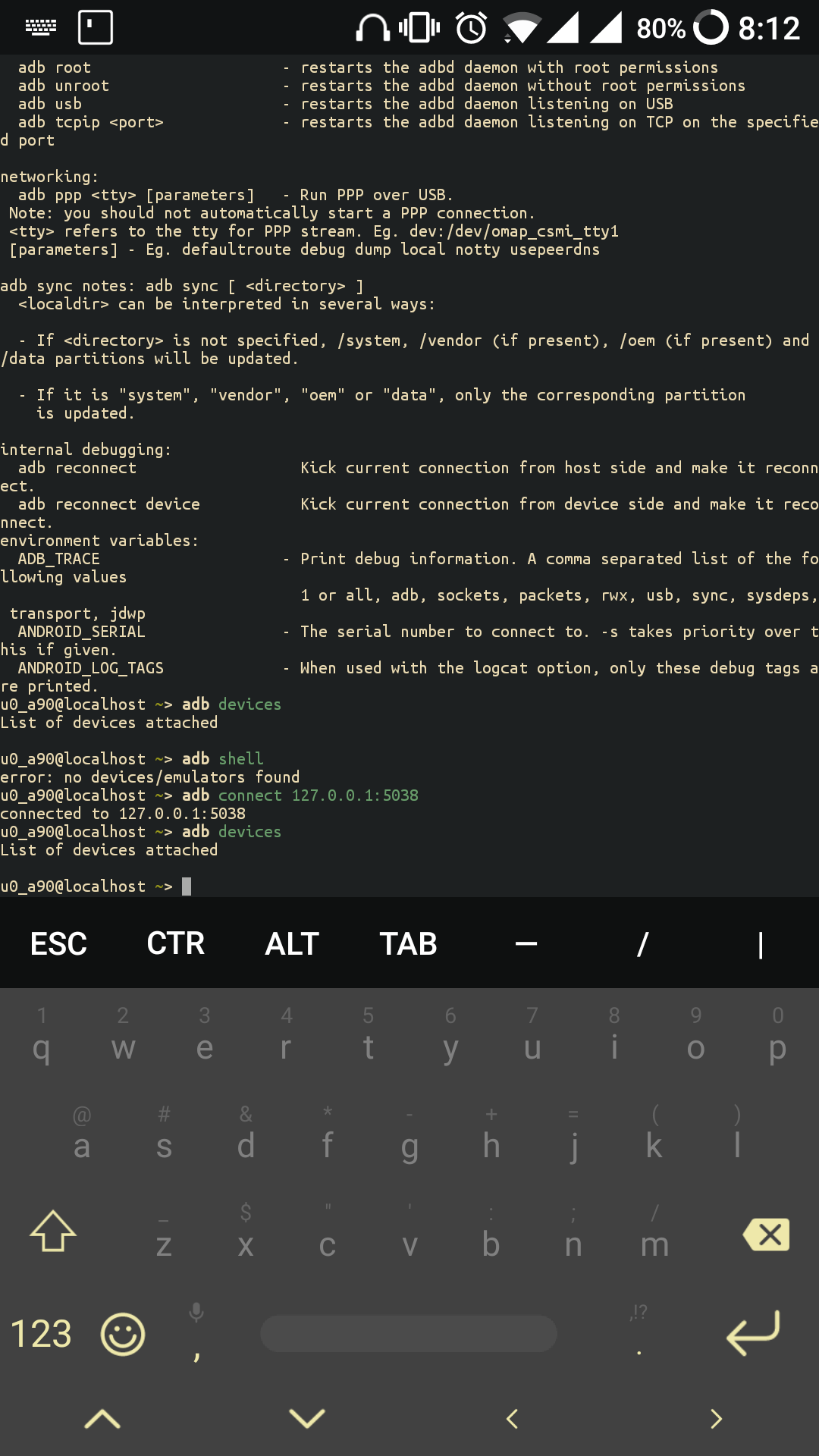
 Auxilus
on 10 Jan 2018
Auxilus
on 10 Jan 2018
My steps:
- Start Wireless adb
- adb start-server
- adb devices
return:
List of devices attached
emulator-5554 device
chameleonbr
on 10 Jan 2018
Wireless adb ? App?
Auxilus
on 10 Jan 2018
If I try connect to localhost:5555:
adb devices
List of devices attached
localhost:5555 offline
emulator-5554 device
chameleonbr
on 10 Jan 2018
My Android 5.1 actually says connection refused.
 Quasic
on 19 Jan 2018
Quasic
on 19 Jan 2018
@chameleonbr steps worked wonderfully on OnePlus 5T Android 8.1.0.
Additional steps that worked for me:
1.connect via USB cable to computer
2.on computer in console type adb tcpip 5555 in order to "start wireless adb"
3.in termux run adb tcpip 5555 (not sure if required)
4.disconnect USB
5.in termux run adb devices and there is one device listed
 dmarjanovic
on 16 Oct 2018
dmarjanovic
on 16 Oct 2018
Just decided to write a simple script to simplify ADB installation process, here it is: https://github.com/MasterDevX/Termux-ADB
 MasterDevX
on 9 Feb 2019
MasterDevX
on 9 Feb 2019
I'd like to request reopening this. In the meantime, I'll try MasterDevX's solution but really this should be available in a 'native to termux' package that will get updated along with the other packages, etc.
 davidgro
on 12 Jul 2019
davidgro
on 12 Jul 2019
I'd like to request reopening this
 xeffyr
on 12 Jul 2019
xeffyr
on 12 Jul 2019
- daemon not running. starting it now at tcp:5038 *
error: could not install smartsocket listener: Address already in use
ADB server didn't ACK - failed to start daemon *
error: cannot connect to daemon
Wht the problem??....pls help me pls
 hggfg
on 4 Sep 2019
hggfg
on 4 Sep 2019
I was able to run ADB successfully by copying the files from the project Magisk ADB NDK https://github.com/Magisk-Modules-Repo/adb-Installer/tree/master/bin to /data/data/com.termux/files/usr/bin and change the adb file to:
#!/system/bin/sh
# adb: wrapper to run adb from terminal
# osm0sis @ xda-developers

dir="$(cd "$(dirname "$0")"; pwd)";

export HOME=/data/data/com.termux/files/home;
export TMPDIR=/data/data/com.termux/files/usr/tmp;
$dir/adb.bin "$@";
And run:
chmod +x adb*
chmod +x fastbootWhen I try to connect adb to other android devices through WiFi works fine.
If ADB Wireless is active on the same device, adb will connect to that automatically.
Thanks for this using it and gave this post cred
 HiFiiDev
on 23 Jun 2020
HiFiiDev
on 23 Jun 2020
Related issues
 reggi
·
4Comments
reggi
·
4Comments
 adit
·
3Comments
adit
·
3Comments
 loveablefellow007
·
3Comments
loveablefellow007
·
3Comments
 newmania
·
3Comments
newmania
·
3Comments
 am11
·
3Comments
am11
·
3Comments
Most helpful comment
I was able to run ADB successfully by copying the files from the project Magisk ADB NDK https://github.com/Magisk-Modules-Repo/adb-Installer/tree/master/bin to /data/data/com.termux/files/usr/bin and change the adb file to:
And run:
chmod +x adb*
chmod +x fastboot
When I try to connect adb to other android devices through WiFi works fine.
If ADB Wireless is active on the same device, adb will connect to that automatically.