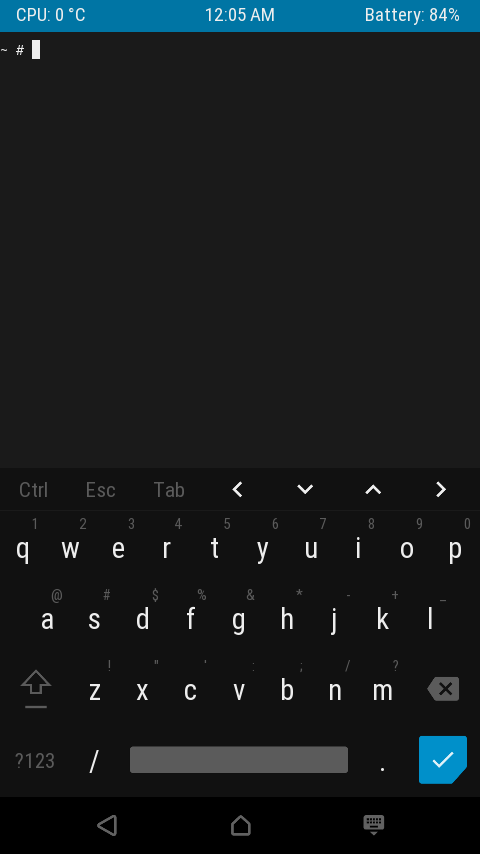
All 16 comments
UP and DOWN are really needed.
Hope the extra keys can be configurable.
or, swipe right to show more keys.
 FuckDoctors
on 13 Feb 2018
FuckDoctors
on 13 Feb 2018
because of the lack of arraw keys, I have to use JuiceSSH to edit files.
if arraw keys could be added, JuiceSSH is no longer needed.
 xqdoo00o
on 28 Feb 2018
xqdoo00o
on 28 Feb 2018
Volume up + w = up arrow
Volume up + s = down arrow
 SDRausty
on 28 Feb 2018
SDRausty
on 28 Feb 2018
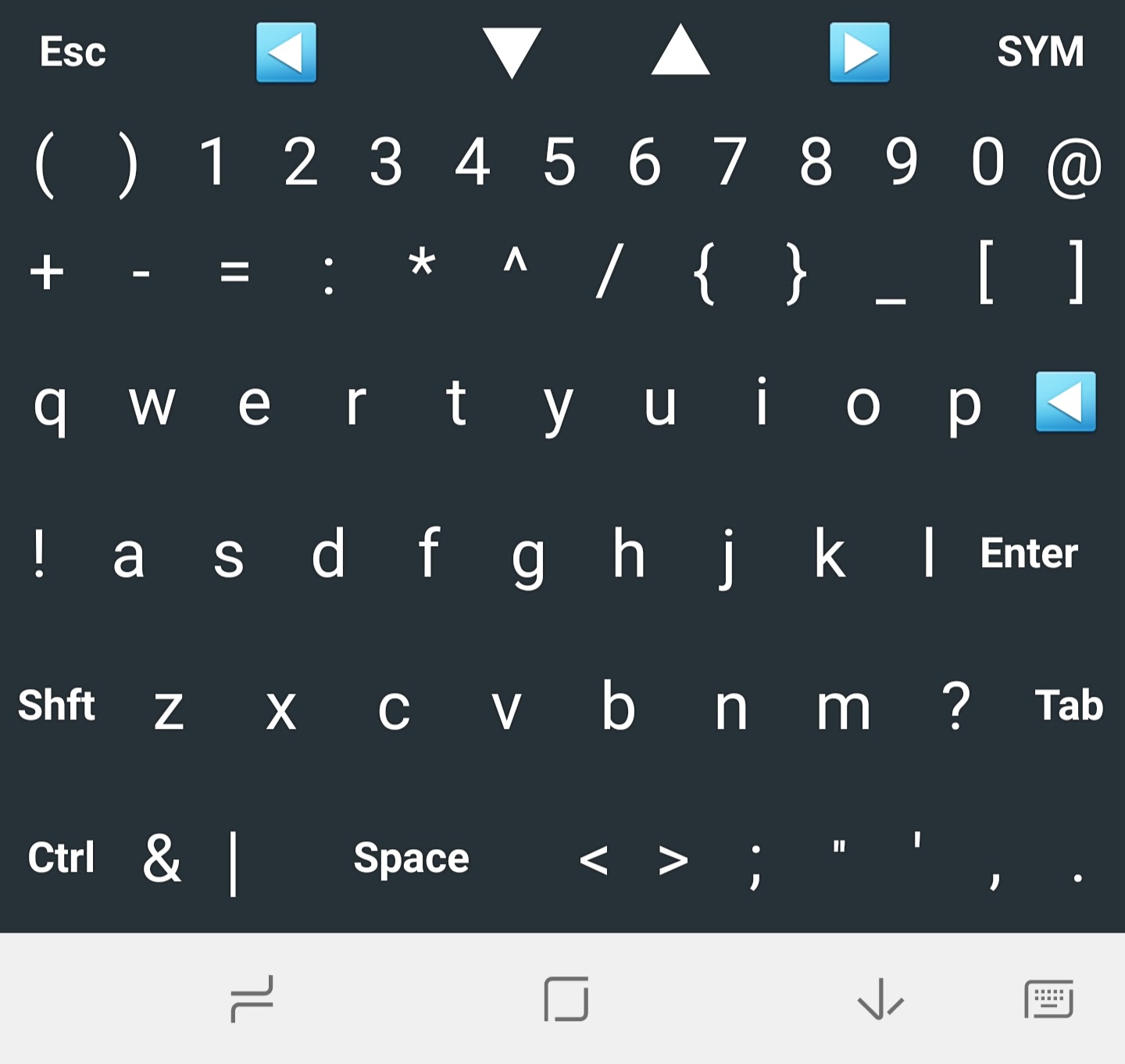
Or use something like the CodeBoard keyboard:
 miho
on 28 Feb 2018
miho
on 28 Feb 2018
@sdrausty yes,but not convenient。
FuckDoctors
on 1 Mar 2018
Really surprised no one's mentioned Hacker's Keyboard yet:
https://play.google.com/store/apps/details?id=org.pocketworkstation.pckeyboard&hl=en
 4oo4
on 1 Mar 2018
4oo4
on 1 Mar 2018
@miho @4oo4 thx. but when i write something mixed with Chinese,i have to switch the en keyboard and Chinese keyboard witch each other。
while the Chinese keyboard can easily change to English mode by tapping a key, but doesn't have arrow keys.
FuckDoctors
on 1 Mar 2018
@sdrausty on my pad, I have to use both hands to Volume up + w, it's too far to use single hand. 😅
xqdoo00o
on 1 Mar 2018
I pull some code In #605, seems work fine on my phone.
xqdoo00o
on 3 Mar 2018
@xqdoo00o well done. hope it will be merged later.
FuckDoctors
on 3 Mar 2018
@FuckDoctors
but not convenient
On most smartphones this feature is very convenient. I can see how this feature might be cumbersome as @xqdoo00o states on large tablet, and I have run into a couple of smartphone models where I must agree with you.
These smartphone models have the volume button(s) at the back of the unit. After getting used to it, it's not as bad as at first. The bending the device's shape effect isn't too pleasant when pressure to the button is applied.
As stated, on most devices volume + key is a beautiful shortcut. Are your volume buttons at the back of the device @FuckDoctors @xqdoo00o?
SDRausty
on 4 Mar 2018
@sdrausty yeah, but when editing files, sometimes need to move to big column, you have to pressed down Volume up then press d for many times.
In #605 , just need to long press right arrow key.
xqdoo00o
on 4 Mar 2018
@xqdoo00o thanks for your time and attention. Volume buttons at the back of the device make the volume+key feature cumbersome, clunky to use.
pressed down Volume up then press d for many times.
Volume buttons at the side of the device don't need to be pressure pressed down. They are simply held in palm of hand along with device.
- Pressing a key many times while holding a device along with the volume button down at the edge of the device is not tiresome.
- Pressing a key many times while holding a device along with pressure pressing the volume button down from the back is tiresome.
Are there any ideas as to why CTRL+w doesn't work, but volume button up + w which is bound to CTRL+w does work for scrolling back through BASH history?
SDRausty
on 4 Mar 2018
Wouldn't it be possible to add arrow keys to the "extended keyboard" (the thing that appears when you long-press the keyboard button in the menu)? Or event better, to make it customize able (e.g. adding a ":" for vim-users)?
 ghost
on 10 Jun 2018
ghost
on 10 Jun 2018
Hacker keyboard is better for any keyboard (anysoftkeyboard, codeboard, terminalide)
 daemondev
on 25 Jun 2018
daemondev
on 25 Jun 2018
I just got myself an android e-ink tablet that has neither volume buttons nor left drawer and I can't find any way of turning on the extended keyboard. Why isn't this setting available in the long press settings menu?
 dov
on 3 Jun 2019
dov
on 3 Jun 2019
Related issues
 AlainKnaff
·
4Comments
AlainKnaff
·
4Comments
 AnkurJagani
·
3Comments
AnkurJagani
·
3Comments
 Areahints
·
4Comments
Areahints
·
4Comments
 bitnetwork
·
3Comments
bitnetwork
·
3Comments
 nedz14
·
4Comments
nedz14
·
4Comments
Most helpful comment
Volume up + w = up arrow
Volume up + s = down arrow
From https://termux.com/touch-keyboard.html