Tdesktop: Video preview is blurred
Steps to reproduce
- For example go to this post https://t.me/lentachold/24881
- It's blurred and I can't see thumbnail to preview what is that video, I must click...
This issue with small videos too:
https://t.me/oldlentach/34486
https://t.me/moscowmap/12772
Expected behaviour
Preview must be loaded
Actual behaviour
Preview is not loading
Configuration
Operating system: win10 ltsc 1809
Version of Telegram Desktop: 1.7.15
Used theme: default


Why do you remove "auto-download videos" from settings?...
 Neurotoxin001
All 36 comments
When I go to "videos" in channel media - all previews is loading instantly, why you can't do that they will loading when I open the channel?
Neurotoxin001
on 22 Dec 2019
Seems like it's fixed in 1.9.2 beta, thanks!!!
UPD: Seems like no :(
https://t.me/dvachannel/44217
And posts with videos become smaller.
UPD2: Now there is a "hack" with enabling autoplay for videos, but previews must load even with disabled autoplay.
Neurotoxin001
on 30 Dec 2019
Can you please fix it? 1.9.7 still have this issue. There are many ppl that don't want to use autoplay, but without autoplay there is annoying blur. :/
Even on iOS TG app previews loading fine without autoplay too.
Neurotoxin001
on 23 Jan 2020
@Neurotoxin001 A high quality thumbnail can be generated only when streaming started and first frame of the video is downloaded. Right now this happens only when video is autoplayed or manually started.
 john-preston
on 23 Jan 2020
john-preston
on 23 Jan 2020
I understand that but:
- Why it's working on iOS official app without autoplay?
- Why some of videos have high quality thumbnail even after clear media cache and restart the app?
- Why they can be loaded after open "Videos" tab from the channel info?
Neurotoxin001
on 23 Jan 2020
@Neurotoxin001 1. I think they still download a part of file to generate thumbnails.
Some videos have a large thumbnail sent along the document (320x320), some have only small, that looks ugly without blur (90x90).
🤔 that's interesting, maybe there are large thumbnails along the document after all, videos overview doesn't load any parts of the file, only the thumbnails.
john-preston
on 23 Jan 2020
But can you "fix" it?
And little more about 3:
If I open this

And download thumbnails for all videos:
- all videos in channel will have high quality thumbnail when I scroll and see them
- then I restart app
- some of videos is again become with blurred thumbnail
You can test it by yourself in t.me/rand2ch
Neurotoxin001
on 23 Jan 2020
@Neurotoxin001 Is it a public channel so I can test right on it?
john-preston
on 23 Jan 2020
Yes. it's public channel
Neurotoxin001
on 23 Jan 2020

Neurotoxin001
on 23 Jan 2020
Seems like some videos still "bugged":
https://t.me/c/1278861388/204 (invite link https://t.me/joinchat/AAAAAEw54EysYosPjBKkpw)
And https://t.me/c/1278861388/197 (same invite link)

First video have good quality, second is crappy.
Neurotoxin001
on 25 Jan 2020
Same issue with gifs:
https://t.me/twochannel/16573955
https://t.me/twochannel/16573962
https://t.me/twochannel/16573967
https://t.me/twochannel/16573969
https://t.me/twochannel/16573977
Neurotoxin001
on 25 Jan 2020
(invite link https://t.me/joinchat/AAAAAEw54EysYosPjBKkpw)
"large" videos doesn't load too:
Neurotoxin001
on 30 Jan 2020
Another example:
https://t.me/bazabazon/2906
Neurotoxin001
on 30 Jan 2020
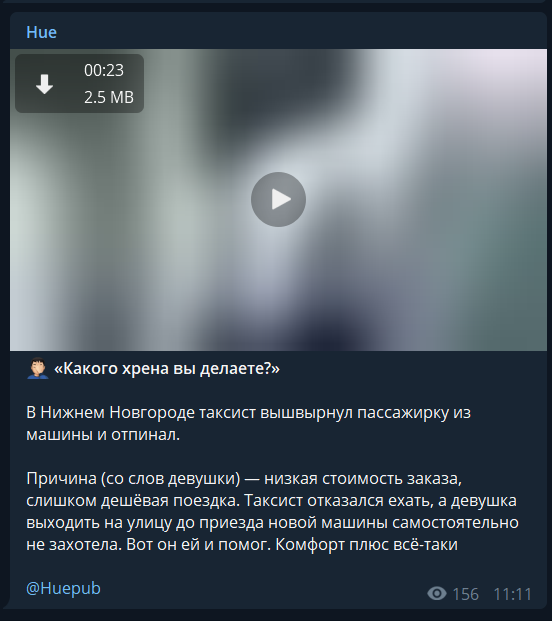
I don't know what is wrong with this:
https://t.me/huepub/11513
Size is small...
Neurotoxin001
on 30 Jan 2020
Some more examples:
https://t.me/breakingmash/16013
https://t.me/breakingmash/16012
https://t.me/breakingmash/16010
https://t.me/mudak/34895
They doesn't load even when I open the channel videos list
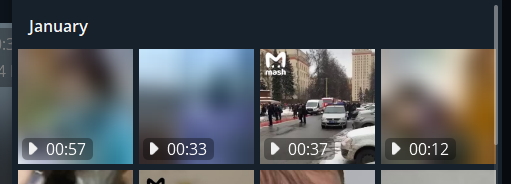
And when I open the channel videos list (https://t.me/breakingmash) I got these errors:
[2020.01.30 14:40:41] API Warning: not loaded minimal channel applied.
[2020.01.30 14:40:41] RPC Error: request 49 got fail with code 400, error LOCATION_INVALID
[2020.01.30 14:40:41] RPC Error: request 50 got fail with code 400, error LOCATION_INVALID
[2020.01.30 14:40:42] RPC Error: request 51 got fail with code 400, error LOCATION_INVALID
[2020.01.30 14:40:43] RPC Error: request 53 got fail with code 400, error LOCATION_INVALID
[2020.01.30 14:40:43] RPC Error: request 54 got fail with code 400, error LOCATION_INVALID
[2020.01.30 14:40:44] RPC Error: request 57 got fail with code 400, error LOCATION_INVALID
[2020.01.30 14:40:44] RPC Error: request 58 got fail with code 400, error LOCATION_INVALID
[2020.01.30 14:40:44] RPC Error: request 59 got fail with code 400, error LOCATION_INVALID
[2020.01.30 14:40:44] RPC Error: request 60 got fail with code 400, error LOCATION_INVALID
UPD: Some more:
https://t.me/Lshot/15891
https://t.me/presshata/4409
Neurotoxin001
on 30 Jan 2020
@Neurotoxin001 This one was a server side bug, please check now (after app relaunch).
john-preston
on 3 Feb 2020
These is fixed:
https://t.me/Lshot/15891
https://t.me/presshata/4409
https://t.me/breakingmash/16013
https://t.me/breakingmash/16012
https://t.me/breakingmash/16010
https://t.me/mudak/34895
https://t.me/huepub/11513
But these is not:
https://t.me/twochannel/16573955
https://t.me/twochannel/16573962
https://t.me/twochannel/16573967
https://t.me/twochannel/16573969
https://t.me/twochannel/16573977
Neurotoxin001
on 3 Feb 2020
@Neurotoxin001 Those look like old-uploaded GIFs (maybe from Saved GIFs tab? I don't know), because they have not thumbnails cropped to 320x320 (that I don't blur, because they're big enough), but the ones cropped to 90x90 (before some time ago this was the resolution for thumbnails of videos / GIFs), and those are blurred, because they're too small.
john-preston
on 3 Feb 2020
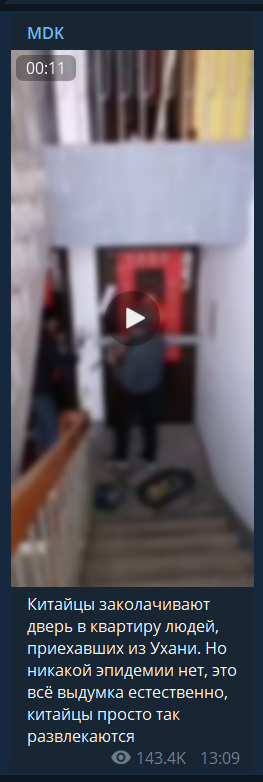
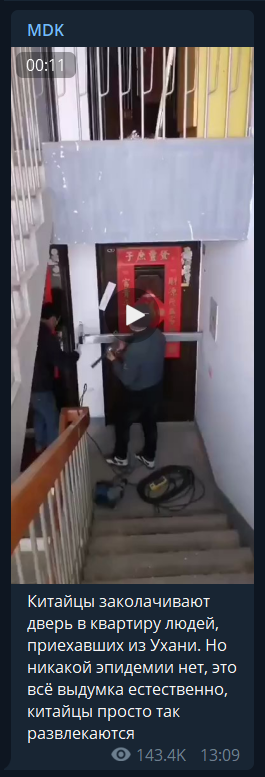
Ok then, but now I noticed blur on this:
https://t.me/mudak/34895 too (added it to "fixed" list by mistake)
Before I click on it:
After:
Neurotoxin001
on 3 Feb 2020
@Neurotoxin001 Thanks :) This one is tdesktop bug, I make non-blurred version only when width and height of the thumbnail is larger than 160px. But this thumbnail 145x320, because this video has very strange aspect ratio (very narrow).
I'll fix it in the next version (if at least one side is larger than 240 I won't blur it no matter what second side's size is).
john-preston
on 3 Feb 2020
Seems like it's still not fully fixed:
https://t.me/mbkhmedia/16686
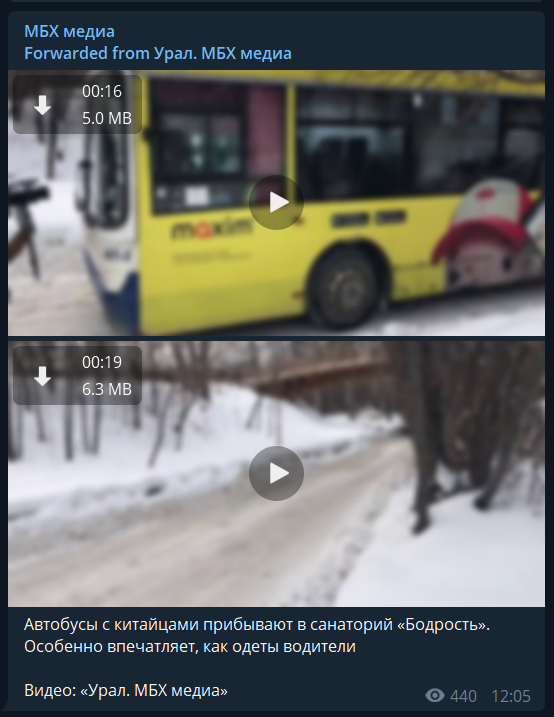
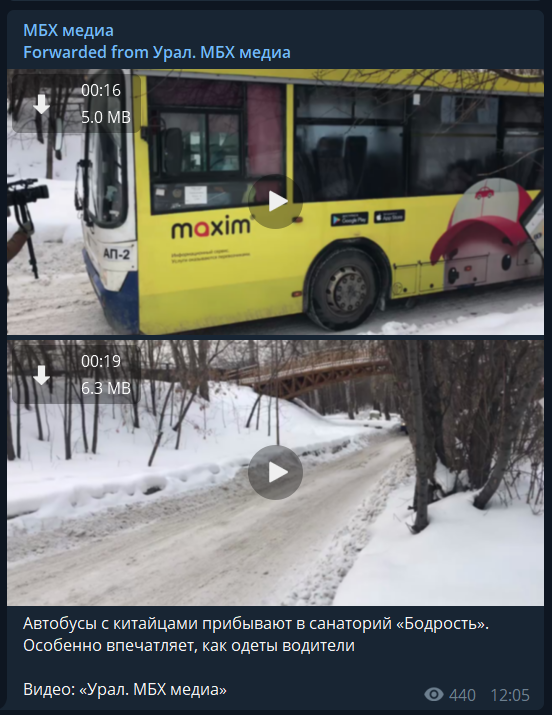
Videos have Width: 1 280 pixels and Height: 720 pixels and it's still blurred.
Neurotoxin001
on 7 Feb 2020
@Neurotoxin001 I think this one happens because of an album. I'll try to apply the same fix for album videos thumbnails.
john-preston
on 7 Feb 2020
Some of videos here:
https://t.me/rand2ch
is blurred even in videos list:
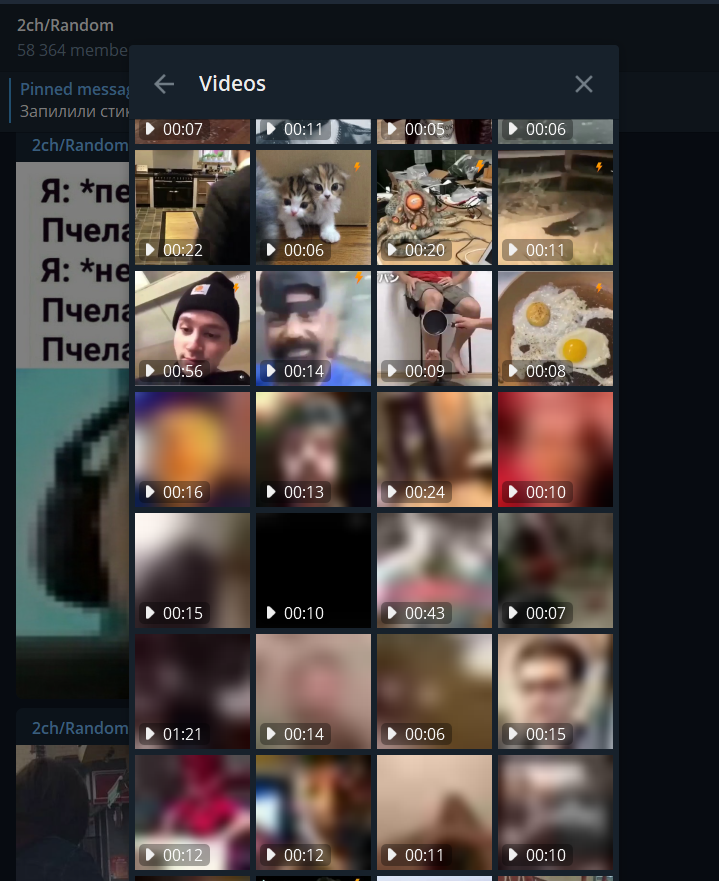
But when I open the post with video - all is fine.
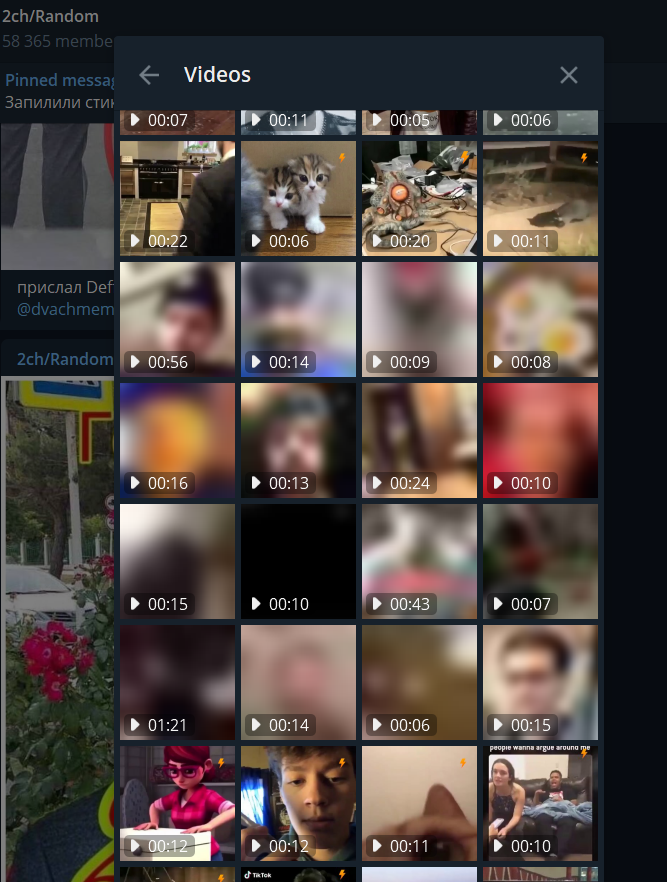
First blurred video (after egg):
https://t.me/rand2ch/13311
After restart:
Neurotoxin001
on 9 Feb 2020
1.9.11 issue still here even after clearing cache https://github.com/telegramdesktop/tdesktop/issues/6332#issuecomment-583298663
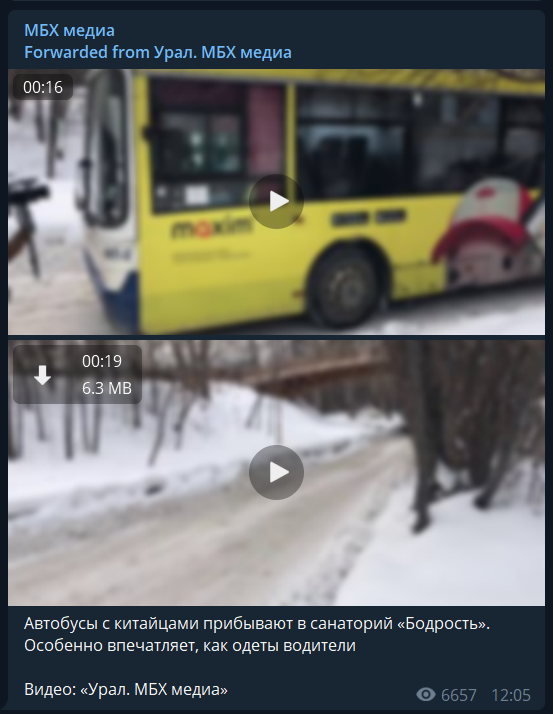
And opening the channel video list doesn't help, thumbs is loading only in that list, but not in post with album.
Neurotoxin001
on 10 Feb 2020
Another example:
https://t.me/r_chp/5674
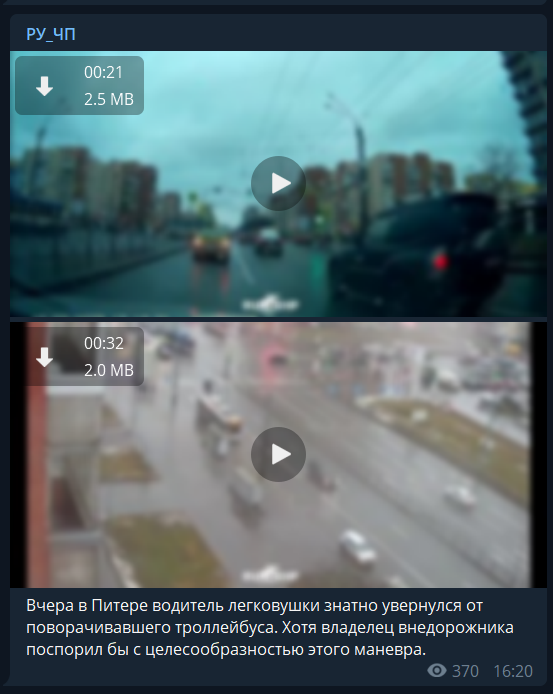
Please check it before new beta.
Neurotoxin001
on 11 Feb 2020
1.9.12 :(
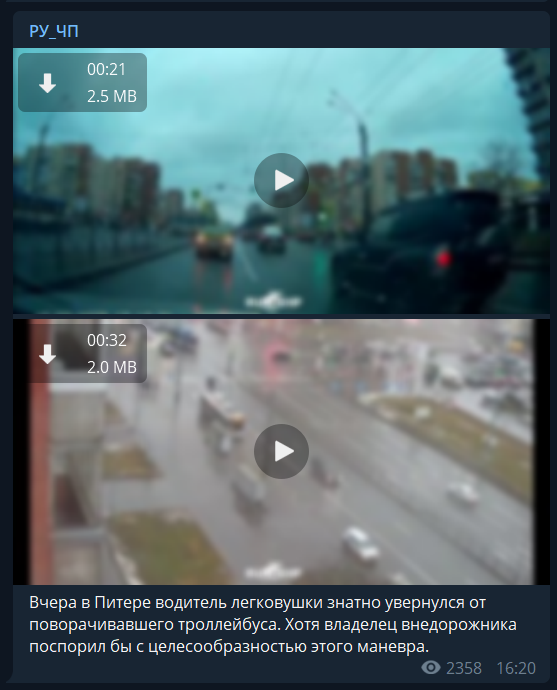
Neurotoxin001
on 11 Feb 2020
Don't know why but in this channel:
http://t.me/joinchat/AAAAAFHdmc0FeBEdk0UEeQ
All gifs is blurred
1.9.13
Neurotoxin001
on 14 Feb 2020
Even without album blurred too.
1.9.14
Neurotoxin001
on 24 Feb 2020
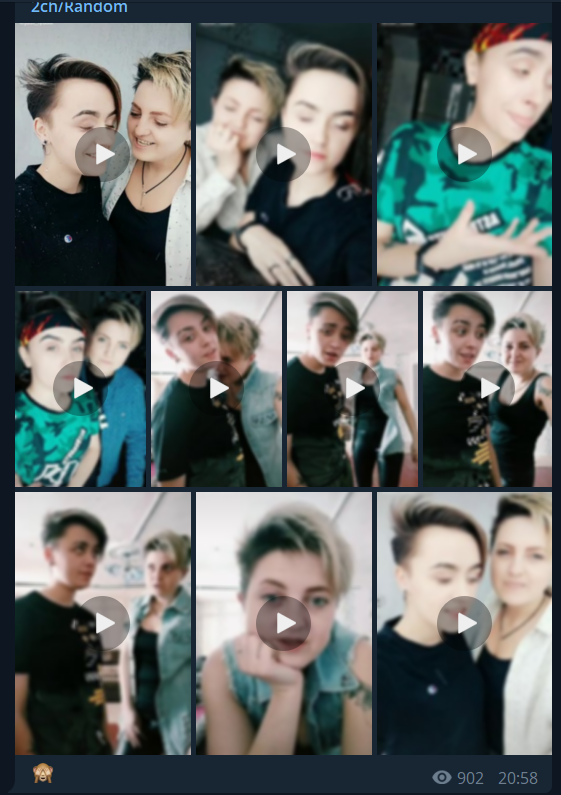
https://t.me/rand2ch/15265
1.9.14
Neurotoxin001
on 2 Mar 2020
@Neurotoxin001 Ok, I found a mega-stupid bug with albums, so in albums it should be better in the next version.
john-preston
on 3 Mar 2020
(rand2ch/15265 was affected and other album examples)
john-preston
on 3 Mar 2020
@Neurotoxin001 https://t.me/karaulny/197900 this one is blurred on purpose, it is a video uploaded by some old software (I guess.. or buggy), because it has 90x50 thumbnail. If you upload a video right now through the official apps they should generate and save a thumbnail with a 320 pixel largest side, not 90 like before. I don't blur 320px thumbnails, because they look fine, but I do blur old small ones.
john-preston
on 3 Mar 2020
Albums is fixed now, thanks, but this https://github.com/telegramdesktop/tdesktop/issues/6332#issuecomment-583874301 is still here
Try it by yourself on https://t.me/rand2ch
Just open video list and scroll down ~4 full mouse scrolls, some of videos have preview, some is blurred. It's stay blurred even after restart. But when I go to these videos in channel - previews is loaded. Issue only in videos list in channel info. 1.9.20
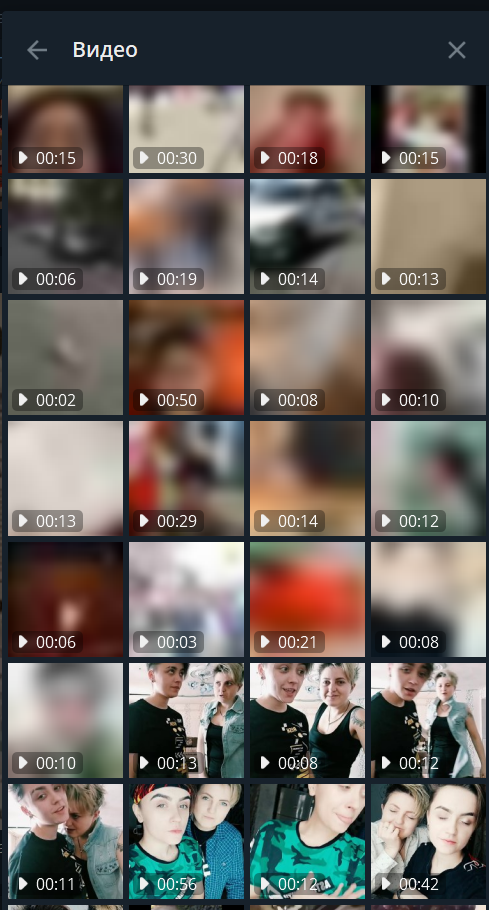
Neurotoxin001
on 14 Mar 2020
2.1.4 is still have ^ this issue.
Neurotoxin001
on 10 May 2020
In 2.1.8 beta seems like it's finally fixed, now thumbs loads very fast and does not reset after relaunch
Neurotoxin001
on 3 Jun 2020
Related issues
 Justinzobel
·
3Comments
Justinzobel
·
3Comments
 slowaways
·
3Comments
slowaways
·
3Comments
 beppe9000
·
3Comments
beppe9000
·
3Comments
 luisalvarado
·
3Comments
luisalvarado
·
3Comments
 Mindstormer619
·
3Comments
Mindstormer619
·
3Comments