Tasmota: Custom Template and WebUI GPIO display
It might be the lack of time spent but afaik when I activate a custom template the WebUI module configuration page shows all the defined GPIO pins with a dropdown menu although none of the pins is set to 255.
That might cause user confusion and raised issues.
I propose to either hide the templated gpios showing only 255 user defined one as in the all other supported modules.
While at the topic is it possible to have the webui not show the recommended pin assignments when module 0 is selected to also reduce user confusion (just like module 18 adds D# pin information, remove any information apart from GPIO#)
 blakadder
All 17 comments
Showing template GPIOs was a design decision I made. I will re-consider.
Removing the recommended pin assignments is an option to consider too but as the user template is just another template I think it makes sense to have the same info as the inbuilt templates.
 arendst
on 14 Feb 2019
arendst
on 14 Feb 2019
Ah, just did some tests and I now know why I did it that way.
As the template is updated with user defined GPIOs the next time the module page is pulled up it will not allow to make a change to a now defined GPIO.
I will have to dig deeper. WIll roll back the latest change.
arendst
on 14 Feb 2019
Mhh, i liked the way before this change to create Templates via WebConfig
It was possible to config in Module generic (0) all the GPIOs you want need.
After that just typing in WebConsole Template and you got the Template config.
Now this isnt possible anymore you get always 255...
 Jason2866
on 14 Feb 2019
Jason2866
on 14 Feb 2019
Then when you re-visit the module web page the template was changed with the latest module changes. I agreed with @blakadder that it might confuse users.
That's why I started to come up with a new menu:
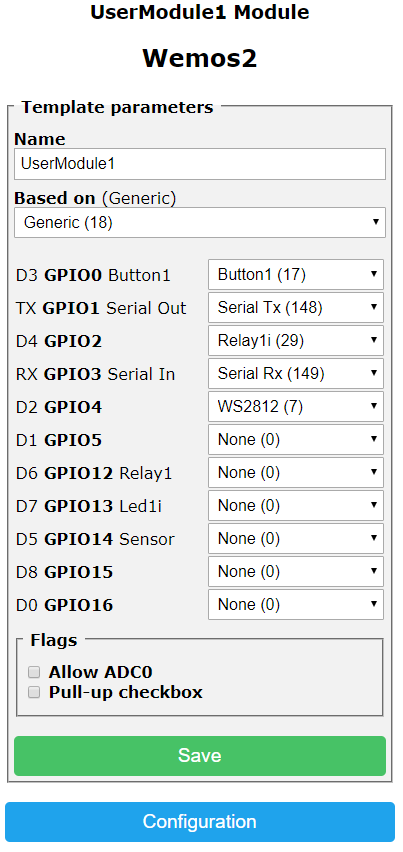
Work in progress but this allows to change the template online without the user getting confused about a dynamic template.
So pls hold on, I'm working on it but I need time to cram it all in no code space.
arendst
on 14 Feb 2019
Ahh, thx
Had the fear to loose the nice possibility to do template config via webfrontend.
No rush if this feature will be there again :-)
Jason2866
on 14 Feb 2019
Yep, that looks more usable and very straightforward for a majority of users
blakadder
on 15 Feb 2019
Initial released today. Working on tuning.
arendst
on 17 Feb 2019
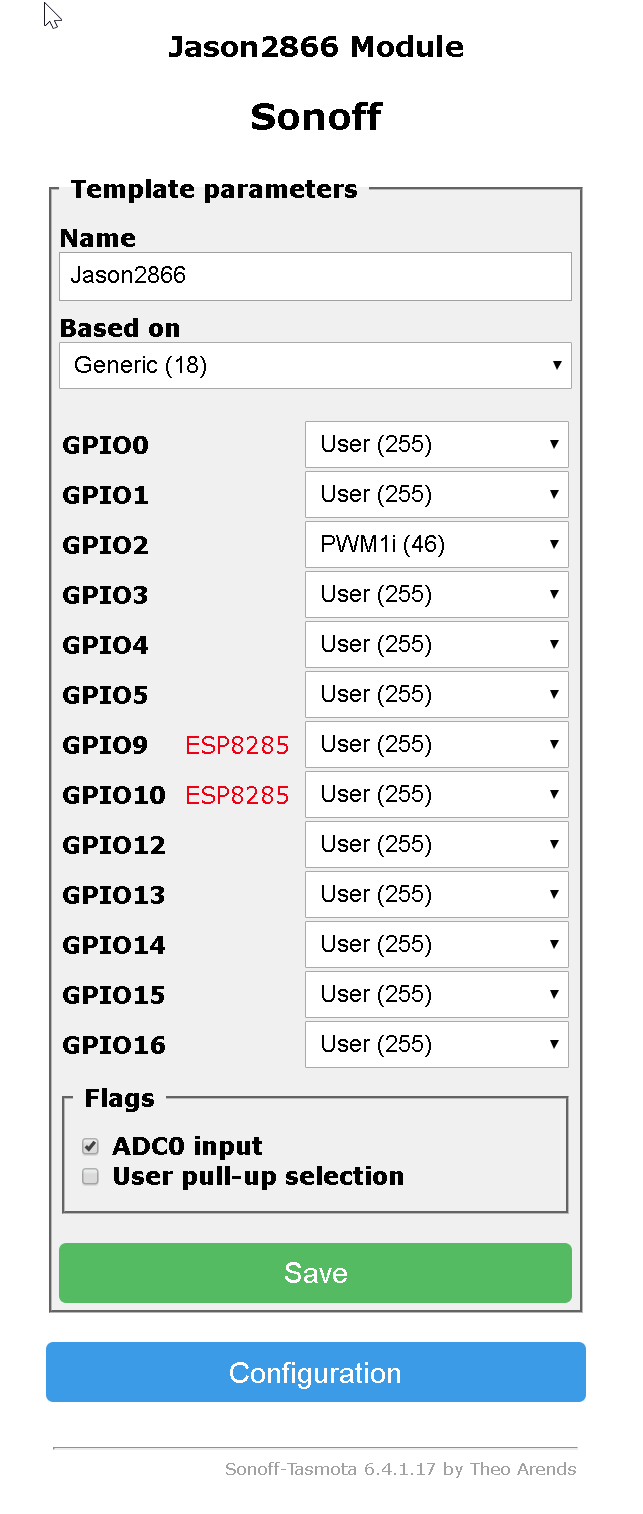
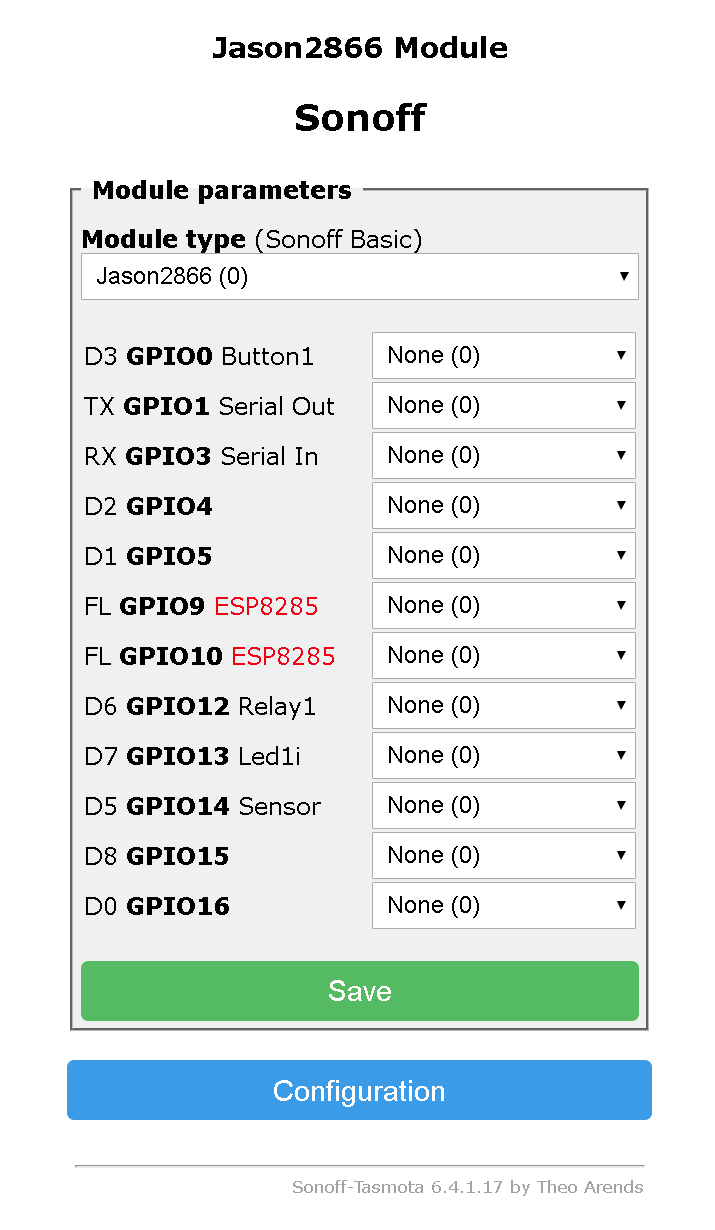
If i define a template and use it afterwards the defined GPIOS are not visible.
Is it the way you want, or what you are going to tune?
Jason2866
on 17 Feb 2019
This is the way I want it to be.
As in embedded templates, defined GPIOs are not visible in the module menu and cannot be changed by the user.
The tuning I meant is the one "under the hood" without changing functionality.
arendst
on 17 Feb 2019
Thx, for explaining
Jason2866
on 17 Feb 2019
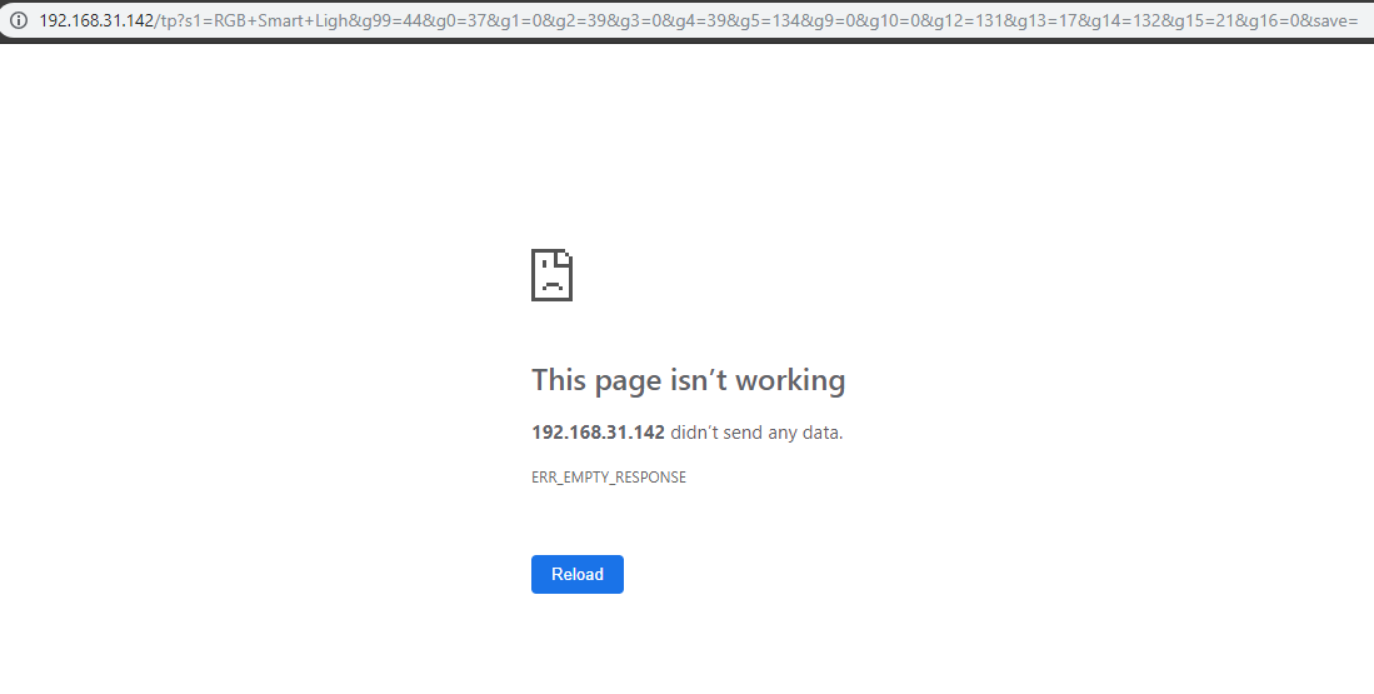
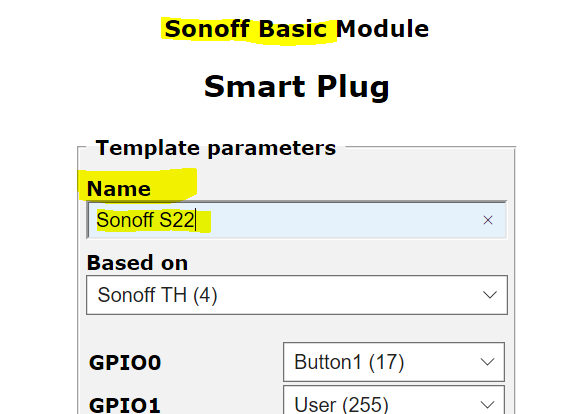
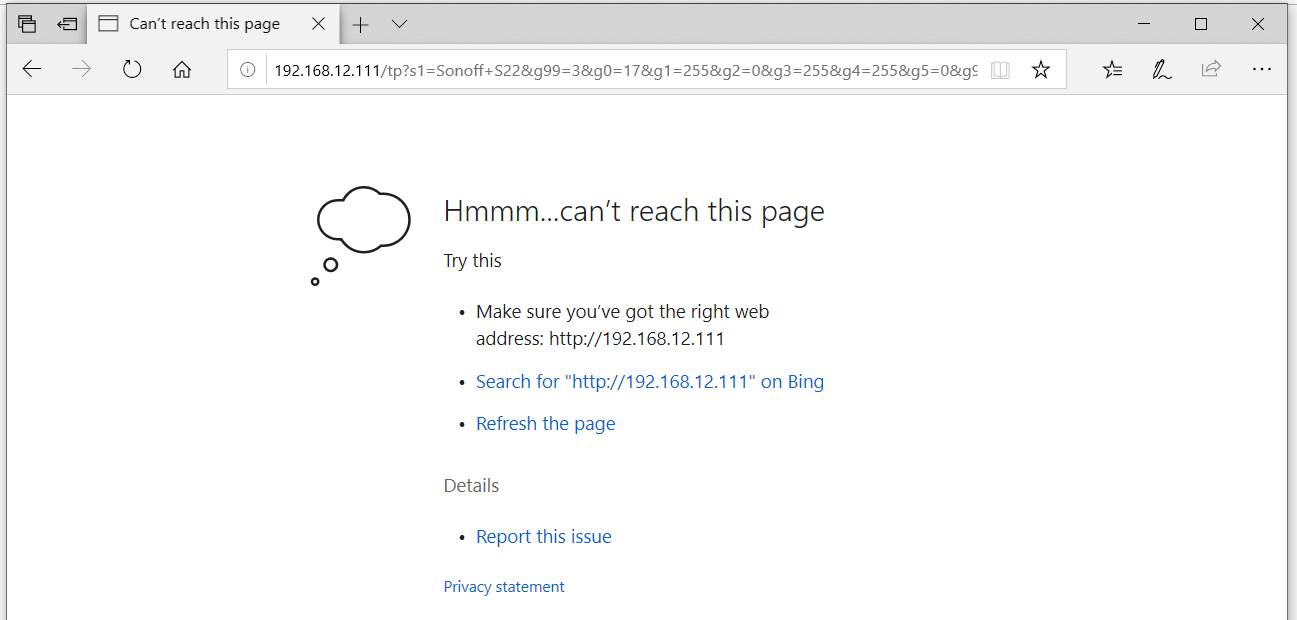
Device doesn't restart after clicking save in Configure Template
addendum: happens when I configure template after a fresh flash. When a template is configured and module 0 is selected and then i change the template config the device restarts as intended
blakadder
on 17 Feb 2019
Confirm, I also encounter this issue. It will be happen when i change the name.
 wongnam
on 17 Feb 2019
wongnam
on 17 Feb 2019
I can not add new bulbs (for example, 4 or 5 WS2812 strips) to Hue Bridge. What to do?
 lz2ddl
on 18 Feb 2019
lz2ddl
on 18 Feb 2019
Only one WS2812 strip is supported.
arendst
on 18 Feb 2019
A normal RGB strip with PCA9685?
lz2ddl
on 18 Feb 2019
@lz2ddl
Sorry, you are offtopic from the current thread. Please, address your questions to the Tasmota Support Chat. Will be better and more dynamic. Thanks.
See readme for the link to the chat.
 ascillato
on 18 Feb 2019
ascillato
on 18 Feb 2019
In that case open a new issue dedicated to your problem as this is another issue.
arendst
on 18 Feb 2019
Related issues
 garret
·
3Comments
garret
·
3Comments
 Vujagig
·
3Comments
Vujagig
·
3Comments
 Ndrinta
·
3Comments
Ndrinta
·
3Comments
 jensuffhaus
·
3Comments
jensuffhaus
·
3Comments
 luisfpinto
·
3Comments
luisfpinto
·
3Comments
Most helpful comment
Then when you re-visit the module web page the template was changed with the latest module changes. I agreed with @blakadder that it might confuse users.
That's why I started to come up with a new menu:
Work in progress but this allows to change the template online without the user getting confused about a dynamic template.
So pls hold on, I'm working on it but I need time to cram it all in no code space.