Tasks: Can not interact with all task lists anymore
Steps to reproduce
- Add a task list named "Persönlich"
- Update to Nextcloud Tasks version 0.10.0
Expected behaviour
It should be possible to interact with the task list without any problems.
Actual behaviour
Since release v0.10.0 I can not interact with all task lists anymore. When I access my task list named "Persönlich", only a blank area (empty <div class="content-wrapper"></div>) is displayed (See screenshot).
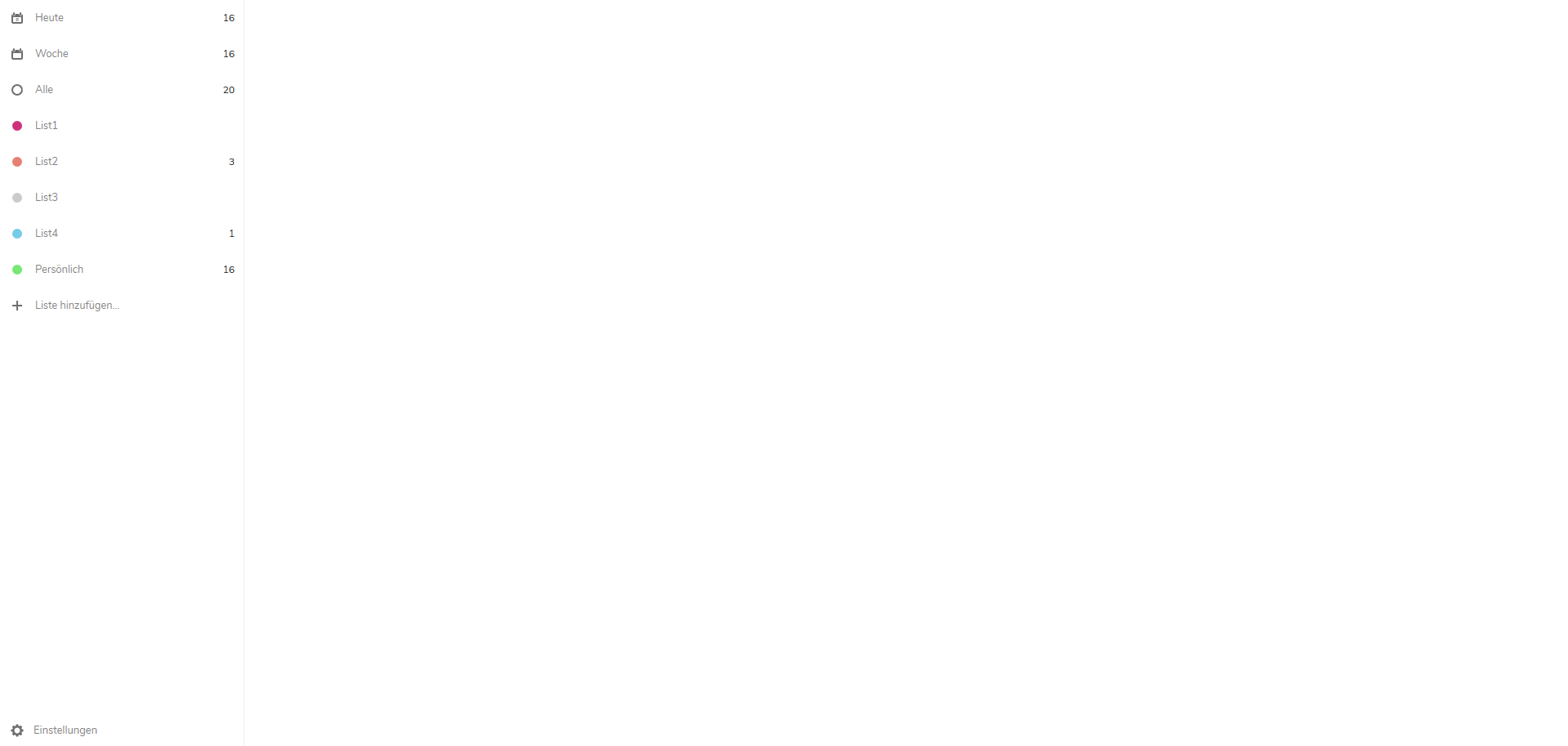
The associated url is: https://server.tld/apps/tasks/#/calendars/pers%C3%B6nlich
Server configuration
Operating system: Ubuntu 18.04.2 LTS
Web server: Apache
Database: MySQL
PHP version: v7.2
Nextcloud version: v16.0.2
Tasks version: v0.11.0
Updated from an older Nextcloud or fresh install: older install
Signing status:
No errors have been found.
Client configuration
Browser: Firefox 67 and Chrome 75
Operating system: Windows 10 and Ubuntu 18 Desktop
 robingenz
All 7 comments
How did you create this task list? It shouldn't have any special characters in its url. When I create one with NC16.0.2 and Tasks 0.9.8, the url reads /nextcloud/index.php/apps/tasks/#/calendars/persnlich.
 raimund-schluessler
on 6 Jul 2019
raimund-schluessler
on 6 Jul 2019
The task list is about 3 years old. I created the list along with the calendar in the Calendar app. If I create a new task list with special characters in the current version, they are not part of the url either.
robingenz
on 6 Jul 2019
Hm, I can reproduce this issue when I add a percent-encoded character into the URI, like %C3%B6. The problem is that this character will be decoded to ö and the calendar cannot be found by its ID anymore, because %C3%B6 != ö. Sadly, i don't know how to fix this yet.
raimund-schluessler
on 6 Jul 2019
Thanks for your help.
I fixed it in sql by removing the ö from the uri attribute of the record.
Databse table: oc_calendars
Maybe it helps others.
robingenz
on 6 Jul 2019
@robingenz I (partially) fixed the issue in #480. The only problem which remains is, that the initial navigation for such special URIs will not work. This means reloading the app will lead to a blank calendar view, but the calendar will appear as soon as you click the link in the left sidebar. This is likely due to https://github.com/vuejs/vue-router/issues/2725
I packed a version including the fix: tasks.zip. Could you please check whether the version in this zip file solves the problem? Please recreate your issue by putting the ö back into the uri, making sure the problem reoccurs with v0.11.0 and check whether the fixed version solves it.
raimund-schluessler
on 7 Jul 2019
@raimund-schluessler I have tested it. Your fix solves my problem. But as you said, initial navigation does not work for such special URIs.
robingenz
on 7 Jul 2019
I think fixing the initial nav needs to be done upstream. But #480 at least enables working on such calendars at all.
raimund-schluessler
on 7 Jul 2019
Related issues
 thomas-mc-work
·
3Comments
raimund-schluessler
·
3Comments
raimund-schluessler
·
4Comments
thomas-mc-work
·
3Comments
raimund-schluessler
·
3Comments
raimund-schluessler
·
4Comments
 CordlessWool
·
8Comments
raimund-schluessler
·
5Comments
CordlessWool
·
8Comments
raimund-schluessler
·
5Comments