Tailwindcss: Form fields zoom on focus
Hi Adam, first of all, I thank you two for the excellent work on tailwind.
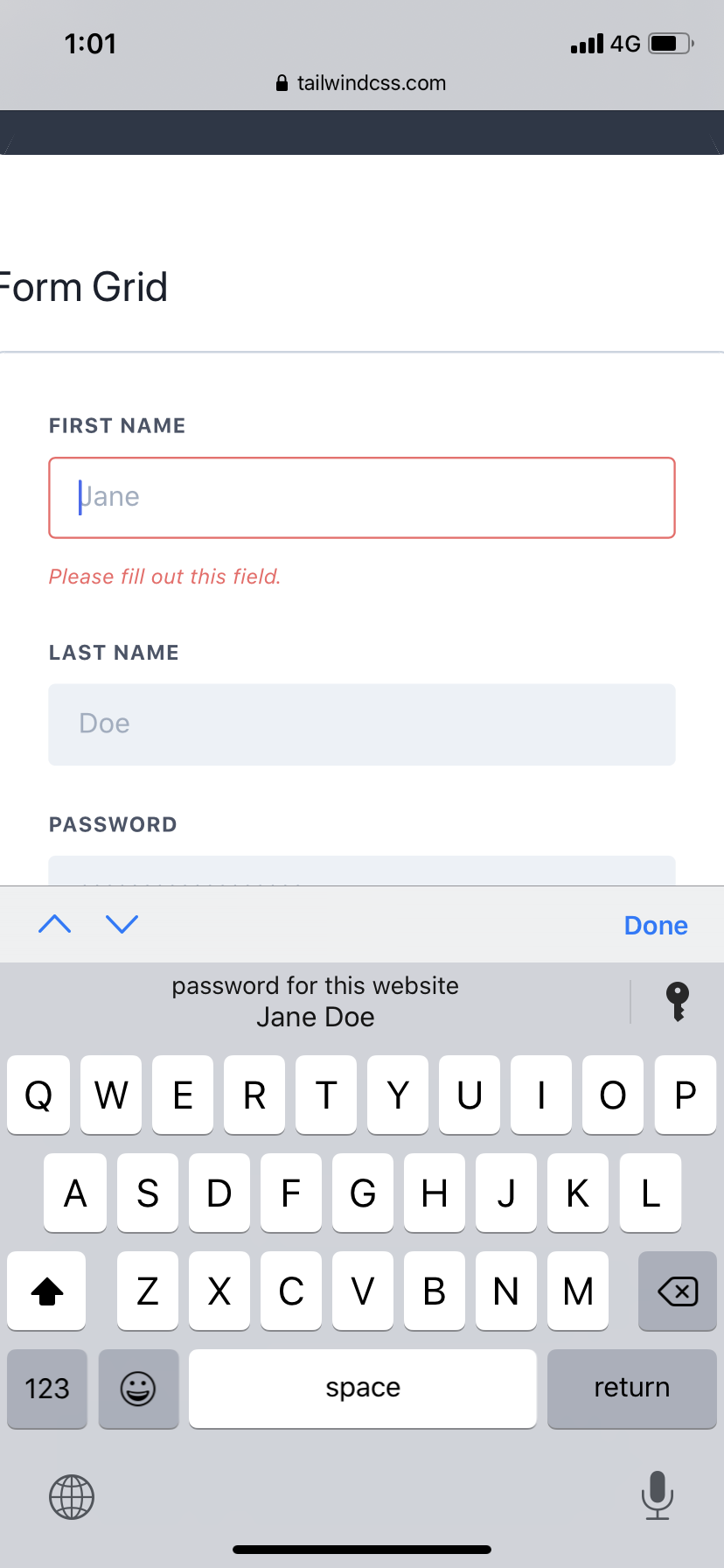
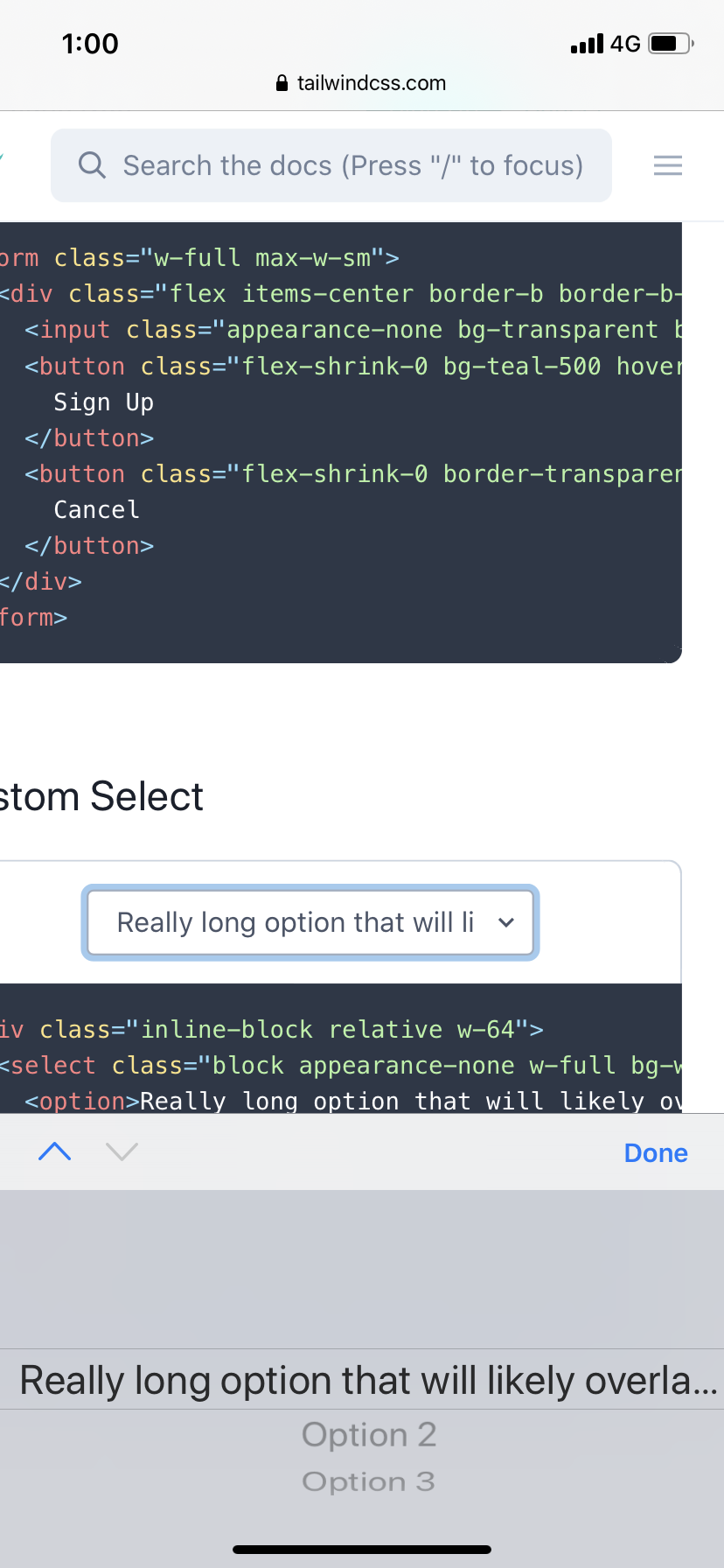
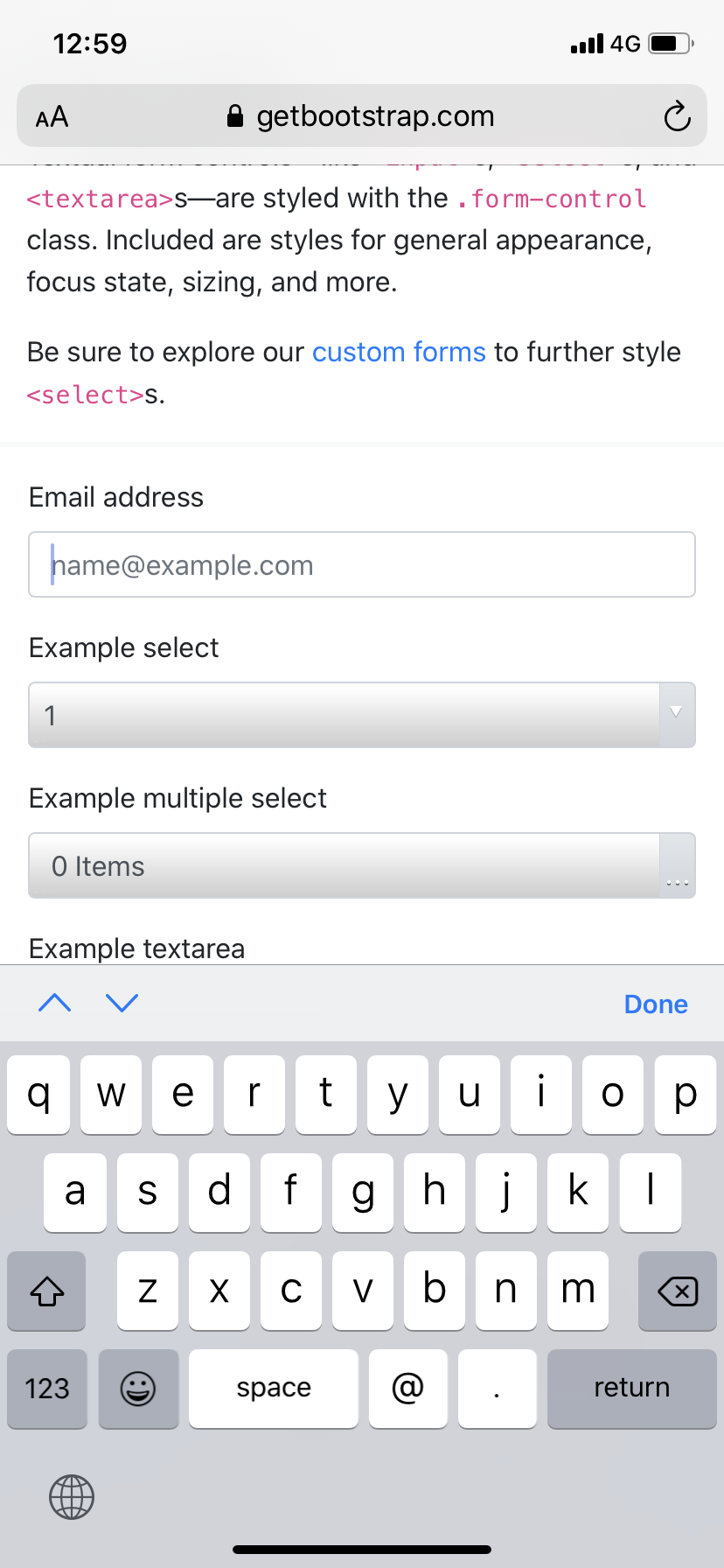
I notice on mobile/safari when you focus on a field the browser zooms in a little and extends the width of the page, please see the images of tailwind and B4. I wonder if there's a way to disable this
Appreciate any help,
Regards
 nam-co
All 3 comments
That's expected behaviour. Safari Mobile (and other mobile browsers) zoom in when focusing inputs with a font-size smaller than 16px.
Take a look at this tweet where I mentioned how to prevent this behavior the other day. Please make sure to read @lucalanca's comments regarding accessibility before you use it on production sites.
Also not an issue with Tailwind's core, better suited for docs or discuss.
 hacknug
on 28 Oct 2019
hacknug
on 28 Oct 2019
Yep default browser behavior, if you don't want it to zoom use a font size of at least 16px in your own form fields 👍
 adamwathan
on 29 Oct 2019
adamwathan
on 29 Oct 2019
I had the same issue, solved it by using the solution in the tweet @hacknug suggested.
<meta name="viewport" content="width=device-width, initial-scale=1, maximum-scale=1, viewport-fit=cover"></meta>
Hope it helps someone.
 SachithNagesh
on 22 Jul 2020
SachithNagesh
on 22 Jul 2020
Related issues
 Tjoosten
·
3Comments
Tjoosten
·
3Comments
 benface
·
3Comments
benface
·
3Comments
 ghost
·
3Comments
ghost
·
3Comments
 lamberttraccard
·
3Comments
lamberttraccard
·
3Comments
 paulhuisman
·
3Comments
paulhuisman
·
3Comments
Most helpful comment
I had the same issue, solved it by using the solution in the tweet @hacknug suggested.
<meta name="viewport" content="width=device-width, initial-scale=1, maximum-scale=1, viewport-fit=cover"></meta>Hope it helps someone.