Tacotron2: runtimeerror: dimension out of range (expected to be in range of [-1, 0], but got 1)
I've fine-tuned the tacotron2 pretrained model on first different dataset, and it showed promising results.
But, for now I'm training for other type of dataset, and getting the dimension out of range error. Looked into the data in details, but it seems fine, pytorch version is 1.0.1, in conda env.
Here's a screenshot
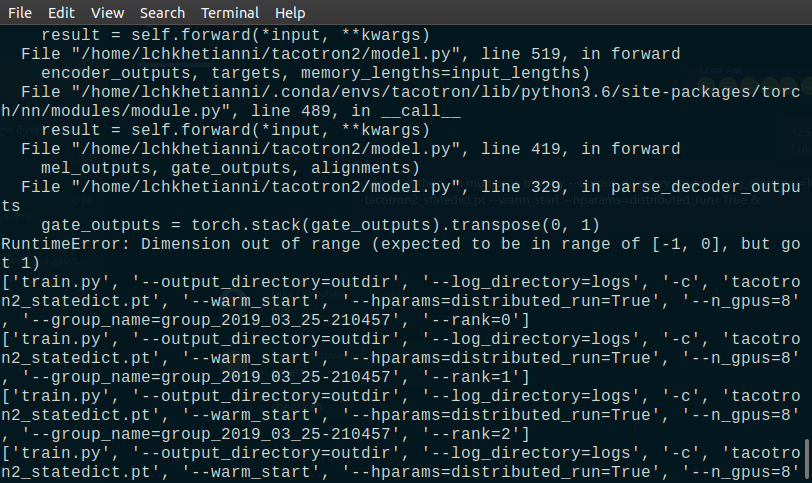
Any suggestions?
 deepconsc
All 10 comments
Check the length of that gate_outputs variable. I suspect it has a single frame.
 rafaelvalle
on 25 Mar 2019
rafaelvalle
on 25 Mar 2019
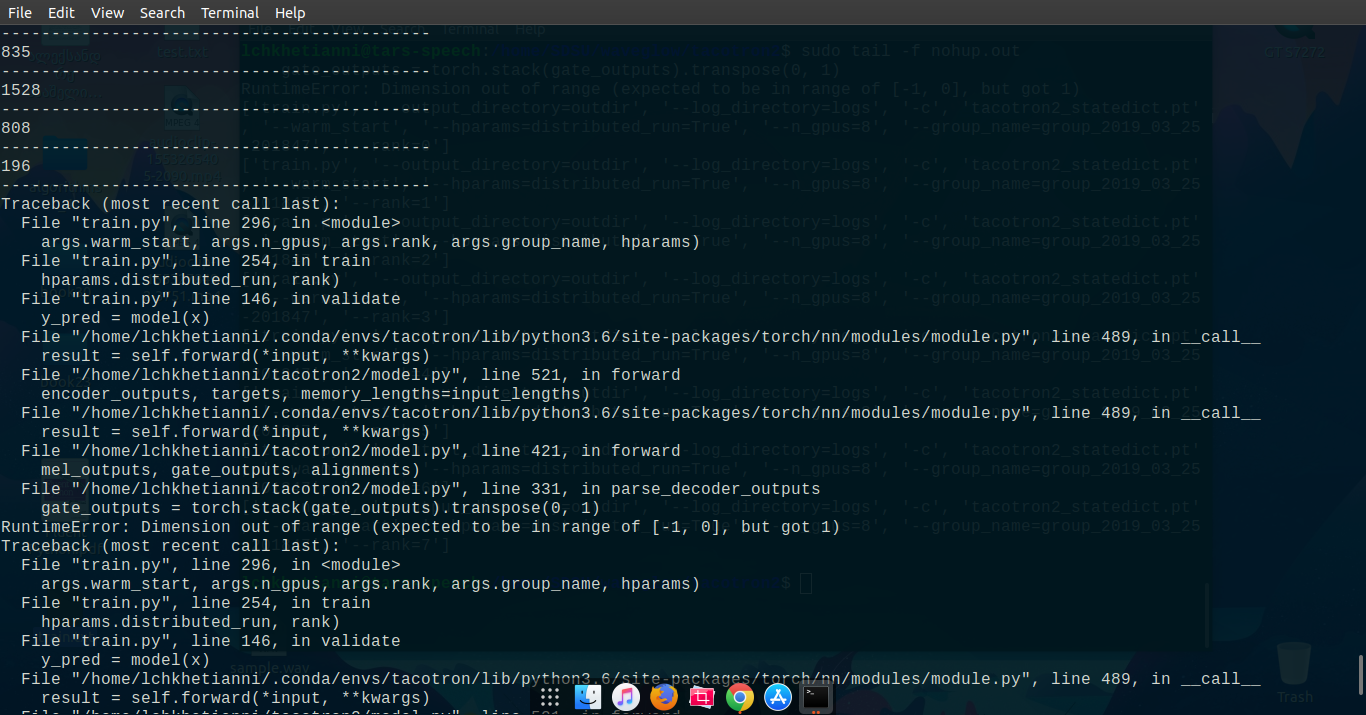
checked the variable length, it wasn't a single frame.
here's the screenshot
@rafaelvalle any thoughts?
deepconsc
on 25 Mar 2019
Did you set batch size to 1?
I met the same issue when I set batch size to 1. And when I set batch size to other value other than 1, didn't meet this issue again.
 androidof2008
on 1 Apr 2019
androidof2008
on 1 Apr 2019
@androidof2008 batch size is 8.
Here's the solution, and really hilarious one - it gives the dimension error on batch size 8 on 8 GPUs, but runs on 1 GPU, without throwing any error.
deepconsc
on 1 Apr 2019
I have the same error. The problem does not occur immediately (after 600iters fine-tune). Batch size = 34. How I can avoid this error?
 antontc
on 14 Apr 2019
antontc
on 14 Apr 2019
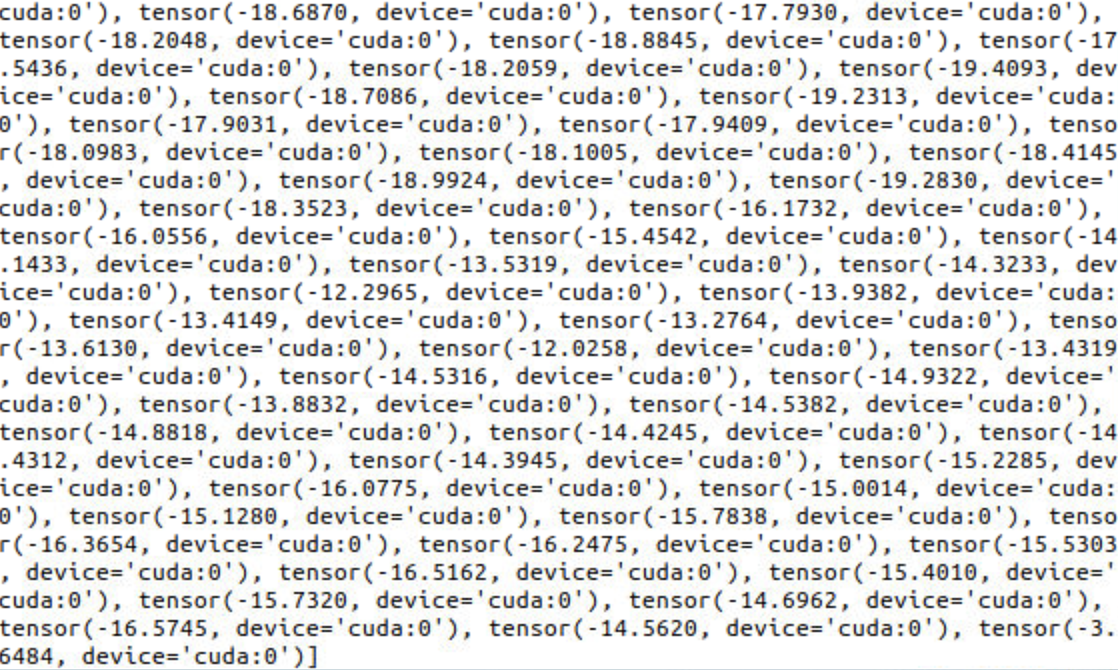
The gate_outputs have this structure.
antontc
on 14 Apr 2019
Check that there exists no culprit data, for example no text, no audio, etc...
rafaelvalle
on 1 Jun 2019
Closing due to inactivity.
rafaelvalle
on 31 Jul 2019
Hello,
I believe I ran into the same error when using only the model with my training code. The problem is at https://github.com/NVIDIA/tacotron2/blob/131c1465b48be60cb5d3b8ab79cfc663e5c47b6a/model.py#L410
For a batch size B the gate_outputs will be B x 1 where the last dimension is squeezed. However, if your batch size is one both dimensions will be squeezed and you get the error. This is why it fails with a batch size of 8 on 8 GPUs, where the batch size on each GPU is again one. In my case it failed because I do not use drop_last=True in my DataLoader and the last chunk turned out to have a size of one. The solution for me was simply to change the code to gate_output.squeeze(1).
I don't quite understand why it is not failing immediately for @antontc. Maybe the end of the data set is reached after 600 iterations and then the last chunk triggers the error as in my case?
 b-schnell
on 21 Aug 2019
b-schnell
on 21 Aug 2019
Hello,
I believe I ran into the same error when using only the model with my training code. The problem is at
https://github.com/NVIDIA/tacotron2/blob/131c1465b48be60cb5d3b8ab79cfc663e5c47b6a/model.py#L410
For a batch size B the gate_outputs will be B x 1 where the last dimension is squeezed. However, if your batch size is one both dimensions will be squeezed and you get the error. This is why it fails with a batch size of 8 on 8 GPUs, where the batch size on each GPU is again one. In my case it failed because I do not use
drop_last=Truein myDataLoaderand the last chunk turned out to have a size of one. The solution for me was simply to change the code togate_output.squeeze(1).
I don't quite understand why it is not failing immediately for @antontc. Maybe the end of the data set is reached after 600 iterations and then the last chunk triggers the error as in my case?
It work for me, thanks.
 chazo1994
on 28 Feb 2020
chazo1994
on 28 Feb 2020
Related issues
 Jiff-Zhang
·
7Comments
Jiff-Zhang
·
7Comments
 hadaev8
·
6Comments
hadaev8
·
6Comments
 geneing
·
4Comments
geneing
·
4Comments
 shoegazerstella
·
8Comments
shoegazerstella
·
8Comments
 xDuck
·
4Comments
xDuck
·
4Comments
Most helpful comment
Hello,
I believe I ran into the same error when using only the model with my training code. The problem is at https://github.com/NVIDIA/tacotron2/blob/131c1465b48be60cb5d3b8ab79cfc663e5c47b6a/model.py#L410
For a batch size B the gate_outputs will be B x 1 where the last dimension is squeezed. However, if your batch size is one both dimensions will be squeezed and you get the error. This is why it fails with a batch size of 8 on 8 GPUs, where the batch size on each GPU is again one. In my case it failed because I do not use
drop_last=Truein myDataLoaderand the last chunk turned out to have a size of one. The solution for me was simply to change the code togate_output.squeeze(1).I don't quite understand why it is not failing immediately for @antontc. Maybe the end of the data set is reached after 600 iterations and then the last chunk triggers the error as in my case?