Tachiyomi: [Bug] Mangadex WebView is broken
Device information
- Tachiyomi version: r2112
- Android version: 9
- Device: Honor Play
- WebVew: 81.0.4044.111
Steps to reproduce
- Open WebView for Mangadex library entry
Expected behavior
Normal mobile view
Actual behavior

Other details
Not sure if it an issue with an extension or the WebView itself, so I post it here. Other sources work fine. I tried rebooting and cache cleaning.
 serjflint
All 12 comments
Stable is broken, too. Firefox opens it normally.
serjflint
on 24 Apr 2020
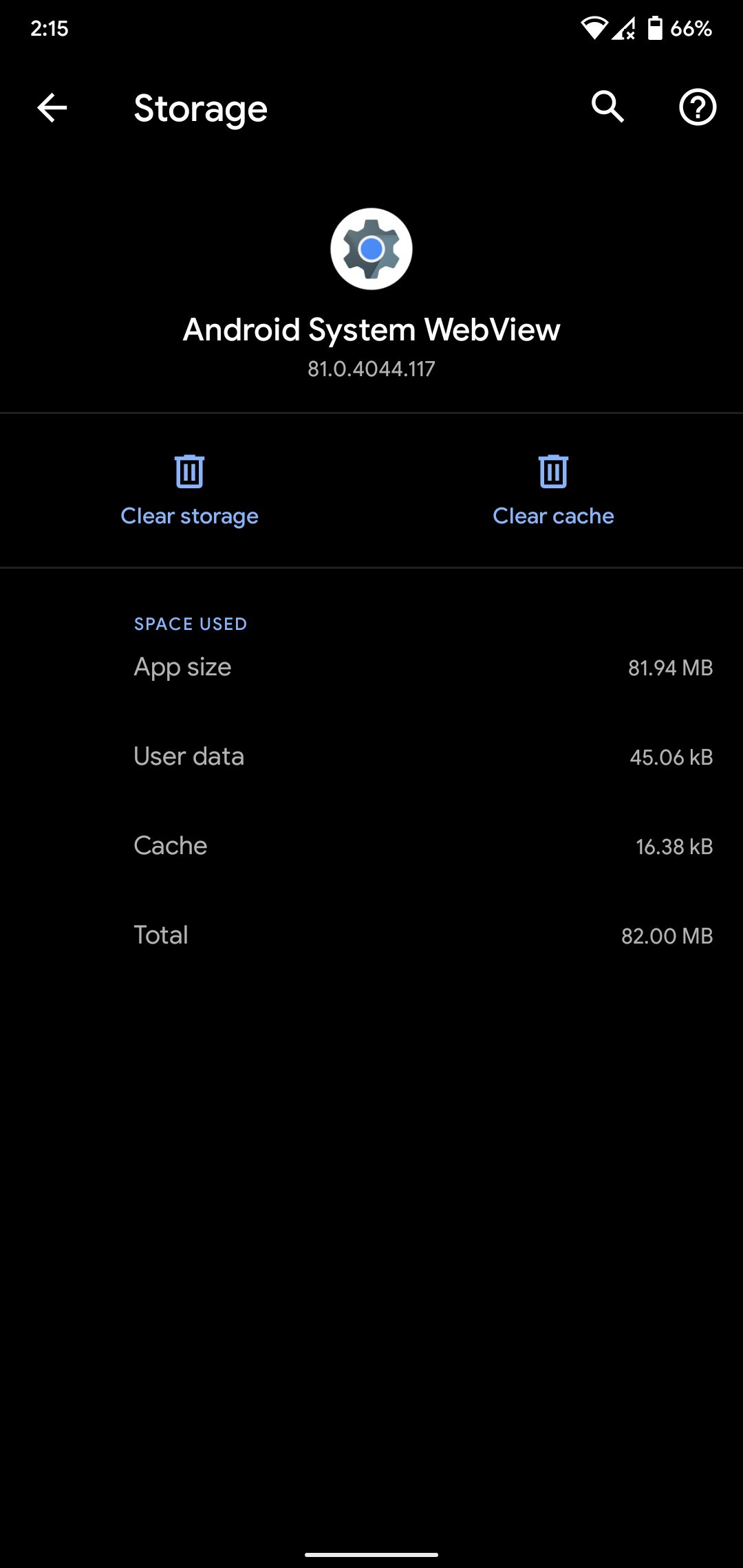
this should probably Webview itself, did you clear cache for webview too?
 pervertkirito
on 24 Apr 2020
pervertkirito
on 24 Apr 2020
@pervertkirito how to do it? I cleared the app cache but I don't see an option for the web view specifically.
serjflint
on 24 Apr 2020
webview is an app and separate from tachiyomi.
Go to android setting, find app called _Android System Webview_ and try clear cache there
pervertkirito
on 24 Apr 2020
There is no such app in system settings and Play Store says it is disabled with no buttons to enable it.
Edit: Disabled Chrome. Enabled WebView. Cleared cache. Cleared cache in Firefox. Still the same broken page.
serjflint
on 24 Apr 2020
@serjflint, open in the browser no one will fix the WebView https://github.com/inorichi/tachiyomi/issues/2309
 e-shl
on 24 Apr 2020
e-shl
on 24 Apr 2020
It was perfectly normal less than 2 weeks ago
serjflint
on 24 Apr 2020
My webview is perfectly fine.
 rama982
on 24 Apr 2020
rama982
on 24 Apr 2020
WebVew 81.0.4044.111. For me it looks like CSS is not loading properly. Don't want clear all data, because restoring backup in over 1k entries is a drag.
serjflint
on 24 Apr 2020
Webview is indeed a separate app that we don't control.
 arkon
on 24 Apr 2020
arkon
on 24 Apr 2020
It was the issue with the ISP and was resolved by itself after some time. Seems like some assets were blocked but could be downloaded using VPN.
serjflint
on 2 May 2020
This was also "fixed" after noticing some assets failed to load in webview when not on the www subdomain.
arkon
on 2 May 2020
Related issues
 basilg3
·
3Comments
basilg3
·
3Comments
 K1LL3RR0N1N
·
3Comments
K1LL3RR0N1N
·
3Comments
 nataliejean2412
·
4Comments
nataliejean2412
·
4Comments
 MaryWeeb
·
4Comments
MaryWeeb
·
4Comments
 TheUnlocked
·
3Comments
TheUnlocked
·
3Comments