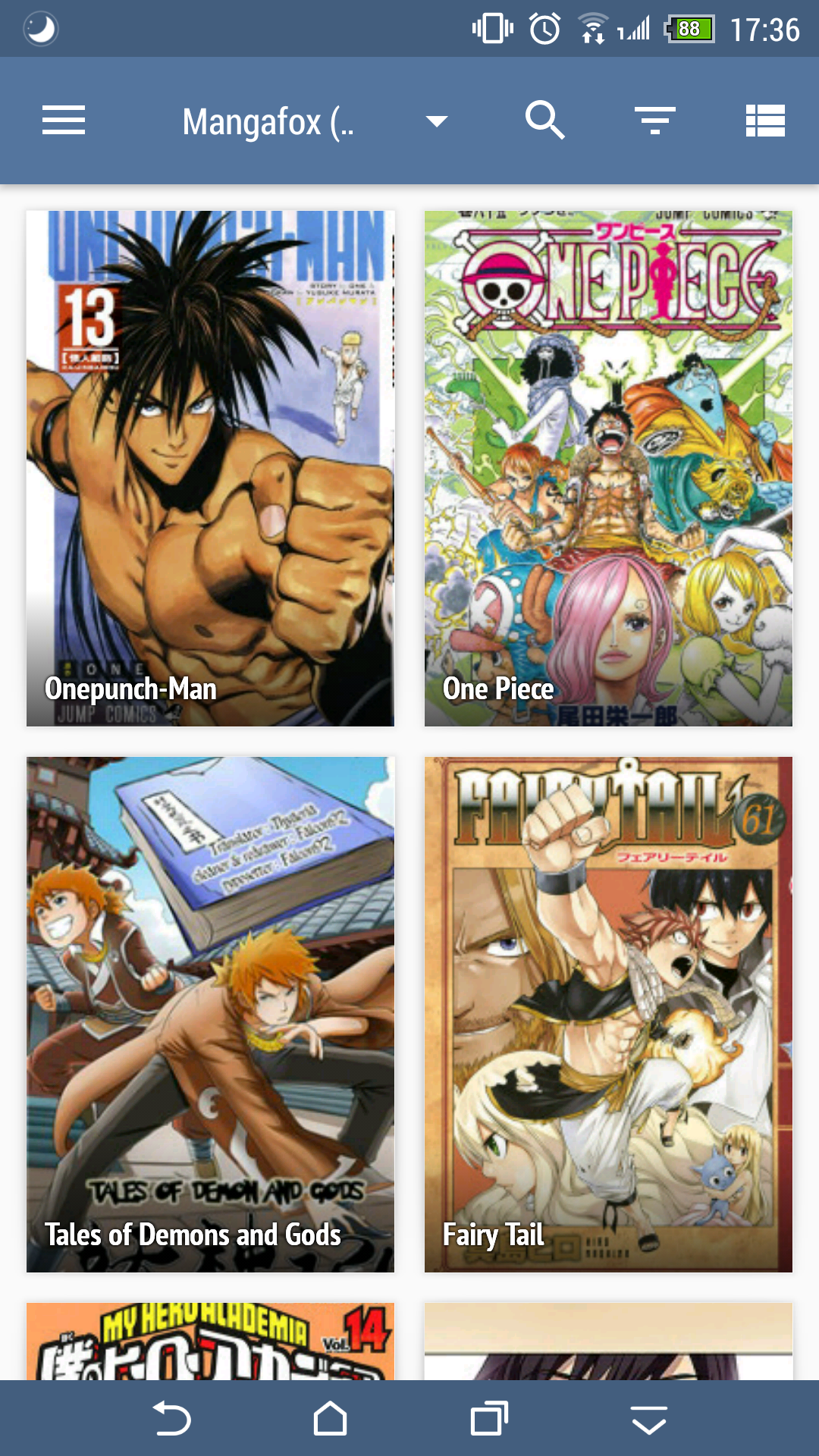
- Open catalogues page
- Search anything
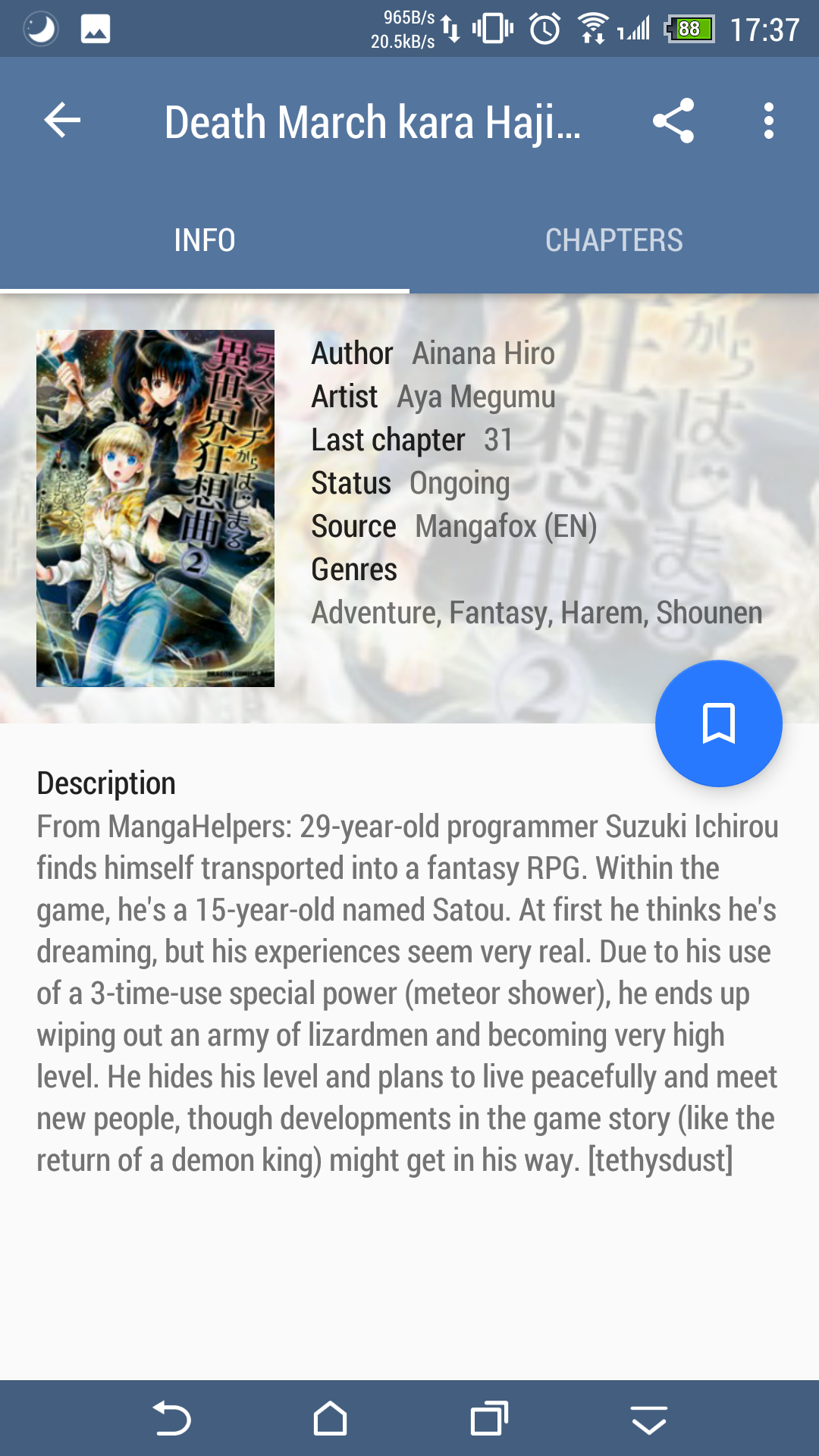
- Select any result
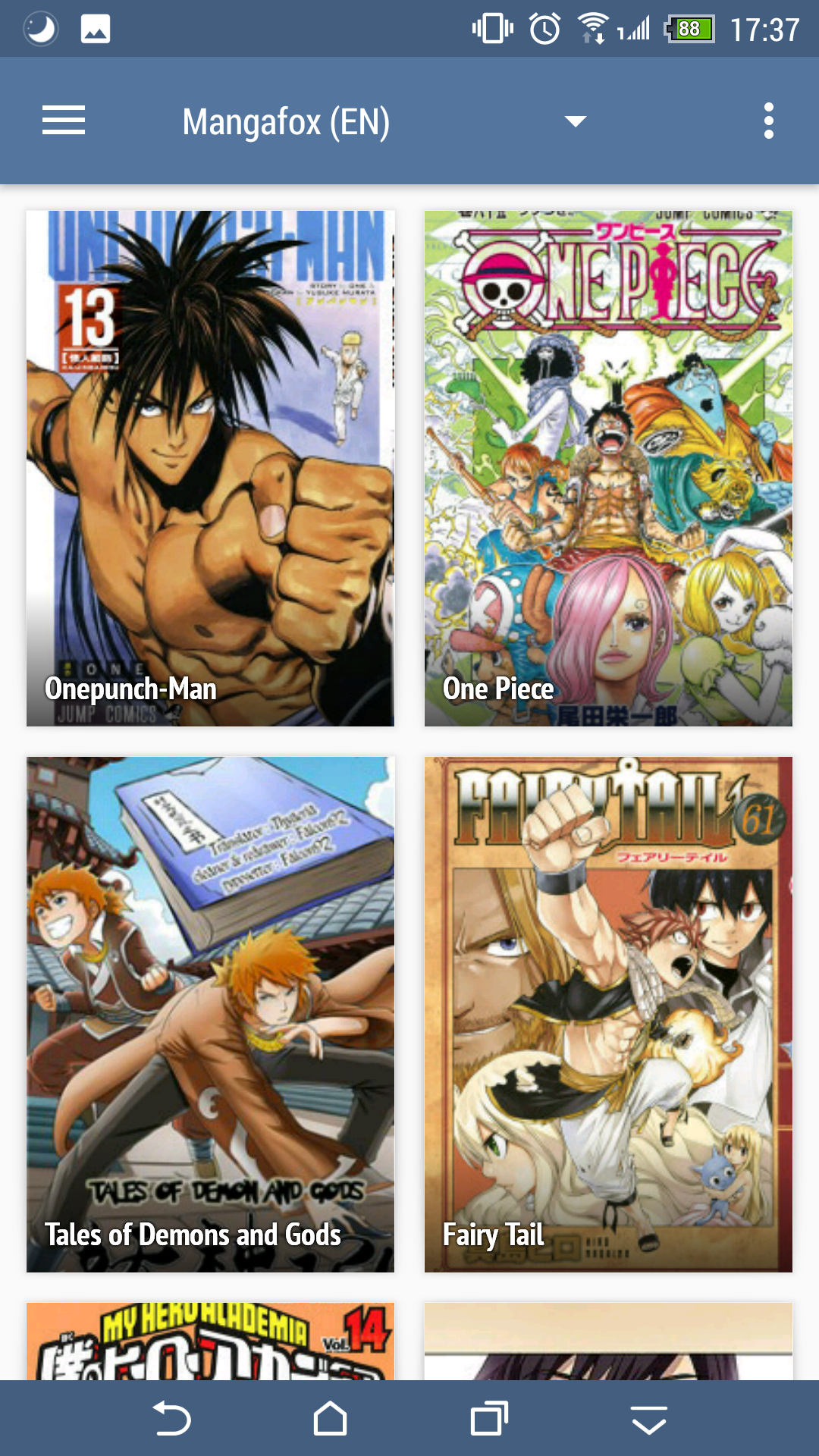
- Press back twice
Search icon is disappered!
I don't know how to fix it :(

 namnguyen51
All 5 comments
Search and the two other icons that should be there are replaced by 3dot menu, tapping on it doesn't do anything.
 j2ghz
on 23 Jul 2017
j2ghz
on 23 Jul 2017
😄1
If you press home button and then back to app, problem solved 😂
namnguyen51
on 23 Jul 2017
😄1
It's a bug in the support library from Google. I don't have the link to the issue right now, but it was introduced in v24 IIRC. Hopefully they'll fix it in v26.
 inorichi
on 23 Jul 2017
inorichi
on 23 Jul 2017
👍1
This is the issue: https://issuetracker.google.com/issues/37657375
Sadly, it wasn't fixed in v26, but someone posted a workaround so I'll probably do that.
inorichi
on 26 Jul 2017
I just added a workaround for the library search. I didn't update the catalogue one to not interfere with @NoodleMage 's PR. It'll be fixed later or added in that PR.
inorichi
on 26 Jul 2017
👍1
Was this page helpful?
0 / 5 - 0 ratings
Related issues
 K1LL3RR0N1N
·
3Comments
K1LL3RR0N1N
·
3Comments
 joseph619
·
3Comments
j2ghz
·
3Comments
joseph619
·
3Comments
j2ghz
·
3Comments
 nataliejean2412
·
4Comments
nataliejean2412
·
4Comments
 Pepsyy
·
4Comments
Pepsyy
·
4Comments