Tachiyomi-extensions: [Bug] Japscan : The pages dont load
Device Information
- Tachiyomi extension version: 1.2.16
- Tachiyomi version: 0.8.4
- Android version: 9.00
Steps to reproduce
Expected behavior
Actual behavior
Other details
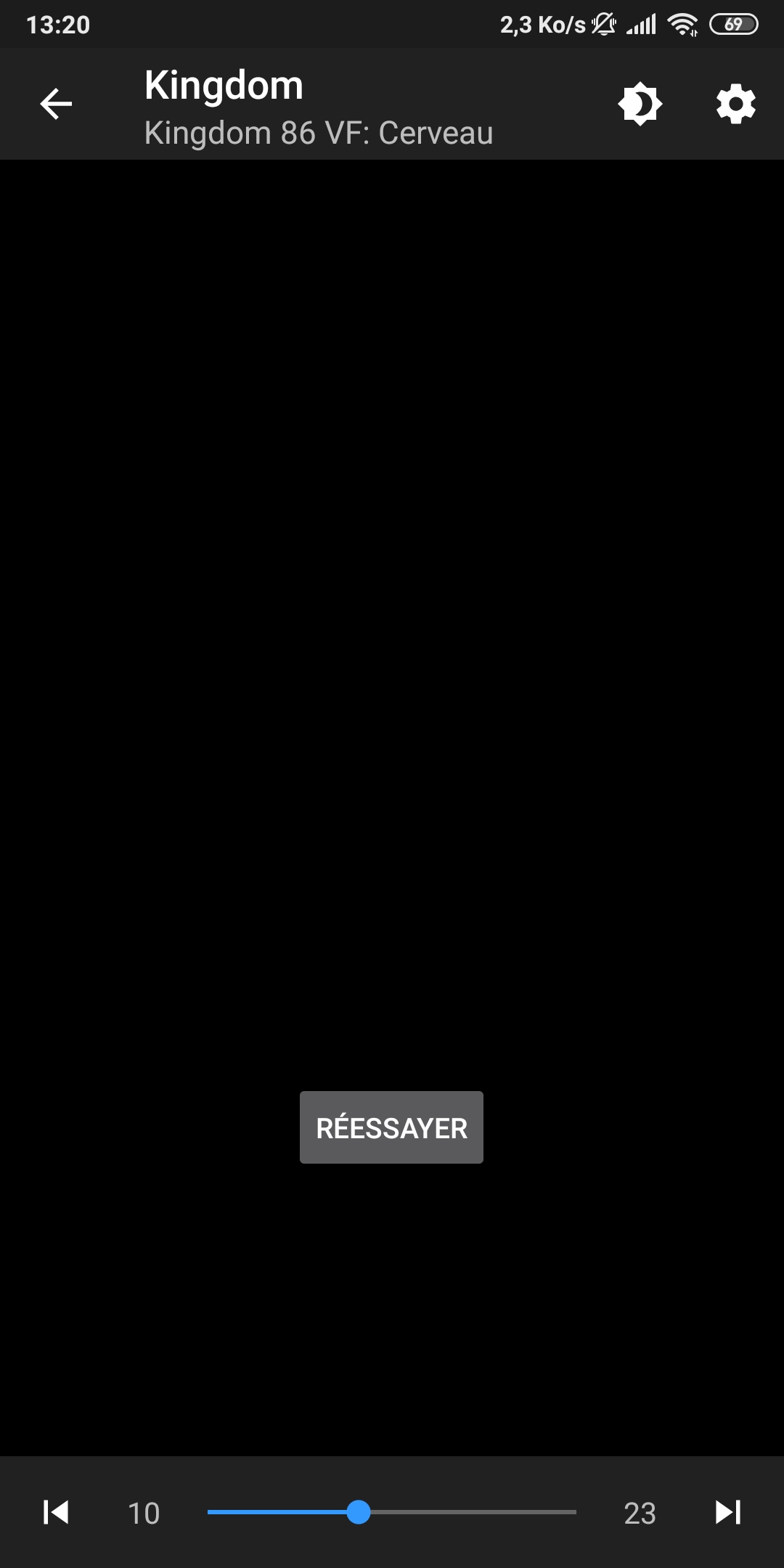
I can't read all the manga i have in my library from japscan. Since Yesterday.
 amar33
All 22 comments
Same.
 o01210o
on 29 Feb 2020
o01210o
on 29 Feb 2020
I'm having the same issue. Purging cache and cookies as well as trying from several different networks (different wifis, mobile service, ect) didn't helped.
Seems like the only thing not working is loading the images themselves. No exception is thrown in the logcat, but maybe that's because I'm not using the Dev version.
The website works as usual.
I may try looking at the code tonight but I would appreciate any help on how to debug extensions.
(btw Kingdom is awesome! 😉)
 HerrCraziDev
on 29 Feb 2020
HerrCraziDev
on 29 Feb 2020
I took a quick peak on my phone earlier and the data-src url was throwing 404. Maybe some more scrambling but in url form?
 happywillow0
on 29 Feb 2020
happywillow0
on 29 Feb 2020
Instead of scrambling the images, they seem to be scrambling the links.
I'm not sure how it works but hakuneko has pushed their own patch.
https://github.com/manga-download/hakuneko/commit/fc9aee2065284d738d1fe341f6ecea65ad78cd0e
happywillow0
on 29 Feb 2020
Hakuneko seems to be using a script, probably taken from Japscan itself (see manga-download/hakuneko@fc9aee2, line 72. Unfortunately it is obfuscated.
I took a look into Japscan's own scripts and I have identified this obfuscated script as the one that _seems_ to be responsible for generating the image URL for a given page.
Reverse-engineering these might give us more information about how Japscan mangles their image URLs.
HerrCraziDev
on 1 Mar 2020
I think I managed to find what was causing the issue: as we supposed above, Japscan changed their image links, but those still present in the select#pages's data-img attributes are the old ones.
Hence, we seem to be left with two options :
- Figure out the relationship between pages and
data-imgdirect URLs - Load each page to get it's
data-imgattribute.
The latter seems the most easy to implement, but wouldn't it require much more requests on Japscan ?
Said otherwise, it seems there is no longer a page list per chapter. Instead we have to iterate over all pages to get their image URL.
HerrCraziDev
on 2 Mar 2020
Still dont work 😭
amar33
on 3 Mar 2020
@amar33 don't post things not contributing to issue
 CarlosEsco
on 3 Mar 2020
CarlosEsco
on 3 Mar 2020
Sorry for the lack of recent updates, I have been rather busy with other things these days. I have managed to reverse-engineer a script that is used by HakuNeko to compute all the image links of a chapter given the first one. Here is a gist for reference : https://gist.github.com/HerrCraziDev/44ae6d3355954096810ea9b8971cd98d#file-hakuneko_postload_parser-js
Unfortunately, this only works when the first link is already computed. Japscan uses another script to generate that first link, and it is highly obfuscated as well. Once we can get to understand how the first link is generated and once this logic would be implemented in kotlin, we should be settled with this issue.
HerrCraziDev
on 5 Mar 2020
@HerrCraziDev C'est rien, merci à toi d'avoir pris de ton temps pour essayer de résoudre le problème :)
I hope someone can find a solution because none of the other sites have much content than Japscan
o01210o
on 5 Mar 2020
Merci ! Je vais continuer à chercher dès que j'en ai le temps, ce soir et ce week end. J'espère qu'on pourra régler ca d'ici lundi.
_Thanks ! I'll be working on it as soon as I have some time, probably tonight and this week-end. Hopefully we can get it sorted by monday_
HerrCraziDev
on 5 Mar 2020
D'après le gist les urls dans le select#pages sont chiffrés via un chiffrement par substitution (grosso modo un charactère correspond à un autre).
Dans le script, il reconstruit la table de chiffrement à partir de la première page, en comparant l'url du select et l'image affichée, puis traduit les autres urls.
_According to the gist the urls in the select # pages are encrypted by substitution (a character corresponding to another one)._
_In the script, they reconstructs the encryption table from the first page, by comparing the url of the select and the image displayed, and translates the other urls._
 mso-m
on 7 Mar 2020
mso-m
on 7 Mar 2020
I'll give it a try later but if anyone wants to take a look too:
https://github.com/raulhaag/MiMangaNu/commit/44ccd6f8b8d720817c9e9c9f2468230293e3cf2f
happywillow0
on 7 Mar 2020
I created a very hacky and probably very temporary solution:
https://github.com/morcefaster/tachiyomi-extensions/commit/696bff10cc059265f31cc1df2cd9ce9a4437c1b6
Essentially it grabs a chapter from one of the less popular manga with known true image sources, based on which a keysheet is generated and used to decode the pages of requested chapter. Since japscan seems to update the keysheet in short intervals, the base chapter is fetched every time a new chapter is loaded.
As a side effect, 1st chapter of "4 Tetes a Claques" becomes unavailable, but at least everything else pops up.
 morcefaster
on 10 Mar 2020
morcefaster
on 10 Mar 2020
I created a very hacky and probably very temporary solution:
morcefaster@696bff1Essentially it grabs a chapter from one of the less popular manga with known true image sources, based on which a keysheet is generated and used to decode the pages of requested chapter. Since japscan seems to update the keysheet in short intervals, the base chapter is fetched every time a new chapter is loaded.
As a side effect, 1st chapter of "4 Tetes a Claques" becomes unavailable, but at least everything else pops up.
Hello,
It's possible to create an APK of the module? (I don't know how to do that :/)
 RGFRv2
on 10 Mar 2020
RGFRv2
on 10 Mar 2020
I don't recommend wasting your time to reverse engineer HakuNeko, because it facilitates browser technologies...
I think you are going for a native approach, so this is probably what you are looking for:
japscan.js.txt
And for scrambled images:
4dbf9a6193998fad1250f0929f9c8f12.js.txt
 ronny1982
on 11 Mar 2020
ronny1982
on 11 Mar 2020
I think you are going for a native approach, so this is probably what you are looking for:
japscan.js.txt
And for scrambled images:
4dbf9a6193998fad1250f0929f9c8f12.js.txt
Unfortunately, both the js file and the (encoded) image urls change every hour or so, seemingly randomly generated (not on a cycle). The if-else blocks get different values in them, sometimes get skipped entirely, so the files you provided will only be useful for a very short while, and might be outdated already.
I've fallen into the same pitfall, I've inspected the code similar to one above and made a solution around it only to find that the file's been changed an hour later. And then again. That's the reason why I used a known chapter for determining the encryption key, after spending a good portion of the afternoon of trying to figure out a different, cleaner approach.
Hello,
It's possible to create an APK of the module? (I don't know how to do that :/)
@RGFRv2 I've built and pushed it to my fork:
https://github.com/morcefaster/tachiyomi-extensions/blob/repo/apk/tachiyomi-fr.japscan-v1.2.17.apk
morcefaster
on 11 Mar 2020
I think you are going for a native approach, so this is probably what you are looking for:
japscan.js.txt
And for scrambled images:
4dbf9a6193998fad1250f0929f9c8f12.js.txtUnfortunately, both the js file and the (encoded) image urls change every hour or so, seemingly randomly generated (not on a cycle). The if-else blocks get different values in them, sometimes get skipped entirely, so the files you provided will only be useful for a very short while, and might be outdated already.
I've fallen into the same pitfall, I've inspected the code similar to one above and made a solution around it only to find that the file's been changed an hour later. And then again. That's the reason why I used a known chapter for determining the encryption key, after spending a good portion of the afternoon of trying to figure out a different, cleaner approach.
Hello,
It's possible to create an APK of the module? (I don't know how to do that :/)@RGFRv2 I've built and pushed it to my fork:
https://github.com/morcefaster/tachiyomi-extensions/blob/repo/apk/tachiyomi-fr.japscan-v1.2.17.apk
@morcefaster
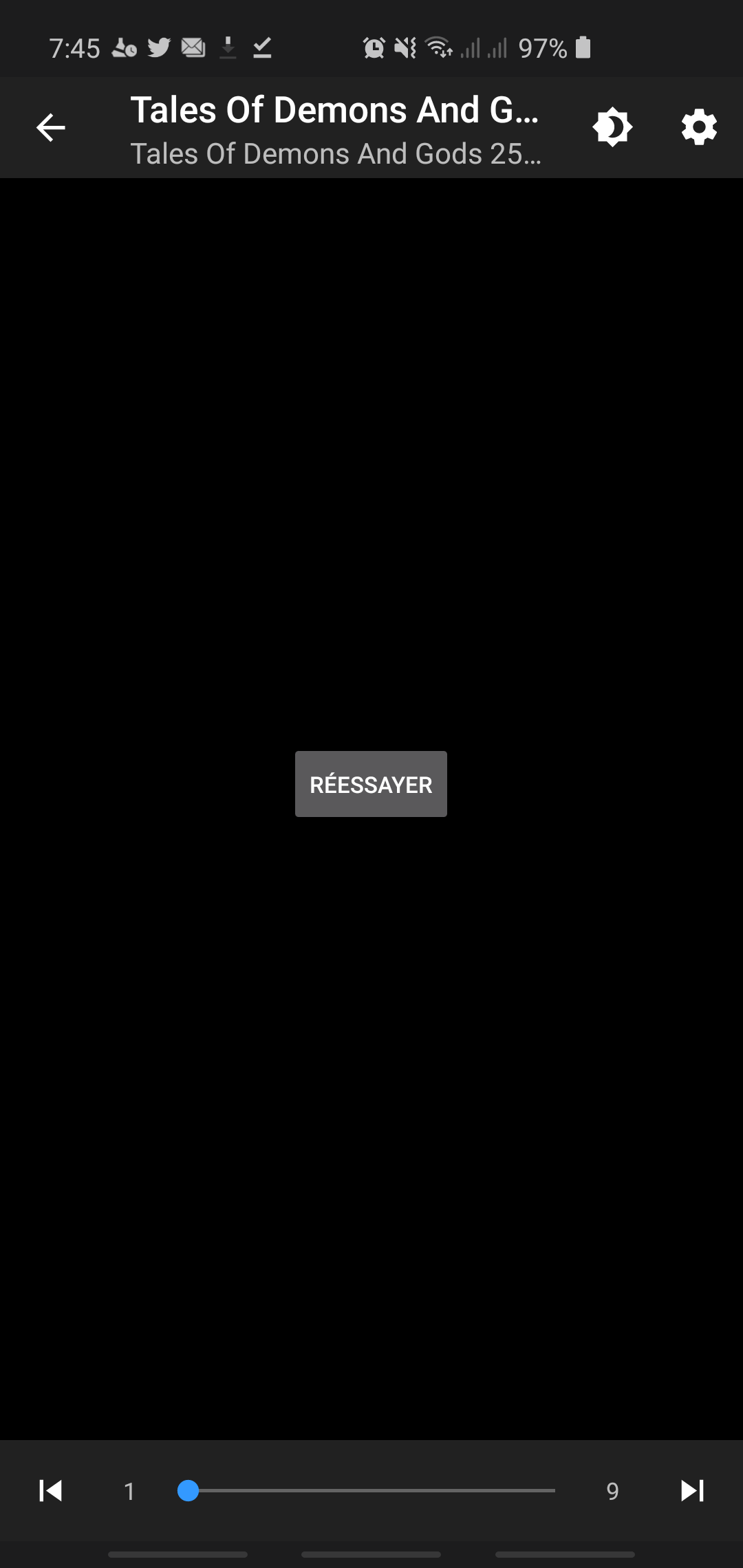
Doesn't work:/
RGFRv2
on 11 Mar 2020
I don't recommend wasting your time to reverse engineer HakuNeko, because it facilitates browser technologies...
I think you are going for a native approach, so this is probably what you are looking for:
japscan.js.txt
And for scrambled images:
4dbf9a6193998fad1250f0929f9c8f12.js.txt
I'm interested, how did you got these files ?
HerrCraziDev
on 11 Mar 2020
I don't recommend wasting your time to reverse engineer HakuNeko, because it facilitates browser technologies...
I think you are going for a native approach, so this is probably what you are looking for:
japscan.js.txt
And for scrambled images:
4dbf9a6193998fad1250f0929f9c8f12.js.txtI'm interested, how did you got these files ?
For example from Chrome dev tools VM scripts, you can easily see them by going to networking and checking the source of the image request
morcefaster
on 11 Mar 2020
Sorry, I meant the scripts. My bad
HerrCraziDev
on 11 Mar 2020
Sorry, I meant the scripts. My bad
But that's what I answered. If you look for the origin of image request in chrome dev tools, you'll find a link to the VM script that was eval'd from that huge obfuscated js file. Unfortunately it's evaluated on runtime so you would still need a js engine to generate it.
morcefaster
on 12 Mar 2020
Related issues
 Nesaijn
·
3Comments
Nesaijn
·
3Comments
 Eduardo1809
·
4Comments
Eduardo1809
·
4Comments
 alireda22
·
4Comments
o01210o
·
3Comments
alireda22
·
4Comments
o01210o
·
3Comments
 ppp821203
·
3Comments
ppp821203
·
3Comments
Most helpful comment
Merci ! Je vais continuer à chercher dès que j'en ai le temps, ce soir et ce week end. J'espère qu'on pourra régler ca d'ici lundi.
_Thanks ! I'll be working on it as soon as I have some time, probably tonight and this week-end. Hopefully we can get it sorted by monday_