Tabulator: Rendering Improvements
Hey Guys,
Now that jQuery has been removed from Tabulator the road is clear to make a load of improvements to the rendering system.
over the next few versions i will be:
- Making it faster to load data into the table
- Making it quicker to draw rows on the table, which will improve scrolling experience and addData speed
- Making it more efficient to handle tables with large numbers of columns
- Improving memory management
- Fixing the whitespace glitch that sometimes appears when scrolling
Rather than having lots of issues which are essentially all facets of the same thing i thought i would create one issue to allow for discussion.
Cheers
Oli :)
 olifolkerd
All 23 comments
Hey Oli. I thank you for your library, it's very efficient. However, I struggle on the stuttering of frozen columns :D. I also saw that you did some commits on columns to erase that issue. I would know when we could have that next update please?
Again, many thanks .
 Serguei12345
on 14 Feb 2019
Serguei12345
on 14 Feb 2019
Hi Oli. Love using tabulator. We are experiencing the white space during mouse wheel scrolling. Any status update on a fix? If you have any work arounds or tips on what we can do to get around it that would be great as well. Thanks.
 jdthoen
on 17 Apr 2019
jdthoen
on 17 Apr 2019
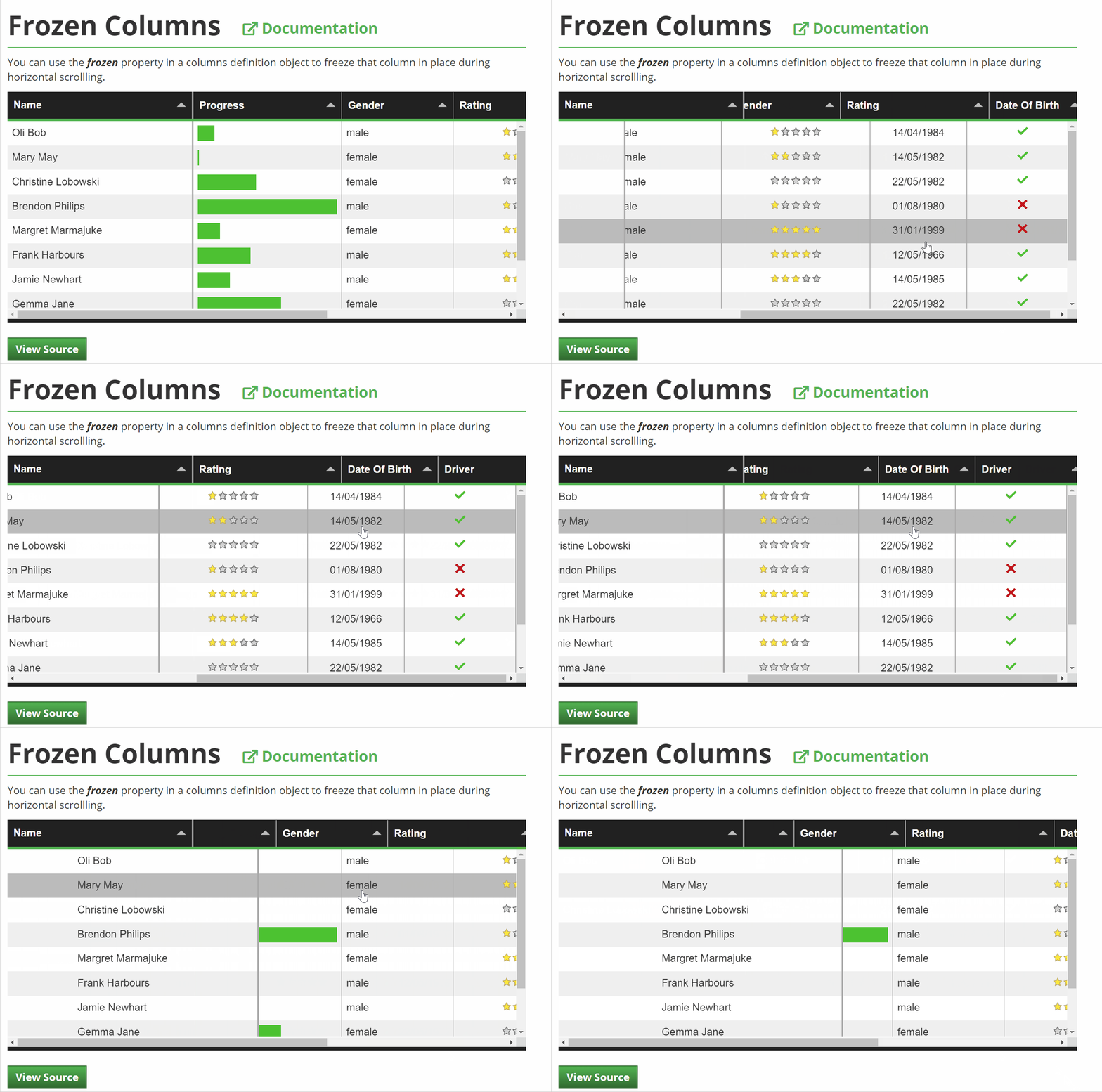
Stuttering of frozen columns (#1696, #1200, #1796) appear in all my tested browsers (Chrome, Firefox and Safari). But also the table head columns are effected.
Click on the preview image to see a video of stuttering in Firefox for the Frozen Columns Example

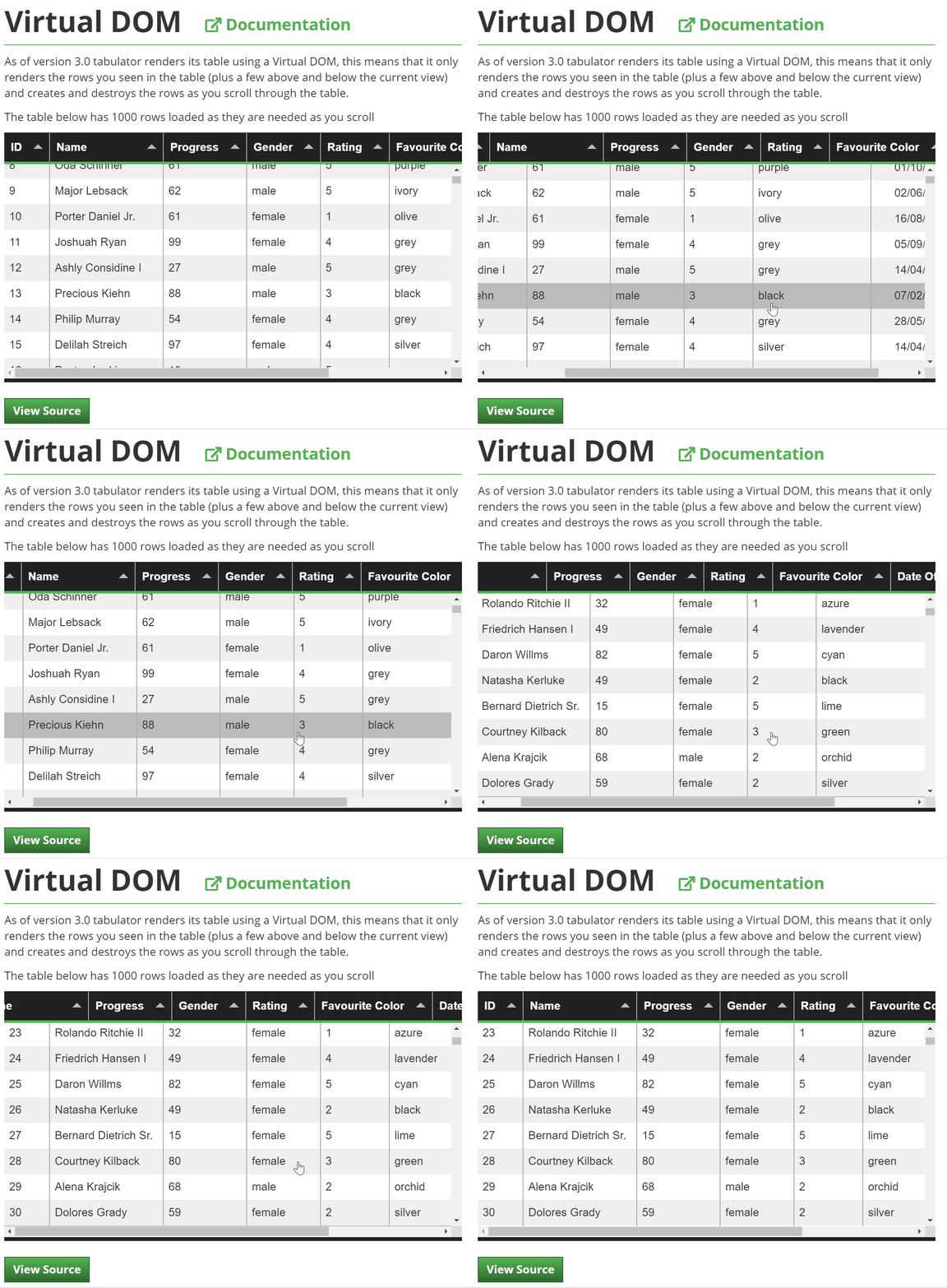
The stuttering of the head columns is independent from the existence of a frozen column. Here is a video of my current project table (with replaced dummy data) running in Chrome:

The example videos were running on an Macbook Pro (2013) with retina display
 dasboe
on 18 Apr 2019
dasboe
on 18 Apr 2019
Hey @jdthoen
do you have an example of the white space your are experiencing?
Cheers
Oli :)
olifolkerd
on 22 Apr 2019
Hey @olifolkerd ,
Really appreciate your work!
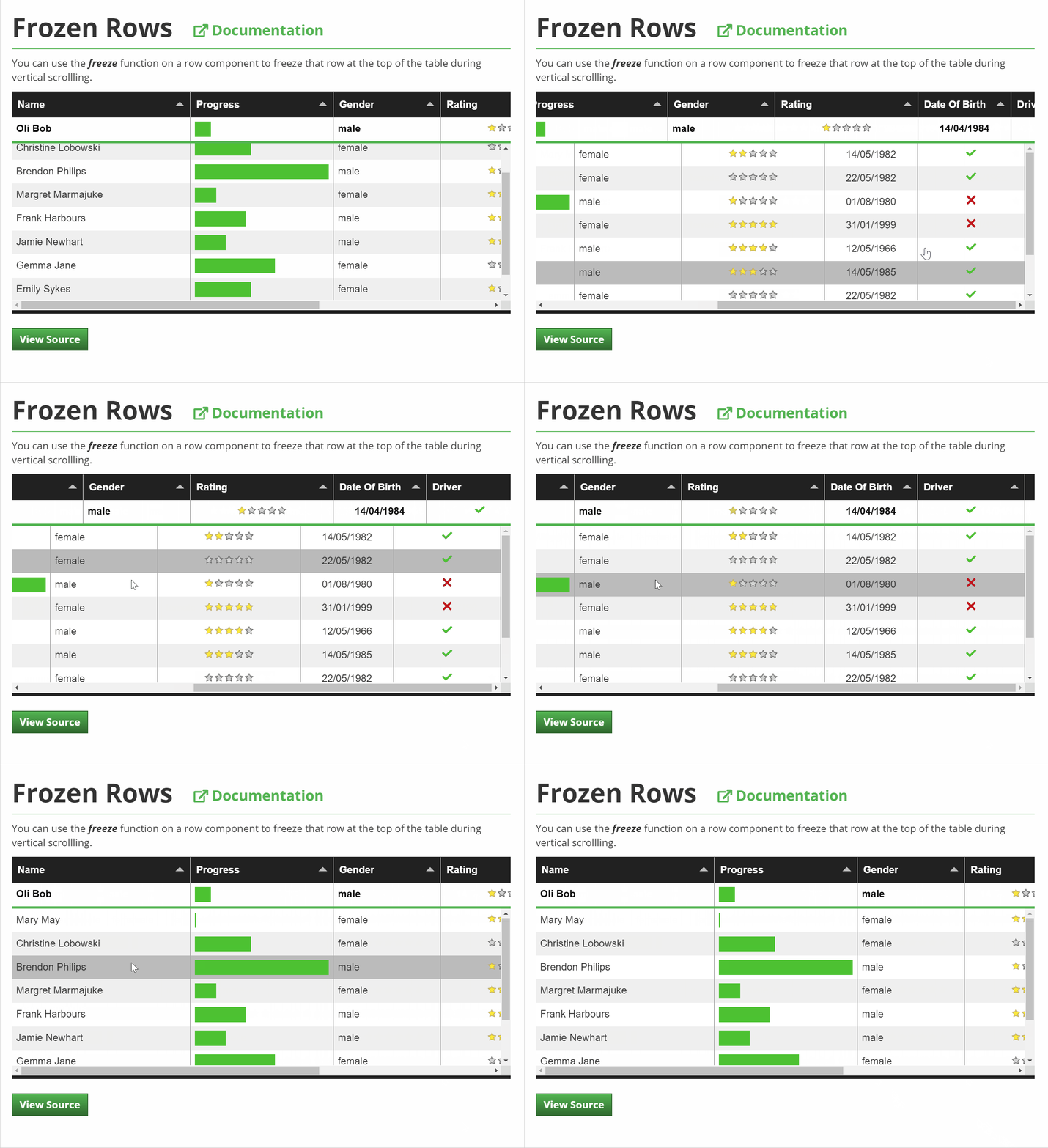
I am also experiencing significant glitching/misalignment with the frozen columns and the headers (on latest chrome desktop/mobile and safari ios). It's the worst on mobile, which is where my users are :(.
Just wondering if we can get an update on this? Is there any rough timeline for a fix?
Are there any strategies I can employ to reduce this or remove it for now?
Best
 rtman
on 26 Apr 2019
rtman
on 26 Apr 2019
Hey all,
I have pushed an update to the master branch (will include it in this weekends 4.2.6 patch release) that should sort any misalignment with the columns when the scroll has stopped and should improve the efficiency of the scroll to help with the animation.
But i am afraid that the slight header misalignment as you scroll as demonstrated in your to two videos is because there are simply too many moving parts for less capable browsers to keep up with (desktop browsers excluding IE should be fine), there is no quick fix for this, it would require a complete rebuild of the virtual DOM renderer.
I will look into the for the 5.0 release next year when i am rebuilding the virtual DOM, but until then im afraid there will be some scroll lag on devices with less oomph.
Cheers
Oli :)
olifolkerd
on 27 Apr 2019
Got it, thanks oli. Looking forward to testing out the 4.2.6 patch.
rtman
on 28 Apr 2019
Sorry for the delayed response. Here's our configuration and the issue we are seeing. This is with the latest version, 4.2.6.
this.tabulator = new Tabulator("#" + this.id + " .tableContainer", {
            layout: "fitDataFill",      //fit columns to width of table
            autoColumns: false,
            index: "OBJECTID",
            movableColumns: true,      //allow column order to be changed
            selectable: false, //make rows selectable
            resizableRows: true,
            layoutColumnsOnNewData: false,
            height: "195px",
            columns: columns,
            virtualDomBuffer: 500,
            responsiveLayout: false,
            ajaxURL: this.featureLayer.url + "/query",
            ajaxParams: { token: this.featureLayer.credential.token, beforeRefresh: () => this.beginRefresh() },
            ajaxSorting: true,
            pagination: "remote",
            initialSort: [{ column: "OBJECTID", dir: "asc" }],
            paginationSize: DEFAULT_PAGING_SIZE,
            footerElement: this.footer.domNode,
            paginationSizeSelector: true, //enable page size select element and generate list options
            selectableRollingSelection: false, // disable rolling selection
            ajaxRequestFunc: (url, config, params) => this._onDataRequest(url, config, params),
            rowSelectionChanged: (data, rows) => this._onRowSelectionChanged(data, rows),
            dataLoading: (data) => this._onDataLoading(data),
            dataLoaded: (data) => this._onTableDataLoaded(data),
            ajaxRequesting: (url, params) => this.ajaxRequesting(url, params),
            ajaxError: (xhr, textStatus, errorThrown) => this.ajaxError(xhr, textStatus, errorThrown),
            rowFormatter: (row) => this.rowFormatter(row),
            pageLoaded: (pageno) => this.onPageLoaded(pageno),
            rowDblClick: (e, row) => this.onRowDblClick(e, row),
            rowContext: (e, row) => this.onRowContext(e, row),
            ajaxLoaderLoading: this._getLoadingIndicator()
        });

jdthoen
on 29 Apr 2019
I did notice that when I hit the first page button after the initial load that the scrolling issue goes away. As a work around if I reset the tabulators data in the initial pageLoaded event then the scrolling issue doesn't appear.
, onPageLoaded: function (pageno){
        if (this.onInitialLoad) {
            let data = this.tabulator.getData();
            this.tabulator.setData(data);

            this.onInitialLoad = false;
        }
@olifolkerd - great to see some improvements!
Because in my current project the "scroll lag" between header columns and fixed columns and the rest of the table cells is a big issue I tried to find a solution/workaround and I think I came up with something I can live with for now.
My solution for now is to catch the mousewheel event (I use hamster.js for simplicity) and if the mouse moves horizontal disable the default scroll. Instead I manually set the scroll positions.
new Tabulator("#table", {
  ...
  tableBuilt: function() {
    let scrollElem = document.getElementsByClassName('tabulator-tableHolder')[0];
    let hamster = Hamster(scrollElem);

    hamster.wheel(function(event, delta, deltaX, deltaY) {
      if (deltaX != 0) {
        event.preventDefault();
        scrollElem.scrollTop += deltaY;
        scrollElem.scrollLeft += deltaX;
      }
    })
  }
});
See working example here:
https://codepen.io/anon/pen/jRRqdp
This is clearly a hack and there is likely a simpler more elegant solution.
But maybe it also helps to incorporate a build in temporary solution for tabulator until a big rebuilding for the virtual DOM is done.
dasboe
on 29 Apr 2019
@dasboe
This fix works really well on desktop! All the glitching for the headers and frozen column are gone for me, nice work! Do you think this can be extended to mobile somehow? As of right now mobile is unaffected by this change and still has significant glitching/misalignment.
@olifolkerd what do you think about this? It seems like there may be a way to fix this outside of rebuilding the virtual DOM?
rtman
on 29 Apr 2019
@rtman @dasboe
Unless you are using IE you shouldnt be experiencing any issue with headers or frozen columns on desktop.
I agree that in principal this is could be a way around the issue, but i would have a number of concerns about it:
- i dont think it addresses the momentum scrolling that is expected on mobile devices.
- it only adresses scroll wheel events and dosnt catch users dragging the scroll bar
- it dosnt catch user clicking on the scroll arrows
- while you can block scroll wheel events you cannot block the scroll event itself which is the only one triggered by all of the actions outlined above
The issue arises on mobile browsers because the browsers render first animates the scroll event, then executes the JavaScript which moves along the header, because the native scroll renderer has a higher priority that the JavaScript this lets the body of the table scroll smoothly and then the headers catch up as the JavaScript is executed one iteration at a time.
because scrolling generates a LOT of scroll events it can then take a second to catch up.
The approach works because it then causes both the header and table body to be scrolled via javascript, giving them both the same priority and thus smoothing the render.
i have a number of options to look into to resolve it, but given the number of different features that Tabulator has that all need to interact it is not a trivial matter to make changes to the way the DOM works without other parts of the table needing to be rebuilt.
I understand it is a sub optimal experience on mobile, but it is only a slight glitch during a scroll, it in no way affects correct function of the table so at this point it is a lower priority issue that other areas that need focus.
I would also point out that this issue is not confined to Tabulator, other table libraries such as DataTables also suffer from the same issue.
Cheers
Oli :)
olifolkerd
on 29 Apr 2019
@jdthoen The issues you were experiencing were due to an issue introduced in the latest release. i am releasing a patch this evening to deal with it.
Cheers
Oli :)
olifolkerd
on 29 Apr 2019
@olifolkerd
Unless you are using IE you shouldnt be experiencing any issue with headers or frozen columns on desktop.
I think you may have overlooked laptops? My laptop is a year old, higher end model and you can directly see the result in the gifs I have posted above (in chrome). This is when the laptop is not plugged in and running on battery, the issues are lessened when it is plugged in due to increased processing power. I don't think it's correct to state that this issue is only on mobile or desktop IE.
I understand it is a sub optimal experience on mobile, but it is only a slight glitch during a scroll, it in no way affects correct function of the table so at this point it is a lower priority issue that other areas that need focus.
On desktop/laptop, I agree the glitches are more slight.
But on mobile, respectfully I have to disagree, the user experience here is not good and it will impact the users ability to interact with and understand the table. Through my testing on several types of phones, I would say the glitch isn't slight. For instance after scrolling, the columns can sometimes stay several spots out of alignment with the header, that would definitely impact the correct function of the table (ie. don't know what data you are looking at, can edit the wrong column by accident). It's especially bad on safari ios. These issues seem pretty serious to me. I know there are plenty of users out there who would give up in order to not deal with them.
Anyways, sorry to be a downer here but I just think this should be higher priority as otherwise tabulator is amazing.
rtman
on 30 Apr 2019
@rtman The misalignment is only while the scroll animation is taking place it does not affect when the table is stationary which is when most users will use the table, and it is only seriously pronounced when frozen columns are used too. (there was a glitch with frozen columns not aligning after scroll was complete but that was fixed in the last update)
Im am including laptops in my description, i have used Tabulator across literally 100s of devices and don't come across the issues to the level your gifs show. I am not denying that in your case it is clearly happening, but i have never seen it as anything more than the slightest stutter across a wide variety of laptops, operating systems and browsers.
This is not a tabulator specific issue, you will face it with a lot of the other table systems out there, or for that matter pretty much anything else that uses element scroll driven animation, due to the way that the browser rendering engine works.
As I have already stated I will not be looking into rebuilding the DOM until version 5, it is a massive undertaking to rebuild the virtual DOM and it will affect virtually every part of Tabulator. I will only start it when i have all the other pieces in place ready for the 5.0 rebuild that will make the renderer cell based rather than row based.
I understand your frustration and i apologise for the inconvenience this may cause, but this is only an animation glitch and does in no way affect the usability of the table once it has stopped moving. I will not be rushed into making non-critical changes (especially when the issue is one that is generally an issue for most other similar libraries) when i have a road map i am working to to make the system smoother, more efficient and more functional.
You are of course welcome to look into it further yourself and make a pull request.
Cheers
Oli :)
olifolkerd
on 30 Apr 2019
@rtman
are you using 4.2.7 and does this modification help for mobile? Sorry @olifolkerd, I know it'a all very hacky
    let scrollElem = document.getElementsByClassName('tabulator-tableHolder')[0]
    let scrollElemHeader = document.getElementsByClassName('tabulator-header')[0]
    hamster = Hamster(scrollElem)

    hamster.wheel((event, delta, deltaX, deltaY) => {
      if (deltaX != 0) {
        event.preventDefault()

        scrollElem.scrollTop += deltaY
        scrollElem.scrollLeft += deltaX
        scrollElemHeader.scrollTop += deltaY
        scrollElemHeader.scrollLeft += deltaX
      }
    })
@olifolkerd Fair enough! Just wanted to say my 2 cents, again I do think this is an excellent component.
I am currently testing with react-table and while it isn't nearly as full featured as your table, it does everything I need except for key bindings and there are no animation glitches. So I think I'll have to migrate to that package. I hope to use tabulator in the future tho!
@dasboe I'll give it a try, thanks!
rtman
on 30 Apr 2019
So, I've been struggling to improve performance on a table I've been developing, and was wondering if anyone had figured out any additional tricks not mentioned in this thread.
The table in question is basically a large grid, with one or two hundred columns and rows showing at the same time, arranged into groups up to about a dozen. From studying the flame charts it looks like most of the time is going into layout, figuring out how to align everything, etc. In my particular case it seems like I could shortcut a lot of this, because the cells are uniformly 30x30 pixels square. Any ideas?
As an aside, does anyone know a reliable way to show a "rendering" message or something while Tabulator is busy? I had rigged up some modals of my own to see if that could work, but even when trying to employ Promises to force methods to fire in the right order I was fighting with Javascript's asynchronous nature.
Edit: I'm not contractually able to share the exact code I'm working on, but I was able to throw together a very stripped-down simulacra of what I've got, if that helps at all: https://jsfiddle.net/tentus/kL4ps9vw/
 tentus
on 31 May 2019
tentus
on 31 May 2019
Hey all, I've been diving into performance for tables with many columns again and I think I found something that could help a little. It's no silver bullet, but...
If you take a look at https://github.com/olifolkerd/tabulator/blob/master/src/js/modules/calculation_colums.js#L130 you'll notice that neither hozAdjust nor scrollWidth are used. In the case of the former it's no big deal, but the latter involves a somewhat costly Layout call to get the widths involved, particularly if you're using grouping and the other bells and whistles.
I haven't made a PR yet because I feel like I'm missing something, but in my local tests there seems to be no downside to removing those lines. Can anyone weigh in with some insights I might be missing?
tentus
on 19 Sep 2019
I was just reading about how you can use translate3d to do smooth scrolling. It off loads the processing to the GPU. You may need to use a virtual scroll bar though.
 donnyv
on 20 Sep 2019
donnyv
on 20 Sep 2019
Hello,
I noticed that when I don't provide fixed height for the Tabulator and try to use frozen columns, only the columns headers and first row are behaving correctly. All following rows are lagging behind when I scroll the table.

It doesn't matter what theme or style I use, when I set a height the problem disappears.
 ciaasteczkowy
on 30 Jan 2020
ciaasteczkowy
on 30 Jan 2020
@tentus
Just incase the news hadn't reached you the 4.8 release included a new horizontal virtual DOM designed to speed up tables with a lot of columns.
The 4.9 release later this month will also include some efficient improvements that make tables with large numbers of rows load 4x faster. It also implements your proposed changes to the column calculation module scrolling.
Cheers
Oli :)
olifolkerd
on 15 Nov 2020
Hi, firstly: thanks very much for this nice library! I just wanted to provide a small bit of extra data just in case it helps. I'm also seeing the stuttering in the gifs of @rtman above with version 4.9 on Firefox in Linux today. However if I open the Firefox dev tools the stuttering completely vanishes and everything is smooth. (Even when the dev tools are open in a separate window; I don't think the change is to do with any new scroll bars appearing.) When the dev tools are closed the stuttering starts happening again... Also I'm getting a message:
This site appears to use a scroll-linked positioning effect. This may not work well with asynchronous panning; see https://developer.mozilla.org/docs/Mozilla/Performance/ScrollLinkedEffects for further details and to join the discussion on related tools and features!
in the dev console but I think this is just because Tabulator listens to the "scroll" event. Cheers, Matthew
 mwpb
on 27 Nov 2020
mwpb
on 27 Nov 2020
Related issues
 Honiah
·
3Comments
Honiah
·
3Comments
 Manbec
·
3Comments
Manbec
·
3Comments
 sphynx79
·
3Comments
sphynx79
·
3Comments
 soo1025
·
3Comments
soo1025
·
3Comments
 KES777
·
3Comments
KES777
·
3Comments
Most helpful comment
@tentus
Just incase the news hadn't reached you the 4.8 release included a new horizontal virtual DOM designed to speed up tables with a lot of columns.
The 4.9 release later this month will also include some efficient improvements that make tables with large numbers of rows load 4x faster. It also implements your proposed changes to the column calculation module scrolling.
Cheers
Oli :)