Syncthing: "Failed items" and/or "Out of Sync" errors when using nested folders
I know that this is something that should be avoided, but still.
How to reproduce:
- Share an empty folder between Device A and B.
Share another empty folder located in the previously shared folder between Device A and B.
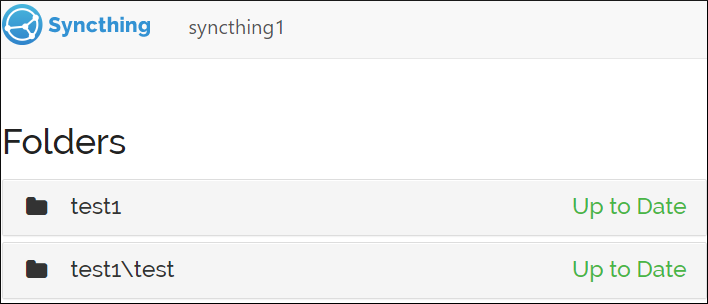
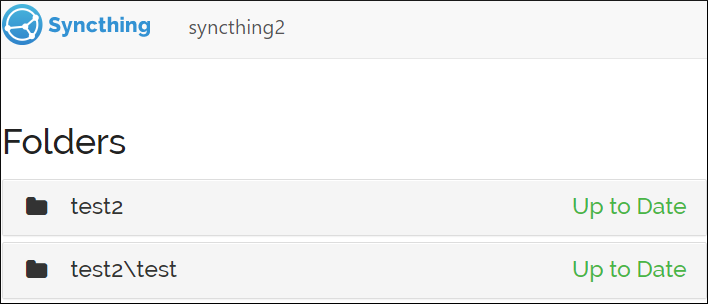
- Add a file to the nested folder on Device A and let it sync.
- Either the main folder or the nested folder on Device B gets stuck in this error state.
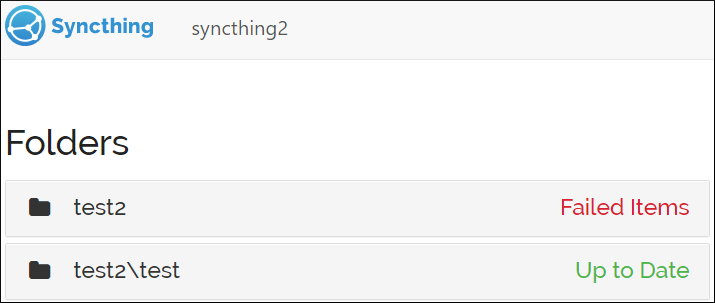

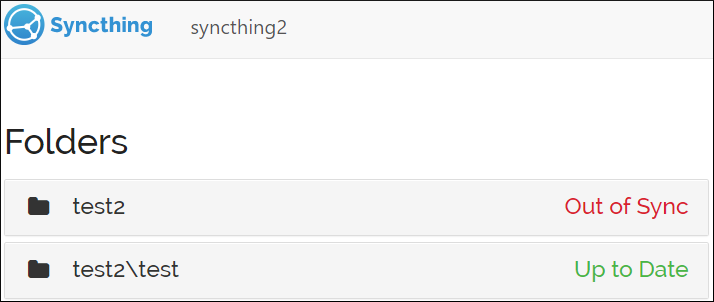
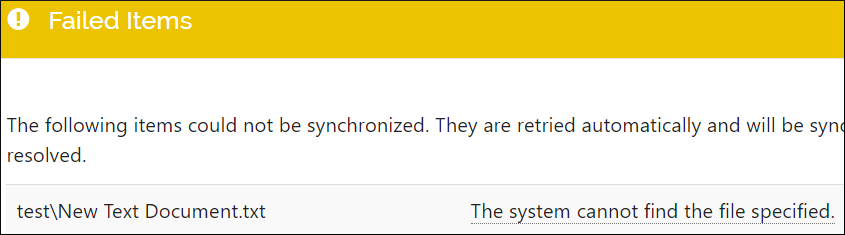
The error messages get cleared after pausing and resuming the affected folders, or restarting Syncthing itself. Temp files created in the process also get deleted after 24 hours, so this is more or less a cosmetic issue, because the folders are in fact in sync.
One problem here is that these error messages do not describe what is really going on. The first one, i.e. "file modified but not rescanned; will try again later" means nothing to the user, and the second one, i.e. "The system cannot find the file specified." is simply not true, because the actual file is there.
Tested with main (v1.11.0-rc.3.dev.7.gdeafe4ca).
 tomasz1986
All 3 comments
I can't reproduce on current main. This might have been fixed by https://github.com/syncthing/syncthing/pull/7093 - could you please try if you still get the problem now?
 imsodin
on 9 Nov 2020
imsodin
on 9 Nov 2020
Hmm, so I have re-tested this with the current main, and I can confirm that the main problem is gone.
What is still left are all those temp files that remain in the folder for 24 hours. Is there anything that can be done about it other than waiting for Syncthing to delete them later?
tomasz1986
on 10 Nov 2020
What likely happens is that one folder first syncs the file, then the second starts to as well and at the last step aborts, as the file changed unexpectedly due the first folder syncing. And the temp file remains on purpose when there's an error syncing, for potential reuse. So I consider this working as desired.
imsodin
on 10 Nov 2020
Related issues
 sgr78
·
3Comments
sgr78
·
3Comments
 bobaxxx
·
4Comments
bobaxxx
·
4Comments
 calmh
·
3Comments
calmh
·
3Comments
 trymeouteh
·
4Comments
trymeouteh
·
4Comments
 VBMCBoy
·
3Comments
VBMCBoy
·
3Comments