Android Studio Shows a grey thingy only not working even after exporting the _JAVA_AWT_WM_NONREPARENTING=1
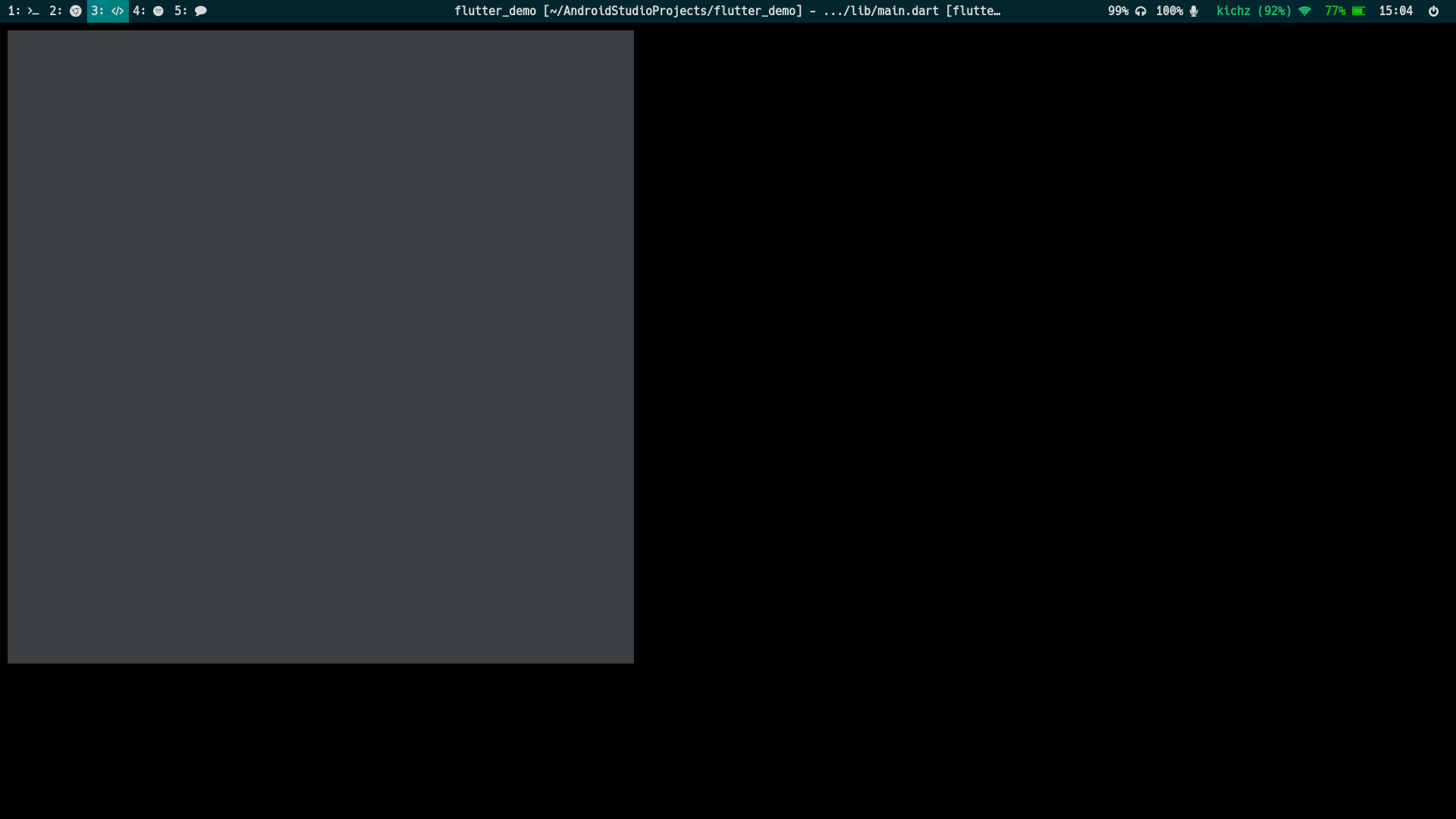
 incrypt0
All 5 comments
https://www.reddit.com/r/swaywm/comments/cqnmb8/java_applications_not_working_properly_in_my_case/
seems to be a solution
 panaman67
on 16 Aug 2019
panaman67
on 16 Aug 2019
Setting _JAVA_AWT_WM_NONREPARENTING=1 fixes AS for me. I don't think you've successfully set it in sway's environment.
 RPigott
on 19 Aug 2019
RPigott
on 19 Aug 2019
Not so much a solution, but a workaround (similar to setting _JAVA_AWT_WM_NONREPARENTING) is to install a tool called wmname and run wmname LG3D. See also the Arch Wiki. It seems to be an issue with other Java-based GUIs as well, including Jetbrains products and Matlab, to name a few. However, after using this command, I still encountered some glitches in their GUIs, though they are mostly usable.
 daanjderuiter
on 19 Aug 2019
daanjderuiter
on 19 Aug 2019
Going to close this since while annoying, there's not much that can be done on sway's end -- the issue is on Java's end, and whatever fixes happen there (i.e. real Wayland support) will trickle down into Jetbrains IDEs.
There's a note regarding the _JAVA_AWT_WM_NONREPARENTING workaround in https://github.com/swaywm/sway/wiki/Running-programs-natively-under-Wayland
 Xyene
on 29 Apr 2020
Xyene
on 29 Apr 2020
Using Java 14 for Android Studio, but keeping Java 8 for development, solved the issue for me:
# For Android Studio
export _JAVA_AWT_WM_NONREPARENTING=1
export STUDIO_JDK=/usr/lib/jvm/java-14-openjdk

# For Gradle
export JAVA_HOME=/usr/lib/jvm/java-8-openjdk
I'm on Arch Linux. Adjust the paths so that they point to a valid location on your system.
 xyproto
on 26 Aug 2020
xyproto
on 26 Aug 2020
Related issues
 ddevault
·
4Comments
ddevault
·
4Comments
 cauebs
·
3Comments
cauebs
·
3Comments
 marcoms
·
3Comments
marcoms
·
3Comments
 J0nnyMak0
·
3Comments
J0nnyMak0
·
3Comments
 WhyNotHugo
·
3Comments
WhyNotHugo
·
3Comments
Most helpful comment
Setting _JAVA_AWT_WM_NONREPARENTING=1 fixes AS for me. I don't think you've successfully set it in sway's environment.