Svg.js: Unexpected transforms happening after path animation
Perhaps I'm confused about what's happening under the hood in this library.
I get some really strange transform values in animations, that is leading to being unable to chain animations together.
I am animating an object along a path:
const newPath = draw.path('M0,0c0,0,139,130,523,130');
const pathLength = newPath.length();
milestonesSVG.orbitsGroup2
    .animate({
        duration: 3333,
        delay: 0,
        ease: '<',
    }).during((pos, morph, eased) => {
        const p = newPath.pointAt(eased * pathLength);
        milestonesSVG.orbitsGroup2.transform({
            x: p.x,
            y: p.y,
        })
    }).after(() => {
        console.log(milestonesSVG.orbitsGroup2.transform());
        milestonesSVG.orbitsGroup2
            .animate({
                duration: 2333,
                ease: '-',
            })
            .transform({ //does not set the transform value to
                x: 505,
                y: 190,
            });
    })
The path animation renders my object in the expected position, and when I log its transform, the a,b,c,d,e,f values are the expected values as well (0.35,0,0,.35,523,130) - i.e., the last two coordinates in my animation path.
Even the DOM element seems correct:
<g id="SvgjsG1051" opacity="1" transform="matrix(0.35,0,0,0.35,503,130)" class="milestonesGroup2"></g>
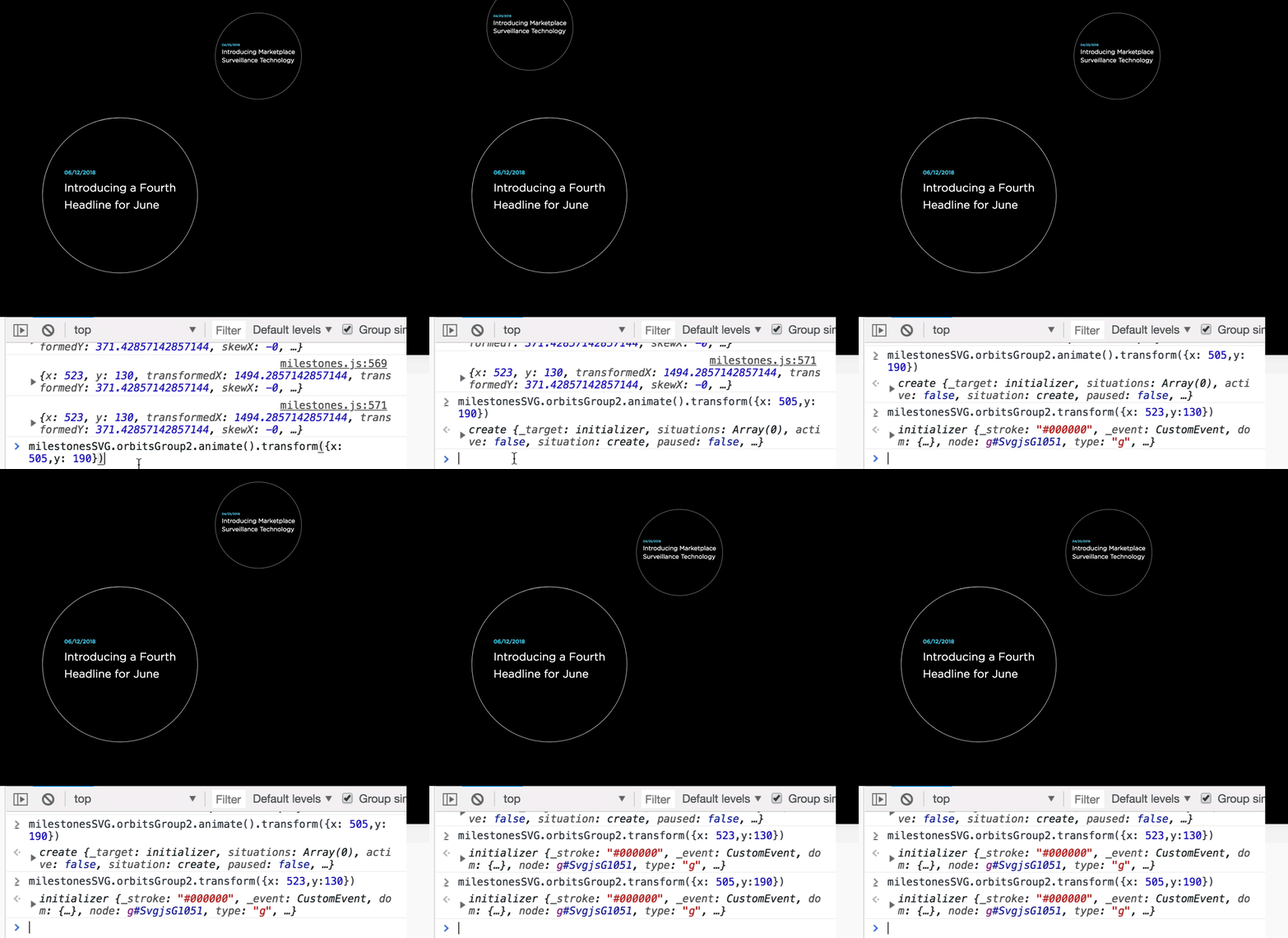
However, the transform animation in the after() function sends the group to a completely unexpected location. The resulting DOM element has a transform of:
transform="matrix(0.35,0,0,0.35,183.05001220703127,130)"
But if instead of animating, I were to just set the transform property directly:
milestonesSVG.orbitsGroup2.transform({x: 505,y: 190})
the element goes to the correct location.
What do I need to do to accomplish the same thing with an animation?
For support questions, please use stackoverflow with the tag svg.js or head to our chat over at gitter, if you have a bug report or feature request, use those templates.
 heaversm
>All comments
The absolute transformation behavior in svg.js has bugs. These are fixed in the 3.0 branch but wont be ported back because of heavily breaking chances. We are constantly working on this new version and try to release it as fast as we can.
That said there is a possibility to fix that. However, I need some information to fix it. Do you want to end up with a matrix where only the translation changed and the rest stayed the same? Or d you want to end up with a transformation which ONLY has the translation in it?
The ladder can be achieved by transforming to a matrix directly:
// in the last animation
el.animate().transform(new SVG.Matrix().translate(x, y))
When you only want the x, y to change you can try:
var m = el.transform().matrix
matrix.e = x
matrix.f = y
el.animate().transform(m)
Passing in a matrix to the transform function animates the matrices directly which should work
 Fuzzyma
on 20 Jun 2018
Fuzzyma
on 20 Jun 2018
Related issues
 mroloux
·
8Comments
mroloux
·
8Comments
 momocow
·
4Comments
momocow
·
4Comments
 imkiven
·
8Comments
imkiven
·
8Comments
 AlessandroDM
·
5Comments
AlessandroDM
·
5Comments
 mtbradle-ge
·
6Comments
mtbradle-ge
·
6Comments
Most helpful comment
The absolute transformation behavior in svg.js has bugs. These are fixed in the 3.0 branch but wont be ported back because of heavily breaking chances. We are constantly working on this new version and try to release it as fast as we can.
That said there is a possibility to fix that. However, I need some information to fix it. Do you want to end up with a matrix where only the translation changed and the rest stayed the same? Or d you want to end up with a transformation which ONLY has the translation in it?
The ladder can be achieved by transforming to a matrix directly:
When you only want the x, y to change you can try:
Passing in a matrix to the transform function animates the matrices directly which should work