Super-productivity: The tray menu is glitchy (on Linux Mint XFCE)
Your Environment
- Version used: superProductivity_6.1.0_amd64.deb (installed for the first time).
- Operating System and version: Linux Mint 19.3
- Desktop Environment: XFCE
Expected Behavior
After right-clicking on the program icon in the tray, the whole menu should be displayed at once.
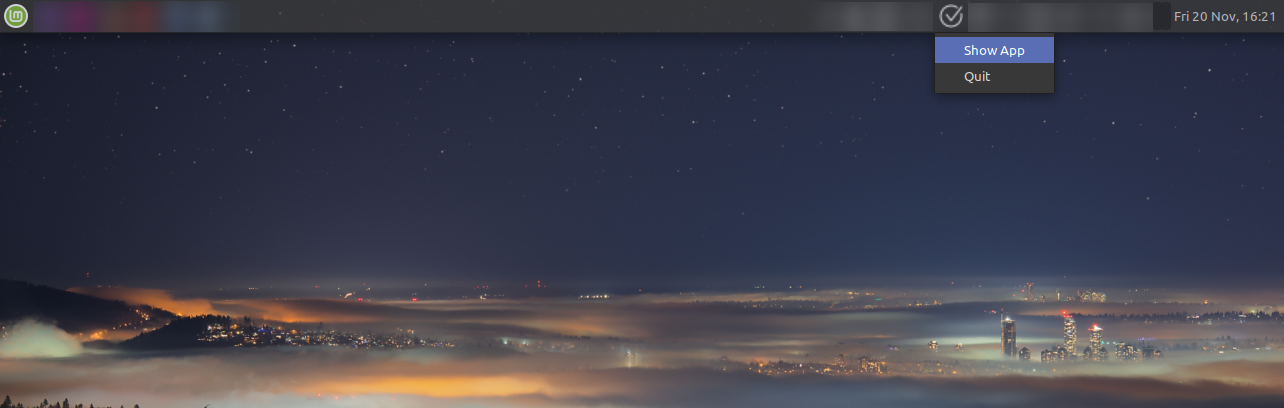
Current Behavior
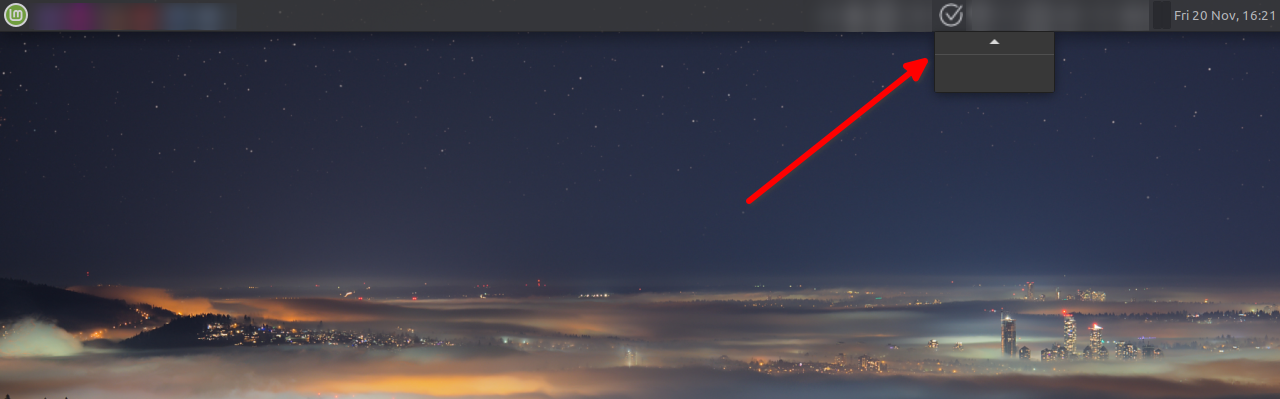
When you start moving the mouse cursor over the app menu (in tray), the buttons appear after second time moving mouse up and down.
Steps to Reproduce
- Run app,
- Enable minimize to tray (in the settings),
- Minimize app,
- Pressing the right mouse button on tray icon.
 IT-Tool
All 3 comments
Thanks for reporting. Likely not much we can do on super productivity's side of things but still good to know.
@tuxflo just for your information.
 johannesjo
on 20 Nov 2020
johannesjo
on 20 Nov 2020
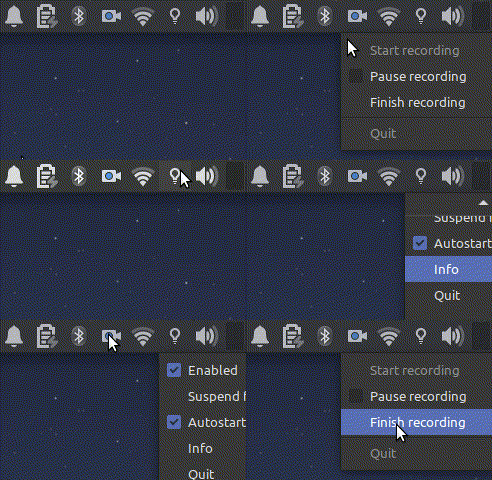
Yes you're right this isn't just happening with super productivity.
If move XFCE panel back to the bottom of the screen the menu works without glitchy.
IT-Tool
on 20 Nov 2020
Yeah the tray icon handling from electron in Linux is still far from good. For example it is not possible to simply show and hide the window using left click and show the menu on right click... I hope this will be fixed soon since there are a couple of electron based apps (not just super productivity) that lack such features. The issue where those things are addressed is: https://github.com/electron/electron/issues/14941
 tuxflo
on 21 Nov 2020
tuxflo
on 21 Nov 2020
Related issues
 NPReport
·
3Comments
NPReport
·
3Comments
 sdruskat
·
3Comments
sdruskat
·
3Comments
 theCalcaholic
·
3Comments
theCalcaholic
·
3Comments
 wada3n
·
3Comments
wada3n
·
3Comments
 tiotrom
·
4Comments
tiotrom
·
4Comments