Strongbox: Bug : Transparent Background for autofill didn’t work in all apps
Hi Mark ,
some updates ago you created a new feature to only show the Face/Touch ID animation when using autofill .
In safari and some other apps this works for me fine 👍
But today I have used the Browser “ICab Mobile” . Here I see the old behavior like before you introduced the feature .
Doe the developer have to change something or do you think it’s a bug ?
 F3000
F3000
All 12 comments
Weird, not sure if you can share a (redacted) screenshot?
Does a restart help?
 strongbox-mark
on 11 Jun 2020
strongbox-mark
on 11 Jun 2020
Restart didn’t help . Found this behavior on iPad and iPhone with iOS 13.5.1
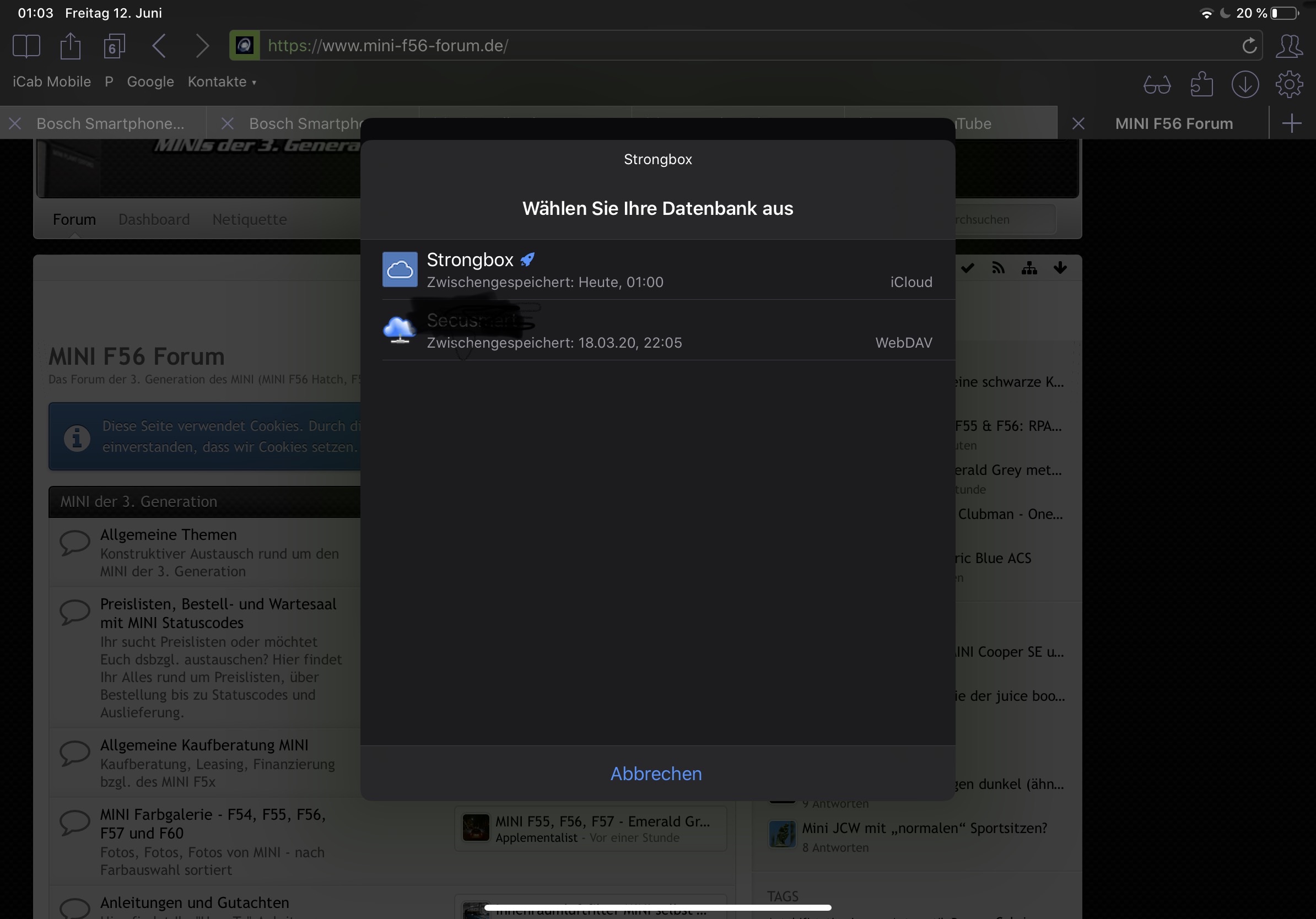
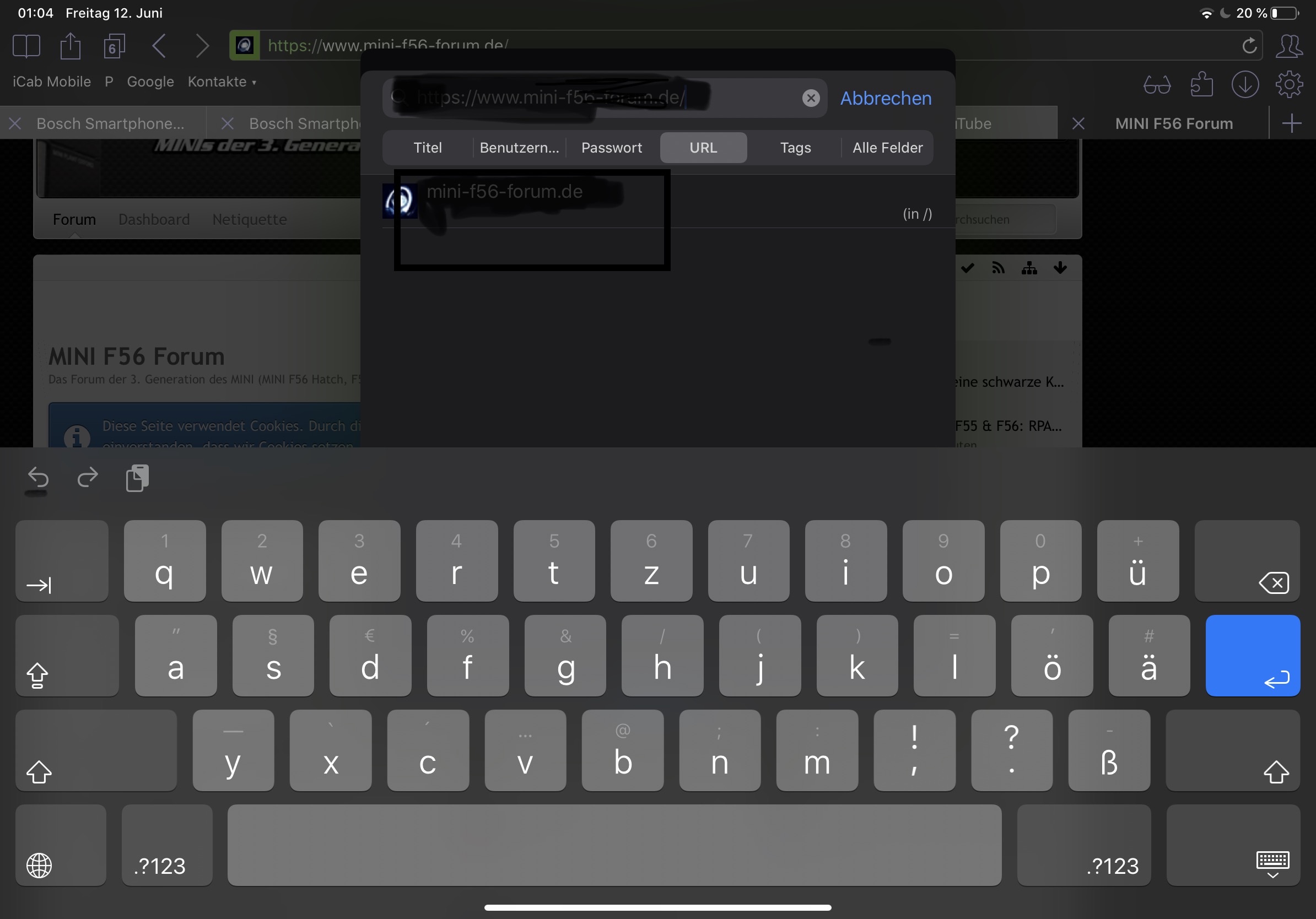
Here are the pictures
F3000
on 12 Jun 2020
This looks ok to me, what were you expecting?
The transparency feature only makes sense in the QuickType biometric authentication context...
strongbox-mark
on 12 Jun 2020
When i compare this view with my iPhone (same version) here i don’t see the “Choose a database screen” .
So im a little bit confused
F3000
on 16 Jun 2020
In one case I think you're tapping a particular username in the Keyboard QuickType bar, but in the other you're tapping 'Passwords' which leads you to the Strongbox databases list where you need to select a database and search for a credential. Two different contexts, only the first supports transparency if you use Biometric unlock...
Hope that makes sense... I don't think there's anyway to apply a transparency to the 2nd case?
strongbox-mark
on 16 Jun 2020
Ok you are right . There are two different methods .
On iPhone i had the big blue button (with username) :
https://share.icloud.com/photos/090c9m2ulQrw3lqABwij54KBw#Berlin
On iPad i have the other option with only „password“ :
https://share.icloud.com/photos/0rI-iiKF4qOMFUGRpXaYcKAOA#Berlin
But why i have two different behaviors (blue button/password-button) with the the same website and the same database ?
F3000
on 17 Jun 2020
Good question! Are they running the same iOS version?
strongbox-mark
on 17 Jun 2020
Yes all the same . And same Strongbox settings
F3000
on 17 Jun 2020
And you're using the exact same database with the same entries/logins with Strongbox?
They don't get presented to you on the iPad above the keyboard?
strongbox-mark
on 17 Jun 2020
Yep .
Database is saved in your iCloud implementation .
When i look back i cant remember that i see the blue button over the keyboard at any time on the iPad 🤔
But for this specific entry for this from above i cant see it on iPad
F3000
on 17 Jun 2020
Seems like an iOS difference between iPad and iPhone then, there's nothing Strongbox can do here to change that
strongbox-mark
on 18 Jun 2020
hmm ok . Thanks .
Maybe iOS 14 improve the situation
F3000
on 22 Jun 2020
Related issues
 mmcguill
·
5Comments
mmcguill
·
5Comments
 limuc
·
6Comments
limuc
·
6Comments
 shad0whawk
·
3Comments
F3000
·
5Comments
shad0whawk
·
3Comments
F3000
·
5Comments
 rob3c
·
3Comments
rob3c
·
3Comments