Streisand: Issues with OpenVPN and SSLDroid in Android 8.0
Expected behavior: OpenVPN connects, using the SSL wrapper from SSLDroid
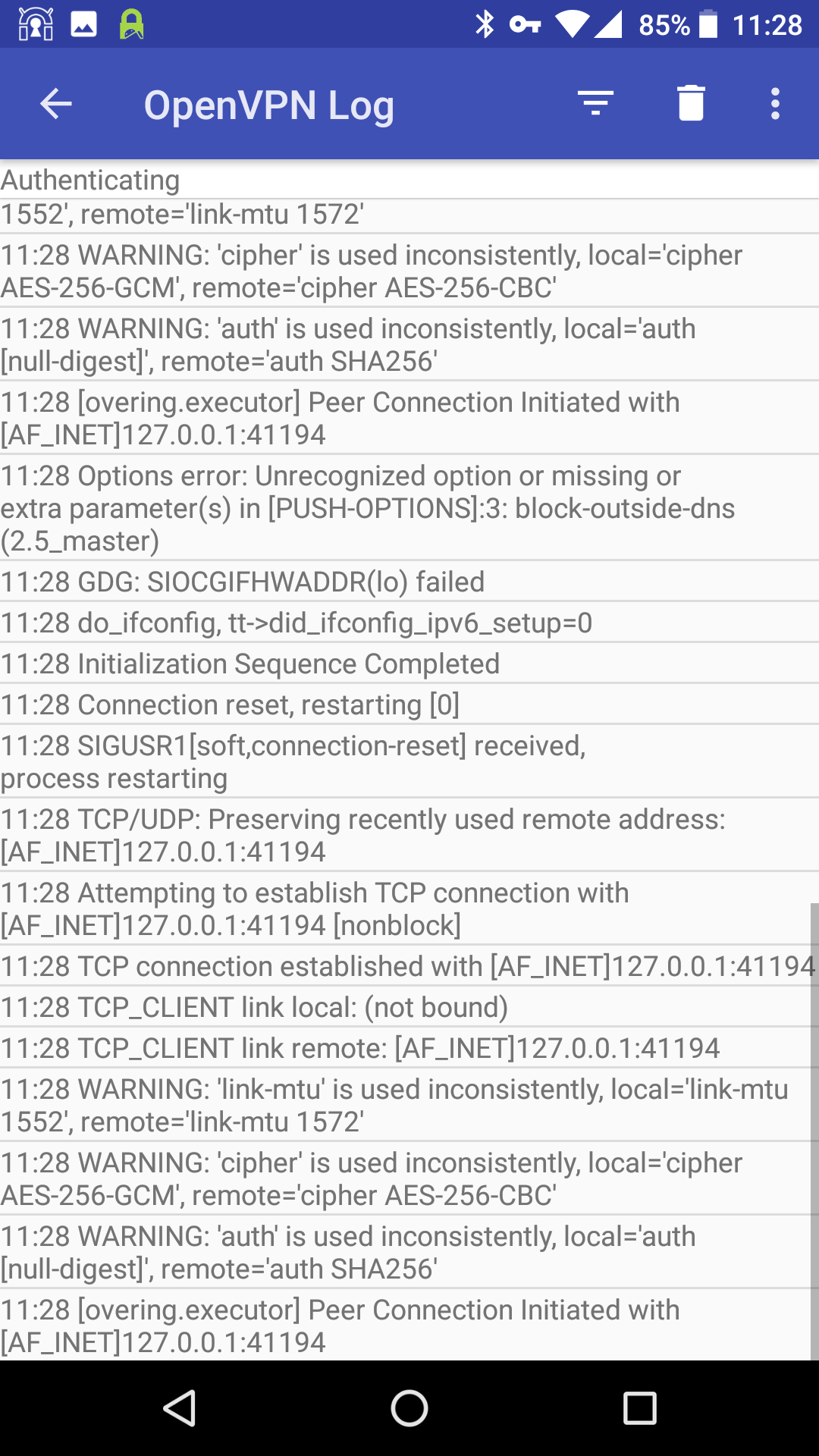
Actual Behavior: OpenVPN gets stuck in a loop, trying to connect and then failing, then retrying, etc.
Steps to Reproduce:
- Follow the steps on the Streisand page to install both SSLDroid and OpenVPN on android and configure as instructed.
- Ensure SSLDroid service is running
- Connect to server in OpenVPN
Additional Details:
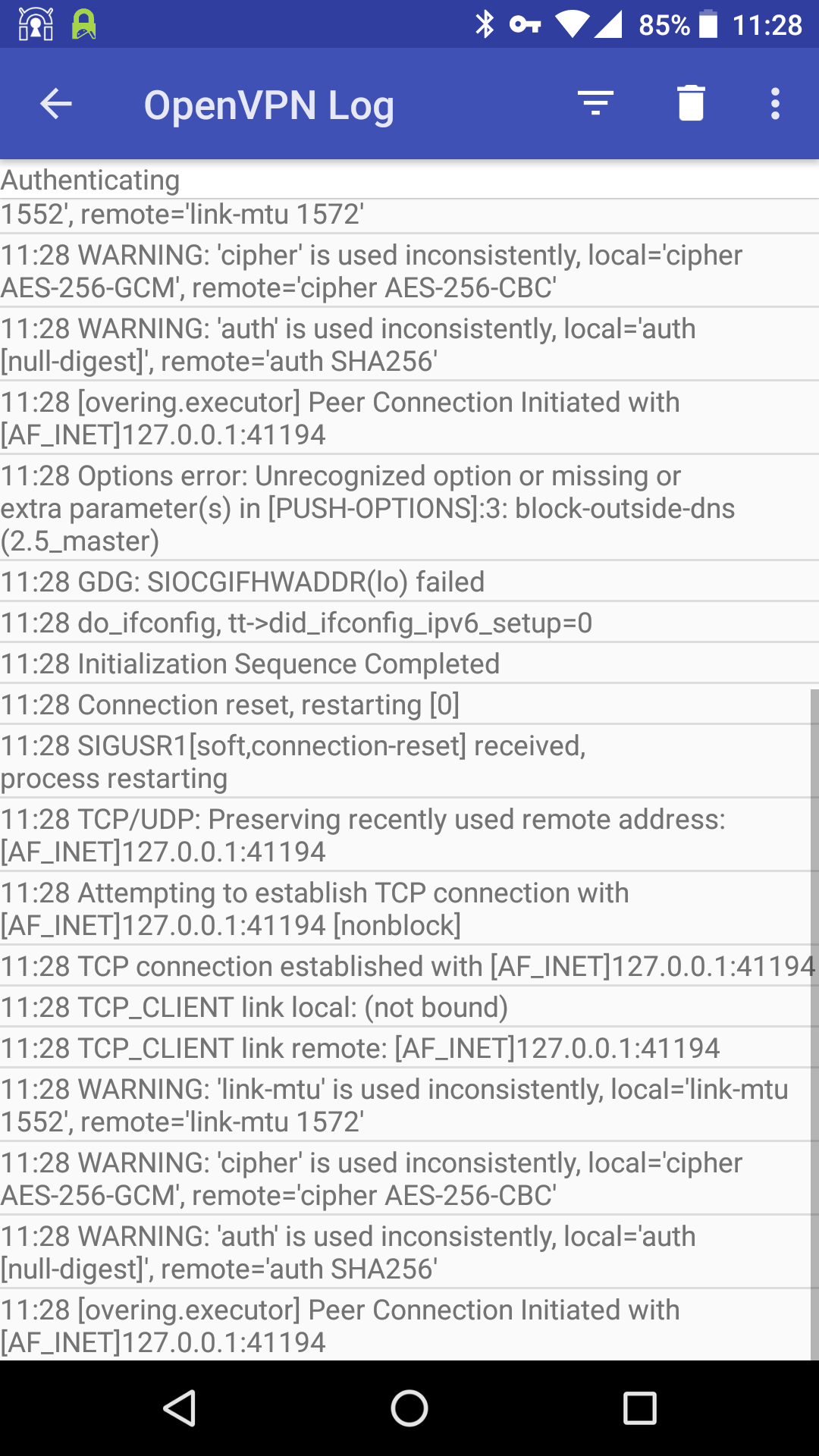
Log output from Ansible or other relevant services (link to Gist for longer output):


Target Cloud Provider: DigitalOcean
Operating System of target host: Ubuntu 16.04.3 LTS
Operating System of client: Android 8.0 Oreo
Version of Ansible, using ansible --version :ansible 2.3.2.0
config file =
configured module search path = Default w/o overrides
python version = 2.7.12 (default, Nov 19 2016, 06:48:10) [GCC 5.4.0 20160609]
Output from git rev-parse HEAD in your Streisand directory :b197e7bd79ca1bc7b65b05dae778c82804ba06e0
 itsrajivshah
All 10 comments
@itsrajivshah Could you let me know what data center on Digital Ocean did you spin your server up on?
 alimakki
on 29 Sep 2017
alimakki
on 29 Sep 2017
@alimakki I spun this one up in the London DC
itsrajivshah
on 29 Sep 2017
I can confirm that the same issue happens on Android 8.0
 Isso
on 17 Oct 2017
Isso
on 17 Oct 2017
This issue is not a server issue.SSLDroid app is too old.We need new stunnel client for latest Android OS (Android 7.0, 8.0...).
 ghost
on 17 Dec 2017
ghost
on 17 Dec 2017
well the problem is, when VPN connection is established, Android tries to route all connections through VPN, including the stunnel connection.
I'm using OpenVPN for Android, and the solution is to add the tunneling app (SSLDroid, SSL/TLS Tunnel, or whatever) into the "whitelist"...
 Palatis
on 17 Jan 2018
Palatis
on 17 Jan 2018
I can confirm that everything is working fine with @Palatis's suggestion. Thanks all.
itsrajivshah
on 23 Jan 2018
@Palatis I am new to Android, Could you please show me how to "whitelist" the Openvpn. Thank you.
 mariansw
on 14 May 2018
mariansw
on 14 May 2018
Are there actively maintained Android SSH clients out there – ideally free and open source?
@ghost What do you mean by "too old"? Is SSLDroid broken?
 Keridoo
on 22 May 2018
Keridoo
on 22 May 2018
just to expand on to @Palatis's whitelist solution, you'd have to open OpenVPN app and edit the relevant profile. One of the options at the top is 'Allowed Apps'. If you navigate to that tab, you can exclude "SSLDroid" from using the selected VPN profile
 arcaartem
on 25 Nov 2018
arcaartem
on 25 Nov 2018
I have the same Issue with Local http-proxy + official openvpn (https://play.google.com/store/apps/details?id=net.openvpn.openvpn) on Android _8_
route XXX.XXX.XXX.XXX 255.255.255.255 net_gateway Solves the problem on Android 6 And windows 10, But on Android _8_ OpenVPN gets stuck in a loop.
P.S: Allowed Apps on OpenVPN for Android (https://play.google.com/store/apps/details?id=de.blinkt.openvpn) Solves the problem, But I want to use config file.
 Alex220
on 22 Jun 2019
Alex220
on 22 Jun 2019
Related issues
 markwyner
·
3Comments
markwyner
·
3Comments
 ape364
·
5Comments
ape364
·
5Comments
 damko
·
5Comments
damko
·
5Comments
 Blubberx
·
4Comments
Blubberx
·
4Comments
 Vonkenator
·
5Comments
Vonkenator
·
5Comments
Most helpful comment
well the problem is, when VPN connection is established, Android tries to route all connections through VPN, including the stunnel connection.
I'm using OpenVPN for Android, and the solution is to add the tunneling app (SSLDroid, SSL/TLS Tunnel, or whatever) into the "whitelist"...