Streama: Suddenly, a lot of movies won't play
Issue description
Some video files stopped playing suddenly.
Yesterday, I was watching movies with a friend on my personal streama, today we cannot watch the same movie we saw yesterday, and I touched literally nothing!
Seems that there are some video files (random at first sight, but it seems to happen to just movies and not to episodes) that simply won't play now.
I've checked the File Manager tab in Manage Content menu, and it appears to find the files correctly, even letting me download them with the provided /serve/ links.
I've checked disk usage, and the player does actually open the file and starts reading it, but closes it immediately and shows the typical spinning/loading screen on the player. This does not happen on the series' episodes, just with the movies.
I don't know where is the actual code that handles the video opening part of the movie instances, if you could point to me in the right direction, I could start looking for clues!
Thank you very much for your time.
EDIT: Tried reverting to https://github.com/streamaserver/streama/commit/27b055a739746493315b16a752cc24ff8c54c510 , and rebooting the system twice, still happens.
Steps to Reproduce
- Clone Streama
- Point it to the db (application.yml)
- Some of the videos won't play, leaving no trace whatsoever of any error.
Expected Behaviour
The video should play as always
Actual Behaviour
It simply keeps on the spinning/loading phase
Environment Information
- Operating System: Windows 7 x64
- Streama version: last one ( https://github.com/streamaserver/streama/commit/78414f60c42e9d577cbf3f3e7fc309c5080fdaed )
- Java version: jdk_191 (x64)
 Norwelian
All 3 comments
Update:
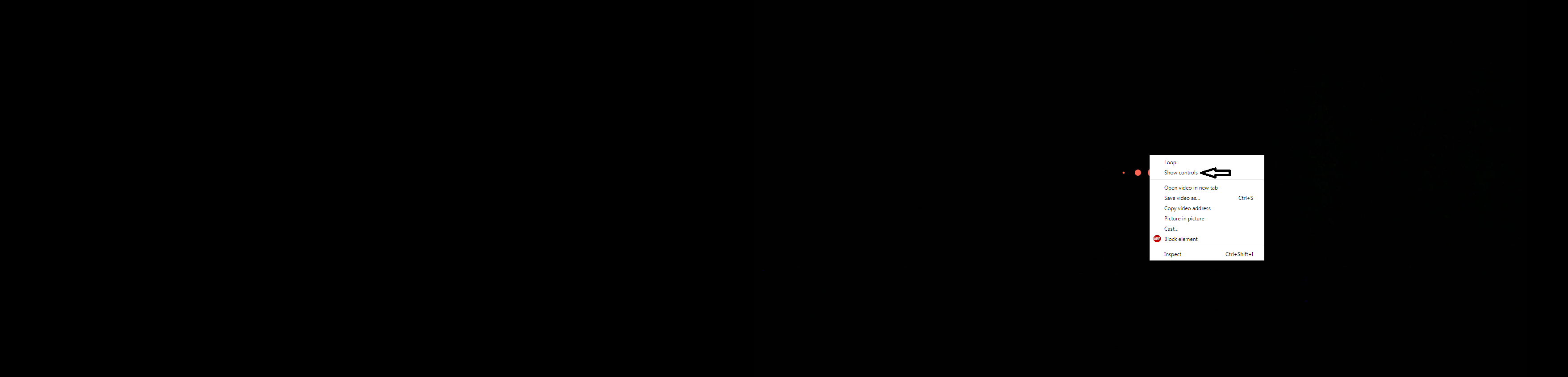
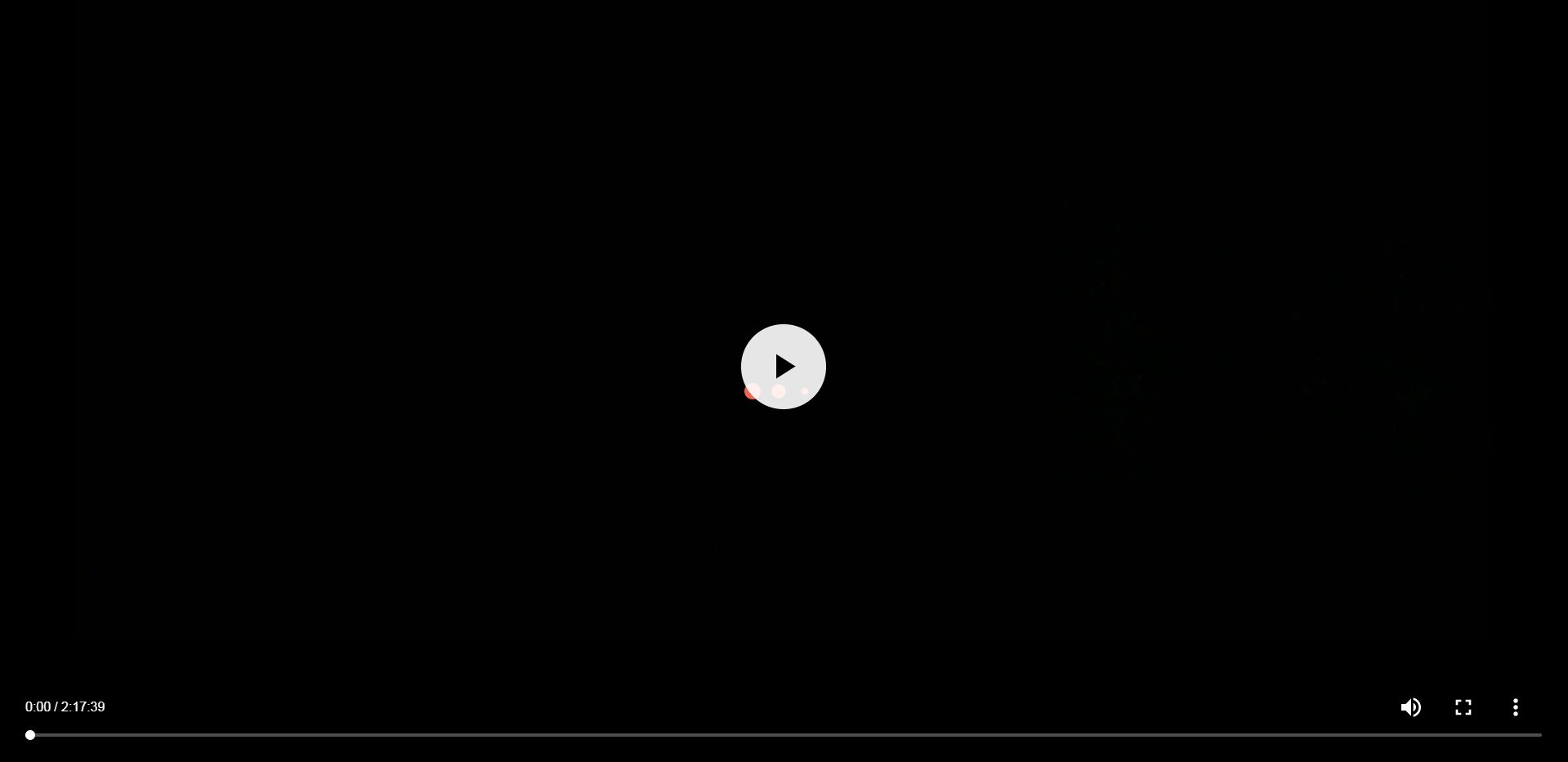
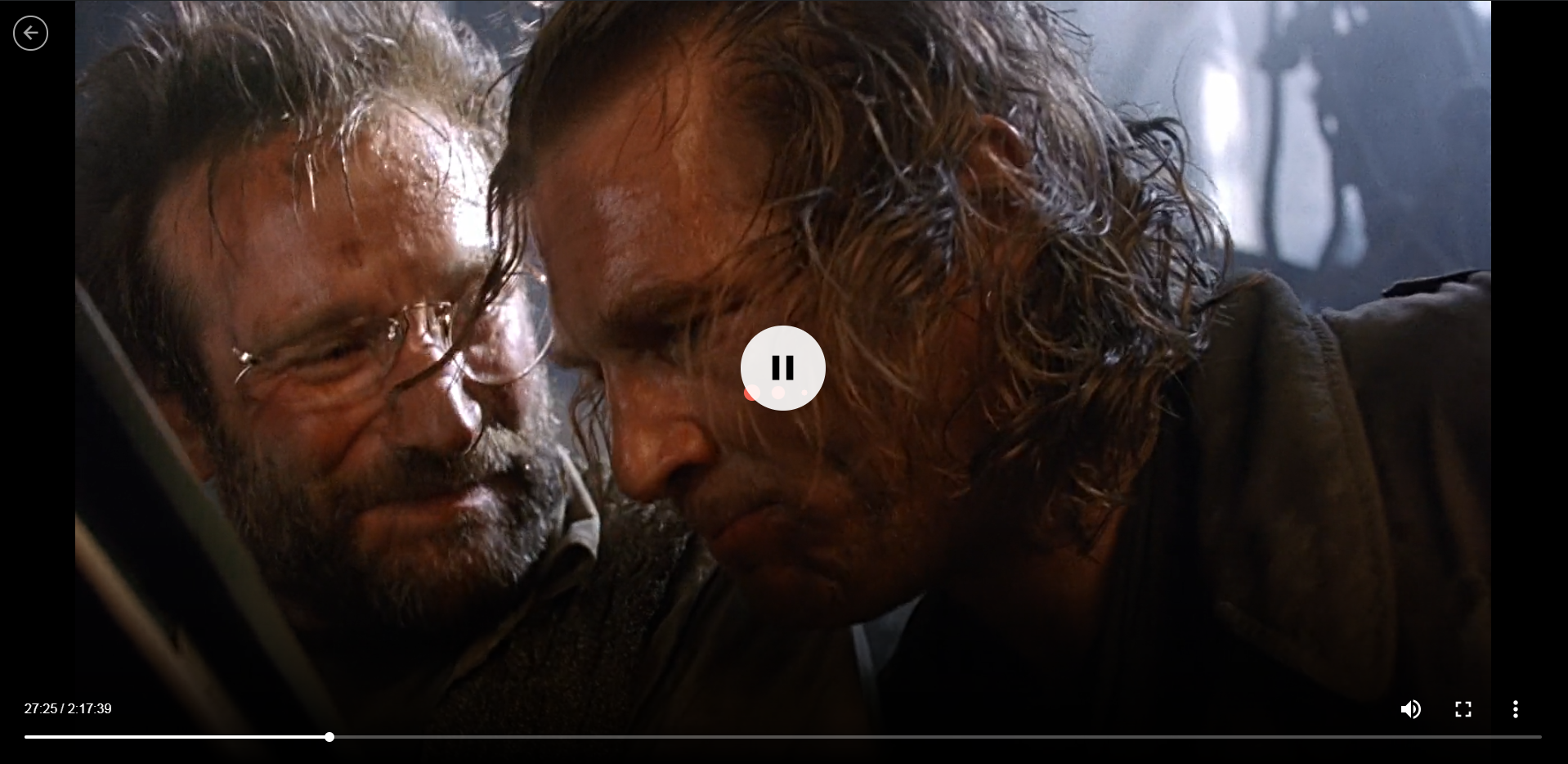
Well, I noticed that when you right click in the player while it's showing the spinner/loading infinite icon (capture 1), the HTML5 typical video menu appears, then you can activate "Show controls" (capture 2), and play the video with the native controls correctly (even with subtitles)(capture 3).
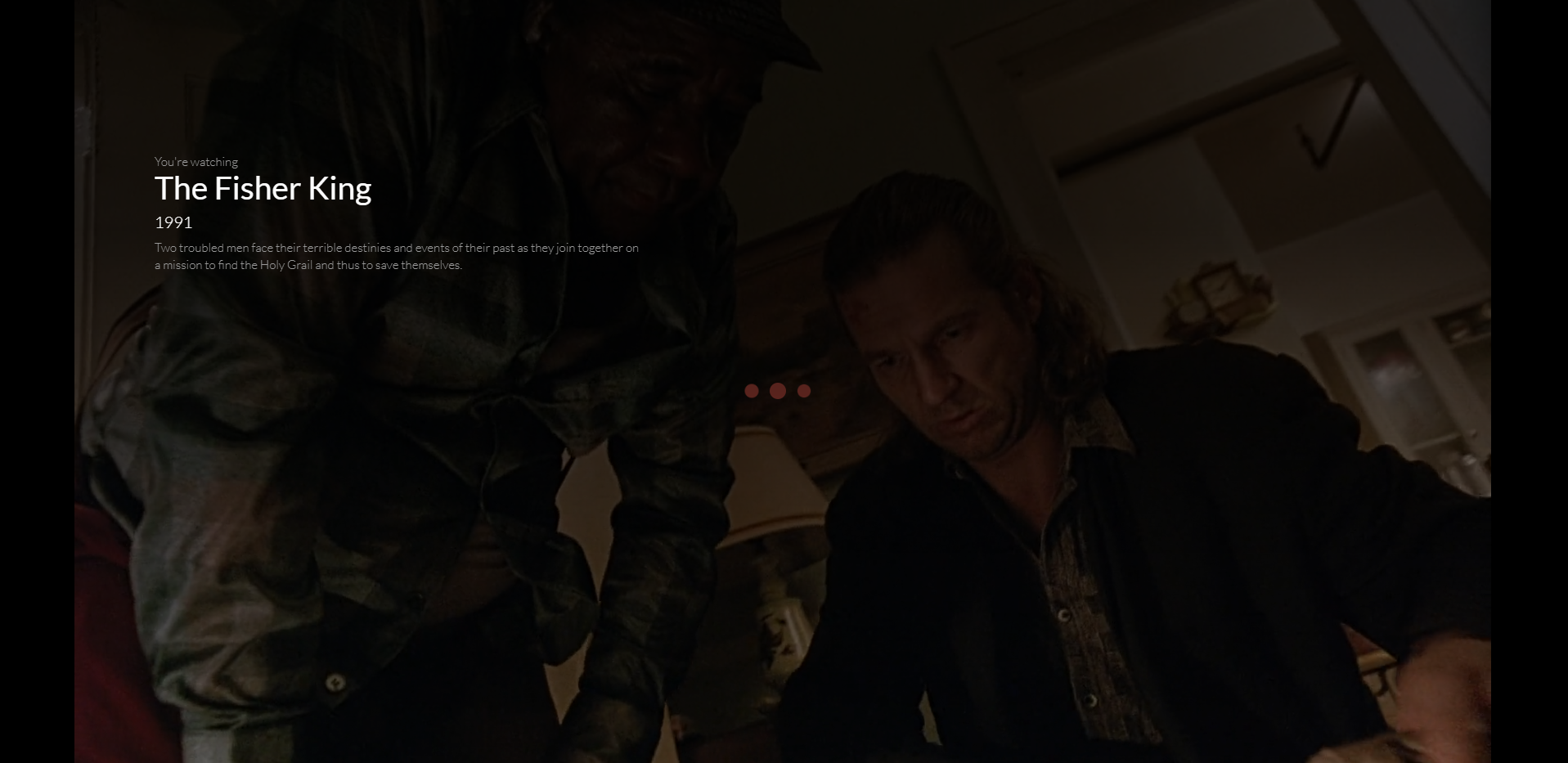
Although the video plays, the player keeps showing the spinner/loading icon on top of the video (capture 4), eventually showing the movie's info like when you have a video paused for a time (capture 5).
I've attached some files to illustrate the explanation.
Thanks for your time.

Norwelian
on 2 Dec 2018
@Norwelian can you check if #707 describes your problem? If so this is because of a bug in #692, so you can temporarily revert to RC9 or earlier to fix the problem.
 jguerinet
on 10 Dec 2018
jguerinet
on 10 Dec 2018
This has been fixed in 382dfdb440a931dfc3ab2d87085be370b6b921a8.
 HannahRy
on 10 Dec 2018
HannahRy
on 10 Dec 2018
Related issues
 mongomay69
·
7Comments
mongomay69
·
7Comments
 peterpt
·
5Comments
peterpt
·
5Comments
 mazzucato
·
4Comments
mazzucato
·
4Comments
 KwikFlix
·
7Comments
KwikFlix
·
7Comments
 Gijs735
·
7Comments
Gijs735
·
7Comments
Most helpful comment
This has been fixed in 382dfdb440a931dfc3ab2d87085be370b6b921a8.