Storybook: Storybook dark theme not working
It seems as though the main dark theme option isn't working - though it is working for the docs.
Version
@nuxtjs/storybook: 3.1.0
nuxt: 2.14.8
Reproduction Link
https://codesandbox.io/s/serene-proskuriakova-13tqy
Steps to reproduce
Add theme options to nuxt.config.js:
https://storybook.js.org/docs/react/configure/theming
import { themes } from "@storybook/theming";

export default {
  components: true,
  storybook: {
    stories: ["~/components/**/*.stories.mdx"],
    addons: [
      "@storybook/addon-controls",
      "@storybook/addon-docs",
      "@storybook/theming"
    ],
    parameters: {
      theme: themes.dark,
      docs: {
        theme: themes.dark
      }
    }
  }
};
What is Expected?
I'm expecting the storybook them to be dark (the sidebar etc).
What is actually happening?
It seems as though the theme setting is ignored. Something to do with the serialization of the params??
 homerjam
All 3 comments
According to docs you should define the theme inside .storybook/manager.js.
// .storybook/manager.js
import { addons } from '@storybook/addons';
import { themes } from '@storybook/theming';
addons.setConfig({
theme: themes.dark,
});
For now, the only way to edit manager.js is using manual setup.
 farnabaz
on 9 Nov 2020
farnabaz
on 9 Nov 2020
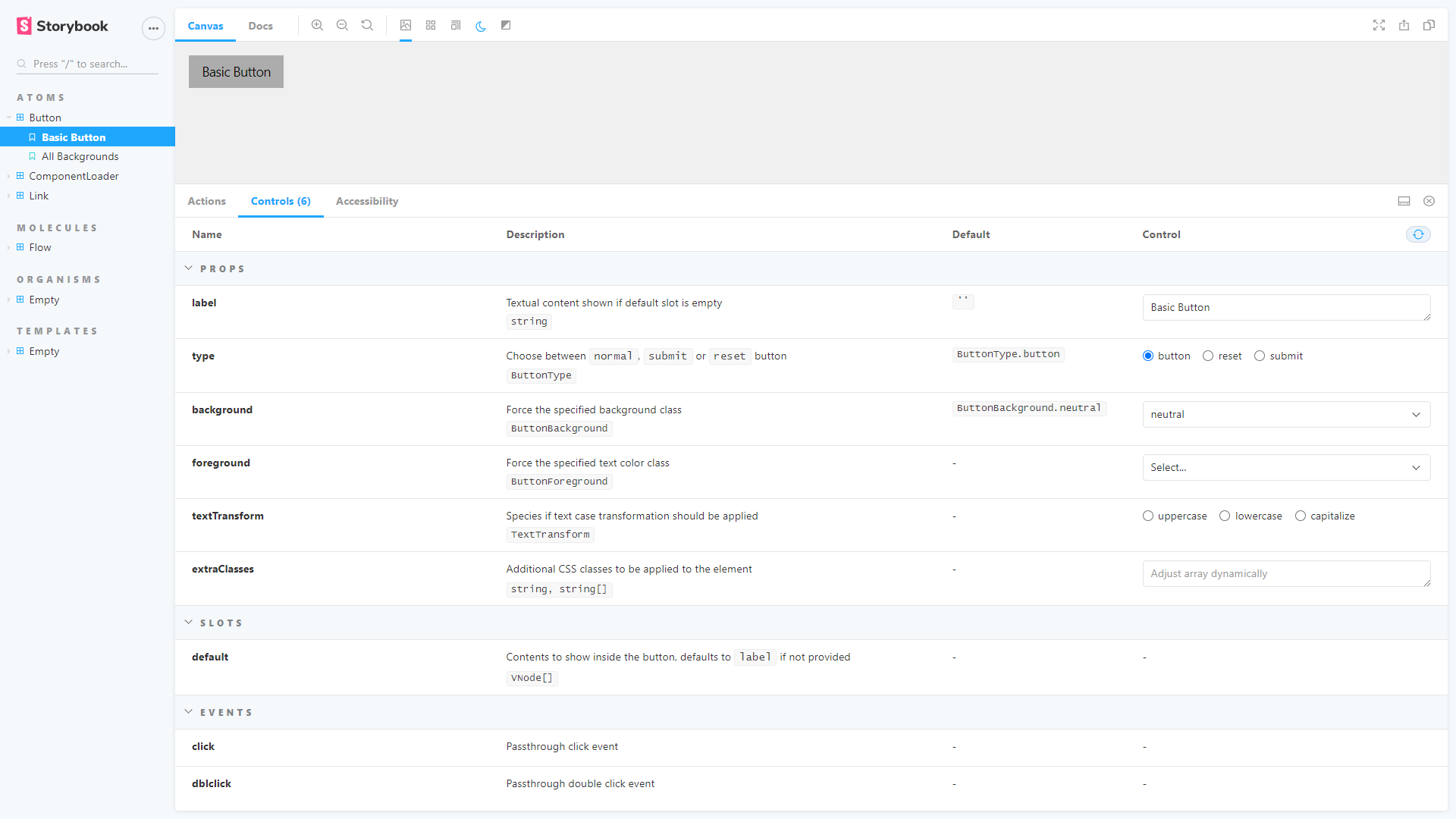
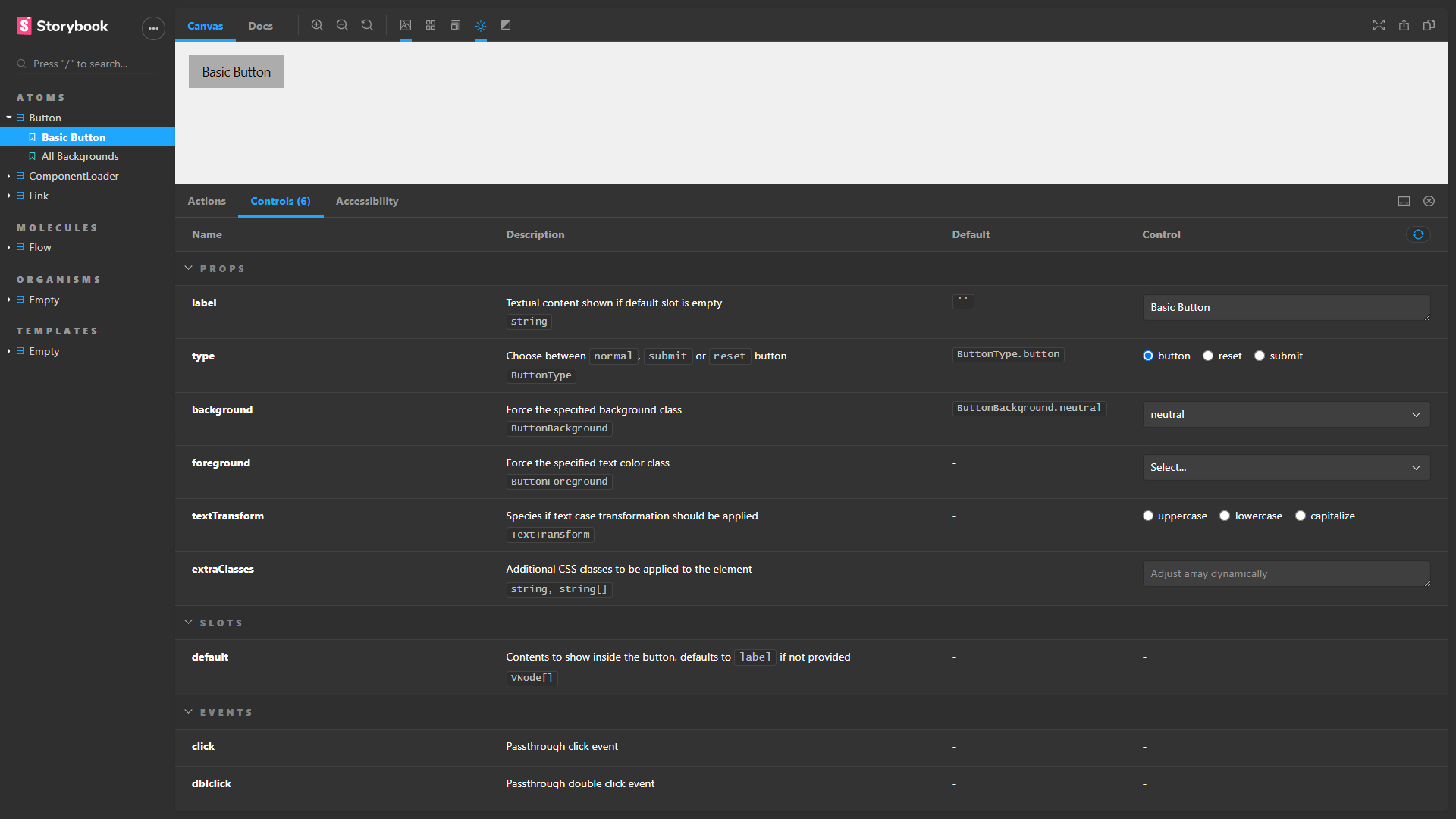
@homerjam as an alternative (if you won't eject just to do it) is using the storybook-dark-mode addon. After installing it, update your nuxt.config.js:
storybook: {
  addons: [
    'storybook-dark-mode/register',
    // other addons...
  ],
  // other storybook settings...
},
Another advantage is that you also gains a nice toggle between light mode (via a sun icon) and dark mode (via a moon icon):
 ErickPetru
on 11 Nov 2020
ErickPetru
on 11 Nov 2020
what about changing brand title , and brand image ? is there any way to change it by using nuxt.config.js ?
 fbtwitter
on 24 Jan 2021
fbtwitter
on 24 Jan 2021
Related issues
 Atinux
·
3Comments
Atinux
·
3Comments
 philwolstenholme
·
3Comments
philwolstenholme
·
3Comments
 seancolsen
·
4Comments
seancolsen
·
4Comments
 altryne
·
4Comments
altryne
·
4Comments
 productfrontenddeveloper
·
7Comments
productfrontenddeveloper
·
7Comments
Most helpful comment
@homerjam as an alternative (if you won't eject just to do it) is using the storybook-dark-mode addon. After installing it, update your
nuxt.config.js:Another advantage is that you also gains a nice toggle between light mode (via a sun icon) and dark mode (via a moon icon):