Storybook: Please move applied "zoom" css property to preview root rather than body
Is your feature request related to a problem? Please describe.
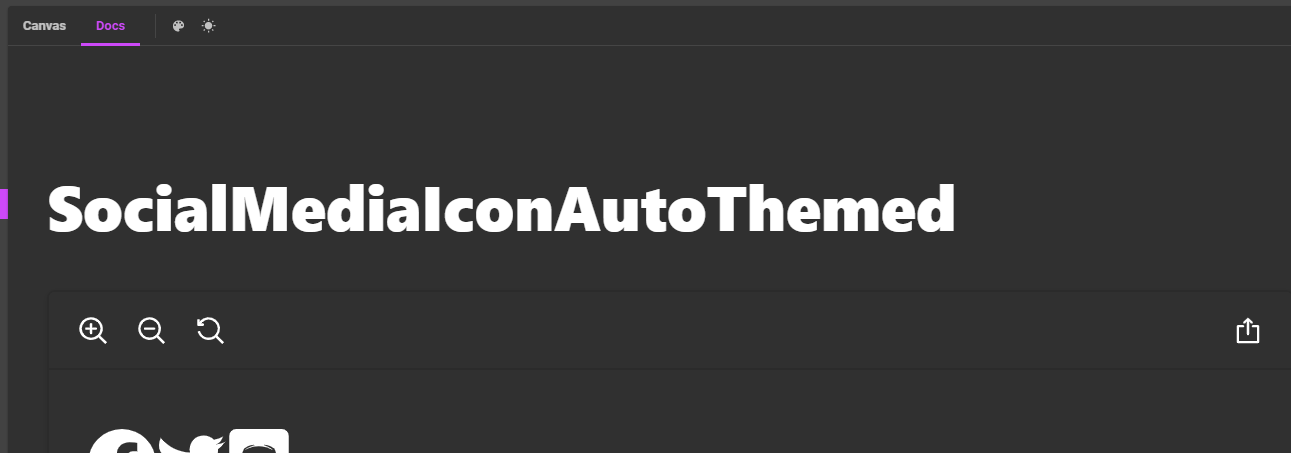
When you apply the zoom feature in "Canvas" - this will leak into other panels like "Docs"
Describe the solution you'd like
Please move the css property "zoom" with applied value to "iframe > body > #root" element instead
Describe alternatives you've considered
No other alternative exists
Are you able to assist bring the feature to reality?
Thought it would be a rather easy fix - looked in source, not simple
Additional context
Thank you
 IgorSzyporyn
All 2 comments
Hi @IgorSzyporyn The behaviour you are describing sounds very similar to https://github.com/storybookjs/storybook/issues/11662. There should be a fix for this in the latest next build.
Are you still able to recreate the behaviour in the latest next build of Storybook?
 Tomastomaslol
on 8 Aug 2020
Tomastomaslol
on 8 Aug 2020
@Tomastomaslol tested, and fixed in next
IgorSzyporyn
on 8 Aug 2020
Related issues
 tirli
·
3Comments
tirli
·
3Comments
 alexanbj
·
3Comments
alexanbj
·
3Comments
 purplecones
·
3Comments
purplecones
·
3Comments
 zvictor
·
3Comments
zvictor
·
3Comments
 wahengchang
·
3Comments
wahengchang
·
3Comments
Most helpful comment
@Tomastomaslol tested, and fixed in next