Storybook: 6.0.0-beta.14 issues with css display
Components are getting displayed as if they are zoomed.
For example radio-buttons local:

vs. radio-buttons in storybook:

I'm using angular storybook.
 JBusch
All 15 comments
@JBusch do you have a repro repo we can look at?
@ndelangen could this be related to the zoom / layout changes?
 shilman
on 27 May 2020
shilman
on 27 May 2020
@shilman i'm sorry, it is not public :-/
I'm in the discord chat so if i could provide feedback this way, i'm happy to help.
JBusch
on 27 May 2020
Please ping me on discord! Happy to debug this a bit!
 ndelangen
on 27 May 2020
ndelangen
on 27 May 2020
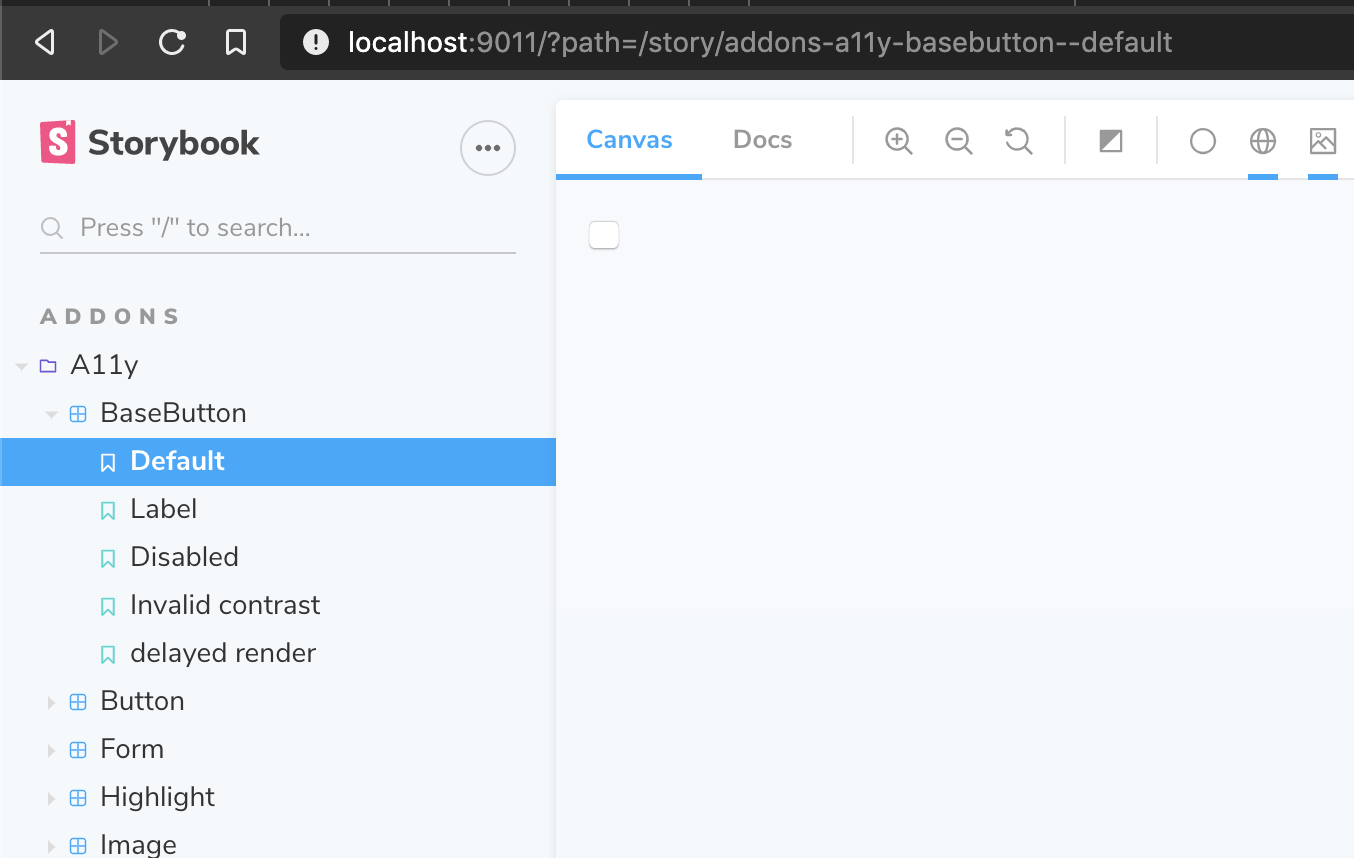
@ndelangen possibly (but not necessarily) related:

This button showed up as a square until recently. Now it shows up as a squished rectangle for me. I don't know when it changed and why chromatic didn't catch it.
shilman
on 27 May 2020
works on my machine on next ?
ndelangen
on 28 May 2020
You must have zoomed @shilman ..
ndelangen
on 28 May 2020
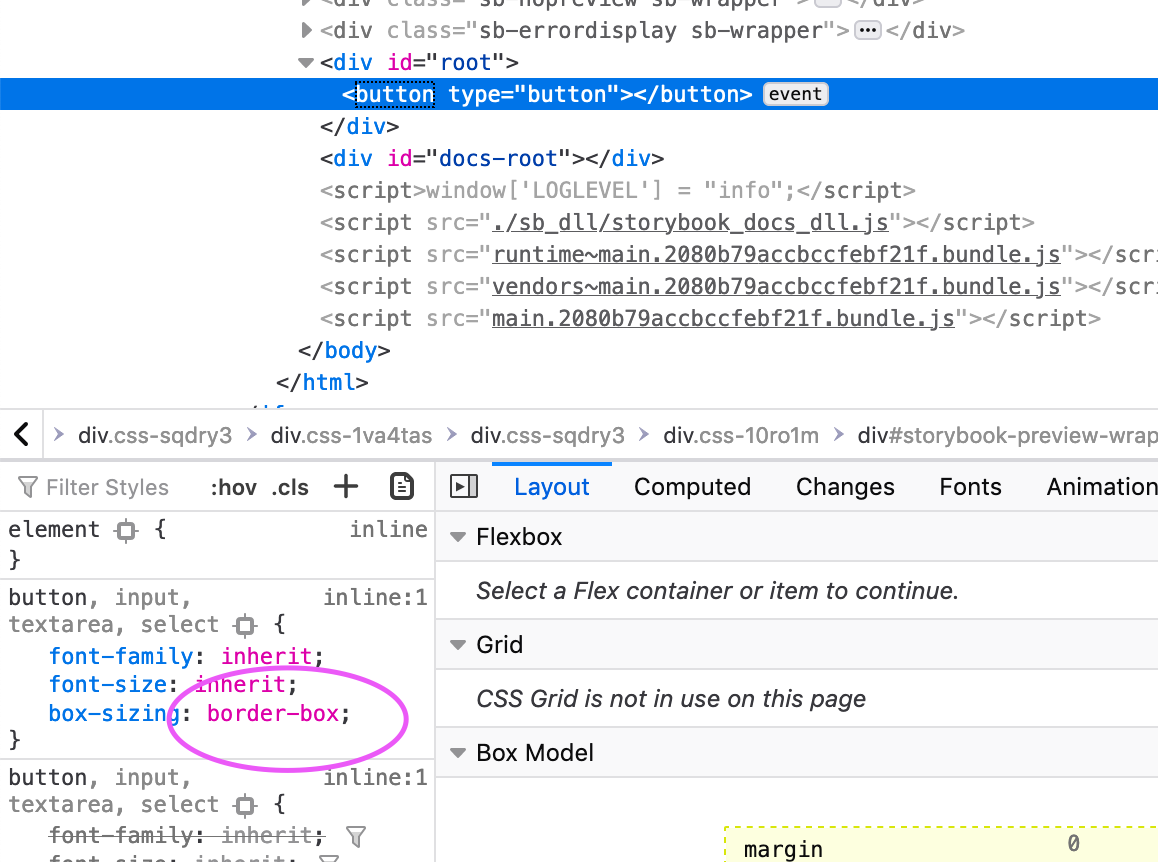
@ndelangen This problem appears, in case you are not using boxSizing: border-box for your button component. I assume you use a centered layout in your local setup. You should also be able to confirm the bug on https://next--storybookjs.netlify.app/official-storybook/?path=/story/addons-a11y-basebutton--default, where a padded layout is applied.
Currently the box-sizing property is set to initial for padded and fullscreen layouts right here and this is leading to the aforementioned issue: https://github.com/storybookjs/storybook/blob/4b18fb65102c8a3f9bb58473138bc4905d1e966c/lib/core/src/client/preview/StoryRenderer.tsx#L24-L52
 jkimmeyer
on 10 Jun 2020
jkimmeyer
on 10 Jun 2020
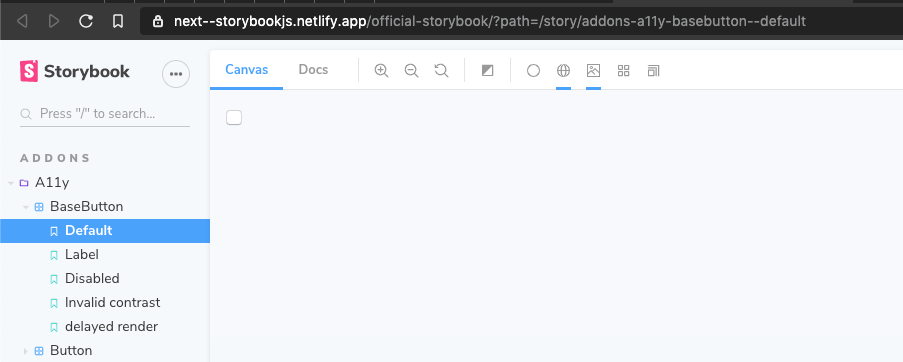
This is what I see:
ndelangen
on 10 Jun 2020
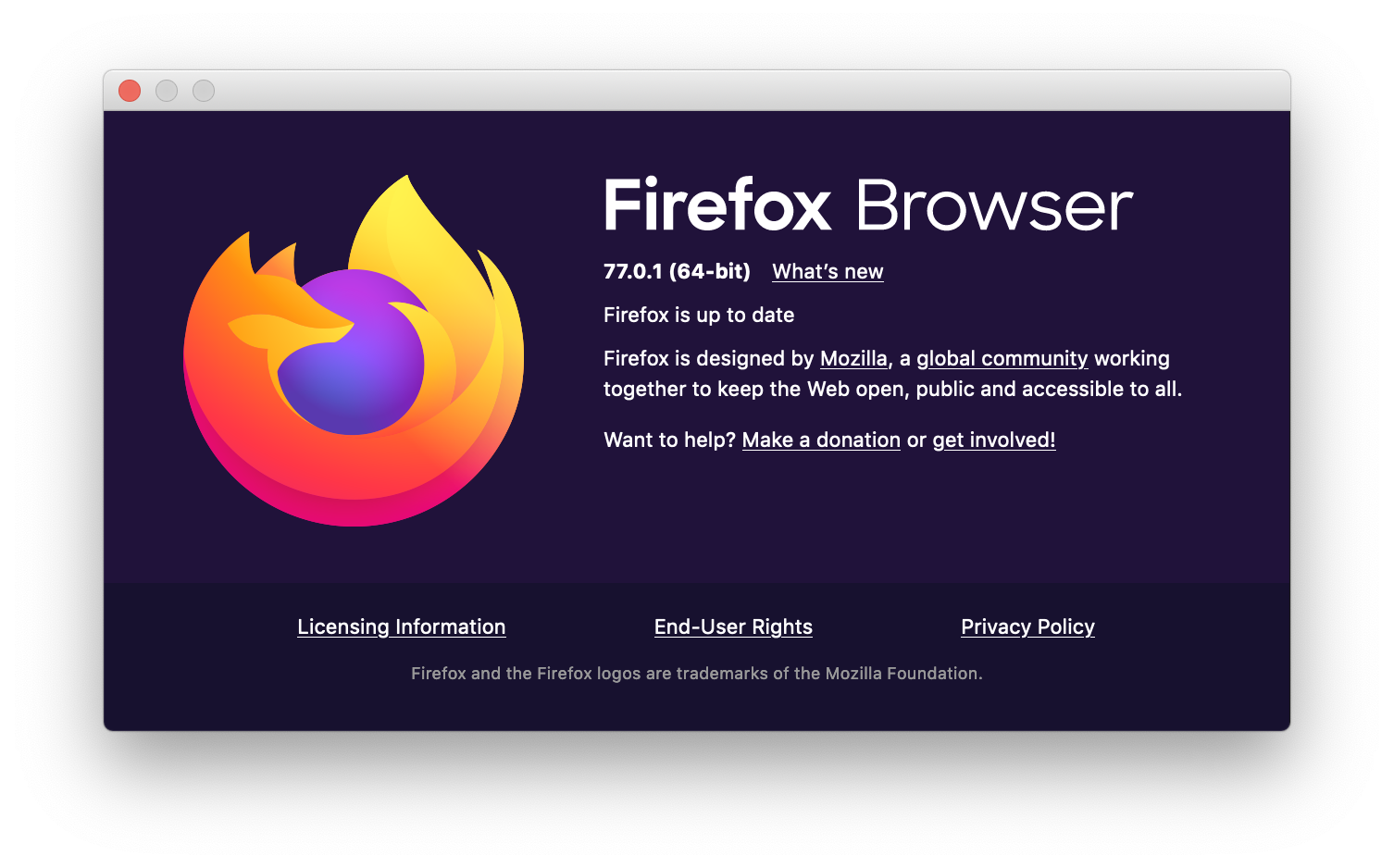
Can you check this out in Firefox? Its also working in Brave on my device.
jkimmeyer
on 10 Jun 2020
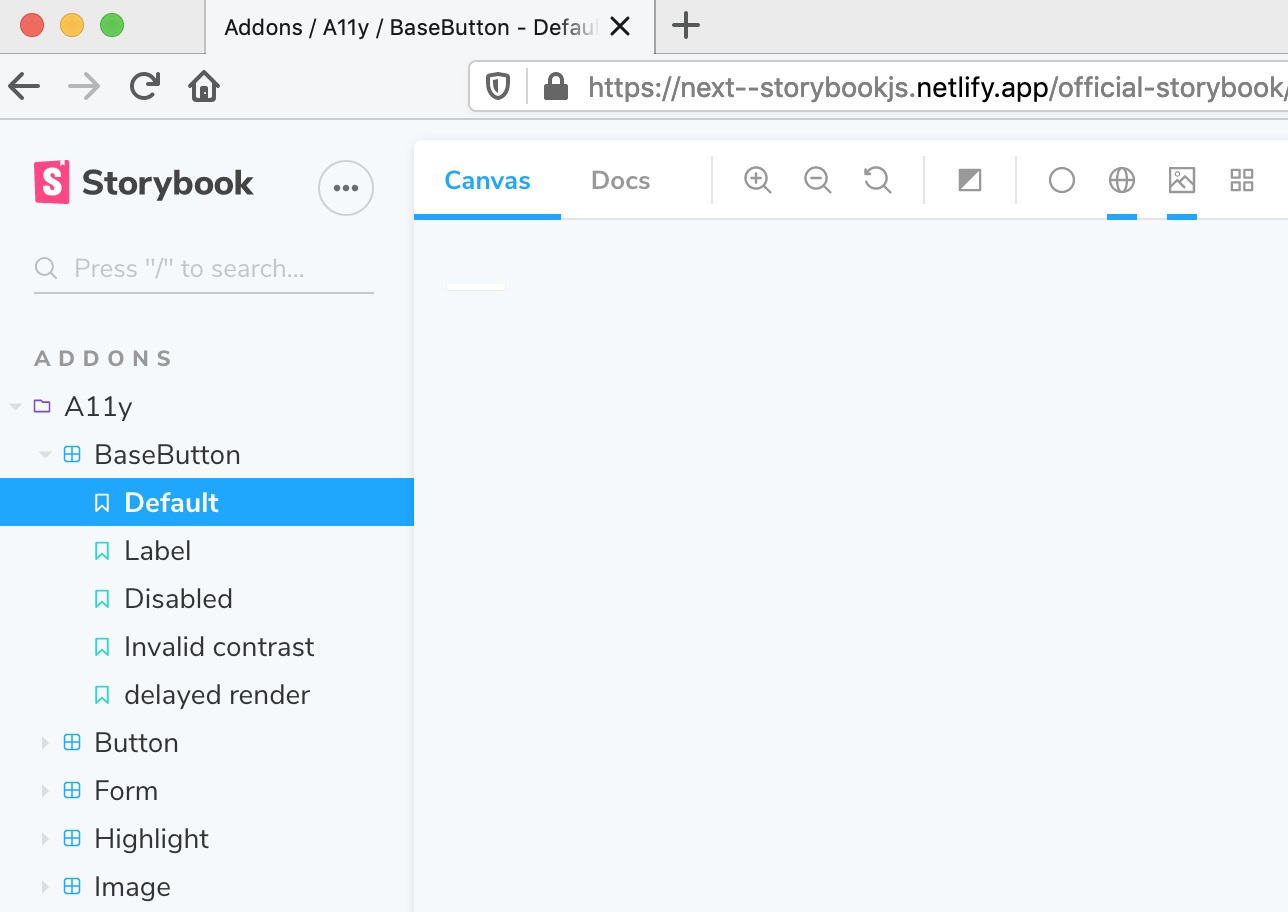
This is what I see in FF
ndelangen
on 10 Jun 2020
ndelangen
on 10 Jun 2020
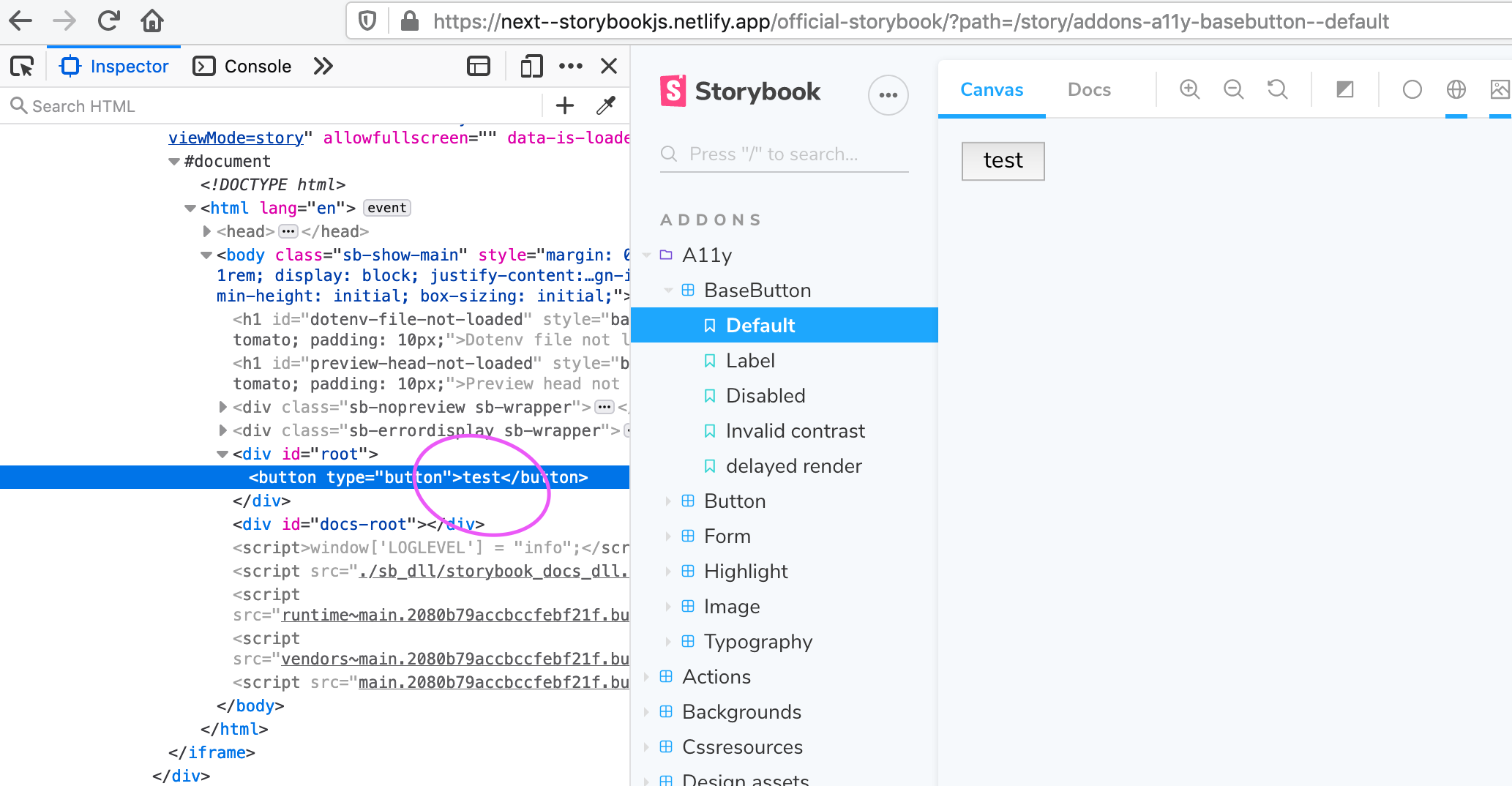
If I edit the text inside the button, this happens:
ndelangen
on 10 Jun 2020
Ok, this does not seem to be related: https://github.com/storybookjs/storybook/issues/10940#issuecomment-634730911
Different browser styles, and different button appearance, i think that is ok :D
So i guess the right approach for @JBusch would be to set box-sizing: border-box on every component or atleast not on the body element. 🤔
jkimmeyer
on 10 Jun 2020
We have the same issue. We set the following CSS in our library
*,
*::before,
*::after {
  box-sizing: inherit;
}

html,
body {
  box-sizing: border-box;
}
However Storybook resets box-sizing to box-sizing: initial; this causes our :after elements to inherit an unintended box-sizing

 lpoulter
on 11 Jun 2020
lpoulter
on 11 Jun 2020
Great Caesar's ghost!! I just released https://github.com/storybookjs/storybook/releases/tag/v6.0.0-beta.28 containing PR #11175 that references this issue. Upgrade today to try it out!
You can find this prerelease on the @next NPM tag.
shilman
on 15 Jun 2020
Related issues
 wahengchang
·
3Comments
wahengchang
·
3Comments
 purplecones
·
3Comments
purplecones
·
3Comments
 levithomason
·
3Comments
levithomason
·
3Comments
 rpersaud
·
3Comments
rpersaud
·
3Comments
 tlrobinson
·
3Comments
tlrobinson
·
3Comments
Most helpful comment
Great Caesar's ghost!! I just released https://github.com/storybookjs/storybook/releases/tag/v6.0.0-beta.28 containing PR #11175 that references this issue. Upgrade today to try it out!
You can find this prerelease on the
@nextNPM tag.