Storybook: Error in static-app build
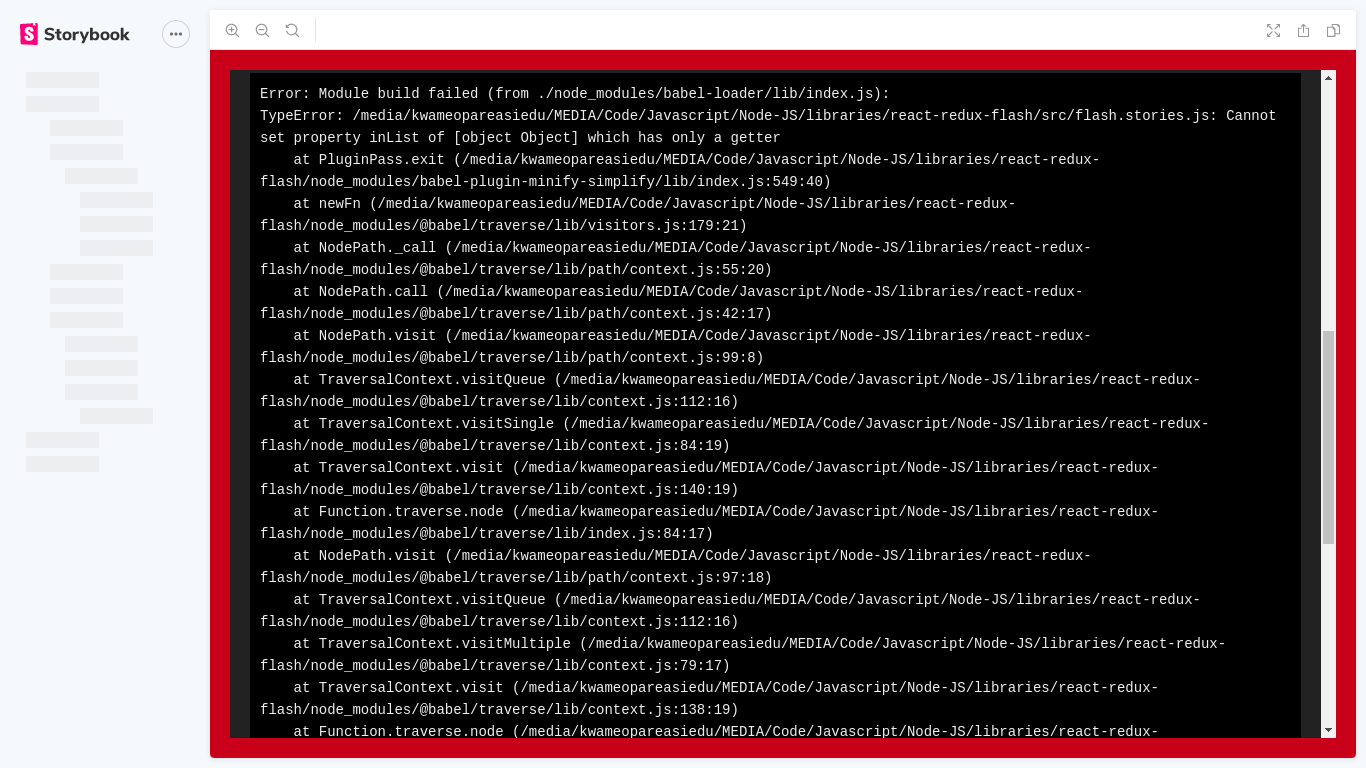
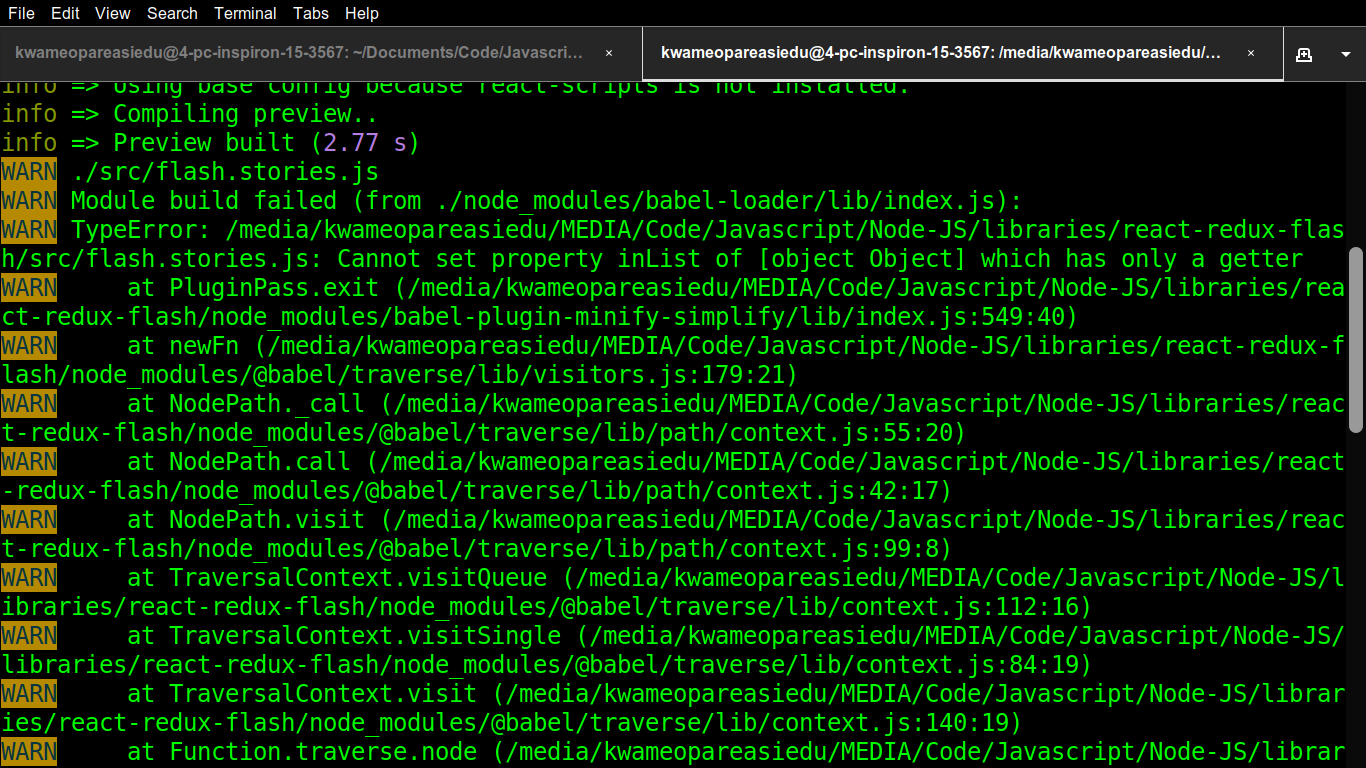
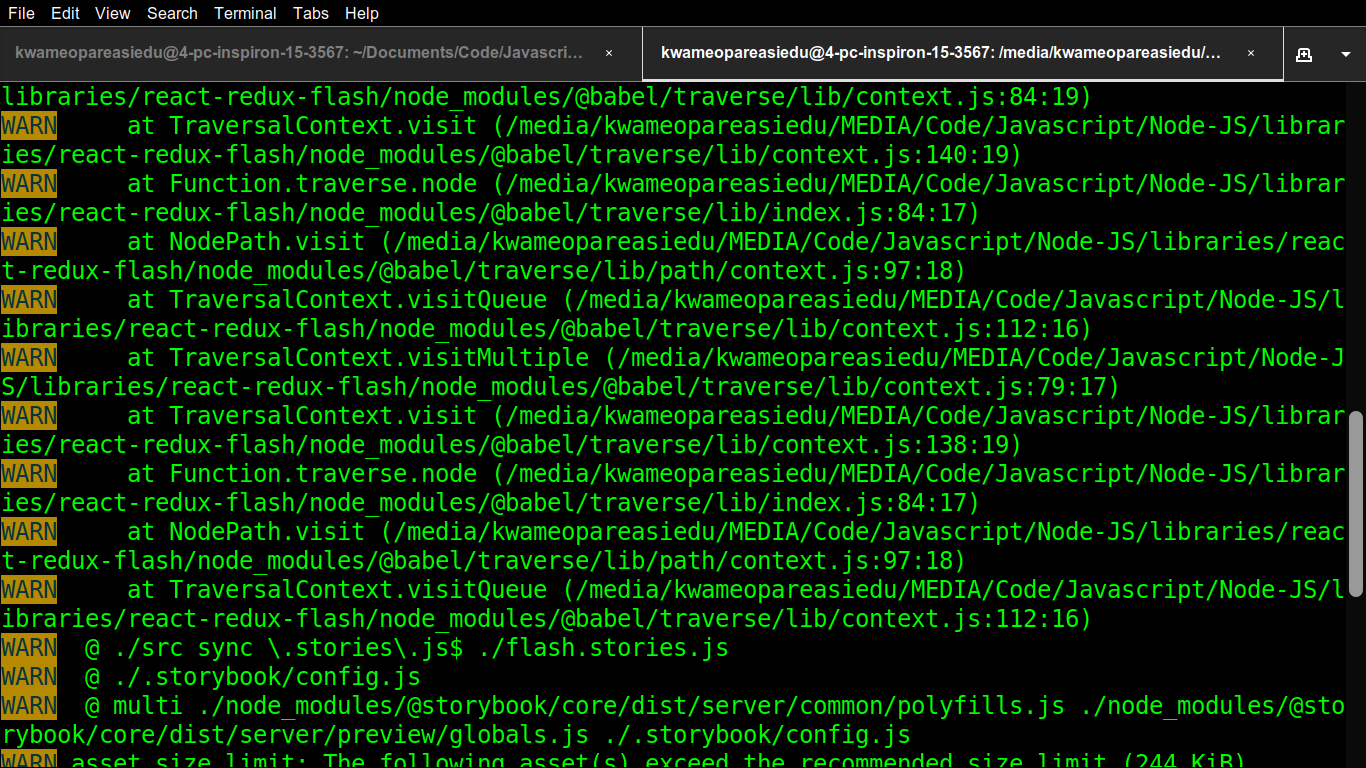
There seems to be an issue with version 5.2.5 which causes an error in the build of a static app.
The odd thing is that downgrading (all the way to 5.1.8) does not seem to fix the error
To Reproduce
Steps to reproduce the behavior:
- Install version
5.2.5using npx - Add a simple component with an associated story
- Run
npm run build-storybook - See error
- Open
index.htmlof generated app - See error again
Expected behavior
According to your docs... the command should build a fully functional static app I can deploy anywhere
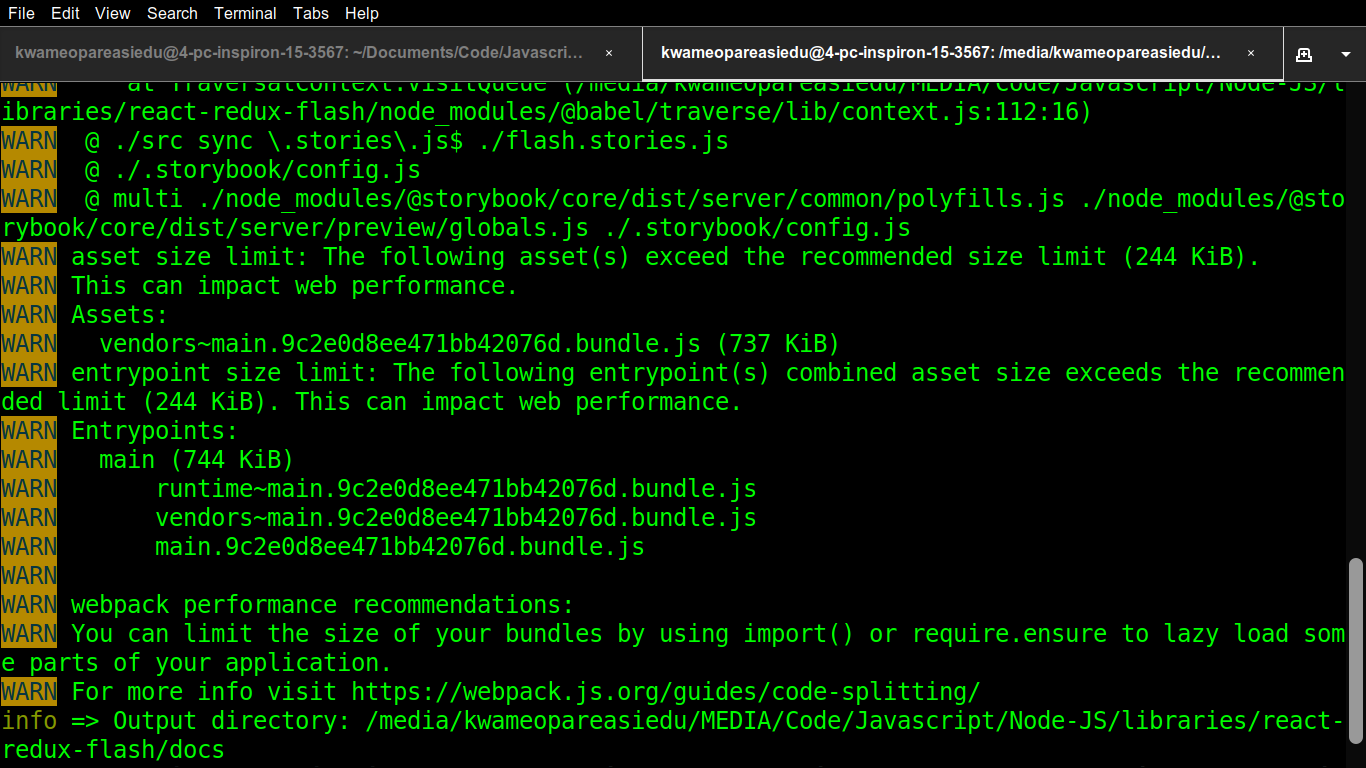
Screenshots


Code snippets
Here's my current dev-dependencies:
        "@babel/core": "^7.7.0",
        "@babel/plugin-transform-react-jsx": "^7.7.0",
        "@babel/plugin-transform-spread": "^7.6.2",
        "@babel/preset-env": "^7.7.0",
        "@babel/preset-react": "^7.7.0",
        "@storybook/addon-actions": "^5.2.5",
        "@storybook/addon-links": "^5.2.5",
        "@storybook/addons": "^5.2.5",
        "@storybook/react": "^5.2.5",
        "autoprefixer": "^9.7.1",
        "babel-eslint": "^10.0.3",
        "babel-loader": "^8.0.6",
        "css-loader": "^3.2.0",
        "eslint": "^6.6.0",
        "eslint-plugin-react": "^7.16.0",
        "node-sass": "^4.13.0",
        "postcss-loader": "^3.0.0",
        "prettier": "^1.18.2",
        "prop-types": "^15.7.2",
        "react": "^16.11.0",
        "react-redux": "^7.1.3",
        "react-router": "^5.1.2",
        "redux": "^4.0.4",
        "sass-loader": "^8.0.0",
        "style-loader": "^1.0.0"
Heres my webpack.config.js for storybook
const path = require("path");

module.exports = ({ config }) => {
    config.module.rules.push({
        test: /\.(scss|css)$/,
        exclude: /\node_modules/,
        use: [
            { loader: "style-loader" },
            { loader: "css-loader" },
            {
                loader: "postcss-loader",
                options: { plugins: () => [require("autoprefixer")] }
            },
            { loader: "sass-loader" }
        ]
    });

    config.resolve.extensions.push(".scss");

    return config;
};
System:
Environment Info:

  System:
    OS: Linux 4.15 Ubuntu 18.04.3 LTS (Bionic Beaver)
    CPU: (4) x64 Intel(R) Core(TM) i5-7200U CPU @ 2.50GHz
  Binaries:
    Node: 10.15.3 - ~/.nvm/versions/node/v10.15.3/bin/node
    npm: 6.9.0 - ~/.nvm/versions/node/v10.15.3/bin/npm
  Browsers:
    Chrome: 77.0.3865.120
  npmPackages:
    @storybook/addon-actions: ^5.2.5 => 5.2.5
    @storybook/addon-links: ^5.2.5 => 5.2.5
    @storybook/addons: ^5.2.5 => 5.2.5
    @storybook/react: ^5.2.5 => 5.2.5
 kwameopareasiedu
All 7 comments
My team ran into the same issue. We tracked it back to an update to @babel/traverse. We Changed our package.json from "@babel/core": "^7.6.0", to "@babel/core": "7.6.0", (dropped the^for this and all babel related dependencies) and then added a hardcoded"@babel/traverse": "7.6.0",` that we didn't have before. That fixed it for us.
YMMV but hopefully that helps others or helps debug for the storybook team.
Edit: Looks like I misread things and the page I linked to is the fix, not the cause (didn't read closely enough in our mad scramble to fix). You get the idea though ;)
 aaronbarker
on 6 Nov 2019
aaronbarker
on 6 Nov 2019
Ohk... Thanks very much @aaronbarker for the insight...
Will test soon and close the issue if it fixes it...
kwameopareasiedu
on 6 Nov 2019
+1
 welingtonmanoel-hotmart
on 6 Nov 2019
welingtonmanoel-hotmart
on 6 Nov 2019
@aaronbarker
Apparently just installing @babel/traverse fixed the build (npm i -D @babel/[email protected])...
I didn't even need to drop the ^ from the other babel libraries...
kwameopareasiedu
on 7 Nov 2019
I'm closing this issue now since the problem has been fixed. A very big thank you to @aaronbarker for pointing me in the right direction...
kwameopareasiedu
on 7 Nov 2019
I'm not sure that fixes it as the issue is intermittent (for me it usually fails the first attempt after removing node_modules and yarn.lock), but subsequent build-storybook attempts succeed.
Adding @babel/[email protected] did not resolve for me (for a fresh install), and looking at yarn.lock I can see 7.7.2 being resolved by other dependencies. Attempting to force resolution of 7.6.0 via the package.json resolutions field hasn't panned out.
I'd be interested to see if your build succeeds the first attempt after removing node_modules and yarn.lock @kwameopareasiedu
 matt-shine
on 8 Nov 2019
matt-shine
on 8 Nov 2019
@matt-shine delete yarn-lock and node modules solve it for me!
 leomendoza123
on 21 Nov 2019
leomendoza123
on 21 Nov 2019
Related issues
 Jonovono
·
3Comments
Jonovono
·
3Comments
 tomitrescak
·
3Comments
tomitrescak
·
3Comments
 tlrobinson
·
3Comments
tlrobinson
·
3Comments
 shilman
·
3Comments
shilman
·
3Comments
 wahengchang
·
3Comments
wahengchang
·
3Comments