Storybook: Theming and addon-notes code block
Greetings!
Describe the bug
I use a custom theme for Storybook. barBg property changes background of blocks with code.
To Reproduce
Steps to reproduce the behavior:
- Create a .md file with code example inside.
- Import it in any story.
- Go to "Notes" section.
- See error.
Expected behavior
So, I expect barBg to change background of top bar only.
Screenshots

Code snippets
// file with custom theme settings
import { create } from '@storybook/theming';

export const theme = create({
  base: 'light', // base theme

  appBg: '#f4f5f9',
  barBg: '#3f4557',
  barTextColor: '#ffffff',
  barSelectedColor: '#ebb242',
});
System:
  System:
    OS: macOS 10.14.5
  Binaries:
    Node: 10.16.0 - /usr/local/bin/node
    Yarn: 1.5.1 - /usr/local/bin/yarn
    npm: 6.9.0 - /usr/local/bin/npm
 nbrylevv
All 7 comments
Related: https://github.com/storybookjs/storybook/pull/5922 https://github.com/storybookjs/storybook/issues/7434
 shilman
on 30 Jul 2019
shilman
on 30 Jul 2019
By the way, version I use are
"@storybook/addon-notes": "^5.1.9",
"@storybook/addons": "^5.1.9",
"@storybook/theming": "^5.1.9",
"@storybook/vue": "^5.1.9",
Fixing this now.
 ndelangen
on 30 Jul 2019
ndelangen
on 30 Jul 2019
Yay!! I just released https://github.com/storybookjs/storybook/releases/tag/v5.1.10 containing PR #7623 that references this issue. Upgrade today to try it out!
shilman
on 31 Jul 2019
w00t!! I just released https://github.com/storybookjs/storybook/releases/tag/v5.2.0-beta.19 containing PR #7623 that references this issue. Upgrade today to try it out!
You can find this prerelease on the @next NPM tag.
shilman
on 31 Jul 2019
I'm sorry, but I still have an issue with the theming (https://github.com/storybookjs/storybook/issues/7434):
Running on Storybook 5.2.0-rc.4 (angular).
My theme:
base: 'dark'
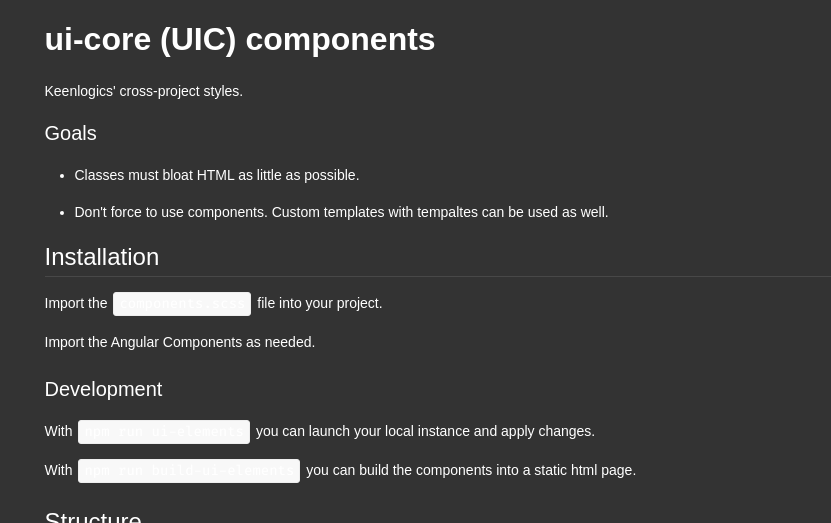
How the notes tab looks:
 shiftgeist
on 3 Sep 2019
shiftgeist
on 3 Sep 2019
FYI addon-notes is being superceded by addon-docs. It’s reached release candidate (RC) status and will be properly released soon. Please give it a try! https://medium.com/storybookjs/storybook-docspage-e185bc3622bf
shilman
on 3 Sep 2019
Related issues
 zvictor
·
3Comments
zvictor
·
3Comments
 tomitrescak
·
3Comments
tomitrescak
·
3Comments
 oriSomething
·
3Comments
oriSomething
·
3Comments
 MrOrz
·
3Comments
shilman
·
3Comments
MrOrz
·
3Comments
shilman
·
3Comments