Storybook: CSF: Story names should have intelligent defaults
Is your feature request related to a problem? Please describe.
It's tedious to have to change the story name in CSF to a human readable one.
e.g.
withSubtitle.story = {name: 'with subtitle'}
Describe the solution you'd like
A clear and concise description of what you want to happen.
I'm wondering if the exported story names should follow a convention or be allowed to be configured globally in some way.
e.g. Having to do withSubtitle.story = {name: 'with subtitle'} _seems_ automatable, and most likely what most users expect to end up as "with subtitle" in the left panel.
e.g. export const WithSubtitle would end up as "With Subtitle".
Describe alternatives you've considered
Just leaving it as is.
Are you able to assist bring the feature to reality?
I can
Additional context
N/A
 kevinSuttle
All 17 comments
I love this idea. This could be implemented pretty easily as an options parameter.
Globally in your config:
addParameters({
  options: {
    displayName: (key) => kebabCase(key).replace('-', ' ')
  }
})
Locally to a component's stories:
export default {
  ...
  parameters: {
    options: {
      displayName: ...
    }
  }
}
Wanna take a stab at something like this?
 shilman
on 29 Jul 2019
shilman
on 29 Jul 2019
Sure!
kevinSuttle
on 29 Jul 2019
Suggestions on where to get started?
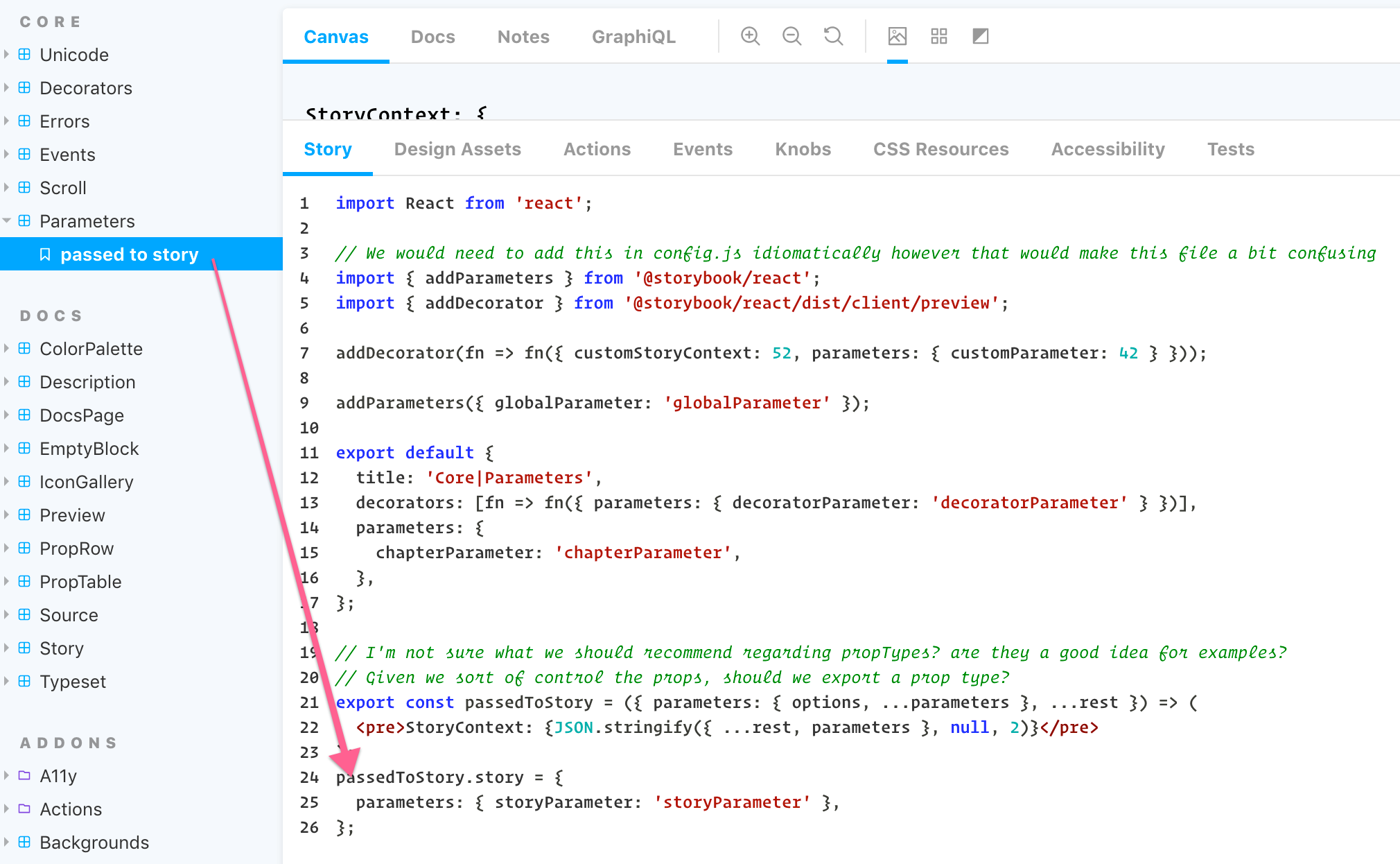
Edit: Found it:
kevinSuttle
on 29 Jul 2019
Right here:
Getting the parameter out of the client API might require some redesign now that I think about it.
Any thoughts @tmeasday @ndelangen?
shilman
on 29 Jul 2019
In monoconfig I'd implement this within the loader.
But that's some time away.
@shilman I'm not sure what you mean. Looks to me that implementing this exactly where you pointed out is perfectly do-able?
 ndelangen
on 29 Jul 2019
ndelangen
on 29 Jul 2019
@shilman can we just add something to the store to get the current list of global parameters? They are stored in the story store somewhere..
 tmeasday
on 30 Jul 2019
tmeasday
on 30 Jul 2019
FWIW, I got the above to work within here:
by setting name to a getDisplayName() function, but it was only just a POC to discover what was possible and where the wiring led.
Happy to implement wherever is best 👍
Getting the parameter out of the client API might require some redesign now that I think about it.
I noticed this, too, @shilman. 🤔
kevinSuttle
on 30 Jul 2019
@kevinSuttle I think that's a fine place to put it:
const { options: { displayName } } = allParams;
const name = displayName ? displayName(storyName) : storyName;
What do you think?
shilman
on 1 Aug 2019
Looks good to me!
kevinSuttle
on 1 Aug 2019
Ok so I think I have this down, or at least pretty close. Something like this?
const {
        options: { displayNameStyle },
        name: storyNameParam,
      } = allParam;

      const getStoryDisplayName = () => {
        const kebabStoryName: string = kebabCase(storyName).replace(/-/g, ' ');

        switch (displayNameStyle) {
          case 'upperFirst':
            return upperFirst(kebabStoryName);
          case 'startCase':
            return startCase(kebabStoryName);
          case 'lowercase':
            return lowerCase(kebabStoryName);
          case 'kebabCase':
            return kebabStoryName;
          case 'authored':
          default:
            return storyName;
        }
      };

      const displayName = !storyNameParam
        ? displayNameStyle
          ? getStoryDisplayName()
          : storyNameParam
        : storyName;

      this._storyStore.addStory(
        {
          id,
          kind,
          name: displayName,
@kevinSuttle i think we should just allow users to specify a function like we do with storySort. we could make it default to:
displayName: (storyName) => kebabCase(storyName).replace(/-/g, ' ').upperFirst();
That sounds much more reasonable!
kevinSuttle
on 16 Aug 2019
Shiver me timbers!! I just released https://github.com/storybookjs/storybook/releases/tag/v5.2.0-beta.43 containing PR #7878 that references this issue. Upgrade today to try it out!
You can find this prerelease on the @next NPM tag.
Closing this issue. Please re-open if you think there's still more to do.
shilman
on 28 Aug 2019
Yowza!! I just released https://github.com/storybookjs/storybook/releases/tag/v5.2.0-beta.46 containing PR #7901 that references this issue. Upgrade today to try it out!
You can find this prerelease on the @next NPM tag.
shilman
on 29 Aug 2019
Crikey!! I just released https://github.com/storybookjs/storybook/releases/tag/v5.2.0-beta.47 containing PR #7915 that references this issue. Upgrade today to try it out!
You can find this prerelease on the @next NPM tag.
shilman
on 29 Aug 2019
Sorry for poking from a closed story @shilman but I am quite confused with what is available for displayName.
Is something like this valid?
<Preview>
    <Story name="one month visible" parameters={{ displayName: "1 month visible" } }>
        <DateRangePicker
            numberOfMonths={1}
            onDatesChange={logDatesChanged}
        />
    </Story>
</Preview>
Since setting "1 month visible" as the story name is invalid, I would like to use it as the displayName.
Thank you,
Patrick
 patricklafrance
on 17 Oct 2019
patricklafrance
on 17 Oct 2019
@patricklafrance MDX uses displayName under the hood, so you can't use it in MDX. You should just be able to say <Story name="1 month visible">, so you've found a bug in the MDX handling: https://github.com/storybookjs/storybook/issues/8467
shilman
on 18 Oct 2019
Related issues
 xogeny
·
3Comments
xogeny
·
3Comments
 rpersaud
·
3Comments
shilman
·
3Comments
rpersaud
·
3Comments
shilman
·
3Comments
 tomitrescak
·
3Comments
tomitrescak
·
3Comments
 purplecones
·
3Comments
purplecones
·
3Comments
Most helpful comment
@kevinSuttle i think we should just allow users to specify a function like we do with
storySort. we could make it default to: