Storybook: Colorblindness Emulation broken in Firefox
Describe the bug
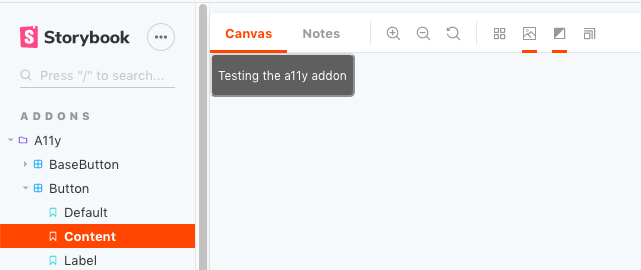
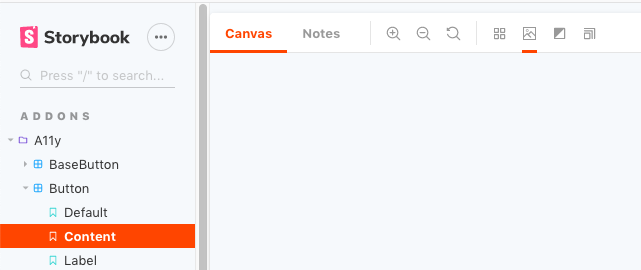
When clicking the "Color Blindness Emulation" button, only the "Mono" emulator works. Selecting anything other than "Mono" or attempting to deselect "Mono" results in a blank canvas.
To Reproduce
Steps to reproduce the behavior:
Spin up a new Storybook 5 project, or hit one of the live examples:
Expected behavior
I expect to see the component rendered with different colorblindness filters, or –if deselecting– to see the component rendered normally.
Screenshots
- Pre-emulation
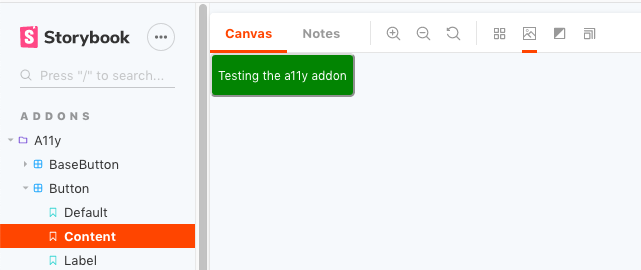
'Mono' emulation
'Reset Color Filter' or any filter _other than_ 'Mono'
System:
- OS: macOS Mojave Version 10.14.1
- Device: Macbook Pro 2018
- Browser: Firefox Quantum 65.0.1 (64-bit)
- Framework: framework-agnostic
- Addons: N/A
- Version: 5.0.*
 metasean
All 11 comments
Thanks! This looks like it's working well in Chrome. Any interest in trying to debug it in FF?
 shilman
on 8 Mar 2019
shilman
on 8 Mar 2019
I've been "volunteered" for several things recently, so unfortunately I don't have a lot of time :-( but I went ahead and did what digging I could think of.
Mono versus Achromatomaly
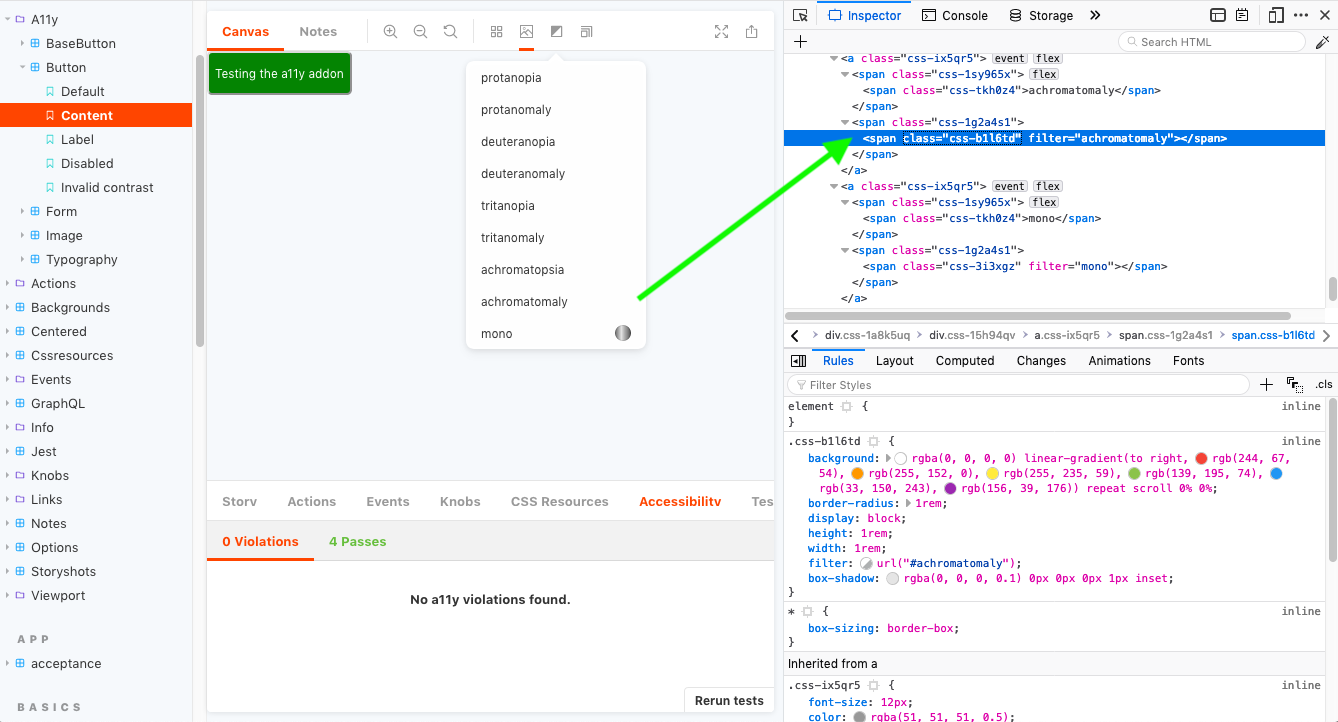
I realized later that there's a lack of _visible_ color palettes in the corresponding drop-down options and this _may_ be a critical clue, so I initially focused on finding differences between "achromatomaly" and "mono".
The css appears to be fine for the color palettes, they just aren't _visible_.
mono's palette - inspector

achromatomaly's palette - inspector
There's absolutely no console output during any of the relevant actions.
The only differences I'm seeing in Firefox's Inspector HTML view between them is the span class value for their palette. If I replace the palette class in achromatomaly (i.e. class="css-b1l6td") with the one from mono (i.e. class="css-3i3xgz"), it unsurprisingly shows the mono palette next to the achromatomaly label. So clearly some styling related to class="css-b1l6td" is missing, and yet, it's visible in the Inspector. 🧐 _The one difference that might be relevant is it looks like the 'mono' filter is using a basic HTML grayscale(100%), while 'achromatomaly' is using a url(#achromatomaly) filter._ But that still wouldn't explain why the "Reset color filter" doesn't work with 'mono'.
They both have click and onClick events, that are pointing to the same lines in the same bundle.js files.
clickpoints to line 72 in https://storybooks-official.netlify.com/vendors~main.e19d231af91474118649.bundle.jsonClickpoints to line 1 in https://storybooks-official.netlify.com/main.f4eb478cd5d667248ed3.bundle.js
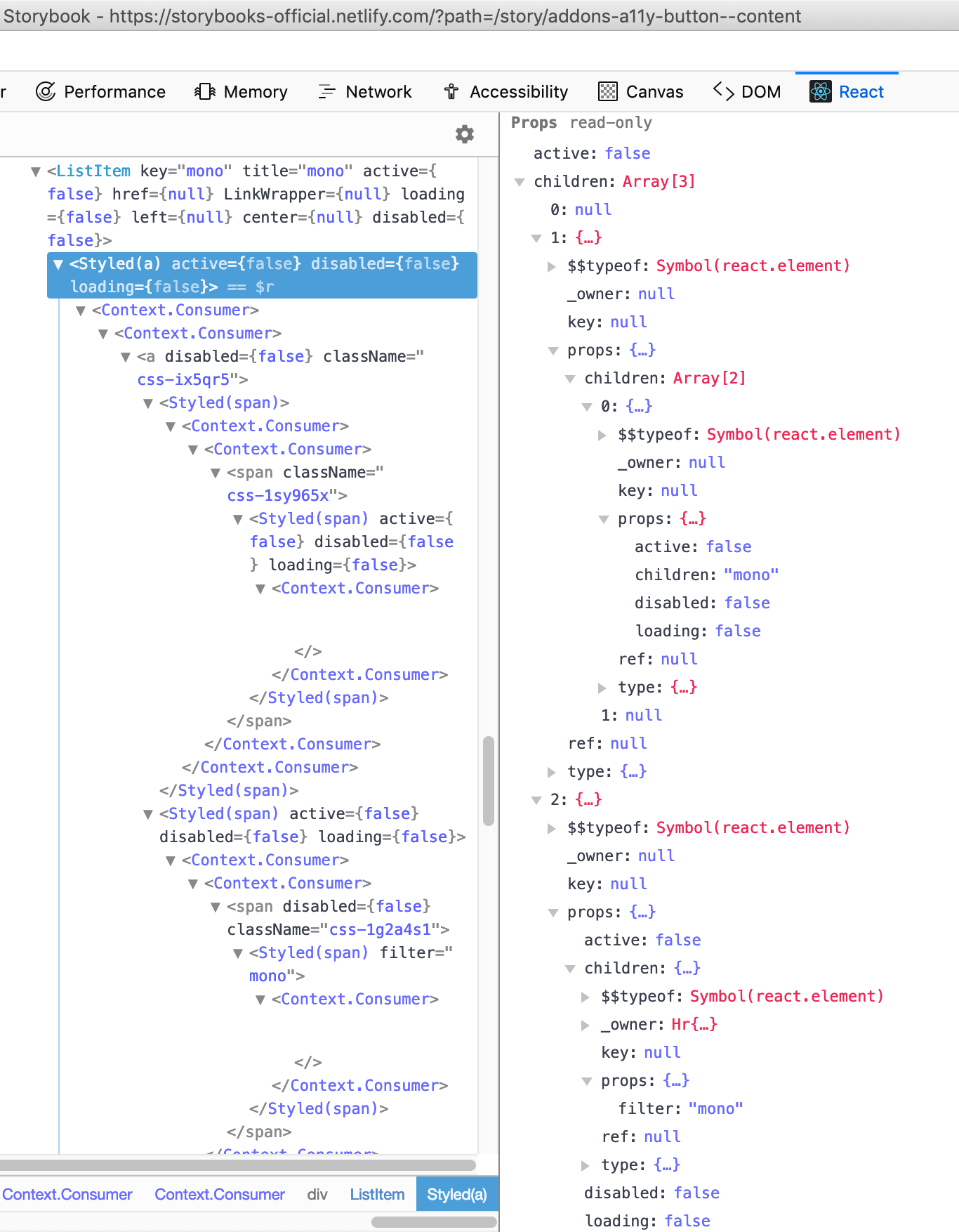
I didn't see any obvious differences using the regular devtools, so I installed the React Devtools.
I'm not super-familiar with the current React DevTools, but nothing is jumping out at me as a mismatch.

Page Load Warnings
Taking a large step back, on page load I do get the following console warnings:
   onmozfullscreenchange is deprecated. vendors~main.e19d231af91474118649.bundle.js:42:9933
   onmozfullscreenerror is deprecated. vendors~main.e19d231af91474118649.bundle.js:42:9933
   onmozfullscreenchange is deprecated. es5-shim.js:14
   onmozfullscreenerror is deprecated. es5-shim.js:14
As well as a frustratingly generic warning that simply states, "Style sheet could not be loaded.". This warning doesn't appear to have any actions associated with it (i.e. clicking it doesn't show me what style sheet couldn't be loaded) and I'm also not seeing any css entry in the network tab, so I'm not sure how to track down what stylesheet it is that's not loading. 🤷♂️
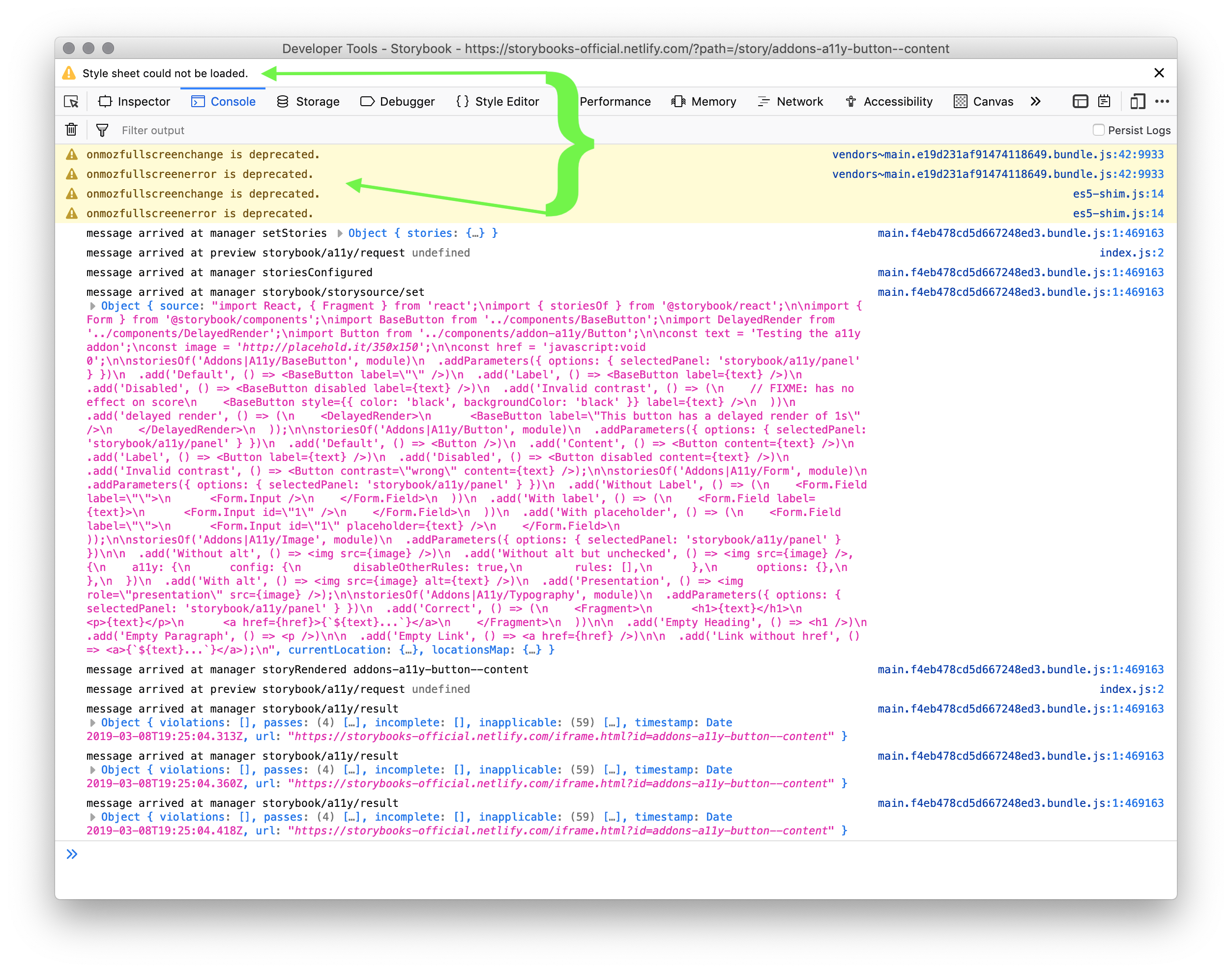

While a missing stylesheet _could_ impact the missing palettes, that doesn't appear to be the case based on the Inspector screenshots above. If the actual filters are in a separate stylesheet, that might explain the problem, however, based on the fact that Chrome doesn't show any separate stylesheets as loading, I don't think this is the case.
Consistent failures in Firefox Nightly
I did spin it up in Firefox Nightly just to see if it failed across versions, and sadly it still fails in exactly the same way in the latest Nightly.
While Nightly has the same issues, it does _not_ report any stylesheets as missing. (I'm assuming all the styles are passed via JS.)
Next Steps???
I'm not sure what additional information I can provide. If there's somewhere else I can look for clues, just give me clear directions and I'll dig into it as my schedule allows.
metasean
on 8 Mar 2019
(I couldn't focus on the work I'm supposed to doing, and ended up revisiting this 🙃)
Yep, at least part of the problem has something to do with the difference between the filter: grayscale(100%); and the filter: url("#emulator-type");
If I hover over the hash value in the url filters then Firefox tells me it "Could not load the image".
Chrome's devtools indicate the filter is at "https://storybooks-official.netlify.com/?path=/story/addons-a11y-button--content#achromatomaly", but even dropping that into the url for Firefox results in a "Could not load the image" message.
Firefox appears to have no problem with just a hash url for the filter and reports as being fully SVG Filter compatible.
So, at this point, it looks like it's related to the SVG IRI and that is, in turn, causing the filters on the palettes next to each drop-down option to fail, as well as the the filter on the iFrame that's actually doing the emulation to fail. e.g.
<iframe id="storybook-preview-iframe"
        title="main"
        src="iframe.html?id=addons-a11y-button--content"
        allowfullscreen=""
        style="filter: url('#achromatomaly');"
></iframe>
Hi, I submitted a PR to fix this bug https://github.com/storybooks/storybook/pull/6297
 electricg
on 26 Mar 2019
electricg
on 26 Mar 2019
Egads!! I just released https://github.com/storybooks/storybook/releases/tag/v5.1.0-alpha.18 containing PR #6297 that references this issue. Upgrade today to try it out!
Because it's a pre-release you can find it on the @next NPM tag.
Closing this issue. Please re-open if you think there's still more to do.
shilman
on 27 Mar 2019
I hate to have to post this, but it's not working for me.
I upgraded to v5.1.0-alpha.18 (fwiw: that went a _whole lot smoother_ than the upgrade to v5.0.2) and ran yarn storybook.
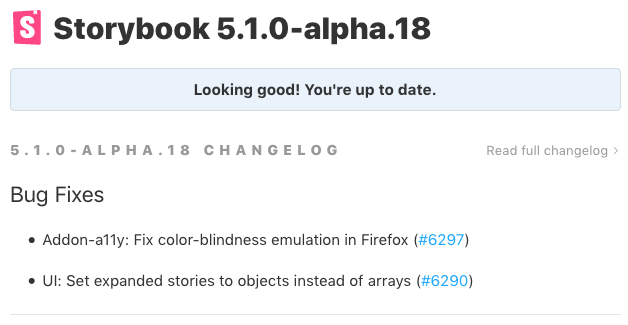
However, when I visit a components page, but I'm still seeing only the mono sample:
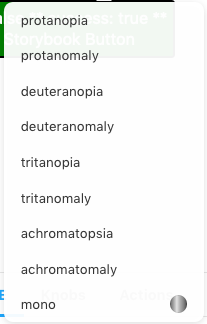
Samples in drop-down menu
Strangely, the code for the filter samples are consistent, but I'm still only seeing the mono sample, e.g.
<span class="css-3i3xgz" filter="mono"></span> // sample is displayed
vs
<span class="css-b1l6td" filter="achromatomaly"></span> // sample is _NOT_ displayed
iframe results of different selections
When I click the "mono" option, the iframe's filter is set to grayscale(100%) and works as expected.
When I click the "achromatomaly" option, the iframe's filter is set to url("#achromatomaly") and nothing is visible in the iframe
And once I've gone into any of the drop-down modes and then select "Reset Color Filter" the iframe filter is set to url("#null") which leaves nothing visible in the iframe.
I confirmed this in both standard FF (66.0.1) and Nightly (68.0a1)
metasean
on 27 Mar 2019
@shilman - I don't have an option to reopen this, would you please do that.
metasean
on 27 Mar 2019
@metasean The fact that you still see url("#null") for the reset means you don't have the 5.1.0-alpha.18 version of the a11y addon, since I've changed it to be none (updating just the storybook module is not enough). You can also check it by opening with Chrome, select a filter and see if the selected filter is highlighted in pink (see the screenshot I posted here https://github.com/storybooks/storybook/pull/6297). If it's not pink, than you don't have the fixed version of the addon.
I updated all the storybook modules in the project where I use storybook to that alpha versions, and I see it working with the fix in Firefox
electricg
on 28 Mar 2019
Indeed.
I had only run yarn add @storybook/vue@latest thinking that it would update all of it's dependencies, but it didn't. 🤦♂️
Explicitly running yarn add @storybook/addon-a11y@next brought it up to speed. 👍
@electricg - _Thank you for the bug fix and helping me debug my own oversight in getting it up and running!_
metasean
on 28 Mar 2019
@metasean In general I'd try to keep all versions the same unless you have a specific need to diverge. E.g. vue@next && a11y@next OR vue@latest && a11y@latest but NOT vue@latest && a11y@next.
shilman
on 29 Mar 2019
Yee-haw!! I just released https://github.com/storybooks/storybook/releases/tag/v5.0.6 containing PR #6297 that references this issue. Upgrade today to try it out!
shilman
on 1 Apr 2019
Related issues
 arunoda
·
3Comments
arunoda
·
3Comments
 Jonovono
·
3Comments
Jonovono
·
3Comments
 alexanbj
·
3Comments
alexanbj
·
3Comments
 zvictor
·
3Comments
zvictor
·
3Comments
 tirli
·
3Comments
tirli
·
3Comments
Most helpful comment
Hi, I submitted a PR to fix this bug https://github.com/storybooks/storybook/pull/6297