Storybook: Superfluous vertical scrollbar in fullscreen
In full screen mode, there is always a vertical scrollbar with a minute amount of wiggle room (maybe 1 pixel). This is with a brand new storybook:
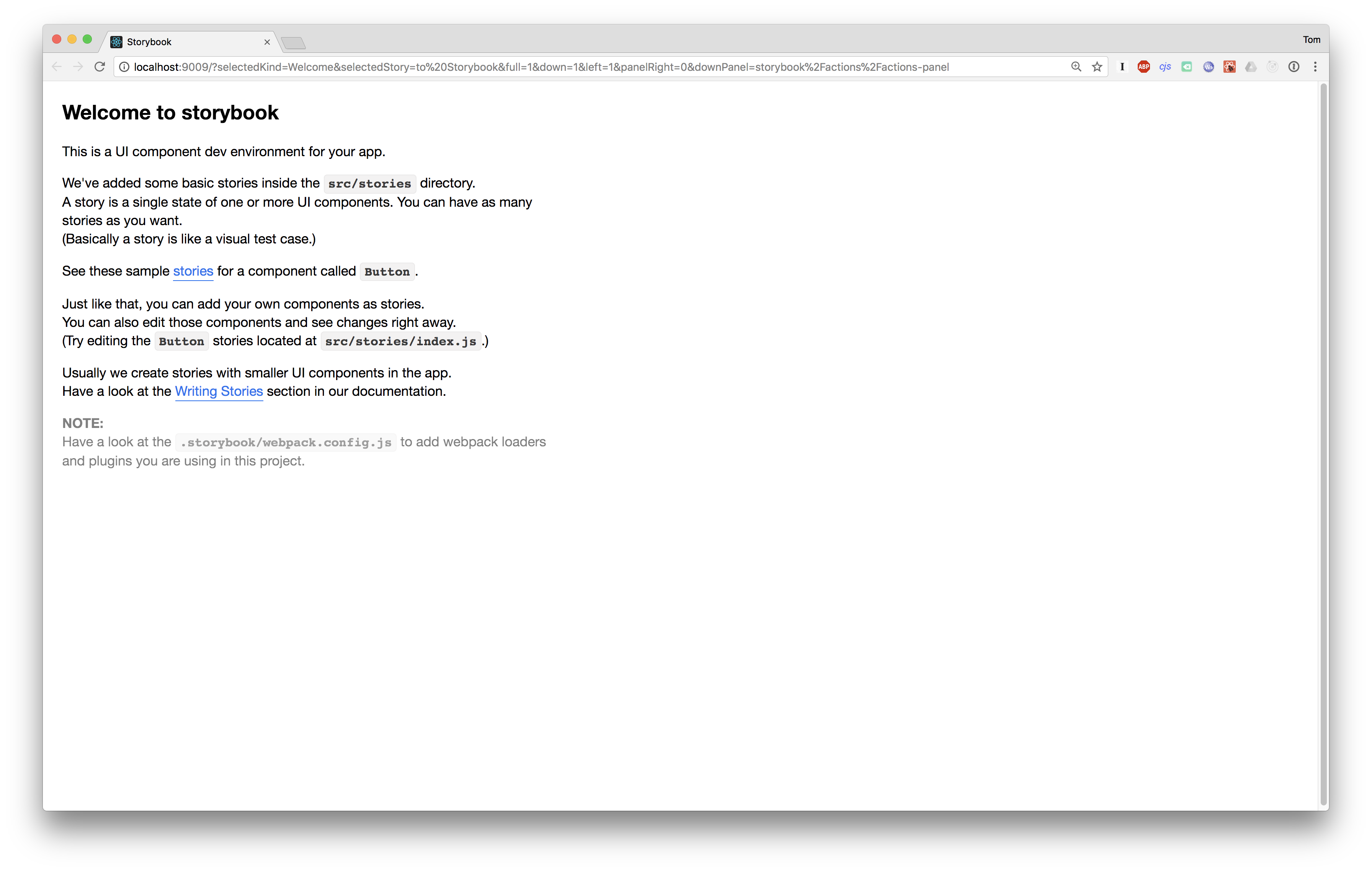
It doesn't matter what the actual content is or how you resize the window, although if you make it small enough that the content doesn't fit then you'll get 2 scrollbars:

It seems like the outer scrollbar is completely unnecessary; removing the overflow: auto styling on the offending div from the dev console fixes it.
 pelotom
All 7 comments
Would you like to make a PR?
 Hypnosphi
on 22 Nov 2017
Hypnosphi
on 22 Nov 2017
@Hypnosphi done: #2394
pelotom
on 29 Nov 2017
I see this same issue in non-fullscreen mode in the top-right panel. Is there a plan to fix it there also?
The offending element is .Pane.horizontal.Pane1 . Removing overflow:auto in the console appears to fix it there also.
 tonyleeper
on 13 Jun 2018
tonyleeper
on 13 Jun 2018
@tonyleeper I'm seeing this now too (appears to be a new issue in recent versions)... maybe submit a PR?
pelotom
on 15 Jun 2018
Am also seeing this, I would submit a PR but don't know the solution.
 lhrinaldi
on 4 Jul 2018
lhrinaldi
on 4 Jul 2018
Does this issue exist in the alpha version too?
 ndelangen
on 6 Jul 2018
ndelangen
on 6 Jul 2018
@ndelangen nope, it seems to be fixed in the alpha.
pelotom
on 8 Jul 2018
Related issues
 xogeny
·
3Comments
xogeny
·
3Comments
 zvictor
·
3Comments
zvictor
·
3Comments
 tomitrescak
·
3Comments
tomitrescak
·
3Comments
 arunoda
·
3Comments
arunoda
·
3Comments
 shilman
·
3Comments
shilman
·
3Comments
Most helpful comment
@tonyleeper I'm seeing this now too (appears to be a new issue in recent versions)... maybe submit a PR?