Storybook: can't see web in react native
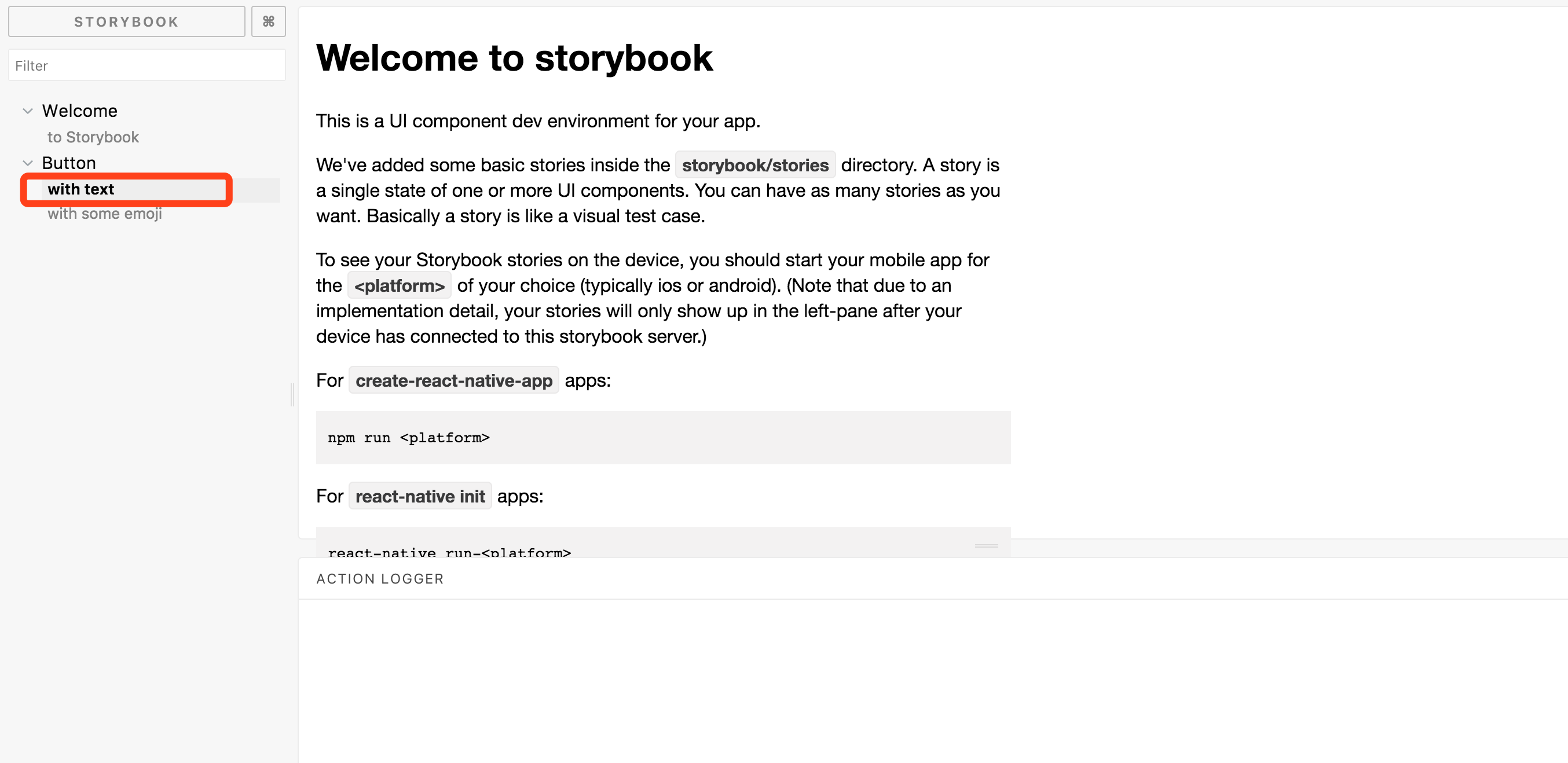
I use it in react native but it doesn't work in web but is ok in simulator

 hetchzhao
All 12 comments
I had this same issue. Upgrading to babel 6 fixed my problem. See https://github.com/storybooks/storybook/issues/13#issuecomment-323816036
 hellogerard
on 19 Oct 2017
hellogerard
on 19 Oct 2017
@hellogerard I try it but it doesn't work
hetchzhao
on 26 Oct 2017
@zhaoheqi Read careful at this docs, hope this help: https://github.com/storybooks/storybook/tree/master/app/react-native#start-storybook
- In react native app, we seems as can't see stories on web browsers. Only see list menu of stories.
- You must run react native app by run:
react-native run-<platform>. - Once your app is started, changing the selected story in web browser will update the story displayed within your mobile app.
 quyentran-agilityio
on 26 Oct 2017
quyentran-agilityio
on 26 Oct 2017
@quyentranvan which do we run first?
npm run storybook or react-native run-<platform>.
 waltermvp
on 27 Nov 2017
waltermvp
on 27 Nov 2017
@waltermvp It doesn't matter: they should run in parallel, in separate terminal tabs
 Hypnosphi
on 27 Nov 2017
Hypnosphi
on 27 Nov 2017
@Hypnosphi
the description on this page is little misleading
With Storybook for React Native you can design and develop individual React Native components without running your app.
 atinder
on 13 Dec 2017
atinder
on 13 Dec 2017
You don't actually run your app, see
https://github.com/storybooks/storybook/tree/master/app/react-native#create-react-native-app-crna
Hypnosphi
on 13 Dec 2017
but we do need to run emulator right?
Stories list is blank until I run emulator.
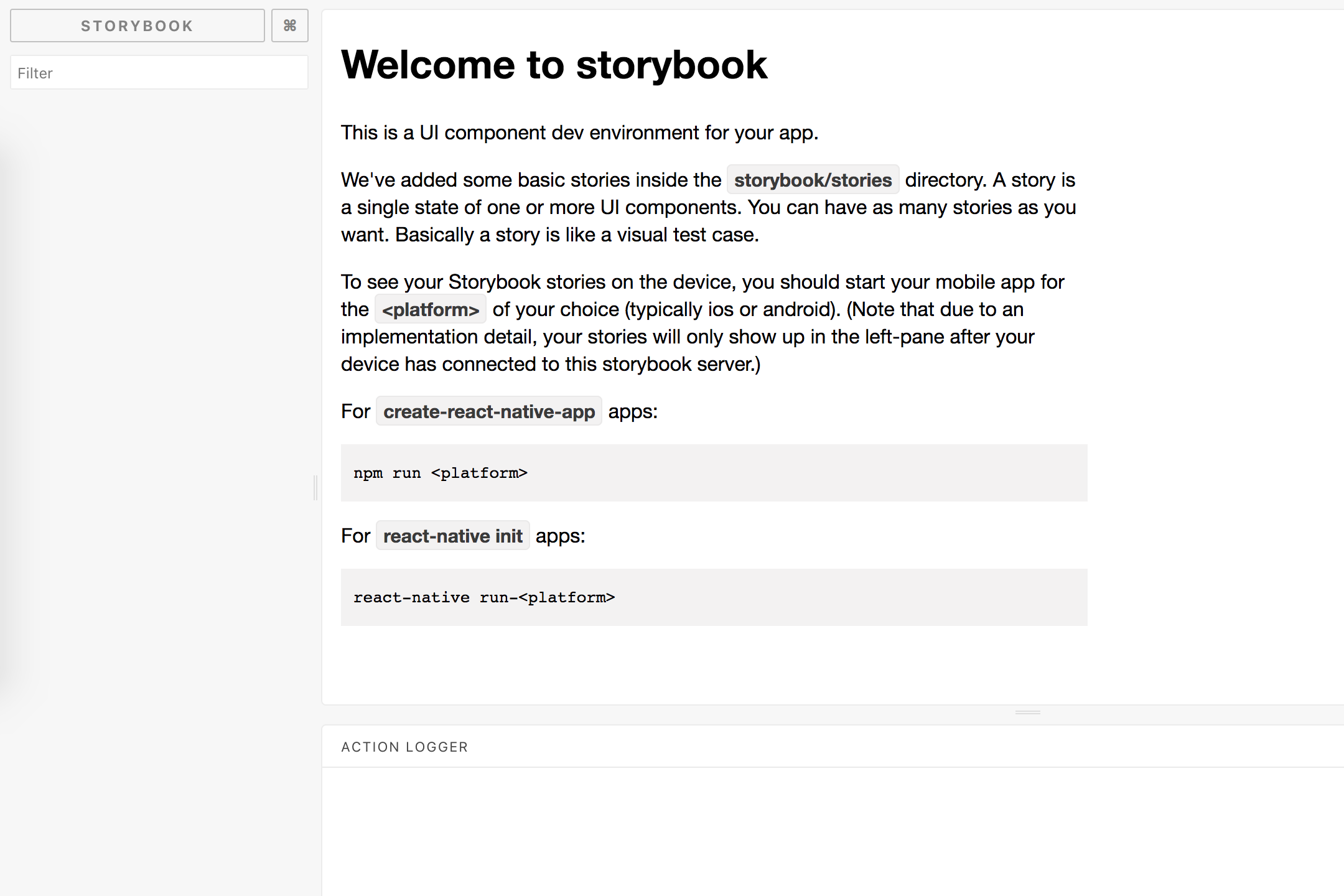
Also preview is not available in browser. Need emulator running to preview changes.
atinder
on 13 Dec 2017
No, you can't view RN stories in desktop browser currently
Hypnosphi
on 13 Dec 2017
Hi everyone! Seems like there hasn't been much going on in this issue lately. If there are still questions, comments, or bugs, please feel free to continue the discussion. Unfortunately, we don't have time to get to every issue. We are always open to contributions so please send us a pull request if you would like to help. Inactive issues will be closed after 60 days. Thanks!
![stale[bot] picture](https://avatars3.githubusercontent.com/in/1724?v=4&s=40) stale[bot]
on 27 Jan 2018
stale[bot]
on 27 Jan 2018
Hey there, it's me again! I am going close this issue to help our maintainers focus on the current development roadmap instead. If the issue mentioned is still a concern, please open a new ticket and mention this old one. Cheers and thanks for using Storybook!
stale[bot]
on 11 Feb 2018
@zhaoheqi Did you fixed the issue? I am also getting the same issue.
 swaroopa94
on 26 Mar 2018
swaroopa94
on 26 Mar 2018
Related issues
 tomitrescak
·
3Comments
tomitrescak
·
3Comments
 tlrobinson
·
3Comments
tlrobinson
·
3Comments
 shilman
·
3Comments
shilman
·
3Comments
 tirli
·
3Comments
tirli
·
3Comments
 purplecones
·
3Comments
purplecones
·
3Comments
Most helpful comment
@zhaoheqi Read careful at this docs, hope this help: https://github.com/storybooks/storybook/tree/master/app/react-native#start-storybook
react-native run-<platform>.