Stickers: Asset file doesn't exist only sample stickers works [Android]
I tried to add stickers to my app and some of my stickers works and some of them are getting this error
Asset file doesn't exist . (followed all the guidelines)
tried both webP photoshop plugin (unchecked save metadata) and android studio conversion but no luck. after spending lot of time with this error figured out way to fix this error by adding Gaussian blur in photoshop.(Some Stickers works with this trick)
but still getting this same error :-(
I'm using React Native library https://github.com/Pocket-titan/react-native-whatsapp-stickers-android
only works when merge both layers in PS (sample sticker and sticker that i created). OR replacing the sticker with sample sticker
Sorry for my bad english..
sticker that not works..
10_farm_cow.zip
 IshanUdyoga
All 5 comments
Hey @IshanUdyoga,
after spending lot of time with this error figured out way to fix this error by adding Gaussian blur in photoshop.
This is weird, are you sure you haven't exported it differently? Gaussian Blur should not influence the health of your image at all.
Your export process should be:
- Export file from Photoshop as
.png('Save As' -> PNG) - Drop your file into Android Studio
- Right click on the file in Android Studio
- Choose
Convert to WebP - Follow the onscreen instructions by Android Studio
If you followed these instructions and your image still throws an error, feel free to respond here :)
 MarvinJWendt
on 31 Dec 2018
MarvinJWendt
on 31 Dec 2018
@MarvinJWendt
Thanks for the quick response :-)
I did your export process earlier but not worked
I tried editing sample sticker in photoshop and put it in my sticker app then that same error throws again.
Without editing sample sticker (just drag n drop sample sticker webP to photoshop and then exported to webP) error not throws to that sticker.
This is the error -
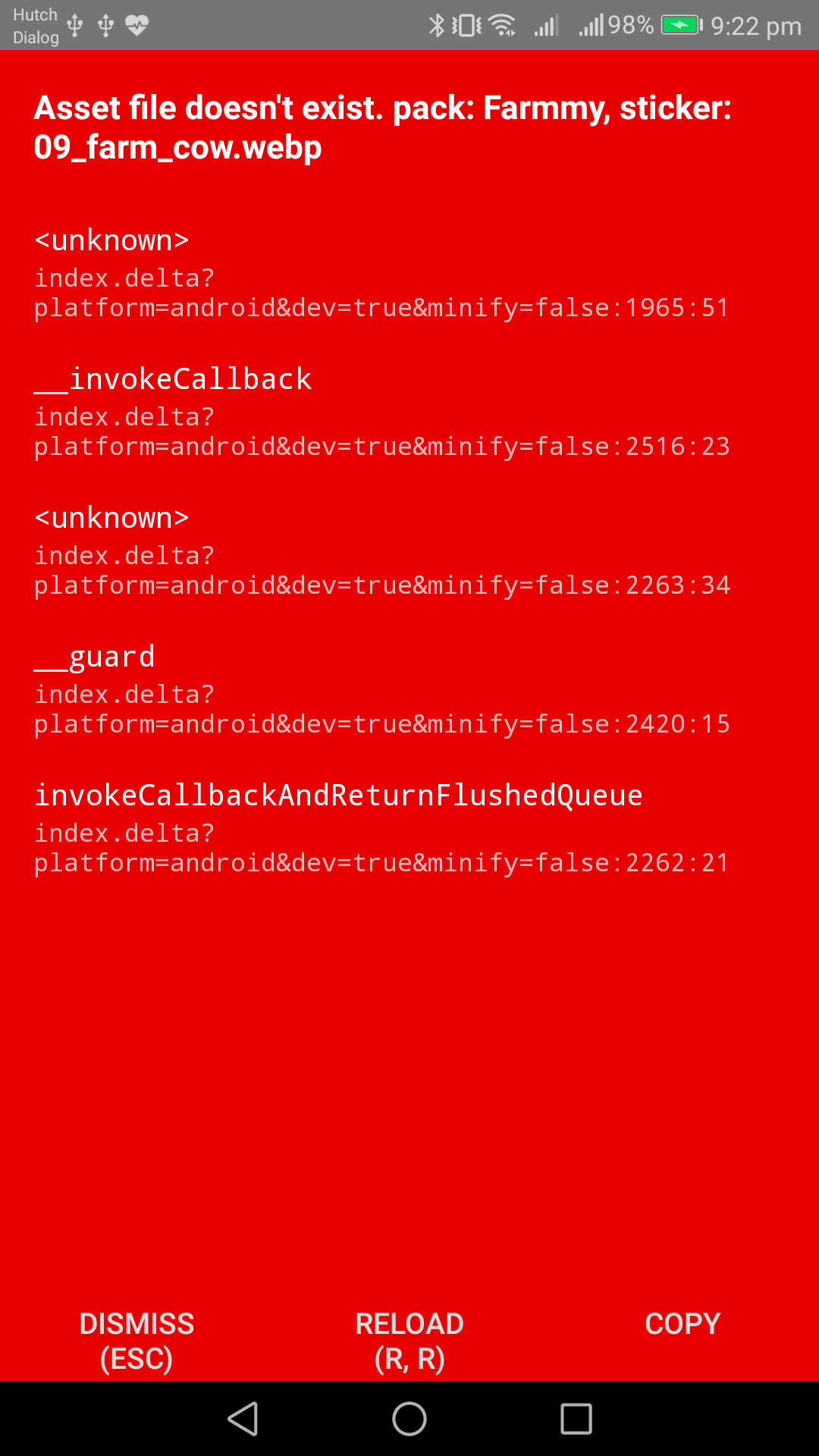
After upgrading fresco v 1.10.0 to v 1.11.0 error was changed -
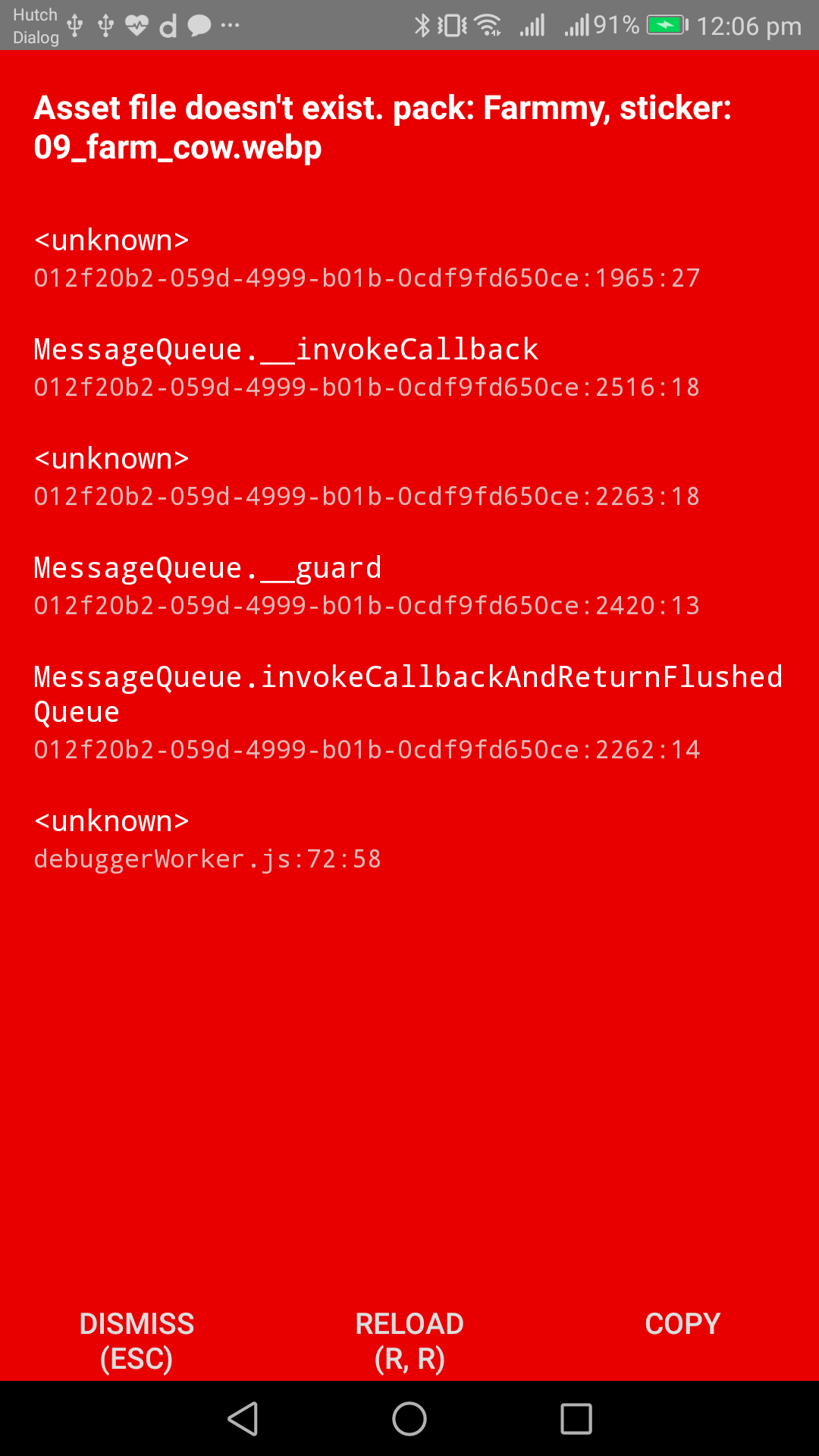
Also this error shows after few second -
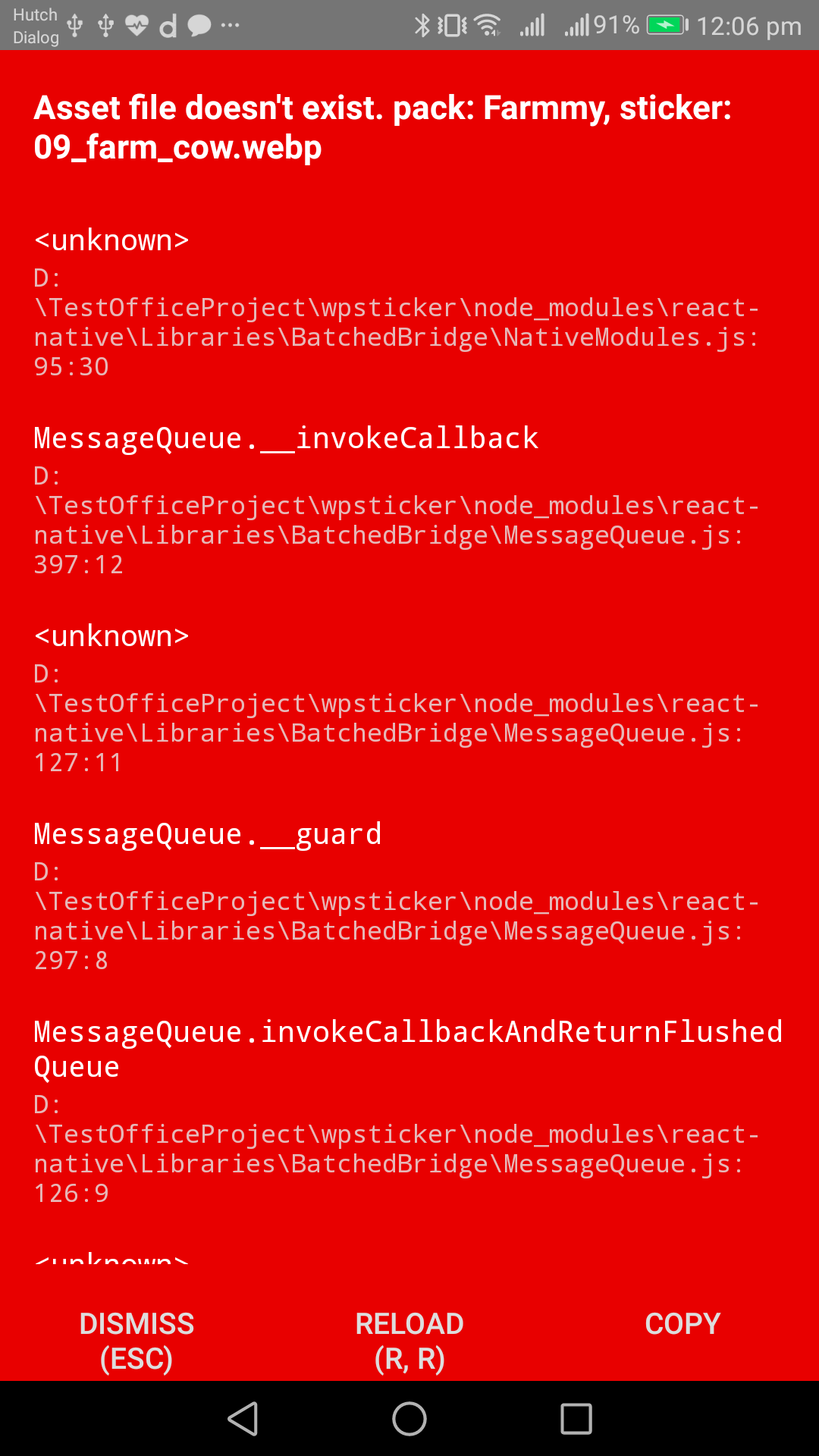
I dont know this is the right place to ask React Native questions :-( but no place to ask this kind of question..
thanks..
IshanUdyoga
on 31 Dec 2018
After Spending some time fixed this error completely !
Add this lines in Android/app/build.gradle
android {
    aaptOptions {
        noCompress "webp"
    }
....
}
the compression of webp file during build causes problem with FileDescriptor in ContentProvider.
thanks..
IshanUdyoga
on 31 Dec 2018
Hey @IshanUdyoga,
Have you removed those lines?
Normally they should already be in there 🤔
https://github.com/WhatsApp/stickers/blob/1a9f00222f96779e50b0269e58a9bb79b10221fa/Android/app/build.gradle#L4-L7
MarvinJWendt
on 31 Dec 2018
@MarvinJWendt nope that react native library forgot to add this line :-) thanks.
IshanUdyoga
on 7 Jan 2019
Related issues
 modys
·
4Comments
modys
·
4Comments
 sagarvekariyam
·
6Comments
sagarvekariyam
·
6Comments
 obaid55
·
3Comments
obaid55
·
3Comments
 Sparklester
·
4Comments
Sparklester
·
4Comments
 JNSAPH
·
4Comments
JNSAPH
·
4Comments
Most helpful comment
After Spending some time fixed this error completely !
Add this lines in Android/app/build.gradle
android {
    aaptOptions {
        noCompress "webp"
    }
....
}
the compression of webp file during build causes problem with FileDescriptor in ContentProvider.
thanks..