Stacks.js: Custom protocol redirect prevents usage in browser extensions
See forum post:
https://forum.blockstack.org/t/got-a-few-questions-considering-using-blockstack/5608?u=larry
Supporting alternative authentication flows might help #284
 larrysalibra
All 11 comments
@zone117x I've assigned this to you so you can take browser extension support into consideration with your protocol handling work. Any initial thoughts on how your work on https://github.com/blockstack/blockstack.js/pull/591 may be relevant here?
 markmhx
on 7 Jan 2019
markmhx
on 7 Jan 2019
Found some code here: https://gist.github.com/dantrevino/b0cc9124de892ede436113d817c89c8d
https://youtu.be/0REU77wBIZw
Does not work for me:

Are there any workarounds?
 marsrobertson
on 6 Jun 2019
marsrobertson
on 6 Jun 2019
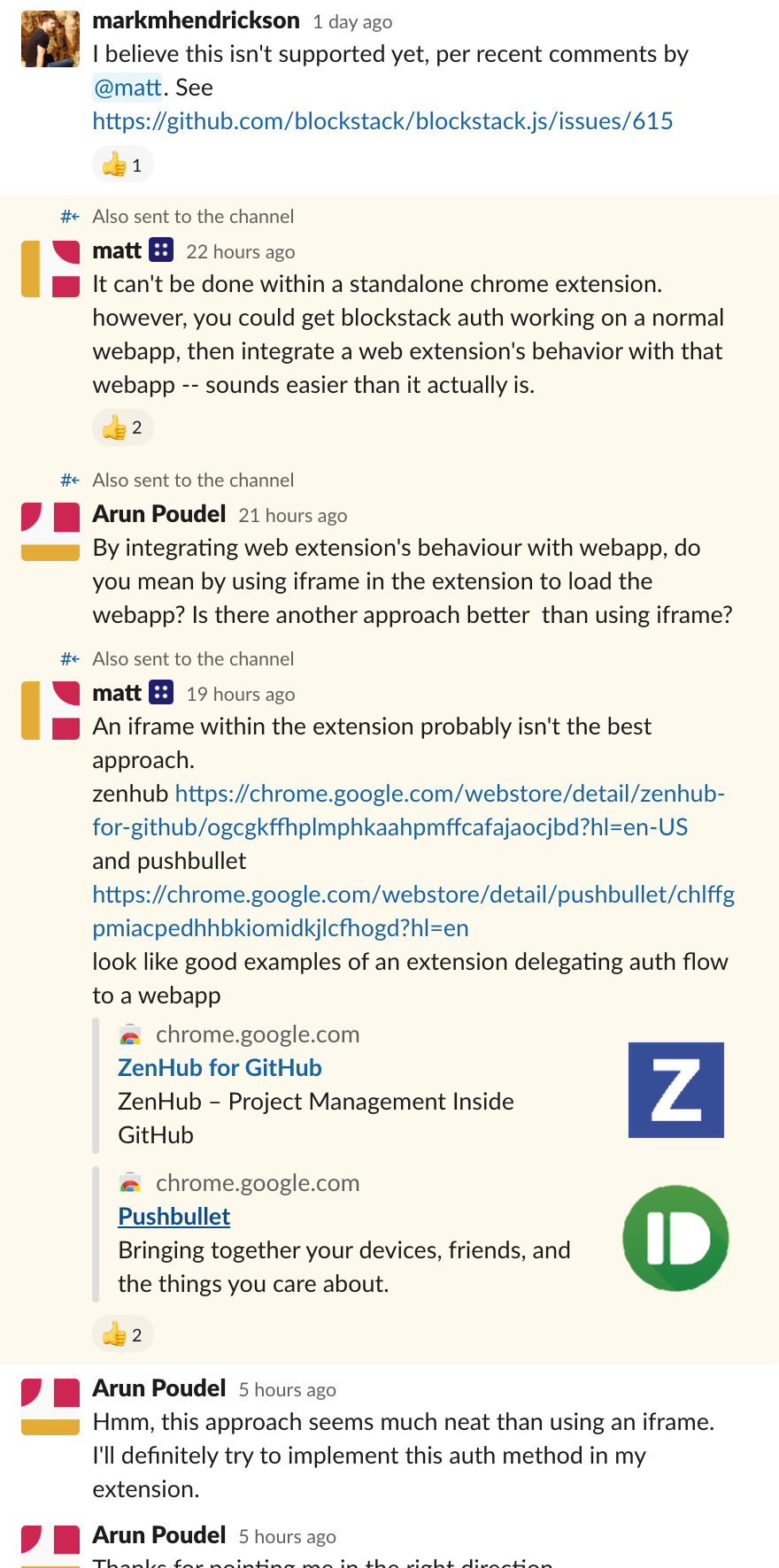
@zone117x posted some guidance on Slack recently here: https://blockstack.slack.com/archives/C074LC7RC/p1559716701022100
@moxiegirl this question has come up a few times from different developers recently – think we may want to capture that Slack guidance in the docs somewhere before it goes poof?
markmhx
on 6 Jun 2019
think we may want to capture that Slack guidance in the docs somewhere before it goes poof?
Example
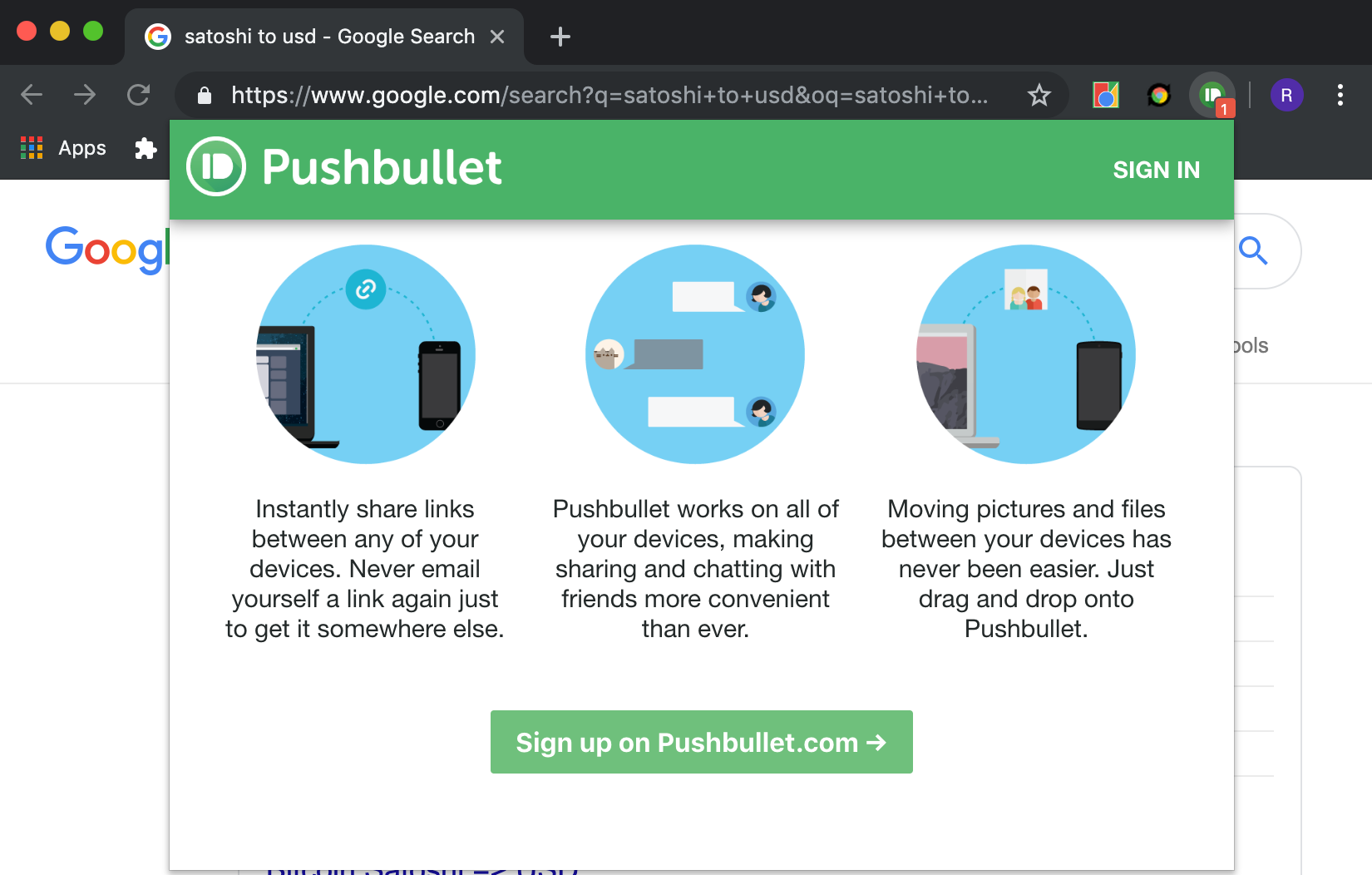
What to do with the authResponse?
http://localhost:3000/?authResponse=eyJ...........1Nr_eng
Docs: https://blockstack.github.io/blockstack.js/classes/usersession.html
For simplicity, you can assume that I do everything serverless: app hosted on GitHub pages, Firebase as a storage, occasional Heroku app when I need to sprinkle node.js...
- Chrome Extension: generate
userID - Redirect to standalone web app
- Blockstack auth
- Receiving
authResponse - Saving in Firebase at
userID_(unless a better way of communicating between web app and Chrome Extension)_ - Chrome Extension reading it...
Now I would like to use authResponse and be logged in, being able to access the storage. How?
marsrobertson
on 6 Jun 2019
@markmhx Sure. But this is a wide-ranging discussion across several apps (forum/Slack/GitHub) it would help if you specify the exact question and the answer you are expecting. I created an issue to address your request ^^^. I'll put down what _I got_ from the discussion there. Please refine it.
 moxiegirl
on 6 Jun 2019
moxiegirl
on 6 Jun 2019
EDIT: Updated my comments as I was replying from email, only now I see the full context...
What happens when Chrom Extension does window.open() - maybe that will be better?
Anyway this issue seem better now: https://github.com/blockstack/docs.blockstack/issues/272
marsrobertson
on 6 Jun 2019
Any updates on this? If anyone was willing to share an example on how to approach the hints provided by matt on slack, that would be swell. Thanks
 arunpdl
on 24 Jun 2019
arunpdl
on 24 Jun 2019
@arunpdl I've asked if @zone117x could provide some sample code on the other issue linked here in documentation (https://github.com/blockstack/docs.blockstack/issues/272). So hopefully we can help out more on the documentation front shortly.
markmhx
on 24 Jun 2019
@marsrobertson
- Chrome Extension: generate
userID- Redirect to standalone web app
- Blockstack auth
- Receiving
authResponse- Saving in Firebase at
userID_(unless a better way of communicating between web app and Chrome Extension)_- Chrome Extension reading it...
Now I would like to use
authResponseand be logged in, being able to access the storage. How?
At step 4 you'd want to pass the authResponse to your web extension, and have the extension complete the login process with it (handlePendingSignIn(authResponse)).
Or, have the web app to complete the auth process itself then hand-off the relevant user data to the web extension. The appPrivateKey and hubUrl are the minimum required to work with the blockstack.js file functions. See here for related usage: https://forum.blockstack.org/t/creating-a-usersession-using-app-private-key/8096/5
Communication between web extensions and web pages can be done client side. See the WebExtensions Tab API:
 zone117x
on 24 Jun 2019
zone117x
on 24 Jun 2019
This issue has been automatically marked as stale because it has not had recent activity. It will be closed if no further activity occurs. Thank you for your contributions.
![stale[bot] picture](https://avatars.githubusercontent.com/in/1724?v=4&s=40) stale[bot]
on 27 Jan 2021
stale[bot]
on 27 Jan 2021
This issue has been automatically closed. Please reopen if needed.
stale[bot]
on 3 Feb 2021
Related issues
larrysalibra
·
5Comments
 muneebm
·
5Comments
muneebm
·
5Comments
 yknl
·
7Comments
larrysalibra
·
6Comments
yknl
·
5Comments
yknl
·
7Comments
larrysalibra
·
6Comments
yknl
·
5Comments
Most helpful comment
Example
What to do with the
authResponse?http://localhost:3000/?authResponse=eyJ...........1Nr_engDocs: https://blockstack.github.io/blockstack.js/classes/usersession.html
For simplicity, you can assume that I do everything serverless: app hosted on GitHub pages, Firebase as a storage, occasional Heroku app when I need to sprinkle node.js...
userIDauthResponseuserID_(unless a better way of communicating between web app and Chrome Extension)_Now I would like to use
authResponseand be logged in, being able to access the storage. How?