Spectrum: No option to remove community background image
Issue Type
- [X] Feature Idea
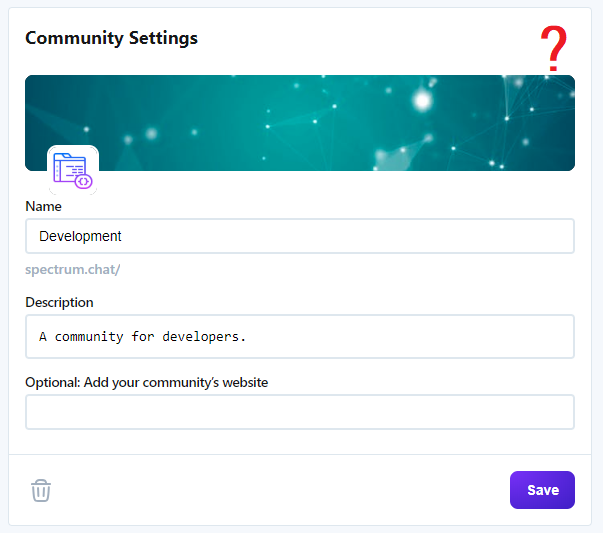
Currently there's no way to remove a custom-set background image for communities. It would be really helpful to allow to remove the currently set background image and reset it to the default one.
 atlx
atlx
All 13 comments
I would like to try this, I'm guessing this should be added to both the create new community form and the community settings form
 ThomasRoest
on 19 Dec 2018
ThomasRoest
on 19 Dec 2018
@ThomasRoest correct - see api/utils/get-random-default-photo.js for the options available and api/models/community:createCommunity for how this is implemented currently at community creation time
 brianlovin
on 19 Dec 2018
brianlovin
on 19 Dec 2018
I was figuring out how the random default photo works and I'm getting Failed to load resource: the server responded with a status of 403 () from imgix. when loading default cover photos e.g. default_images/cover-violet.svg in development.
ThomasRoest
on 20 Dec 2018
@ThomasRoest sorry, to add some more context here: all images that we serve from S3 need be signed by Imgix. This happens in shared/imgix and you'll see the implementation in places like api/queries/community/profilePhoto.js - we sign each image at resolution time (which is a perf issue we'll come back to in the future), but this means that any time someone loads Spectrum, the images they see on the client are valid for at-most 24 hours (e.g. if they copy the image url).
So, for your exploration here, you'll also need to sign those default images by passing the path into shared/imgix - it should automatically handle prepending spectrum.imgix.com and constructing the url signature.
brianlovin
on 20 Dec 2018
ok, I haven't changed anything, just exploring.
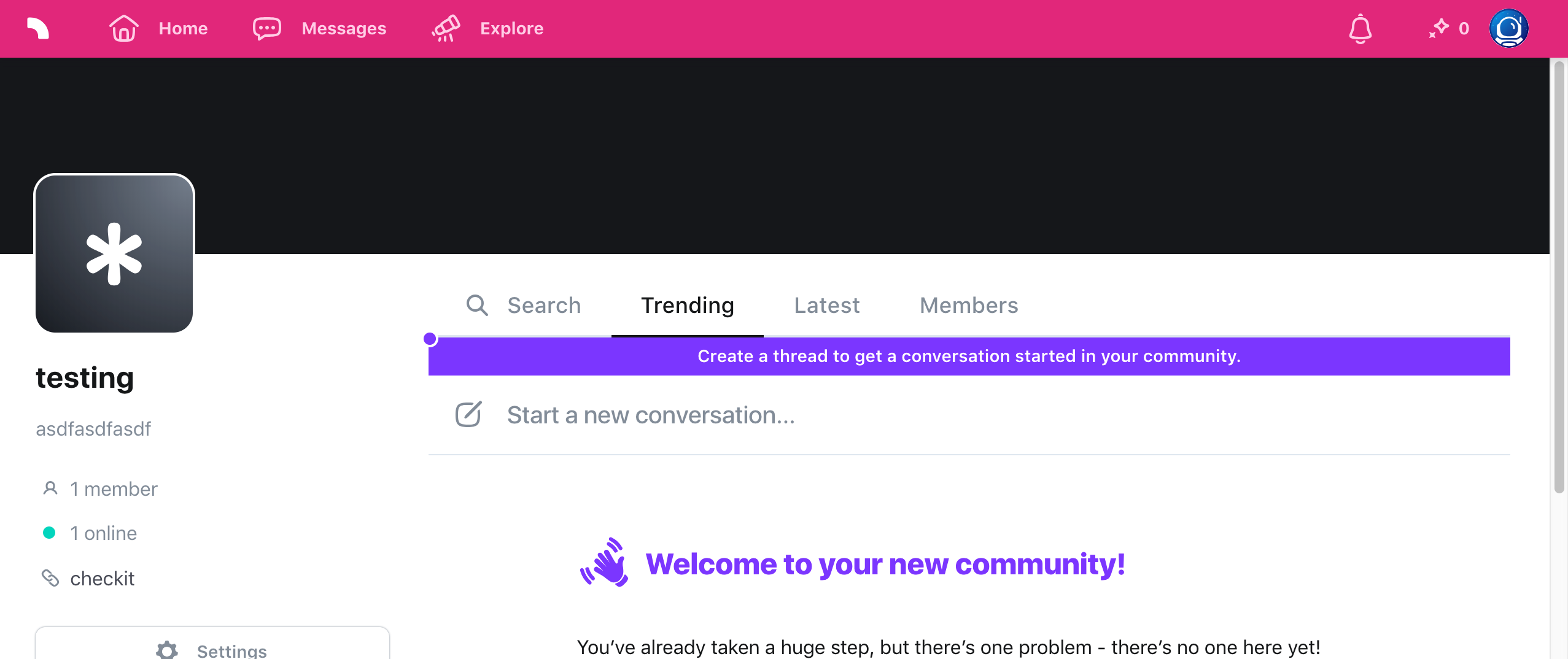
So if I'm correct, there should be a default cover photo with a color if the user does not upload anything. Right now this does not seem to work. And the default cover is just black / empty.
Is this expected in development ( because of the things you mentioned ) or should this work?
ThomasRoest
on 21 Dec 2018
In src/components/profile/coverPhoto.js, if the component receives null it sets the background-image property to none - this is why it's just rendering a black background there.
brianlovin
on 21 Dec 2018
Would it be an idea to reset the coverPhoto url? Without actually deleting the file on s3?
so in/api/models/community.js:editCommunity
// if the coverPhoto url was deleted and no new file was added, set a default coverphoto
if (!coverPhoto) {
const { coverPhoto } = getRandomDefaultPhoto();
return db
  .table('communities')
  .get(communityId)
  .update({ ...community, coverPhoto }, { returnChanges: 'always' })
.run()
.then(result => .....etc
@ThomasRoest it seems like that could work, yes - so we'd just need to handle setting the coverPhoto state in the client to null, right?
brianlovin
on 2 Jan 2019
yes so maybe something like this:

ThomasRoest
on 7 Jan 2019
It might feel more natural to have something like this remove button on the image uploader for chat, but on top of the cover photo itself. Like https://www.dropbox.com/s/gt37d4wg6gtq6zp/Screenshot%202019-01-08%2012.02.40.png?dl=0
brianlovin
on 8 Jan 2019

ThomasRoest
on 9 Jan 2019
That looks great! Want to submit a first PR so we can iterate further?
 mxstbr
on 9 Jan 2019
mxstbr
on 9 Jan 2019
@ThomasRoest this looks great! Can you swap out the 'x' with '×' - the styles for that should all match up to the remove image button in the chat input :)
brianlovin
on 9 Jan 2019
Related issues
mxstbr
·
4Comments
 mknepprath
·
7Comments
mknepprath
·
7Comments
 mattgaunt
·
4Comments
mattgaunt
·
4Comments
 entrptaher
·
3Comments
brianlovin
·
6Comments
entrptaher
·
3Comments
brianlovin
·
6Comments
Most helpful comment
yes so maybe something like this: