Spectacle: Cannot fully maximize windows sometimes.
See sliver at the top. Similar issue happens with Chrome, iTerm. http://i.imgur.com/9CmqZMB.png
 SinOverCos
All 11 comments
I'm experiencing this too, except it's at the top of Terminal.app windows specifically.
Fullscreen otherwise works properly for all other applications I'm using.
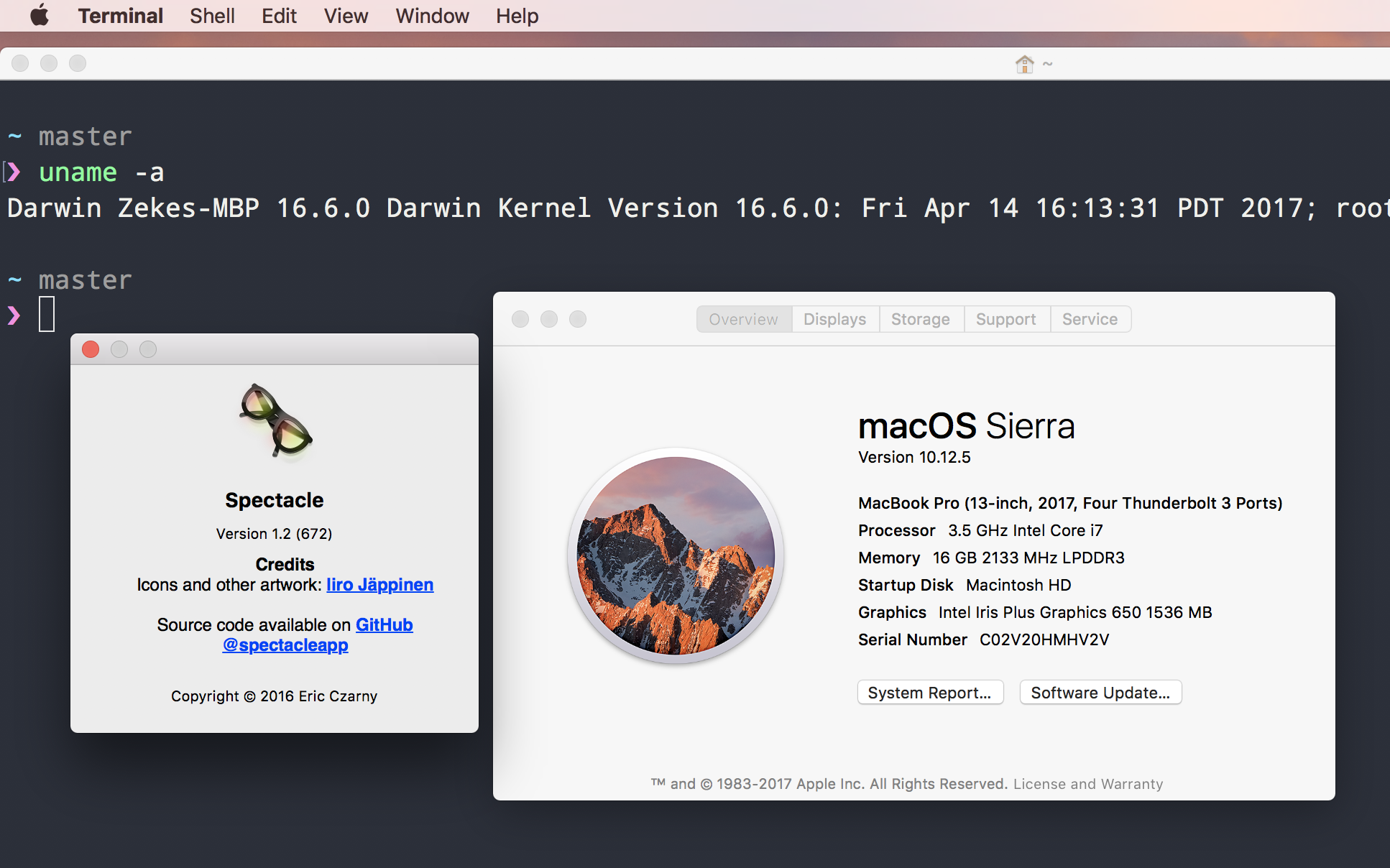
 zeke
on 25 Jul 2017
zeke
on 25 Jul 2017
@zeke I've had the same issue with iTerm. It's extra noticeable since Spectacle doesn't seem to think there is enough space to expand Terminal by one more row and Terminal is fixed in multiples of a character's width/height.
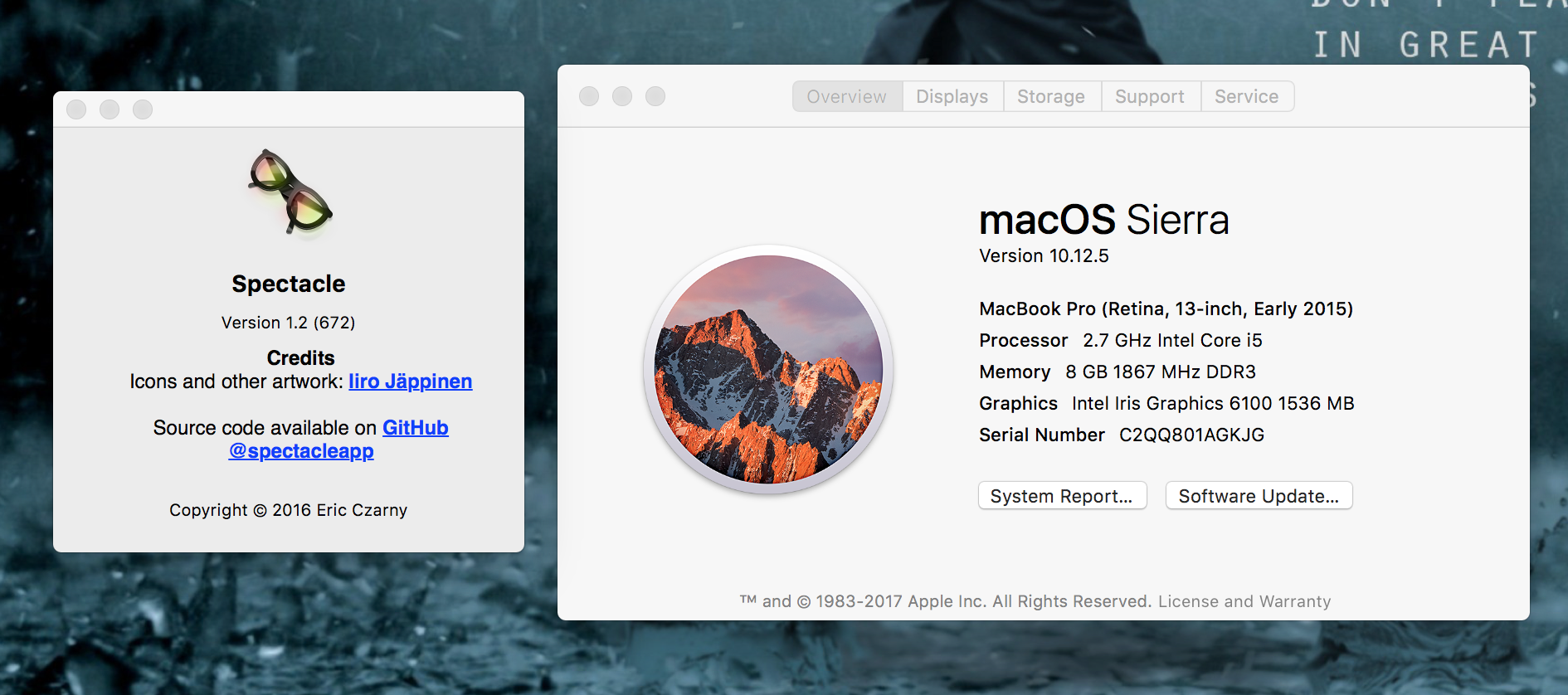
Update with my stats.
SinOverCos
on 25 Jul 2017
@SinOverCos, same here.
 juliancesar
on 2 Aug 2017
juliancesar
on 2 Aug 2017
This also happens sometimes at the bottom of the screen instead. I've experienced this with Preview.
SinOverCos
on 2 Aug 2017
Also experiencing this issue.
 gtklocker
on 19 Aug 2017
gtklocker
on 19 Aug 2017
Having the same issue
 Bezart
on 21 Aug 2017
Bezart
on 21 Aug 2017
Same
 justjoeactually
on 25 Aug 2017
justjoeactually
on 25 Aug 2017
I had this issue with Spectacle 1.2 OS X 10.12.6 using Terminal.app. I thought it was a bug in Spectacle for the longest time, but I just checked and Terminal indeed cannot accommodate and more rows, so Spectacle makes it as large as possible and then centers it vertically.
It might look a bit better if Spectacle made Terminal flush with the top of the screen instead of centered vertically in this case. Beyond that I'm not sure it can do anything? Maybe everyone here is experiencing a separate issue though, I'm not sure.
 nonagonal
on 21 Sep 2017
nonagonal
on 21 Sep 2017
@nonagonal we're experiencing a different issue.
SinOverCos
on 22 Sep 2017
I met the same issue and annoying of the ugly gap.
Meanwhile, iTerm2 have a setting of windows of this:
Terminal windows resize smoothy.

Disables snapping to character grid. Holding Control with temporarily disable snap-to-grid.
When you set it to yes, it will be maximize of screen. But I doubt why Terminal.app has no such setting.
 kelein
on 21 Apr 2018
kelein
on 21 Apr 2018
@Keleir The same workaround was also metioned here https://github.com/eczarny/spectacle/issues/280#issuecomment-236540753
 ushuz
on 20 Mar 2019
ushuz
on 20 Mar 2019
Related issues
 vancetran
·
5Comments
vancetran
·
5Comments
 dimitrieh
·
4Comments
dimitrieh
·
4Comments
 schreifels
·
4Comments
schreifels
·
4Comments
 eczarny
·
8Comments
eczarny
·
8Comments
 alvarosevilla95
·
7Comments
alvarosevilla95
·
7Comments
Most helpful comment
I met the same issue and annoying of the ugly gap.
Meanwhile, iTerm2 have a setting of windows of this:
When you set it to
yes, it will be maximize of screen. But I doubt why Terminal.app has no such setting.