This is a list of SpaceVim screenshorts from users.
 wsdjeg
All 32 comments
zsh + tmux (TrueColor) + Spacevim (onedark colorscheme):

 jetm
on 9 Apr 2017
jetm
on 9 Apr 2017
@jetm which color scheme or theme are you using for tmux?
 icearith
on 9 Apr 2017
icearith
on 9 Apr 2017
@icearith: I am using tmux-onedark-theme.
jetm
on 9 Apr 2017

 tracyone
on 11 Apr 2017
tracyone
on 11 Apr 2017
@tracyone vimr with SpaceVim? looks very nice.
wsdjeg
on 11 Apr 2017
 icearith
on 11 Apr 2017
icearith
on 11 Apr 2017

wsdjeg
on 12 Apr 2017

wsdjeg
on 12 Apr 2017
Hide split line:

wsdjeg
on 16 Apr 2017


 unr
on 25 Apr 2017
unr
on 25 Apr 2017
Neovim on iTerm2 using the SpaceVim color scheme _base16-solarized-dark_
Depicts a common frontend development scenario with JavaScript (jQuery), SASS, and PHP buffers.
Non-code buffers show a Neovim terminal, a TagBar window, a Vimfiler window and a TernJS definition window.

 astromac
on 26 Apr 2017
astromac
on 26 Apr 2017
@astromac nice picture!
wsdjeg
on 27 Apr 2017

wsdjeg
on 29 Apr 2017

wsdjeg
on 29 Apr 2017

wsdjeg
on 13 May 2017
@tracyone how to use spacevim preview markdown? 😃
 itgoyo
on 4 Jun 2017
itgoyo
on 4 Jun 2017
VimR with SpaceVim, awesome experience.
The scrolling is really smooth, just like the experience of native macOS Apps.
The built-in markdown preview of VimR is really an ideal alternative to browser-based tricks. Gotta have a try @wsdjeg .

icearith
on 6 Dec 2017
Thanks for your info.
wsdjeg
on 6 Dec 2017
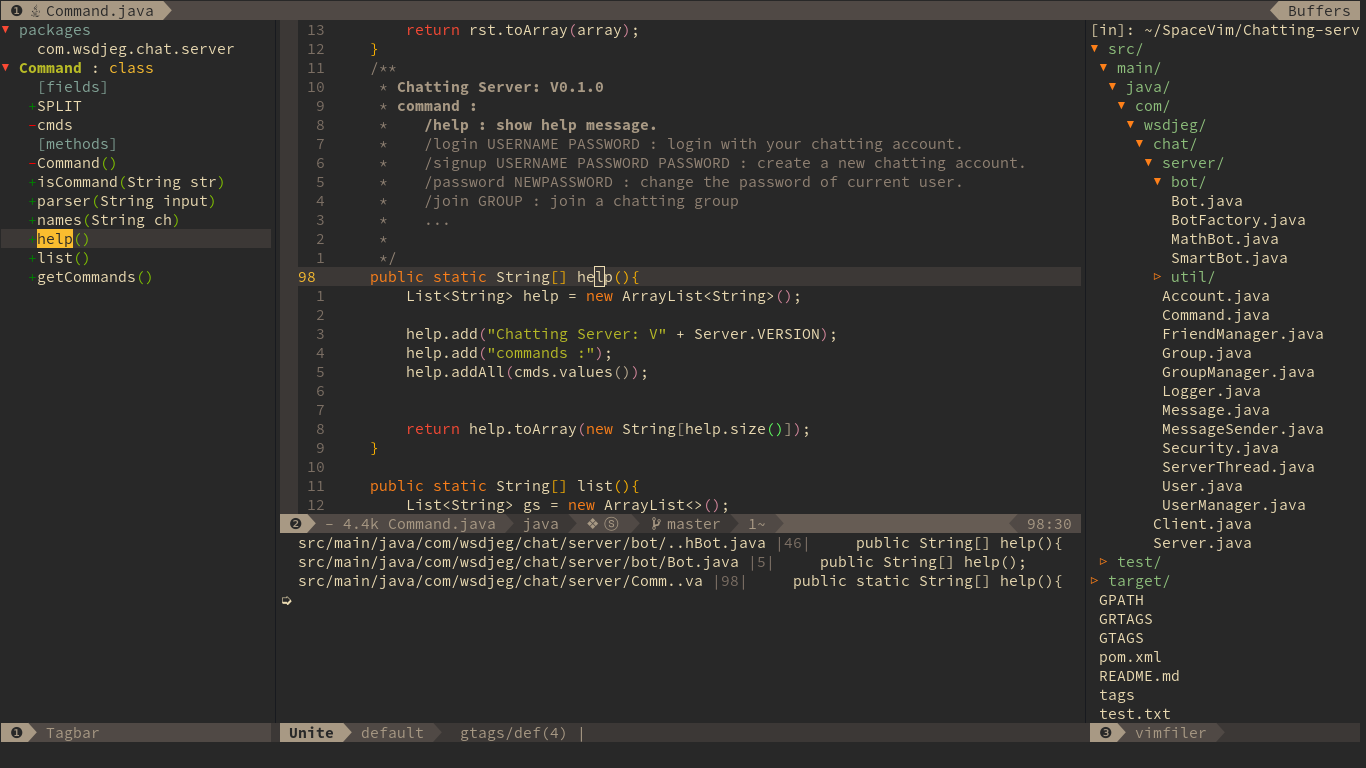
wsdjeg
on 10 Dec 2017
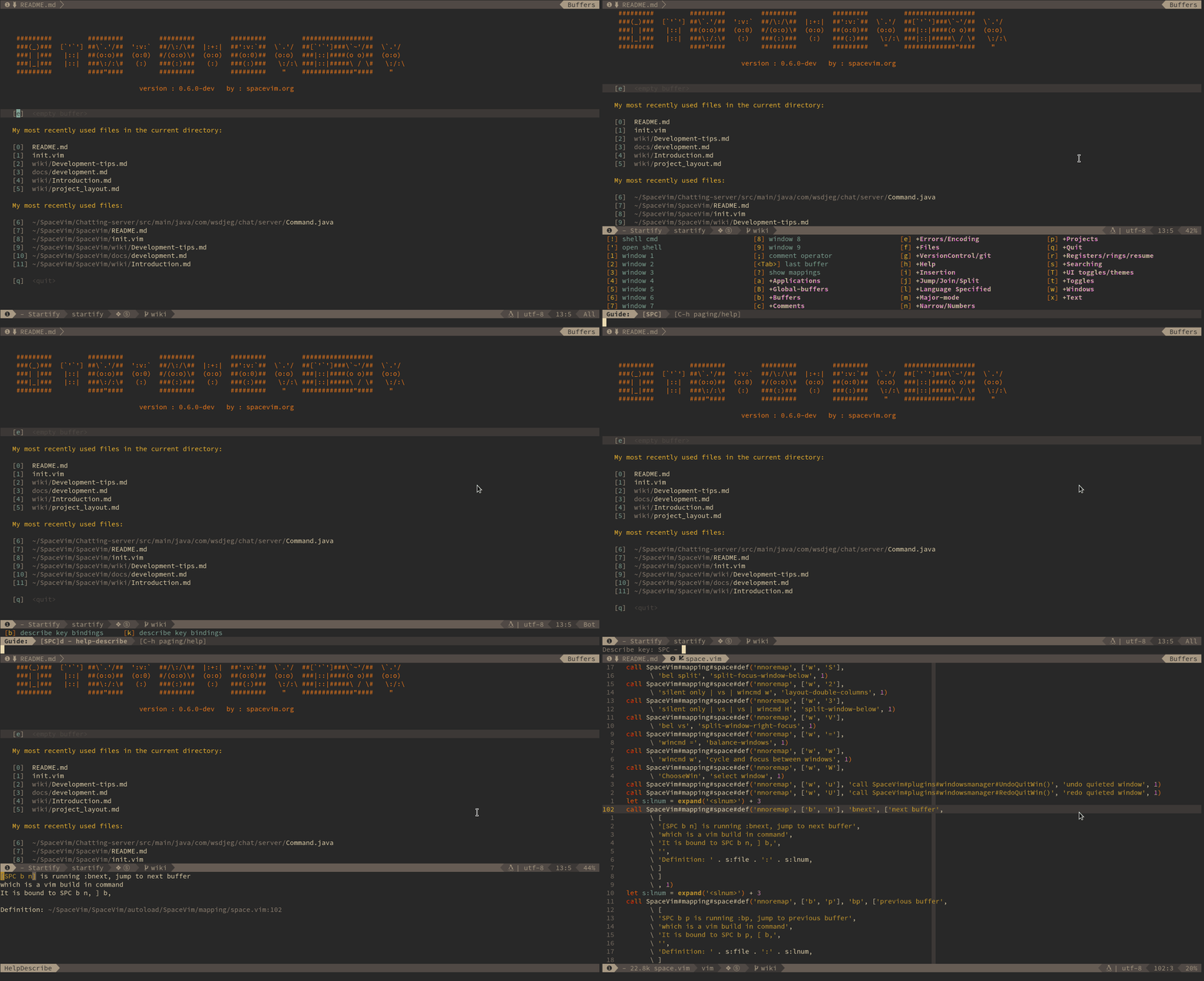
wsdjeg
on 10 Dec 2017

wsdjeg
on 10 Dec 2017

wsdjeg
on 10 Dec 2017
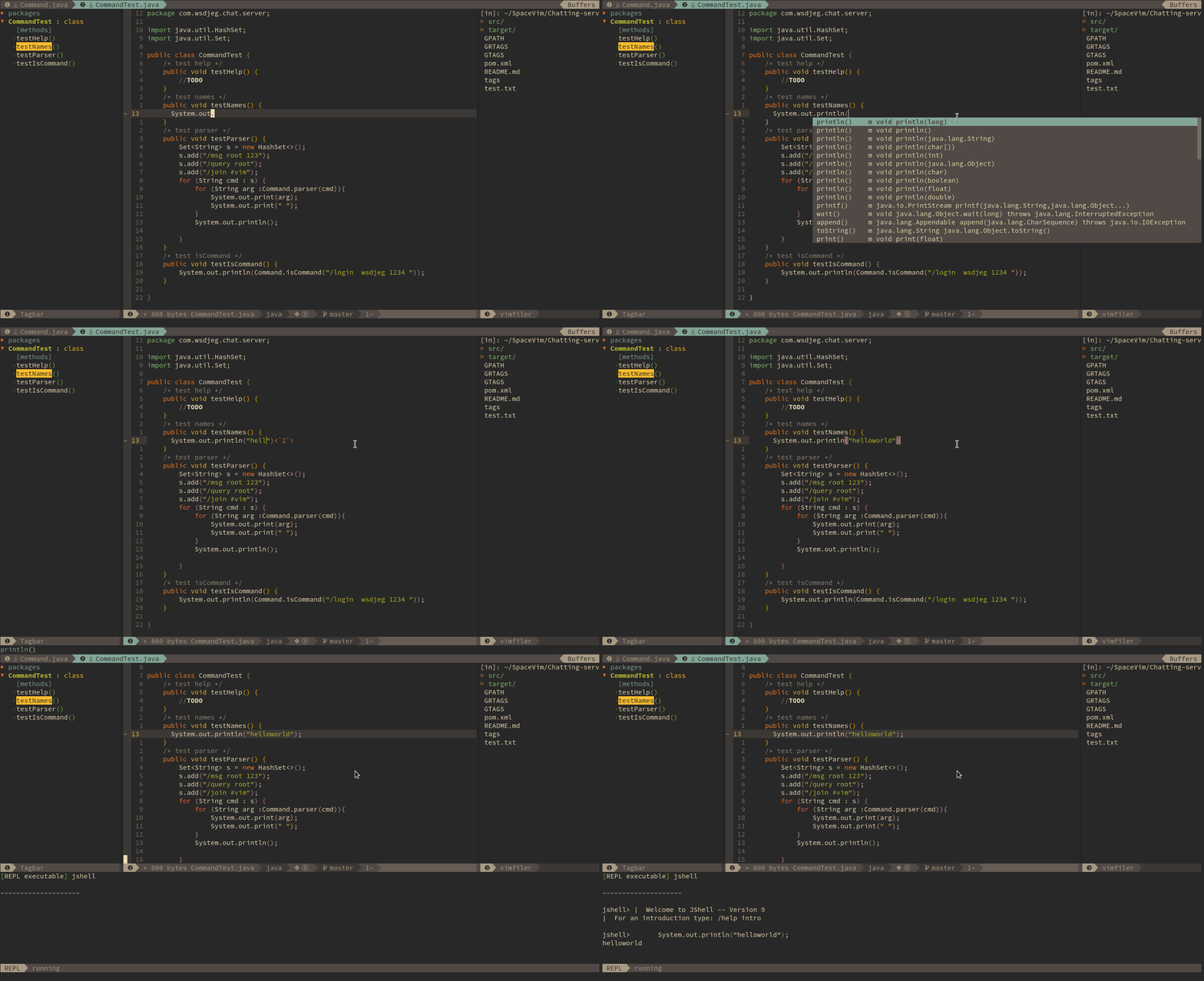
wsdjeg
on 19 Dec 2017

If you failed to installed plugin, pressing gf on the line of that plugin will open a terminal with path of this plugin.
wsdjeg
on 23 Dec 2017
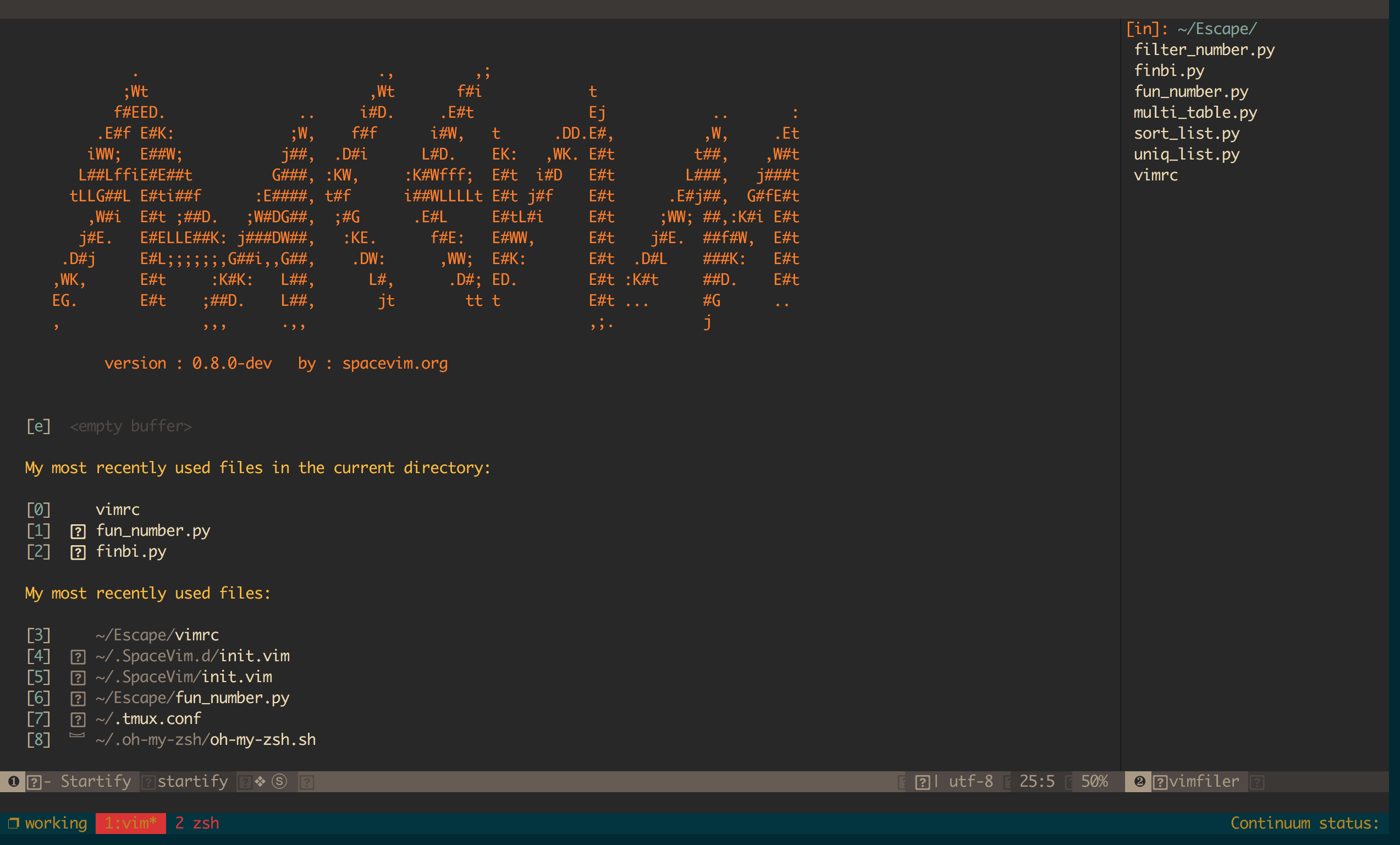
 EscapeLife
on 31 Mar 2018
EscapeLife
on 31 Mar 2018
@astromac nice picture! And which theme of oh-my-zsh do you use?
 ZivLi
on 28 May 2018
ZivLi
on 28 May 2018
Neovim on iTerm2 using the SpaceVim color scheme _base16-solarized-dark_
Depicts a common frontend development scenario with JavaScript (jQuery), SASS, and PHP buffers.
Non-code buffers show a Neovim terminal, a TagBar window, a Vimfiler window and a TernJS definition window.
So beautiful picture it is, may we have a look at your setting ? sincerely
 Hellowor1d
on 6 Apr 2019
Hellowor1d
on 6 Apr 2019
Hello, everyone, anyone has 4K screem?
wsdjeg
on 28 Aug 2020
I think my version is lacking something. The status bar is all weird and is missing icons:

Any potential fixes?
 RizaHKhan
on 27 Oct 2020
RizaHKhan
on 27 Oct 2020
@RizaHKhan you need to install nerd-fonts.
wsdjeg
on 27 Oct 2020
@wsdjeg
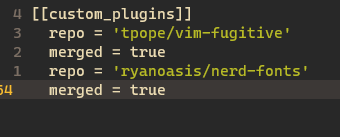
Like this? If so, didn't help
RizaHKhan
on 27 Oct 2020
no, nerd-fonts is not Vim plugin, you need to read it's doc.
wsdjeg
on 27 Oct 2020
Related issues
 onerciller
·
5Comments
onerciller
·
5Comments
 zeroasterisk
·
4Comments
wsdjeg
·
4Comments
zeroasterisk
·
5Comments
zeroasterisk
·
4Comments
wsdjeg
·
4Comments
zeroasterisk
·
5Comments
 rivalak
·
3Comments
rivalak
·
3Comments
Most helpful comment
Neovim on iTerm2 using the SpaceVim color scheme _base16-solarized-dark_
Depicts a common frontend development scenario with JavaScript (jQuery), SASS, and PHP buffers.
Non-code buffers show a Neovim terminal, a TagBar window, a Vimfiler window and a TernJS definition window.