Spaceship-prompt: Prompt span across two lines seems to breaks.
Current behavior
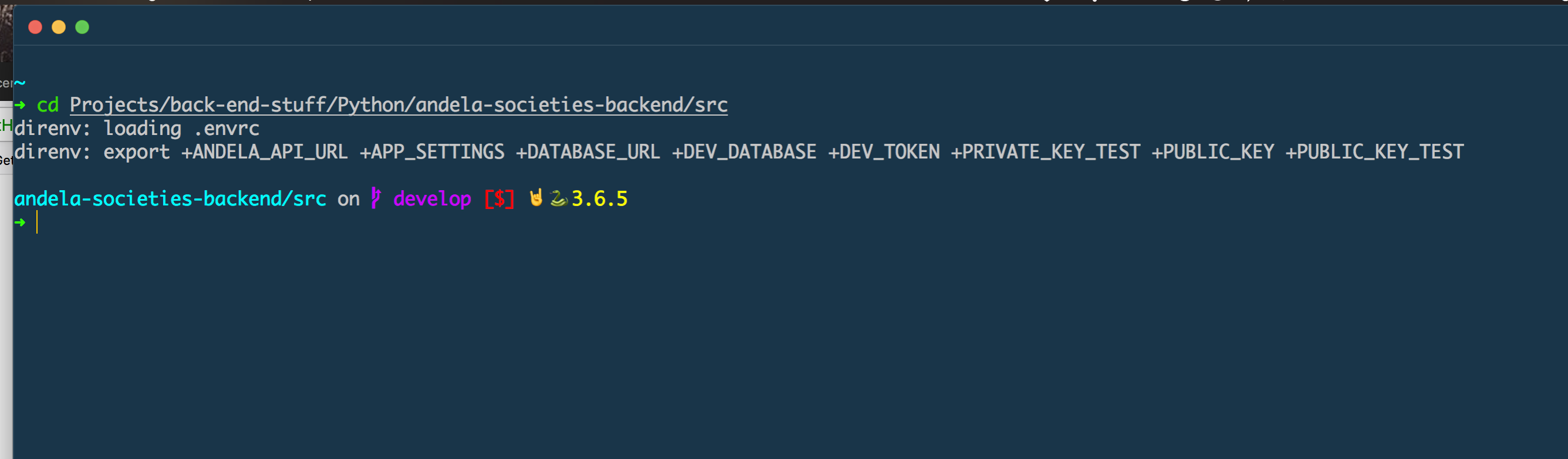
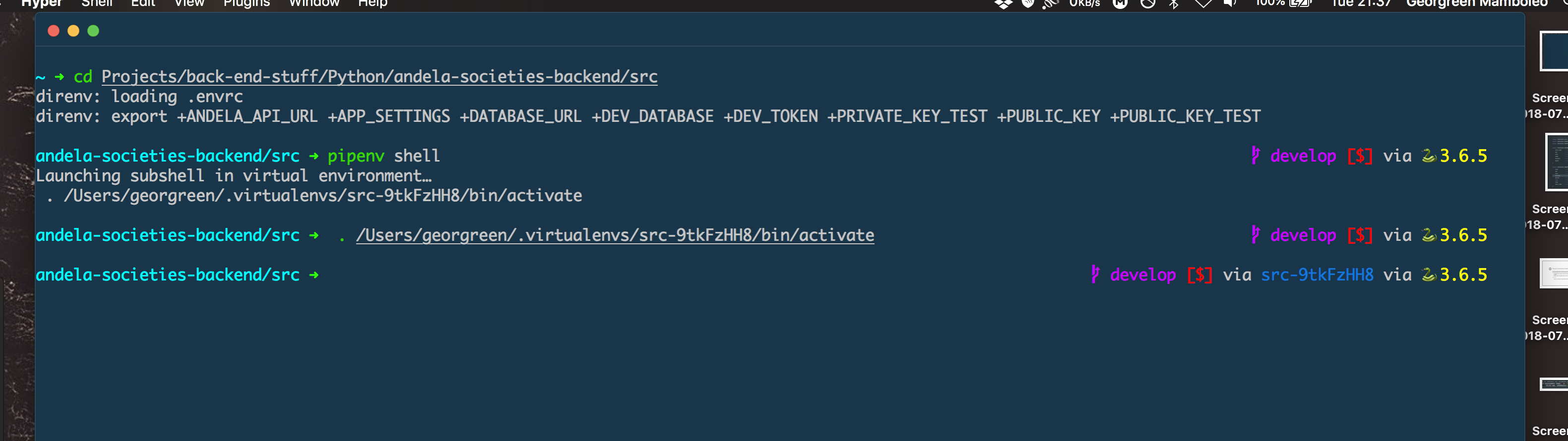
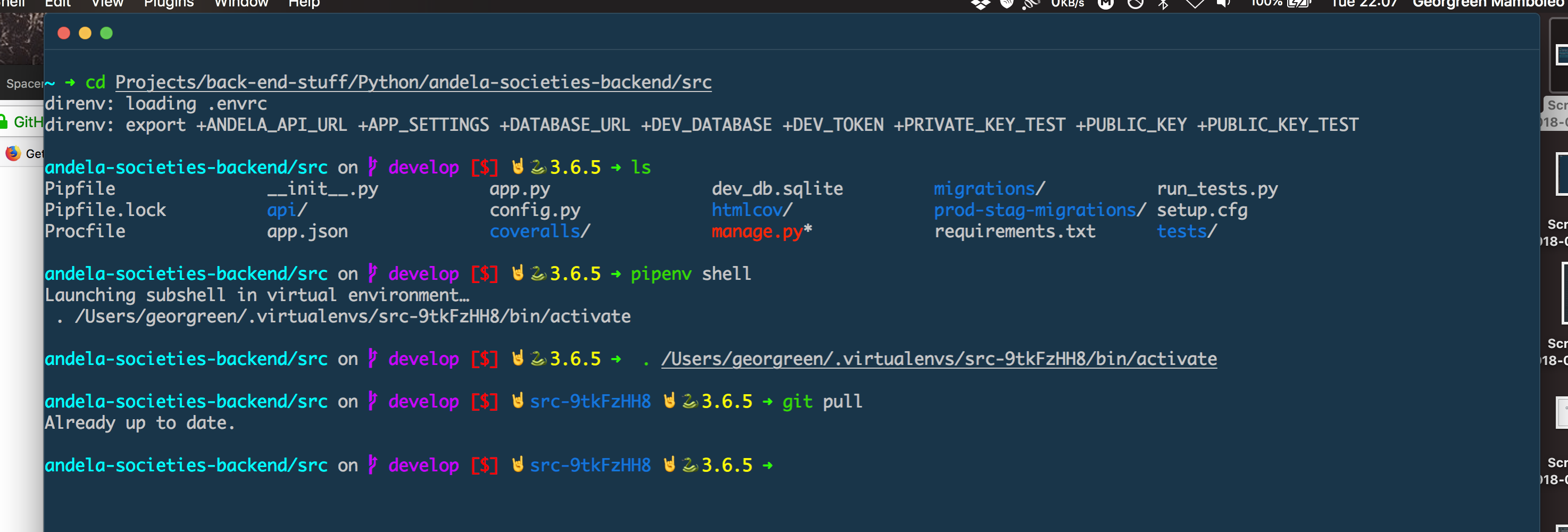
When I set SPACESHIP_PROMPT_ORDER the promt is nolonger separeted on two lines.
Expected behavior
I expect the promt to be separated on two lines.
Relevant Zsh configuration (.zshrc)
# Set Spaceship ZSH as a prompt
export SPACESHIP_EXIT_CODE_SHOW=true
export SPACESHIP_PROMPT_SEPARATE_LINE=true
export SPACESHIP_DIR_TRUNC=1
export SPACESHIP_DIR_TRUNC_REPO=true
export SPACESHIP_PROMPT_DEFAULT_PREFIX="🤘 "

export SPACESHIP_PROMPT_ORDER=(
    exit_code     # Exit code section
    user          # Username section
    dir           # Current directory section
    host          # Hostname section
    package       # Package version
    docker        # Docker section
    jobs          # Background jobs indicator
    git           # Git promt
    venv          # virtualenv section
    node          # Node.js section
    pyenv         # Pyenv section
    char          # Prompt character
    exec_time     # Execution time
)

source "${ZDOTDIR:-$HOME}/.zprezto/init.zsh"
Environment
Spaceship version: version (3.5.0)
Zsh version: version(zsh 5.5.1)
Zsh framework: prezto
Zsh plugin manager: None
Terminal emulator: Hyper
Operating system: macOS
Screenshot
Before
After
Possible solution
 georgreen
All 2 comments
Add line_sep where you want a line break.
 maximbaz
on 31 Jul 2018
maximbaz
on 31 Jul 2018
👍2
🎉1
@maximbaz Thanks that was simple.
georgreen
on 1 Aug 2018
Was this page helpful?
0 / 5 - 0 ratings
Related issues
 olets
·
3Comments
olets
·
3Comments
 nfischer
·
3Comments
nfischer
·
3Comments
 gillesdemey
·
3Comments
gillesdemey
·
3Comments
 tbekaert
·
3Comments
tbekaert
·
3Comments
 maccius
·
3Comments
maccius
·
3Comments
Most helpful comment
Add
line_sepwhere you want a line break.https://github.com/denysdovhan/spaceship-prompt/blob/f242c20a044b113b5bbf77bd7d5547742f1018fb/spaceship.zsh#L69